



A club's in-house billiards tournament is the best thing it can stream live: the matches have stakes, familiar faces and prizes, so the players' friends watch until the end. Yet many clubs give up after the first night, because viewers cannot tell who is leading and someone has to sit and type the scoreboard by hand. This article follows a tournament night in order on the Ordersys billiards club management software: getting ready before start time, opening the match so the scoreboard fills itself, going live on Facebook or YouTube, tuning the camera delay, and what to do when a match ends.
What the livestream scoreboard shows
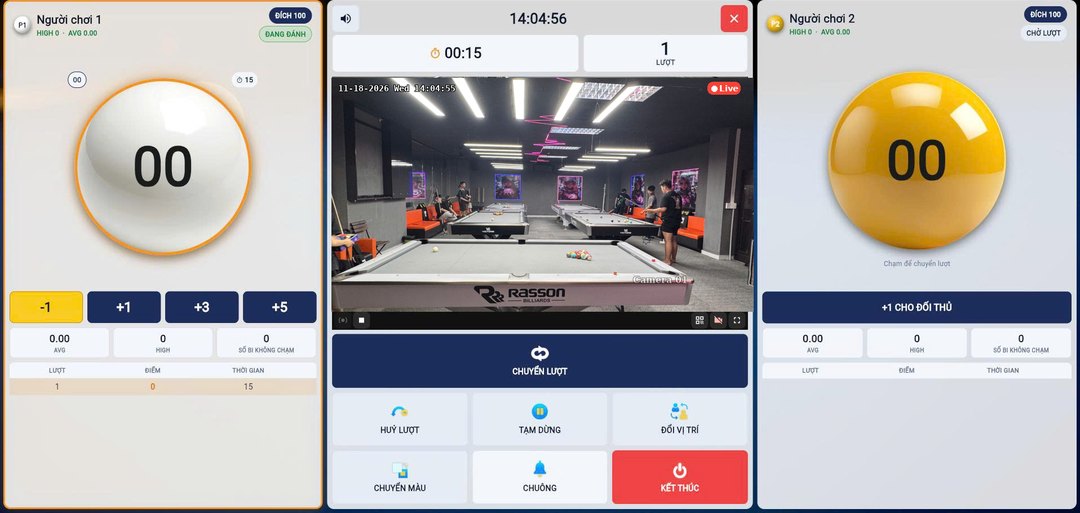
While streaming, the system pulls the details of the match being scored and draws a scoreboard over the video. Staff type nothing onto the stream; every figure comes from the scoring screen at the table:
| Scoreboard field | Where it comes from |
|---|---|
| Names of the two players | The member's name when the player logs in; for walk-in guests, the name staff type in. Left blank, it shows "Player 1", "Player 2". |
| Score | Each player's total points recorded in the match. |
| Inning | The current inning, plus the inning limit if the match has one, for example INNING 12/30. |
| Game mode | The name of the match mode: 2 players, 2 players simple… |
| Table name | The table linked to the camera being streamed. |
| Club name, address, phone number | The club information entered in the software. |
When no match is open, the scoreboard hides itself and the frame shows only the table video. So between two matches, viewers do not see an old score hanging on screen.
Before the tournament: prepare four things
- One featured table. Pick the table with the match most worth watching (semi-final, final, a pairing with well-known local players) and check its camera: the angle covers the whole table surface, with no pillar or person in the way. If the camera can pan and zoom, set the angle in the software before play starts.
- The club's streaming channel. Use the club's Facebook page or YouTube channel, not a staff member's personal account. For the first connection, ask Ordersys to help with the setup.
- Club details in the software. Name, address and phone number appear on every frame, so correct them before going live.
- The network. Prefer a wired connection for the camera machine, and do a few minutes of test streaming before the tournament starts.
Open the match on the scoring screen: the scoreboard fills itself
For each tournament match, open a scoring match at the table being streamed. Choose 2-player mode and have both players log in as members; for guests without an account, staff tap Edit guest name and type the real name so viewers know who is playing. If the tournament is played to a number of innings, set an inning limit for the match: the stream will show the current inning out of the total, so viewers know whether the match has a long way to go or is nearly over.
During the match, the referee or the two players tap +1, +3 and Switch turn as usual. A wrong tap is corrected on the scoring screen and the figure on the stream follows. Stream one featured table per session: the scoreboard on the stream follows the club's match being scored, so streaming one table keeps the figures from mixing with a match on another table.
Going live: Start, Check, End
On the club's camera control page, choose the camera channel of the featured table and press Start in the Livestream Facebook / YouTube section. Press Check to see the status: which camera channel is streaming, whether Facebook is on or off, whether YouTube is on or off. At the end of the session press End. It helps to open the club's Facebook page or YouTube channel on another phone to see exactly what the audience sees.
Tune the camera delay for each channel
Camera video travelling over the network always arrives a few seconds behind reality. Staff watch the live picture and only then tap the score, so the real shot happens before the tap. Ordersys lets you set a camera delay for each channel separately, on the Cut and download video page, under ⚙ Settings. Set a value above 0 and the live picture on the monitoring screen plays back exactly that many seconds later, and when cutting a shot, the software subtracts the delay so the clip lands on the right shot. Leave it at 0 to watch close to real time.
- Choose the camera of the featured table, enter a small number for the delay and save.
- Score one test point and press Test with the latest clip: the scoring shot should sit near the end of the clip.
- If the shot sits back toward the start of the clip, increase the delay; if the shot is cut off at the end, reduce the delay.
- The length taken before and after each mark is shared by all of the club's cameras, while the delay is one number per camera. Test again after changing a camera or the network.
After each match and after the tournament
When a match ends, press End on the scoring screen before opening the next match, so the scoreboard switches to the new pairing's names. A livestream is over once it ends, but every score tap has left a mark on the table's video: the club can go to the video cutting page, take the segment around a great shot and send it to the player or repost it, as described in the article cutting billiards table camera video to keep great shots. Players can also scan the QR code at the table to replay that table's camera playback.
Tournament livestreaming runs together with the Ordersys billiards club management software: per-table time billing, table light on/off, scoring, cameras and highlights, and QR ordering of drinks at the table. Club owners can sign up for a 7-day free trial, or message on Zalo or call 090 750 1000 for setup guidance. Read more: livestreaming a billiards table with a scoreboard that appears automatically on Facebook/YouTube and running an in-house billiards tournament that draws customers.
Ordersys times every table automatically, switches table lights, takes drink orders at the table and reports revenue per shift.
Other news
Billiards scoring app for players: record your own score, review matches and read your AVG and HIGH
Players log in as members right on the club's scoring device, choose 2-player mode with match history and tap their own points each inning. Press and hold your name to open your record over the 10 most recent matches: cumulative AVG, HIGH, win rate, head-to-head count and break success rate. This article explains each figure and how to read it to know you are improving.
Hourly billiards billing software for clubs with several table types and price slots: six cases to test before choosing
A club with pool, three-cushion and carom tables priced by time slot and by weekend has a price table, not a single price. This article collects six billing cases to test-run when choosing hourly billiards billing software: crossing a price change, weekends, minimum charge, odd minutes and moving to a different table type, with what the correct result should look like.
Choosing HR management software for a small business: seen from the four people who will use it every day
Small businesses have no HR department: the owner, the store manager and the accountant share the work, plus the employees themselves. This article suggests choosing HR software by each user's daily tasks instead of comparing feature lists, and how to split the demo by role to find out which parts will actually be used.
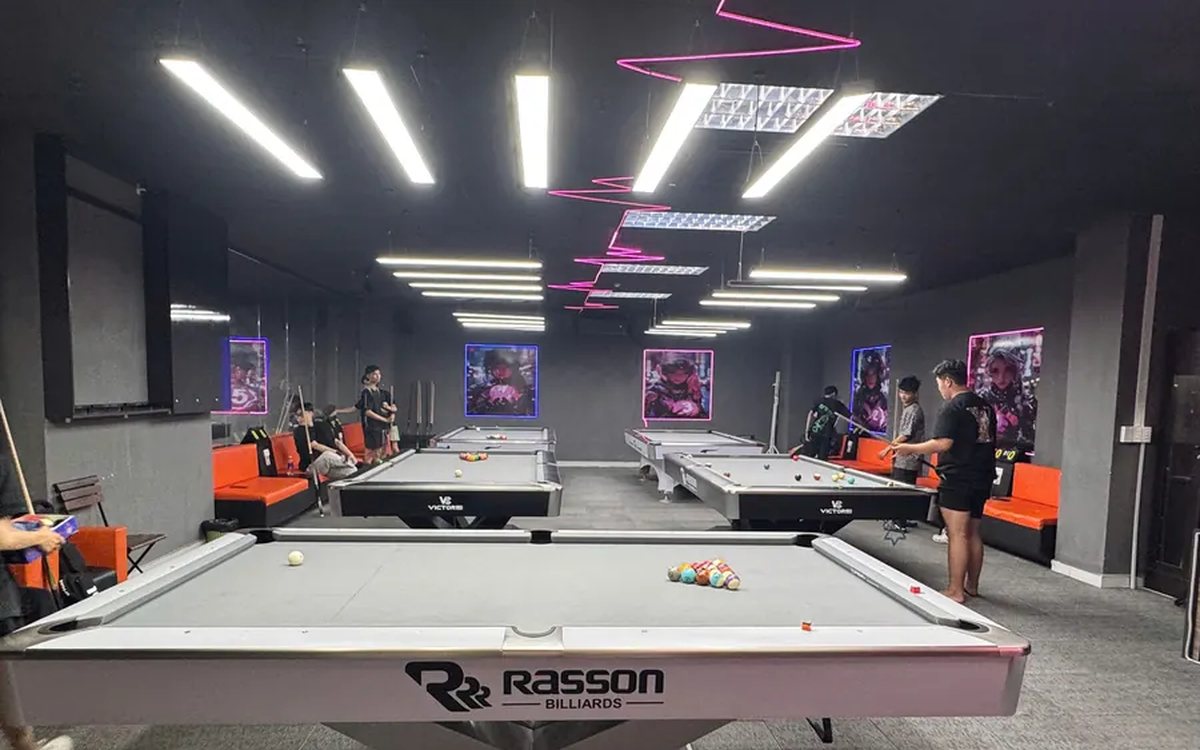
All-in-one billiards club management software: timing, scoring, cameras and livestreaming in one place
Timing in one app, lights switched by hand, cameras on a separate recorder, scores on a flip board, livestreams from a phone, debts in a notebook: each works, but at the end of the day nothing matches. This article compares stitching separate tools together with one all-in-one billiards management software, what it brings together, where the gain is and what to test in the 7-day trial.

Choosing customer care software for shops and restaurants: four tools often mistaken for a CRM and six things to test in the demo
Personal Zalo contacts, Excel files, bulk messaging software and paper loyalty cards each cover only one piece of customer care. This article helps you choose the right customer care software: six things to make the vendor do in the demo, priorities for restaurants, retail, spas and chains, and three common mistakes.

Café management software in Ho Chi Minh City: keeping up with the morning takeaway rush, multiple shops and how rollout works
Coffee and milk tea shops in Ho Chi Minh City need software that enters size, sugar, ice and toppings fast, prints a label for each cup, shows a transfer QR code on the customer display, keeps dine-in, takeaway and pre-orders together, costs each cup and lets owners watch several shops remotely; four rollout steps from the Ordersys office in Binh Thanh and three things to test in the 7-day trial.
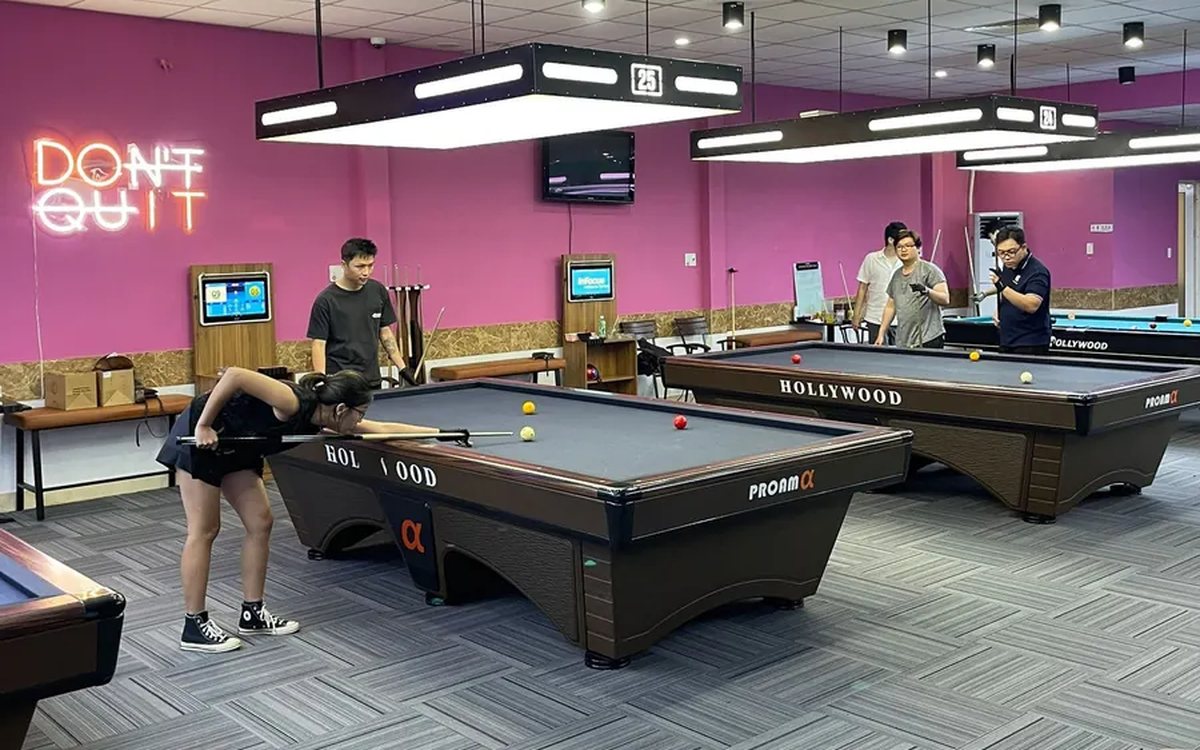
Billiards scoring software: record every inning, score by the rules, save match history
Scoring billiards in the hall app: four modes for 2 players, groups of 3–5 and 3–6 player elimination; set handicap, target score, innings and shot clock before the break; record each inning, return points, +1 to opponent; save matches and see each player's AVG, HIGH and win rate.
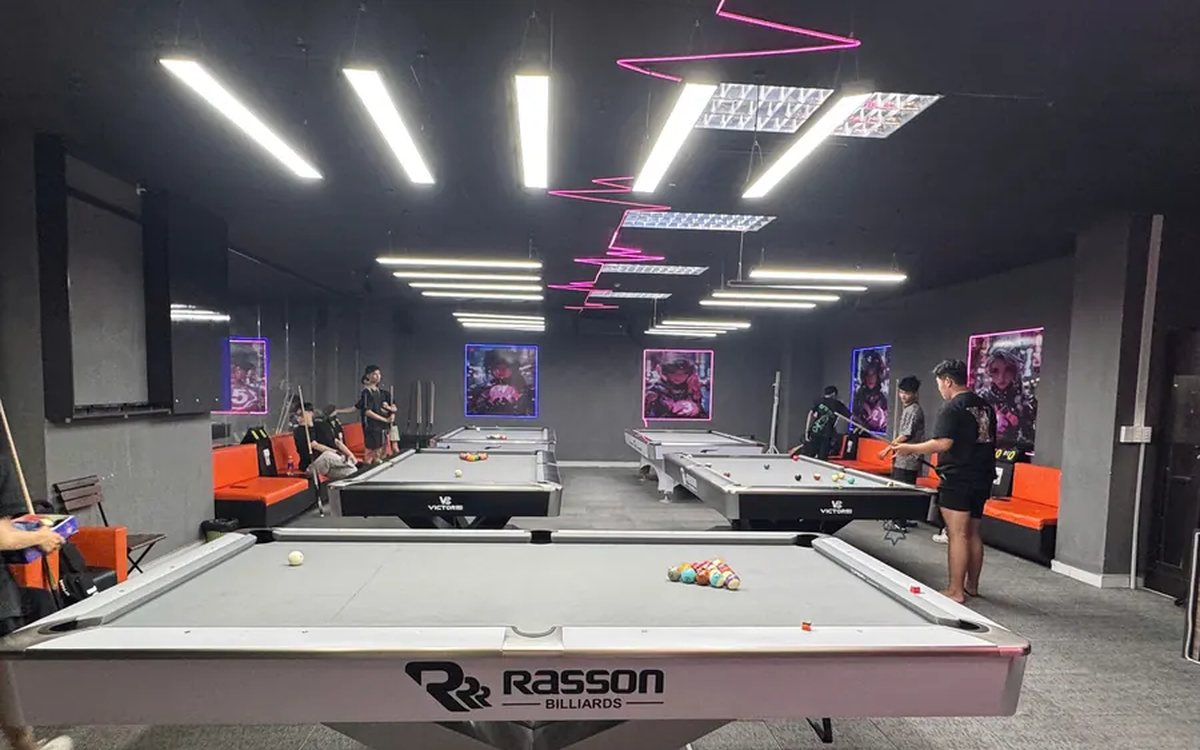
당구대 라이브 방송 + 점수판 자동 표시 (페이스북·유튜브)
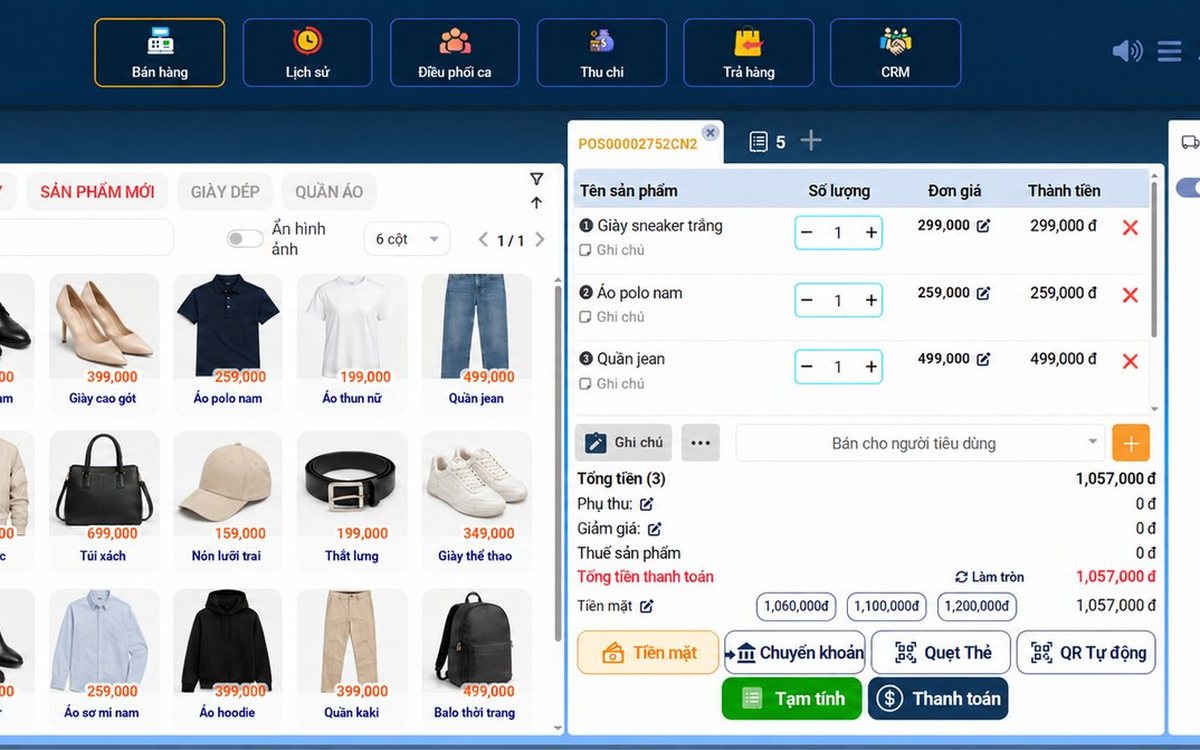
Sales management software in Da Nang: what seasonal tourist-town shops need, and how setup and support work
Shops in Da Nang serve crowds of tourists and live on regular customers: the software needs fast barcode checkout, VietQR and card payments, batch and expiry tracking for specialty foods, stock by size and color, and multiple outlets; reading reports for seasonal buying, four rollout steps and three things to test in the 7-day trial.
