



A newly opened billiards club usually has five to ten tables, and the owner works the counter, makes the drinks and starts the clocks all at once. At this size, billiards management software does not need to do everything. It needs to do the few things that protect revenue in the first months and help the club get known. This article covers what to set up before opening day, what to turn on when only one or two people are working, and which numbers to read after the first month.
Where small new clubs lose money
Small clubs rarely lose money in one big incident. They lose it in small leaks that repeat every day:
- Starting the clock late, or forgetting it. Players take a table while the counter is busy, and by the time the owner remembers, fifteen minutes have passed.
- Drinks ordered verbally and never written down. A player asks for two more bottles of water while the owner is settling another table's bill.
- Regulars' tabs kept in a notebook. Everyone writes them differently, and at the end of the month the totals do not match.
- Not knowing which hours are busy. Hourly rates are set by feel, and quiet hours have nothing to attract players.
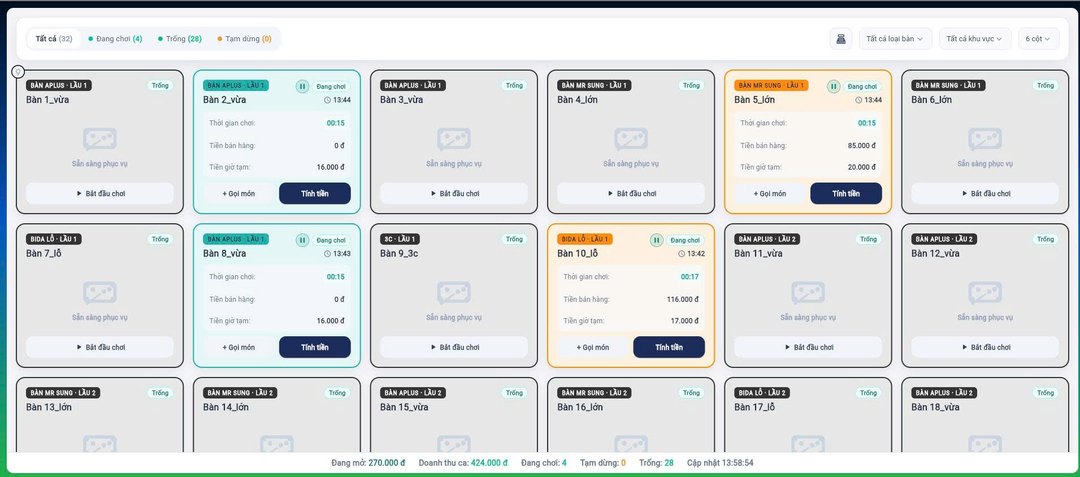
Before opening day: set up four things
The software only charges correctly when the base data is correct. These four things should be set up and test-billed before the doors open:
| Task | Set up in the software | Why do it first |
|---|---|---|
| Tables and table types | Name each table, group by type (pool, three-cushion, carom) and area | Each table type has its own rate; set it up wrong and the very first bill is wrong |
| Hourly rate table | Rates by time band, weekday and weekend | When a game runs across two time bands, the software splits the rate correctly |
| Drinks and snack menu | Items, prices, item groups | Items ordered during play go straight onto the table's bill |
| QR code at each table | One unique code per table for ordering | Stick them on from day one so players get used to ordering this way |
Once set up, open a table, order a few items, let it run past a rate change, then close the table. Open the doors only when that bill comes out right.
Owner alone at the counter: let the software handle the small jobs
With only one or two people working, every trip to a table leaves the counter empty. Three things cut down the running around:
- Players order drinks themselves via QR. They scan the code on the table and choose items on their phone, with no app to install. The order waits for the counter to confirm, then goes onto that table's bill alongside the time charge. When the players leave, only one bill is printed.
- Table lights follow playing time. If a light control kit is installed, opening a table turns the light on and closing it turns the light off — a lit table means the clock is running.
- Provisional total when players ask. When players ask how much they owe so far, check the provisional time charge and items on the table map instead of using a calculator.
A new club needs to get known: highlights and camera playback
For a new club, a player posting a clip online is free advertising. If the club has cameras on its tables:
- Highlights by scoring point. Each time a score is entered in the app, a marker is created, and from that marker you can take the video from that exact table's camera. Cut around the marker or take the whole game, watch it right away or download it and send it to the player via Zalo. Clips are cut from scoring markers, not by the machine recognising good shots on its own.
- Players scan a QR code to replay. The QR code of the table's camera opens its camera history split into fifteen-minute blocks, so players can replay or download the game they just played without asking staff.
No cameras yet? Turn this part on later; timing, ordering and reports work fully without it.
After the first month: read three numbers
One month gives enough data to adjust how you run the club instead of guessing:
- Revenue by table and time band. Which tables get little play, which hours are quiet. For quiet hours, try selling playing-time combos with drinks or discounts by time band.
- Regulars' debts. Players are put on a tab right at payment in the software, and you can see who owes how much without flipping through a notebook.
- Shift close against the cash drawer. The shift-close slip separates time charges, item sales, cash, bank transfers and debts; if something is off, you know which shift it came from.
See Ordersys billiards management software
Everything above is part of Ordersys billiards club management software: timing for multiple table types and rate bands, QR ordering at the table, table light control, scoring, camera highlights, debts and reports by table and shift. A small club can start with timing and ordering, then turn on more when needed. Read more in scanning a QR code to order drinks at the billiards table and scanning a QR code to replay the billiards table camera. Sign up for a 7-day free trial, or message us on Zalo or call 090 750 1000 for help setting up before opening day.
Ordersys times every table automatically, switches table lights, takes drink orders at the table and reports revenue per shift.
Other news
Ordering software for wedding banquet restaurants: serving many tables at once without the bill going wrong
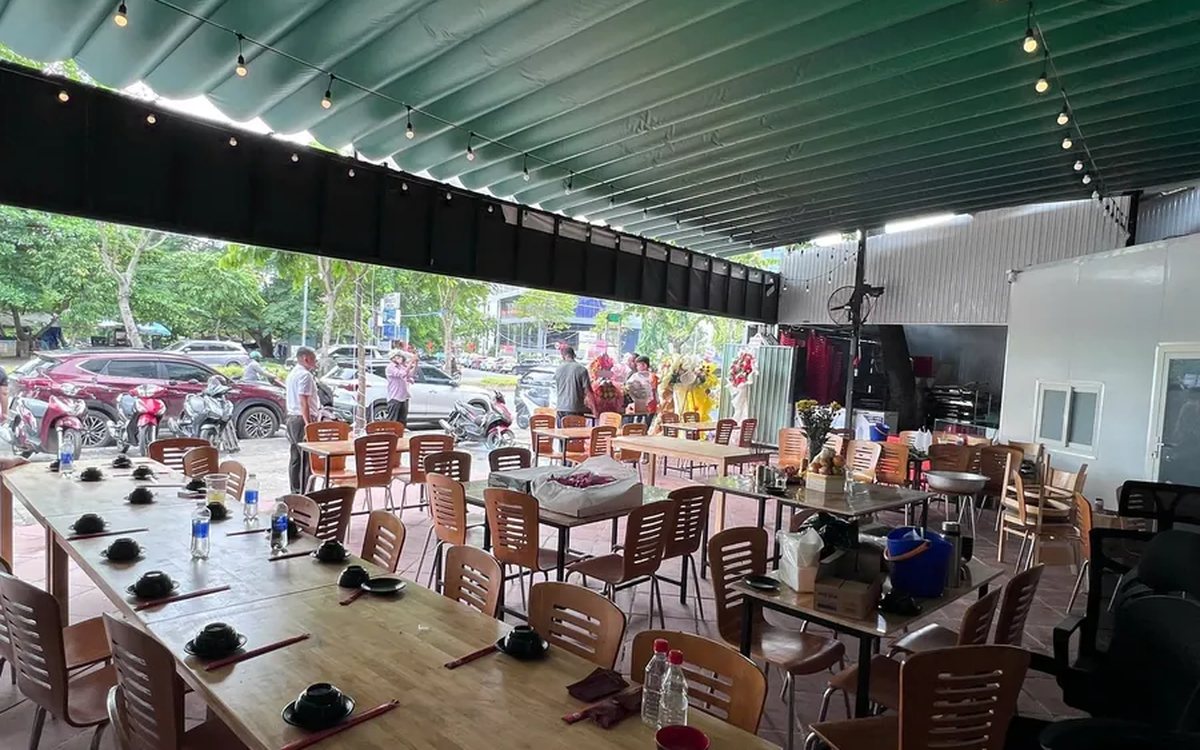
A thirty-table wedding banquet usually goes wrong on the extras: drinks added mid-party, tables set up at the last minute, dishes sent to the kitchen twice, deposits remembered by word of mouth. This guide puts the whole banquet into one order from a multi-table booking or by merging tables, takes extra orders by phone, sends only new items to the kitchen, and settles with the host using a provisional bill, surcharges and automatic deposit deduction.
Complete coffee shop management software: how ordering, checkout, inventory and reports connect
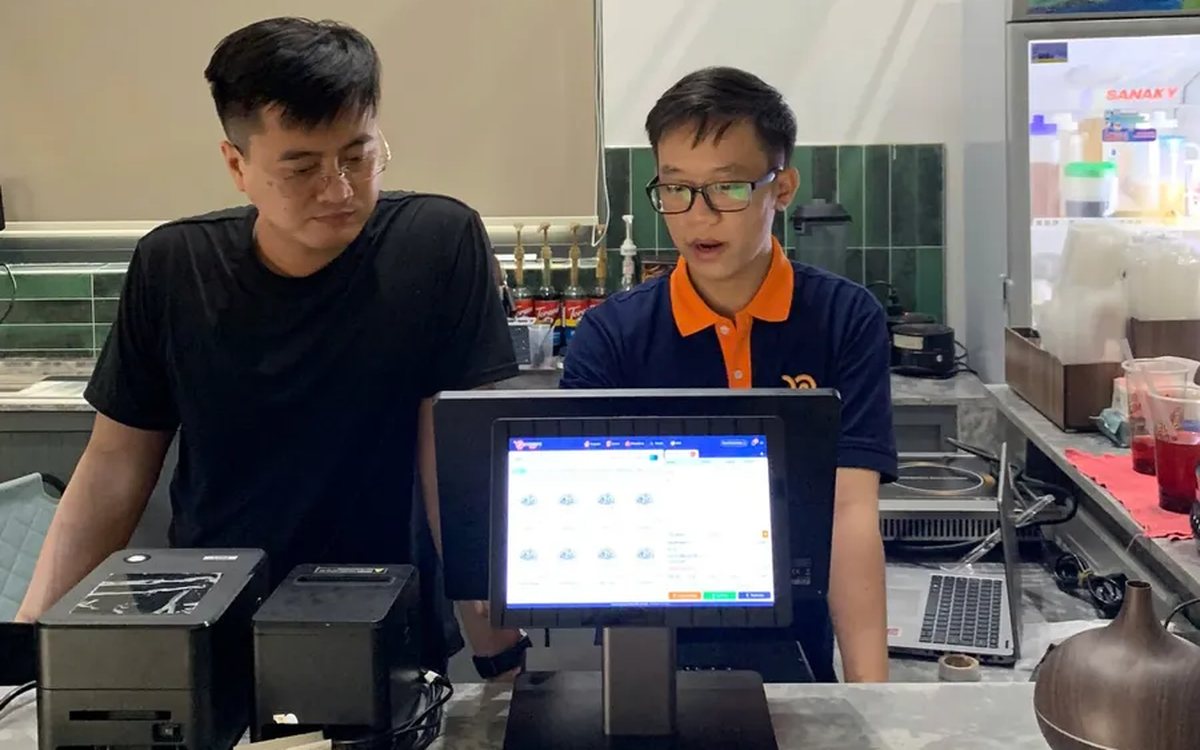
Complete coffee shop management software is not a long feature list but ordering, checkout, inventory and reports working together: ring up one cup and the money goes into the right shift, ingredients are deducted by recipe and the end-of-day report updates itself. The article follows one cup through four stages, shows four common break points and the order to switch things on.
Retail order management software: counter sales and online orders in one place
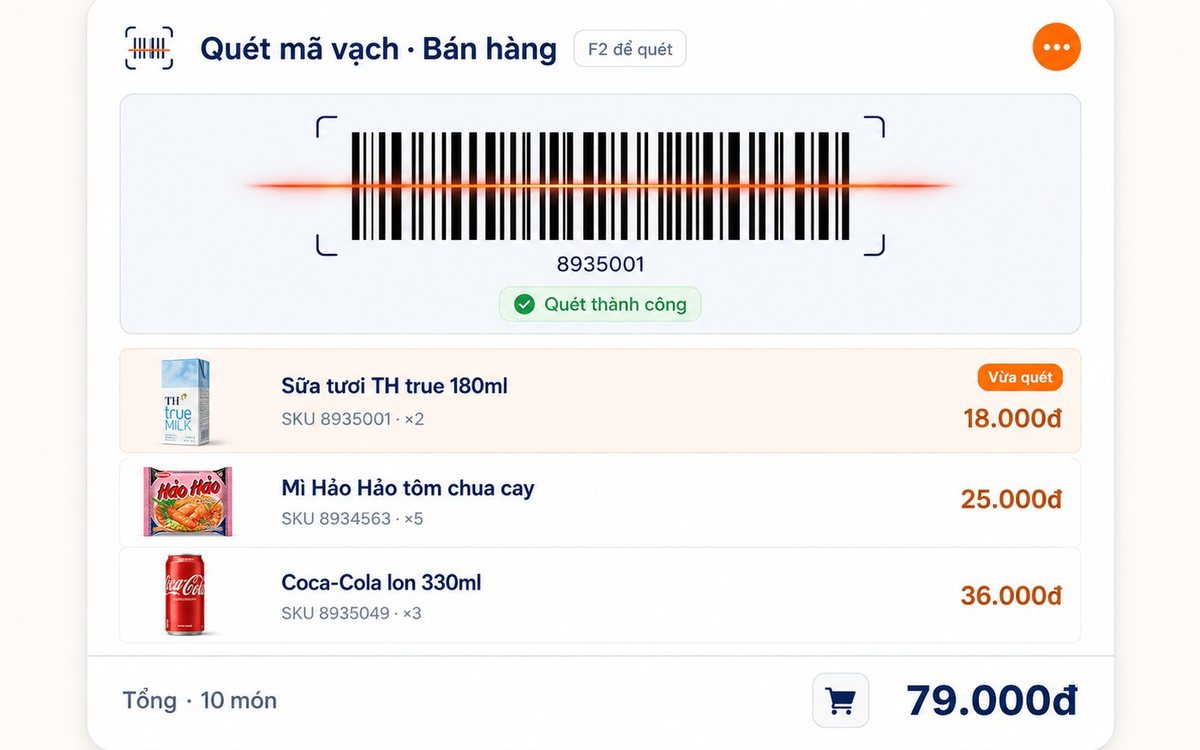
Counter orders, phone and Zalo orders, and orders from the store's web shop all go into one order book in Ordersys. Each online order moves through five clear statuses, delivery requires the address, delivery time and delivery person, customers track their own order, and there is no adding up two places at the end of the day.

Spa and hair removal appointment software with no double bookings
Hair removal sessions are short, tightly packed and crowded into one machine room, so they clash easily. Each Ordersys appointment records the time, duration, room/bed and therapist; on save the software checks for room clashes, therapist clashes and therapists busy in the spa, adds bed turnover time, and shows exactly which booking is holding the slot.
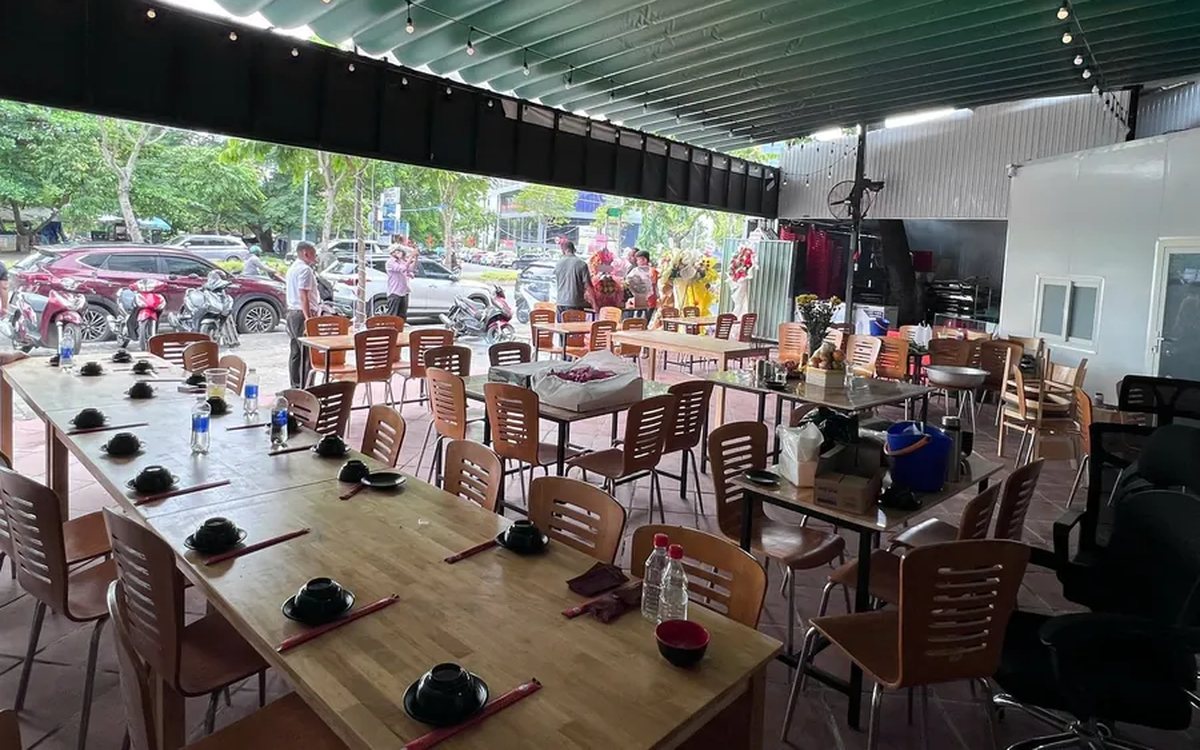
QR table ordering software for restaurants and eateries
One round of QR ordering in Ordersys goes through five steps: the guest scans the code on the table, picks dishes with options and notes, sends the order (with or without a confirmation step), the kitchen and bar receive it, and the guest reopens the page to check the order and order more. Plus a list of what to set up before putting codes on tables.
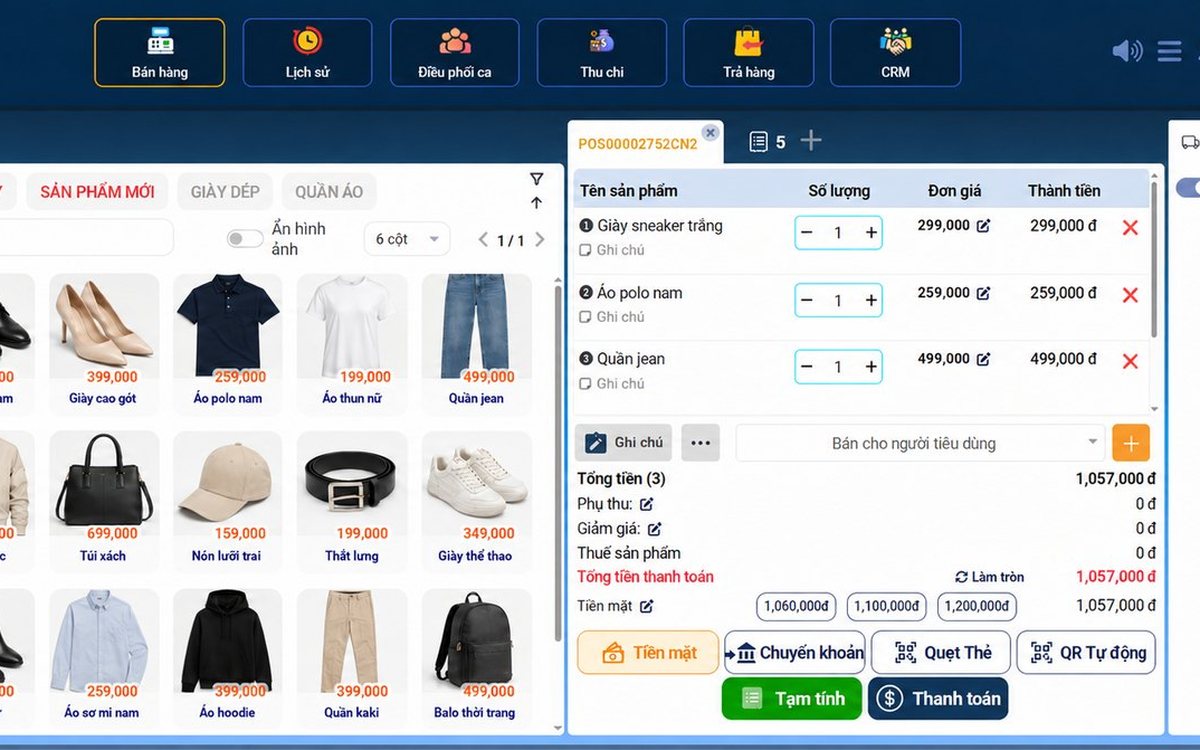
Ordersys or KiotViet? A Straight Comparison to Choose Right
An honest Ordersys vs KiotViet comparison by real needs: retail, services, billiards, QR ordering, automatic payment — choose right, not the wrong fit.
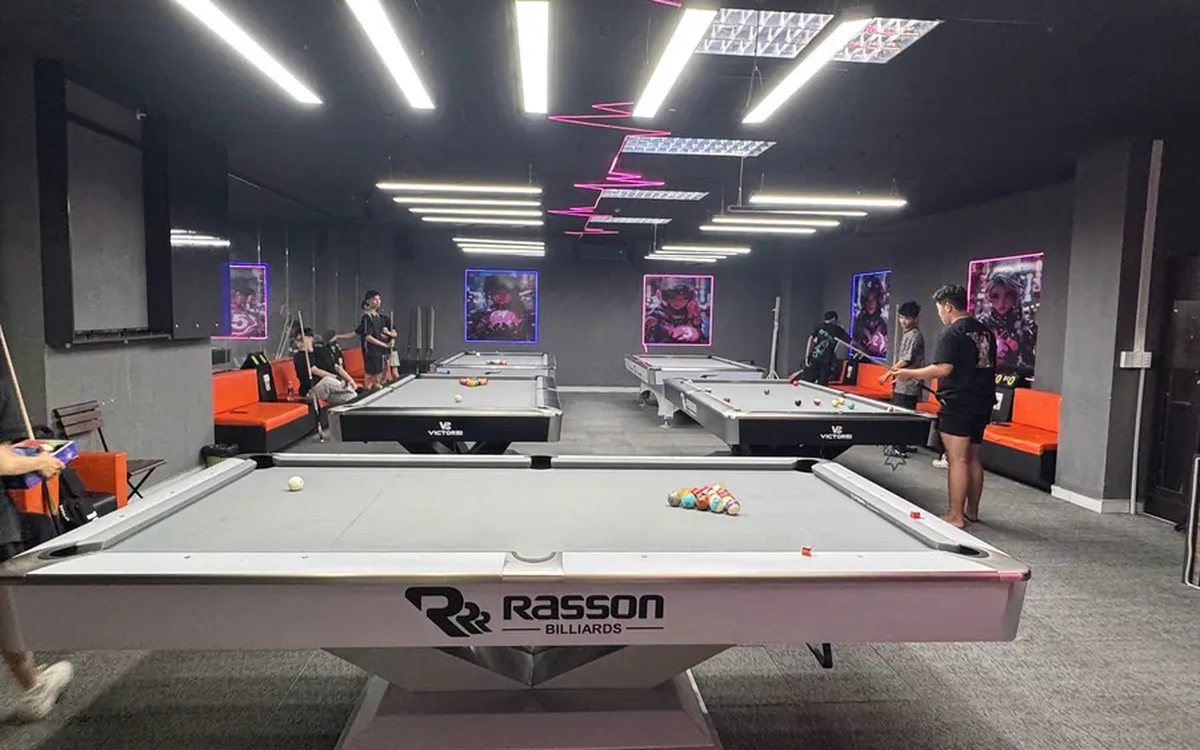
Livestreaming your club's billiards tournament: setup and delay tuning
A billiards tournament livestream in the right order: prepare a featured table and the club's Facebook/YouTube channel, open the match on the scoring screen so the scoreboard shows player names, score, inning and club name by itself, press Start/Check/End, then tune each camera channel's delay so cut shots land in the right place.
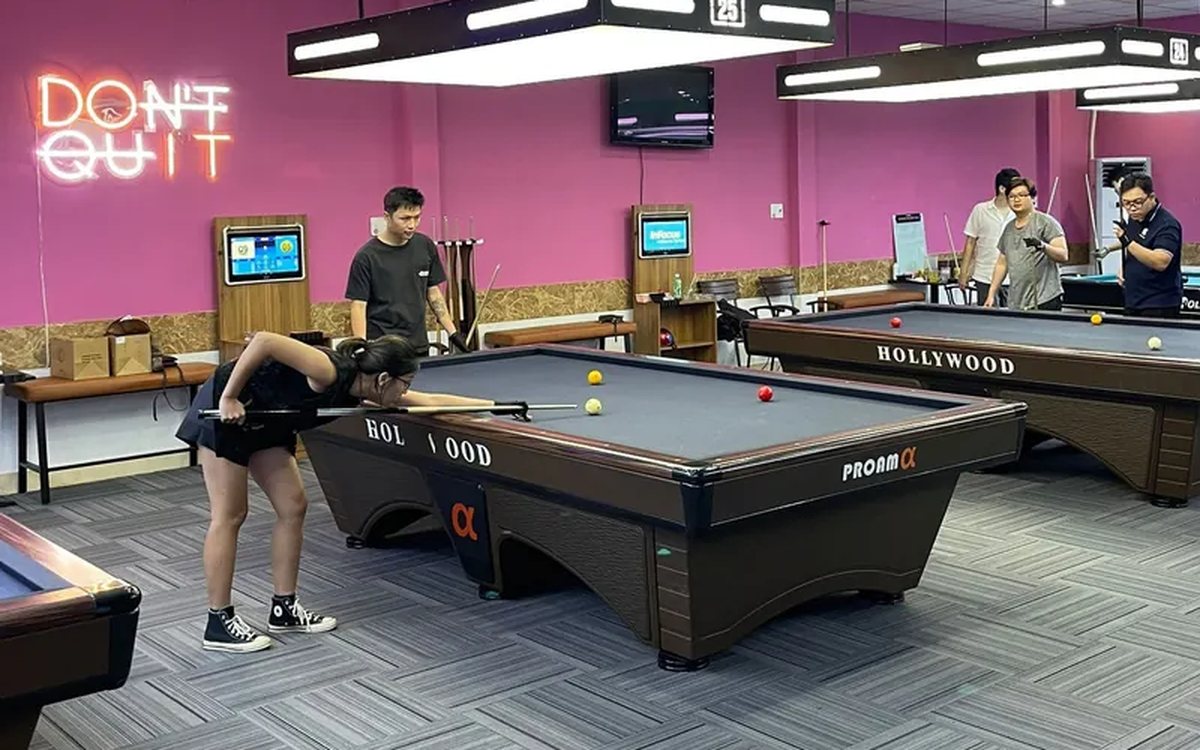
Billiards scoring app for players: record your own score, review matches and read your AVG and HIGH
Players log in as members right on the club's scoring device, choose 2-player mode with match history and tap their own points each inning. Press and hold your name to open your record over the 10 most recent matches: cumulative AVG, HIGH, win rate, head-to-head count and break success rate. This article explains each figure and how to read it to know you are improving.
Hourly billiards billing software for clubs with several table types and price slots: six cases to test before choosing
A club with pool, three-cushion and carom tables priced by time slot and by weekend has a price table, not a single price. This article collects six billing cases to test-run when choosing hourly billiards billing software: crossing a price change, weekends, minimum charge, odd minutes and moving to a different table type, with what the correct result should look like.
