



Double-booked spa appointments are rarely down to one careless person. They happen because bookings come in through many channels: the receptionist answers the phone, the owner replies on Zalo, a therapist arranges a slot privately with a regular client. Everyone is looking at a different sheet or chat group, so only at the appointment time does anyone notice two clients waiting for the same bed, or a therapist booked in two places at once. Hair removal and laser hair removal make it even easier to overlap: each session is short, sessions are packed close together, and they all crowd into one machine room. Spa appointment management software fixes exactly this: every booking sits in one place, and the software checks for clashes the moment you press save.
Where hair removal bookings tend to clash
- Short services, packed tightly. A hair removal session on one area does not last as long as a massage, so the receptionist often squeezes extra bookings into gaps. A few minutes off and the next booking runs into the previous one.
- One shared machine room. There may be a free bed, but if the room with the machine is busy the client still has to wait.
- Course clients want a familiar therapist. Clients doing many sessions usually ask for the same therapist as last time, so bookings pile up on a few people.
- Bed turnover time. Changing towels and cleaning the machine between clients is never written into the schedule, so later bookings drift later all day.

What each appointment records
| Information | Why it matters |
|---|---|
| Start date and time | The software does not accept a time that has already passed, which avoids typing the wrong date. |
| Duration | Decides until what time the booking holds its slot. If left blank, the software assumes 2 hours by default, so for short hair removal services enter the real number of minutes so you do not block half a day for nothing. |
| Room or bed | You can choose one or several. Spas that do not manage by room can skip it. |
| Therapist | Choose one or several people, or leave it unassigned if you have not decided who will do it yet. |
| Client and services | Name, phone number, and the services the client booked. |
When you press save, the software checks three kinds of clash
| Type of clash | What the software checks |
|---|---|
| Room or bed clash | Whether the chosen room or bed already has another booking overlapping the new time slot. |
| Therapist clash | Whether the chosen therapist is already booked for another appointment in the same slot. |
| Therapist busy in the spa | Whether the therapist is performing a service for a client currently in the spa during that slot. |
Only bookings that are still holding a slot count, meaning bookings waiting for the client and bookings where the client has arrived. Cancelled or completed bookings block nobody. The software also catches the case where a new booking starts earlier but runs on into an existing one.
Bed turnover time can be set too: the spa sets a minimum gap between two bookings, in minutes or hours, and the software adds that gap both before and after each booking when checking for clashes. The receptionist no longer has to remember to leave room.
When the software reports a clash
The warning shows exactly which booking is taking the slot: booking code, client name and phone number, start time, duration, room or bed. The receptionist sees right away who is in the way and can move the time, the bed or the therapist. Sometimes the overlap is intentional, for example two friends who want to share a double room. The spa can still book it after confirming; just make clear who is allowed to confirm, so double booking does not become a habit.
The whole day on one screen
The schedule can be viewed by day, week, month or as a list, with each row being a room or bed. Each booking is coloured by status: booked, client arrived, coming up, late or no-show, cancelled, completed. At the start of the day, the receptionist opens today's list to message clients a reminder. During the day, the colours show which bed is about to free up for a walk-in client. For how to arrange staff and beds sensibly, see the article scheduling a spa by bed and therapist. For tracking clients who are late or cancel, see tracking spa appointment status.
Appointment management is part of the Ordersys spa management software, running together with sales, rooms and beds, clients and work shifts. Spas can try it free for 7 days: enter rooms, beds, therapists and services with their real durations, then move next week's bookings into the software to see straight away where they overlap. For setup help, message Ordersys on Zalo or give us a call.
Manage appointments, session-based treatments, client records and technician commissions in one app.
Other news
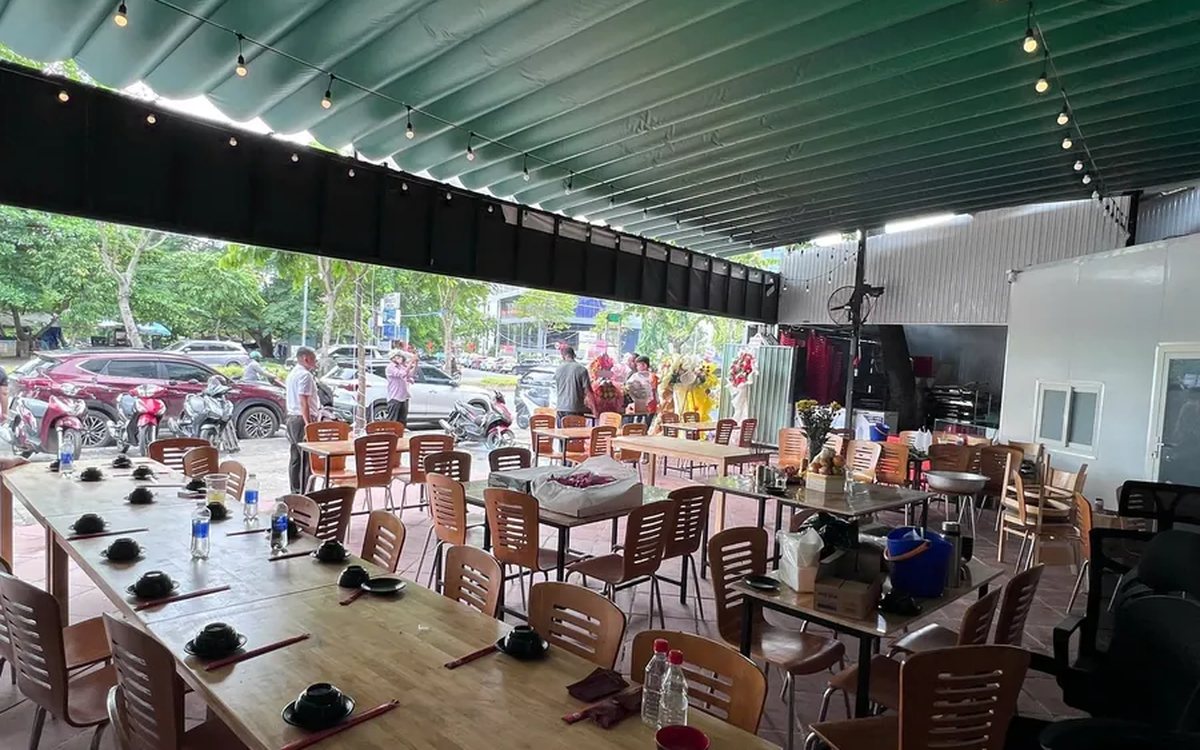
Ordering software for wedding banquet restaurants: serving many tables at once without the bill going wrong
A thirty-table wedding banquet usually goes wrong on the extras: drinks added mid-party, tables set up at the last minute, dishes sent to the kitchen twice, deposits remembered by word of mouth. This guide puts the whole banquet into one order from a multi-table booking or by merging tables, takes extra orders by phone, sends only new items to the kitchen, and settles with the host using a provisional bill, surcharges and automatic deposit deduction.
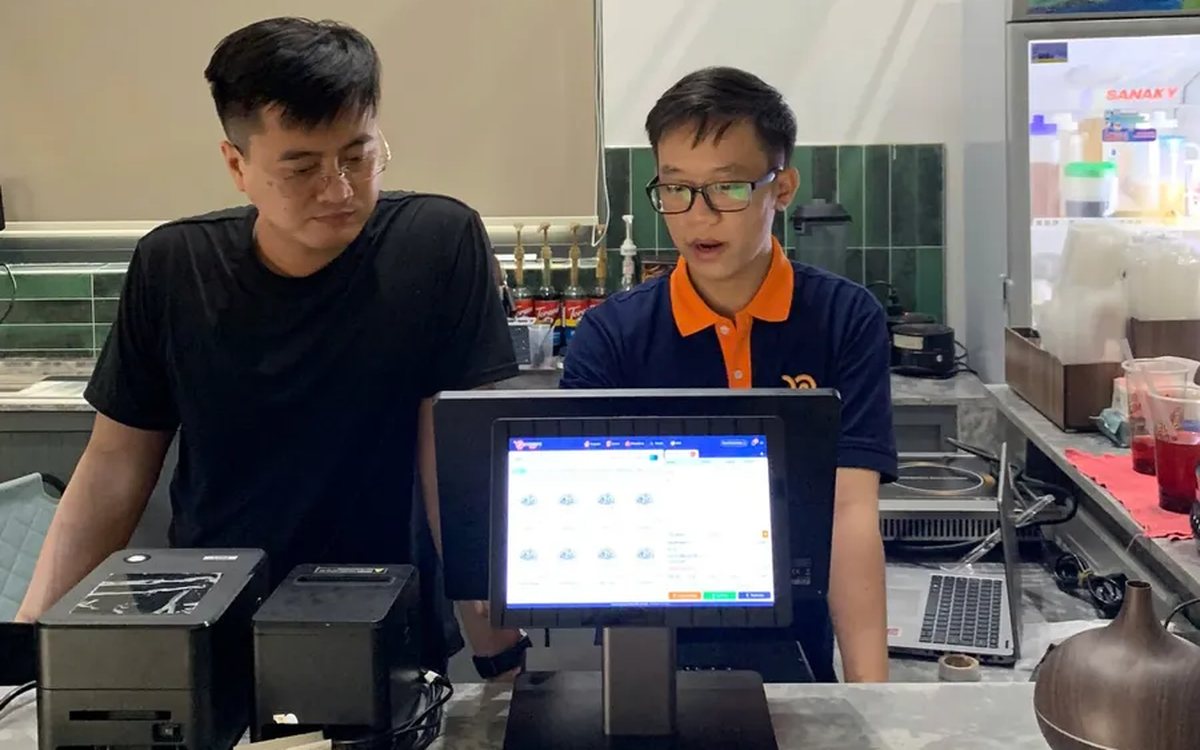
Complete coffee shop management software: how ordering, checkout, inventory and reports connect
Complete coffee shop management software is not a long feature list but ordering, checkout, inventory and reports working together: ring up one cup and the money goes into the right shift, ingredients are deducted by recipe and the end-of-day report updates itself. The article follows one cup through four stages, shows four common break points and the order to switch things on.
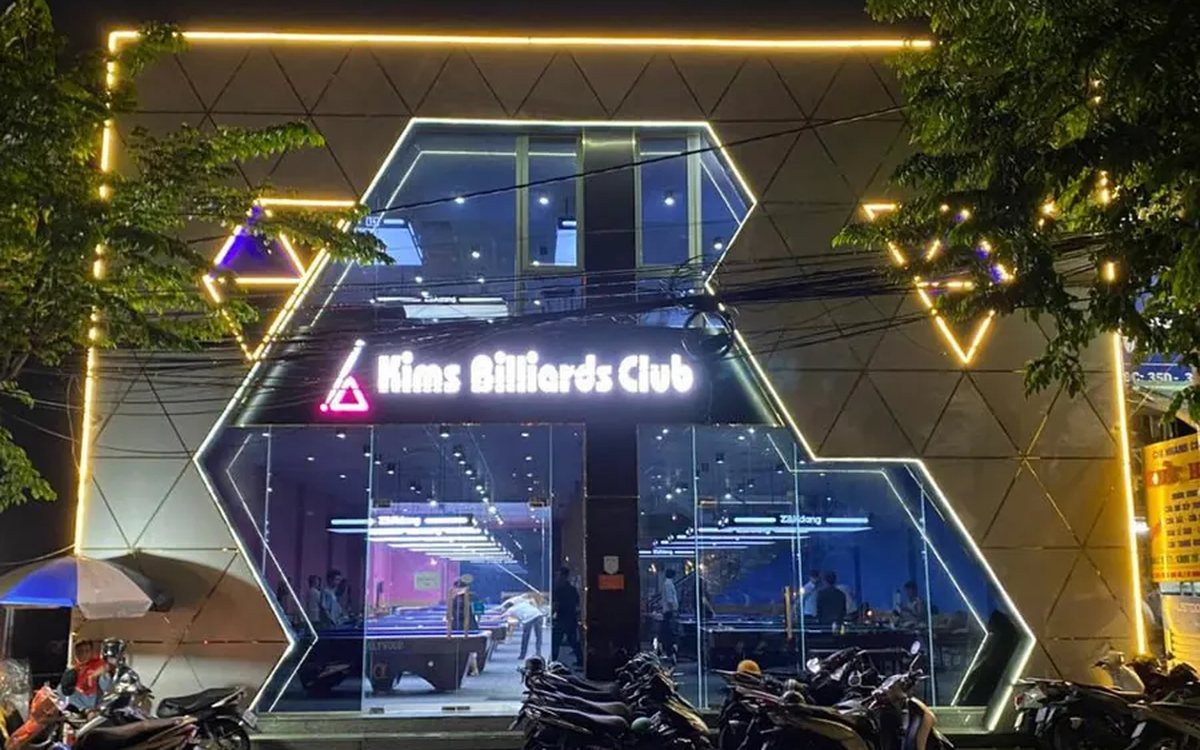
Billiards management software for a small new club: what to set up before opening day
For a new billiards club with five to ten tables, where the owner works the counter and starts the clocks, the software needs to do a few things right: set up tables, hourly rates, the menu and QR codes before opening; let players order drinks themselves and have table lights follow playing time; use camera highlights to get the club known; and after the first month read reports by table, debts and shift close.
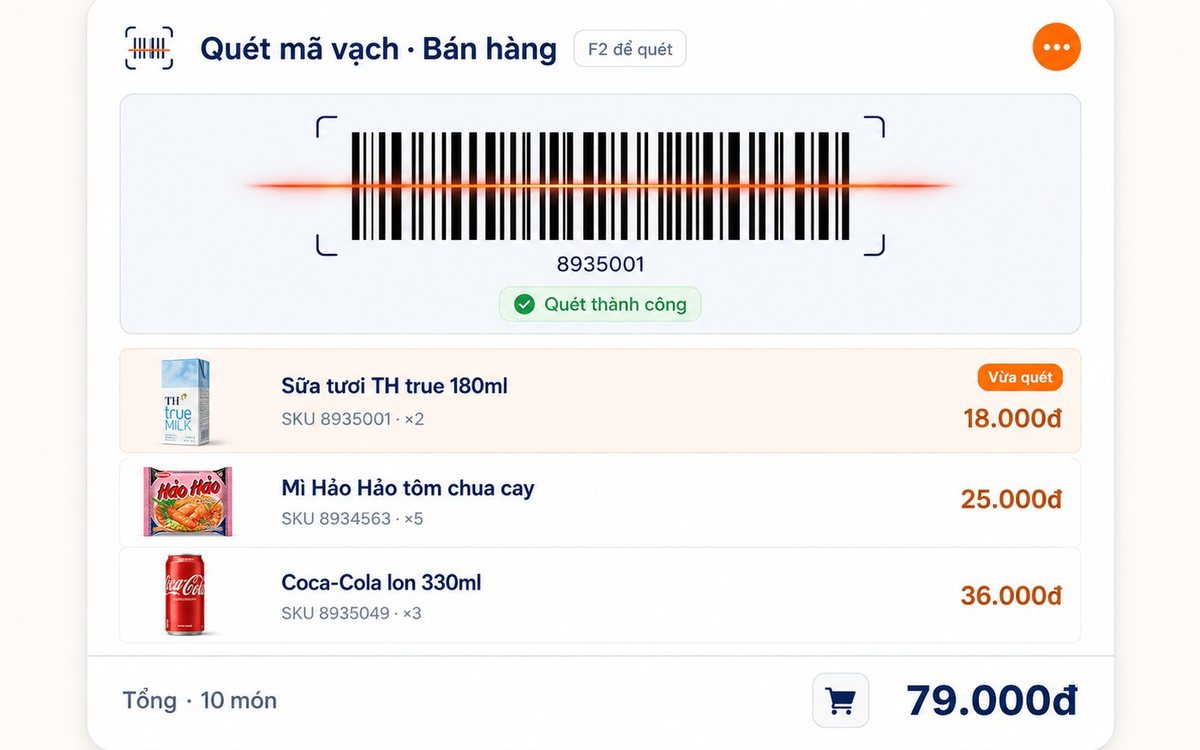
Retail order management software: counter sales and online orders in one place
Counter orders, phone and Zalo orders, and orders from the store's web shop all go into one order book in Ordersys. Each online order moves through five clear statuses, delivery requires the address, delivery time and delivery person, customers track their own order, and there is no adding up two places at the end of the day.
QR table ordering software for restaurants and eateries
One round of QR ordering in Ordersys goes through five steps: the guest scans the code on the table, picks dishes with options and notes, sends the order (with or without a confirmation step), the kitchen and bar receive it, and the guest reopens the page to check the order and order more. Plus a list of what to set up before putting codes on tables.
Ordersys or KiotViet? A Straight Comparison to Choose Right
An honest Ordersys vs KiotViet comparison by real needs: retail, services, billiards, QR ordering, automatic payment — choose right, not the wrong fit.
Livestreaming your club's billiards tournament: setup and delay tuning
A billiards tournament livestream in the right order: prepare a featured table and the club's Facebook/YouTube channel, open the match on the scoring screen so the scoreboard shows player names, score, inning and club name by itself, press Start/Check/End, then tune each camera channel's delay so cut shots land in the right place.
Billiards scoring app for players: record your own score, review matches and read your AVG and HIGH
Players log in as members right on the club's scoring device, choose 2-player mode with match history and tap their own points each inning. Press and hold your name to open your record over the 10 most recent matches: cumulative AVG, HIGH, win rate, head-to-head count and break success rate. This article explains each figure and how to read it to know you are improving.
Hourly billiards billing software for clubs with several table types and price slots: six cases to test before choosing
A club with pool, three-cushion and carom tables priced by time slot and by weekend has a price table, not a single price. This article collects six billing cases to test-run when choosing hourly billiards billing software: crossing a price change, weekends, minimum charge, odd minutes and moving to a different table type, with what the correct result should look like.
