



When a venue takes a lot of bank transfers, the cash in the drawer at the end of a shift is only part of the revenue. The rest sits in the bank account, e-wallets and the card terminal. Shift reconciliation is therefore no longer counting the drawer and comparing it with the screen; it is matching each money stream with the place it actually landed. This article walks through the shift close report of the Ordersys ordering software line by line: which lines the software already matched when customers scanned an automatic QR, which lines the cashier still has to check, and in what order to work so nothing is missed when closing the shift.
Which lines the shift close report splits money into
When the shift is closed, the printed shift close report (and the shift detail screen you can open later) splits revenue by payment method. Each line has its own place to check against:
| Line on the report | Where the money is | Check against | Who confirmed it at sale |
|---|---|---|---|
| Cash | Cash drawer | The amount counted in the drawer | Cashier |
| Bank transfer | The venue's bank account | Transaction history in the banking app | Cashier, by hand |
| Card swipe | Card terminal, then the bank | The card terminal's settlement slip | A connected mPOS terminal reports back by itself; with a standalone terminal the cashier taps it |
| Auto QR | Through a connected gateway: VietQR (BIDV), MoMo, VNPay | The bank's or gateway's transaction list | The software closes the order itself when the amount matches |
| Debt | Not yet collected | The list of customers on credit | Cashier records the debt |
The same report also shows receipts and payment vouchers in the shift (also split by method), the number of invoices, cancelled invoices, opening cash, closing balance and the cash difference for the shift.
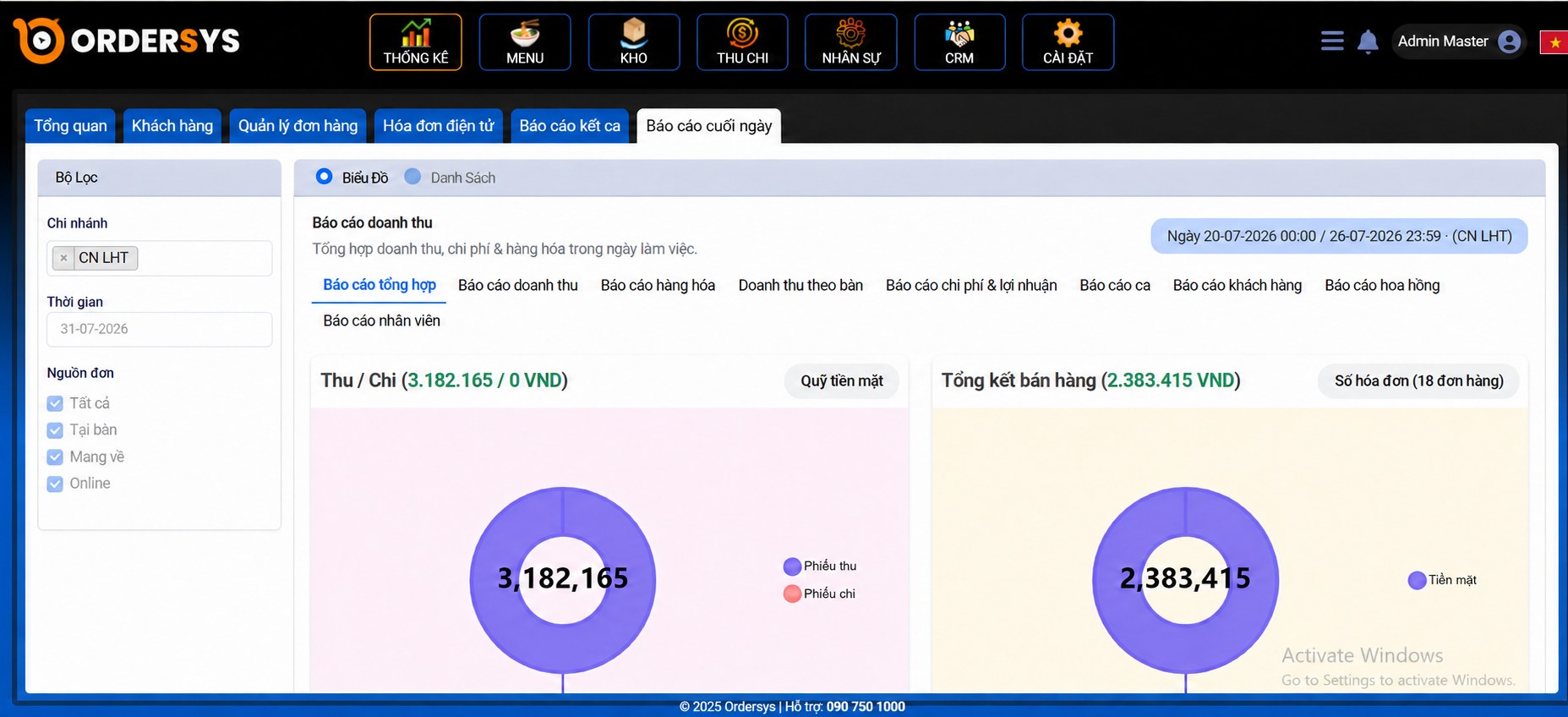
The Auto QR line: why it nearly matches itself
- Only correct amounts land here. An order counts as Auto QR when the payment gateway reports back and the amount matches the order. If the amount differs, the order is not closed automatically and the cashier must handle it by hand.
- Each order is closed only once. If the gateway reports twice, nothing is added again, so this line is not double-counted.
- What remains is comparing totals. Compare the shift's Auto QR total with the total of transactions within the shift's hours. For VietQR via BIDV, check the banking app; for MoMo and VNPay, check the gateway's merchant portal, because the money usually reaches the bank account on the gateway's settlement schedule rather than within the shift. If an item differs, look it up by the transaction code saved on the order.
For how an order closes itself when the customer scans, see automatic payment confirmation when customers scan VietQR or MoMo.
The Bank transfer line: where to look hardest
This is money the cashier confirmed personally: the customer scanned the QR code stuck on the counter or transferred to the account number, and the cashier looked and tapped paid. An old transaction screenshot or someone else's transaction both slip into this line. At the end of the shift, check each item rather than only the total: two wrong items can cancel each other out and still give a matching total. Four rules for venues still using a counter QR code are in QR payments at the counter: how to reconcile without losses.
Orders paid two ways and orders recorded with the wrong method
- The customer pays part in cash and the rest by transfer. The report puts the exact amount of each part on its own line. When checking, do not look for the full order value in the banking app; look for the transferred part.
- The wrong method was tapped. If the customer transferred but the cashier tapped Cash, the drawer will be short and the account over by exactly that amount. Change the order's payment method in the order history and the receipt is updated with it. Fix it before closing the shift so that shift's report comes out right.
The order to reconcile at the end of a shift
- Clear open orders. Unpaid orders are not in the shift's revenue; any table that has paid but was not marked should be marked now.
- Record every cash payment voucher before counting the drawer.
- Count the drawer and enter the actual amount. The software calculates the cash difference for the shift.
- Check the Bank transfer line item by item against the banking app.
- Compare the Auto QR and Card swipe totals with the bank, the gateway and the card terminal's settlement slip.
- Note the reason for any difference, close the shift and print the shift close report.
An owner who is not on site can still view the shift close report and the end-of-day report, so if a shift is off you ask the right person from that shift.
See the Ordersys ordering software
Cash, bank transfer, card and automatic QR via VietQR (BIDV), MoMo and VNPay are all on the same payment screen of the Ordersys ordering software for restaurants and cafes. Try it free for 7 days, or message us on Zalo or call 090 750 1000 for help connecting automatic QR payment for your venue.
Ordersys has editions for restaurants and for retail stores: checkout, stock, reports and e-invoices, with on-site setup and training.
Other news
How to manage a cafe or small restaurant remotely by phone: what to check each day, and when
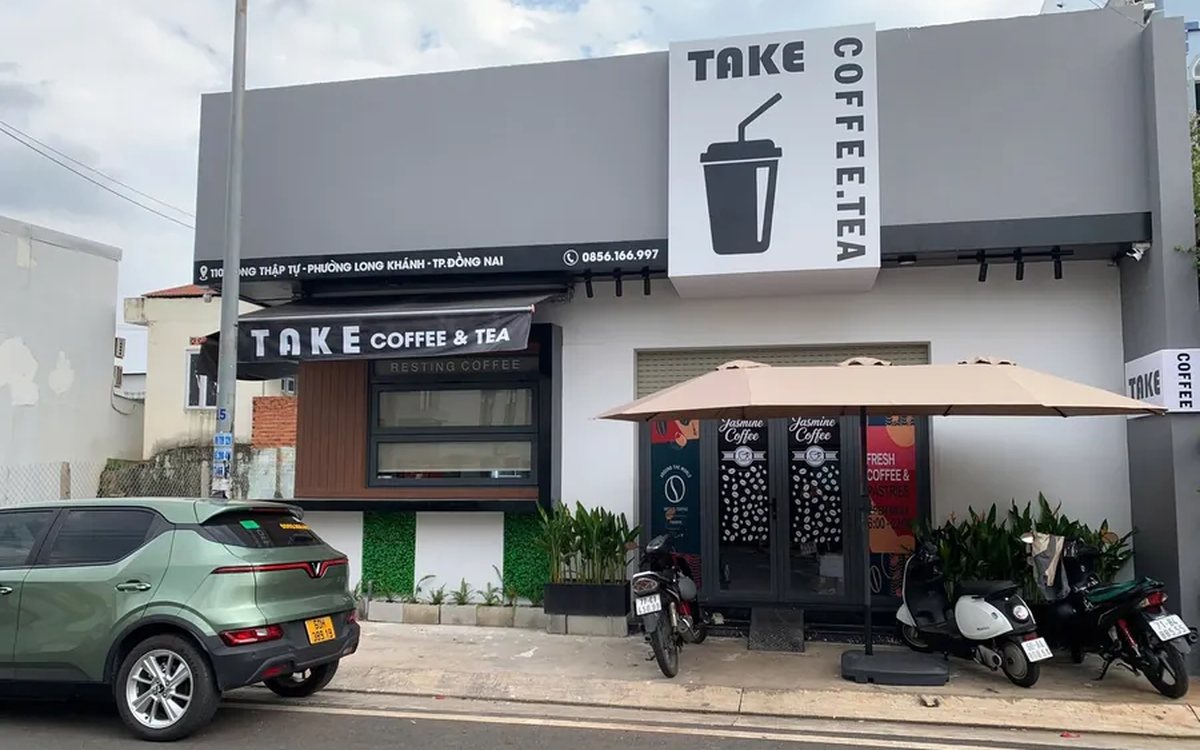
Remote management is not watching staff on camera for hours; it is knowing how many times a day to open your phone and which numbers to read. This article gives a concrete daily schedule for cafe and restaurant owners using Ordersys: end-of-day report, shift close report, orders, stock and multiple branches, plus the numbers worth a call right away and what the venue must record.

Billiards management software free trial: what to test in 7 days before buying
Instead of hunting for free billiards management software, trying the full version for 7 days on real tables, at real hours, with real staff gives a surer answer. This article suggests a day-by-day trial plan for a billiards hall: tables and hourly rates, running alongside the paper log, table ordering, shift close, hardware and reports, plus four mistakes that waste the trial and the questions to ask before buying.
Inventory and stock software for retail stores: every item in and out has a document
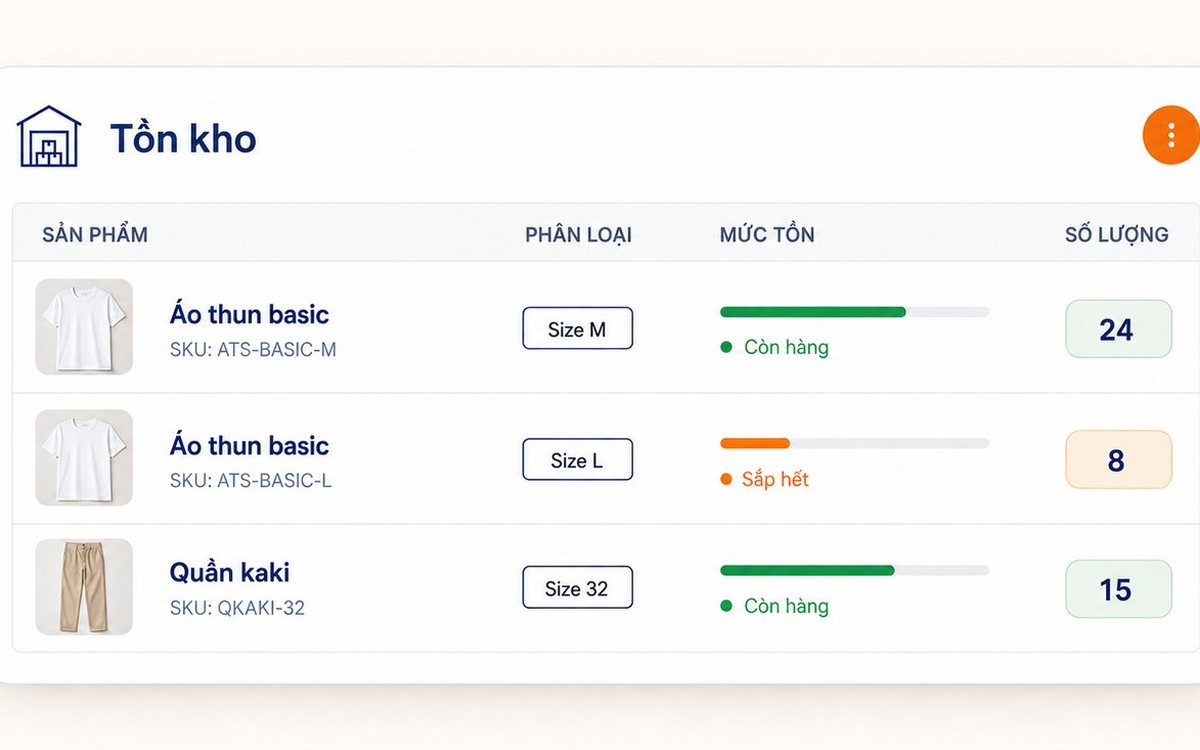
When the stock on screen does not match the shelf, the software rarely miscounted; goods left or entered the stockroom without being recorded. This article follows an item through a retail store: opening stock, two-step purchase receipts (incoming first, then received into stock), instant deduction on sale, branch transfer slips, supplier returns, approved adjustments, the In–Out–Balance report and stock limits.
Ordering software for takeaway cafés: fast to-go orders, no mixed-up cups
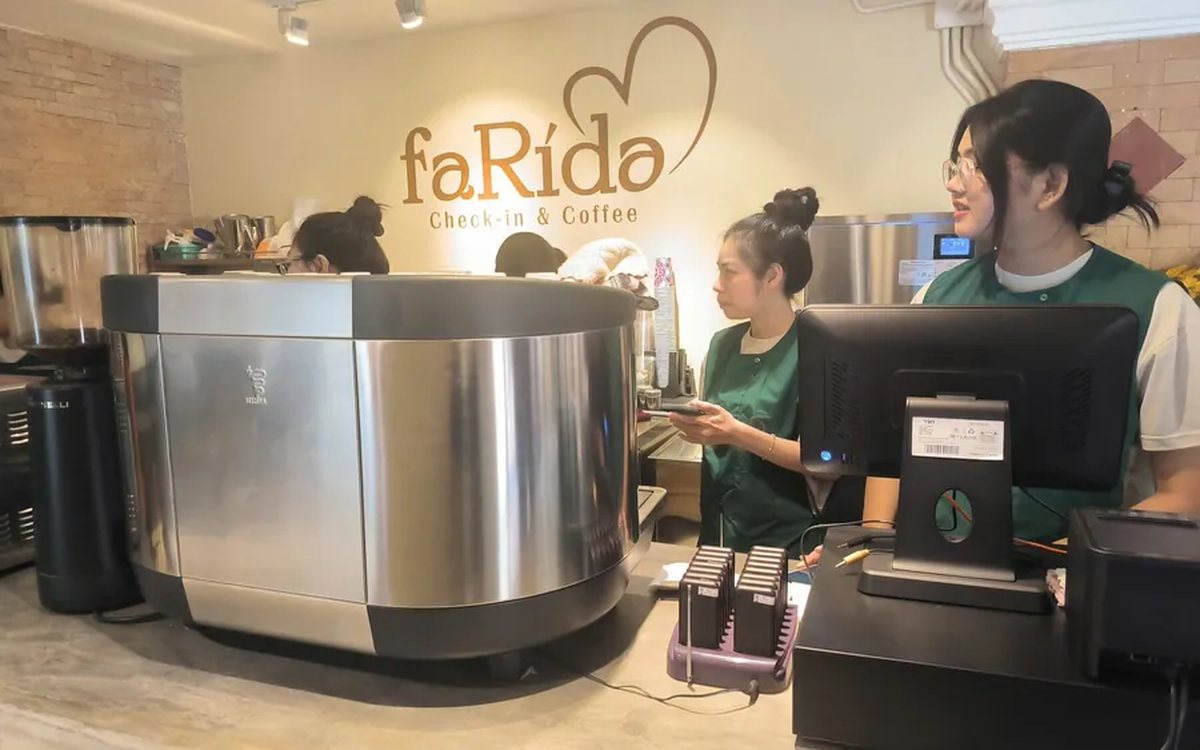
A takeaway café does not lose time at the espresso machine but in four steps at the counter: typing option notes, customers changing their mind late, waiting to check transfers and handing over the wrong cup. This article shows how ordering software fixes each step: size, sugar, ice and toppings as buttons, a customer display to confirm before the cup is made, a payment QR in the total box and a numbered label for every cup.
Automatic payment confirmation: customers scan VietQR or MoMo and the order closes itself
At busy times, cashiers lose the most time hunting for bank transfers. This article explains automatic payment confirmation in ordering software for restaurants and cafés: how it differs from a regular transfer QR, what happens from the moment a customer scans VietQR (BIDV), MoMo or VNPay until the order switches to paid, what runs automatically afterwards (receipts, stock deduction, member points) and when the software deliberately does not close the order.
Sharing great billiards shots with customers over Zalo and social media
A clip of a great shot is something players want to keep, and the club gets mentioned every time it is passed on. This guide shows billiards club owners how to make sending highlights to customers over Zalo a counter habit: where clips come from, five steps to pick, preview, download and send, when to let customers scan a QR code to get clips themselves, and how to post on the club's fanpage while keeping customers comfortable.
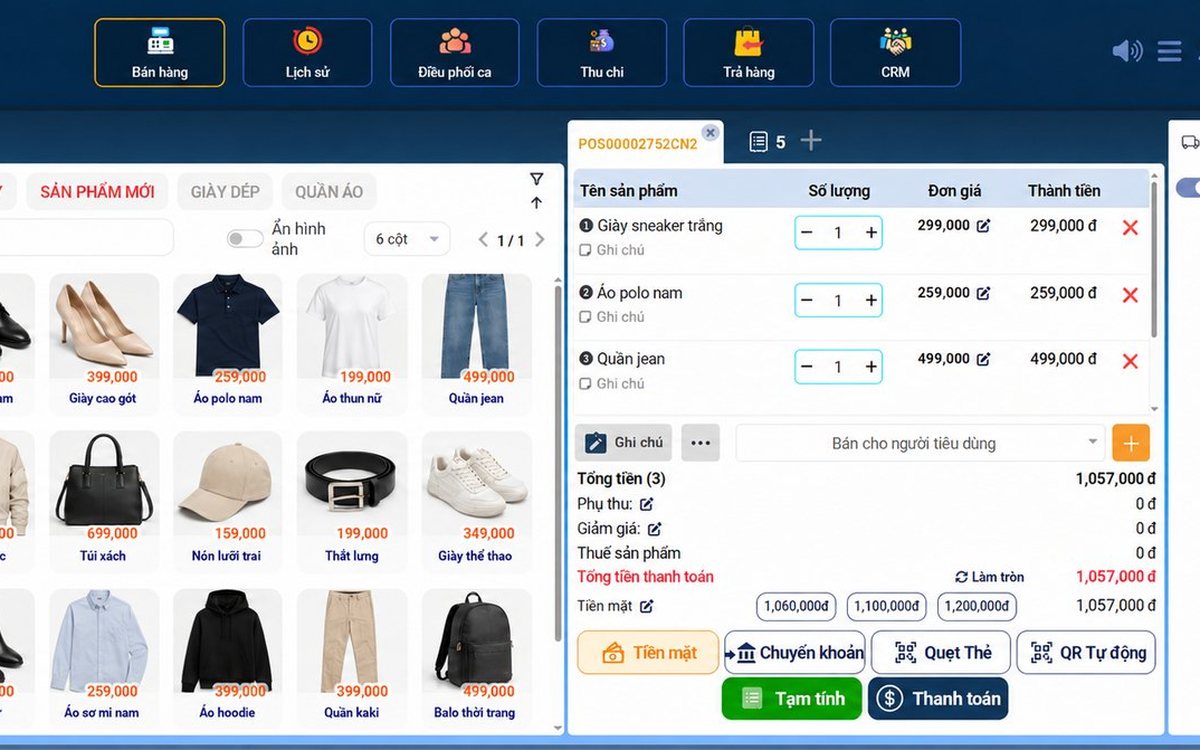
Sales software for household businesses that fits the new rules
From 2026 household businesses no longer pay presumptive tax and declare based on actual revenue; stores with revenue of 1 billion VND/year or more selling directly to consumers must use e-invoices generated from cash registers. This guide summarises the regulatory milestones that affect retail stores and what sales software must do: record every order, issue e-invoices, report by period, keep purchase records and track debts.
Scan a QR code to order at the table: guests order for themselves, the restaurant needs fewer staff
When guests scan a QR code to order at the table, handing out menus, taking orders, running tickets to the kitchen and answering "where is our food?" move to the guest. This guide separates what guests do themselves, what staff still have to do, how to rearrange shifts by table zone, and where things slip when the restaurant runs with fewer people.
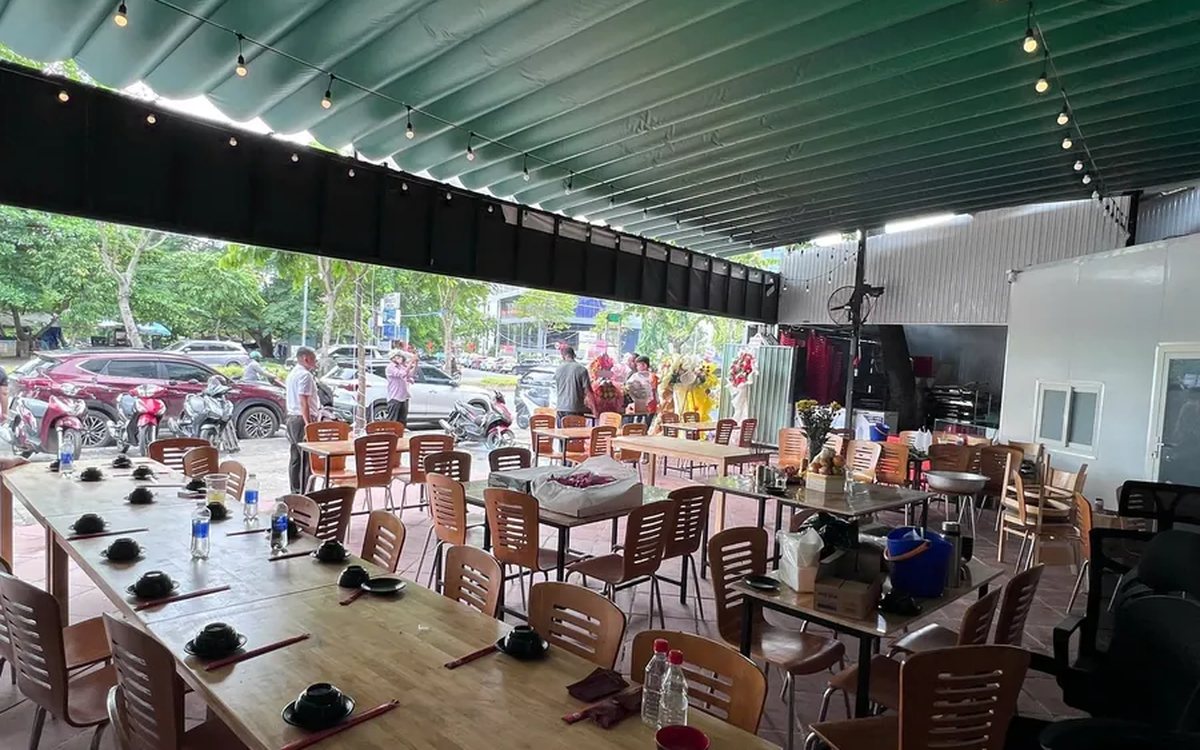
Ordering software for wedding banquet restaurants: serving many tables at once without the bill going wrong
A thirty-table wedding banquet usually goes wrong on the extras: drinks added mid-party, tables set up at the last minute, dishes sent to the kitchen twice, deposits remembered by word of mouth. This guide puts the whole banquet into one order from a multi-table booking or by merging tables, takes extra orders by phone, sends only new items to the kitchen, and settles with the host using a provisional bill, surcharges and automatic deposit deduction.
