



A takeaway café lives on counter speed. At seven in the morning customers queue up, everyone is in a hurry, and each person orders one or two cups with every combination of size, sugar, ice and toppings. Every cup that takes a few seconds longer adds one more person to the queue; every wrong cup means remaking it and losing a customer. Ordering software for a takeaway café therefore does not need lots of screens — it needs to speed up four steps: entering the order, letting the customer confirm, taking payment and handing over the right cup.
Where a takeaway cup gets slowed down
Watch the counter for one morning and you will see the time is not lost at the espresso machine but in these places:
- Typing notes. “Size L, less sugar, less ice, add pearls and pudding” — typing that into a note box is slow and easy to misspell, and the barista cannot read it.
- Customers changing their mind after the cup is made. Staff hear M as L, and the customer only notices when holding the cup.
- Waiting for a transfer. The customer has paid by transfer, and staff have to check before daring to hand over the cup.
- Handing over the wrong cup. Three milk teas that look identical sit on the counter, differing only in sugar level.
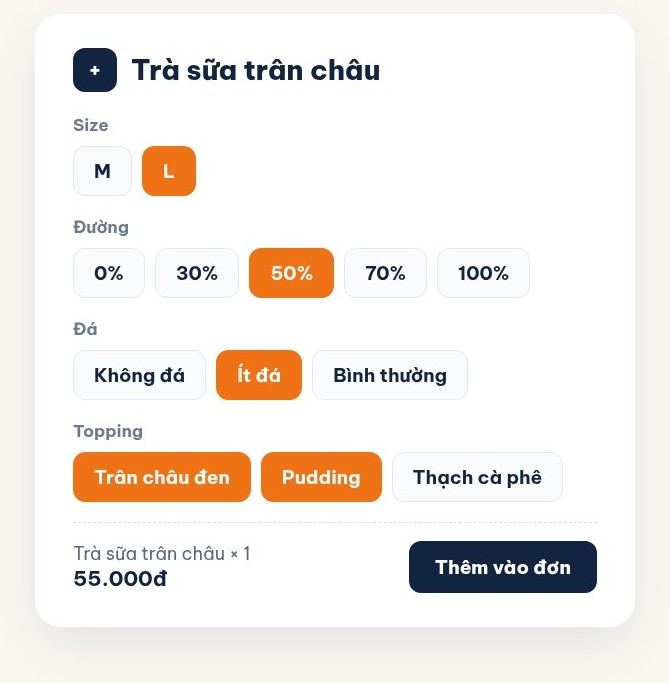
Entering the order: options as buttons, not typed notes
In Ordersys café management software, each item has its option groups set up in advance: size, sugar level, ice level, toppings. When ordering, staff tap the item and then each button, and topping prices are added to the cup automatically. Every option travels with the order to the bar, shown clearly on the ticket and on the label. The note box is still there for unusual requests such as “ice on the side”, but most cups never need it.
Cafés with a runner can take orders on a phone or tablet; the order goes straight to the bar and the cashier, with no running back and forth.
Customers confirm on the customer display before the cup is made
The customer display facing the customer shows each cup as it is entered, with its options and the total. When the customer reads “Size L · 50% sugar” they nod or correct it right away, before the cup is made rather than after they are holding it. When there are no customers, the display shows the café's promotion images.
The transfer QR code appears in the total box on the customer display, so customers can scan while they wait. If the café wants the order to switch to paid as soon as the money arrives, without manual checks, it uses an automatic QR through a connected gateway — see automatic payment confirmation when customers scan VietQR or MoMo.
Cup labels: made right, handed over right
Turn on label printing for the items that need a cup label. As soon as the order is entered, the label printer prints one label per cup, showing the item name, size, sugar level, add-ons and notes (notes in bold), plus a label sequence such as 1/3, 2/3, 3/3 so no cup of the same order is missed. The barista works from the label, and whoever hands it over checks the label. A damaged label can be reprinted; the printer uses 30×50mm or 30×150mm rolls.
Takeaway orders are not tied to a table, so the café sets up a takeaway table and identifies orders by the customer's phone number. The software has no number-calling display, so when calling customers to collect their drinks, the simplest way is to read out the item name and options printed on the label.
Four steps, and what the software fixes in each
| Step | Slow or wrong because | What the software does |
|---|---|---|
| Entering the order | Typing option notes | Size, sugar, ice and toppings are buttons, price added automatically |
| Confirming | Mishearing, customers changing their mind late | The customer display shows each cup and its options before it is made |
| Taking payment | Waiting to check transfers | Transfer QR in the total box; with automatic QR the order closes when the money arrives |
| Handing over | Many similar-looking cups | One label per cup with options and a sequence number |
After the rush: the numbers are already there
For every cup sold, stock deducts ingredients according to the recipe you set up (tea, milk, sugar, pearls) and warns when they are running low, so the café can restock before running short at a busy hour. At shift close, revenue is split into cash, transfer and card to check against the cash drawer.
See Ordersys café management software
Option buttons, the customer display, cup labels, QR payment and recipe-based stock are all part of Ordersys café management software. Read more about printing cup labels for takeaway cafés and milk tea shops and bringing dine-in, takeaway and delivery orders onto one screen. Sign up for a free 7-day trial, or message us on Zalo or call 090 750 1000 for help setting up a menu with options for your café.
Checkout in a few taps, print cup labels with toppings, send drinks to the bar screen and issue e-invoices from the POS.
Other news
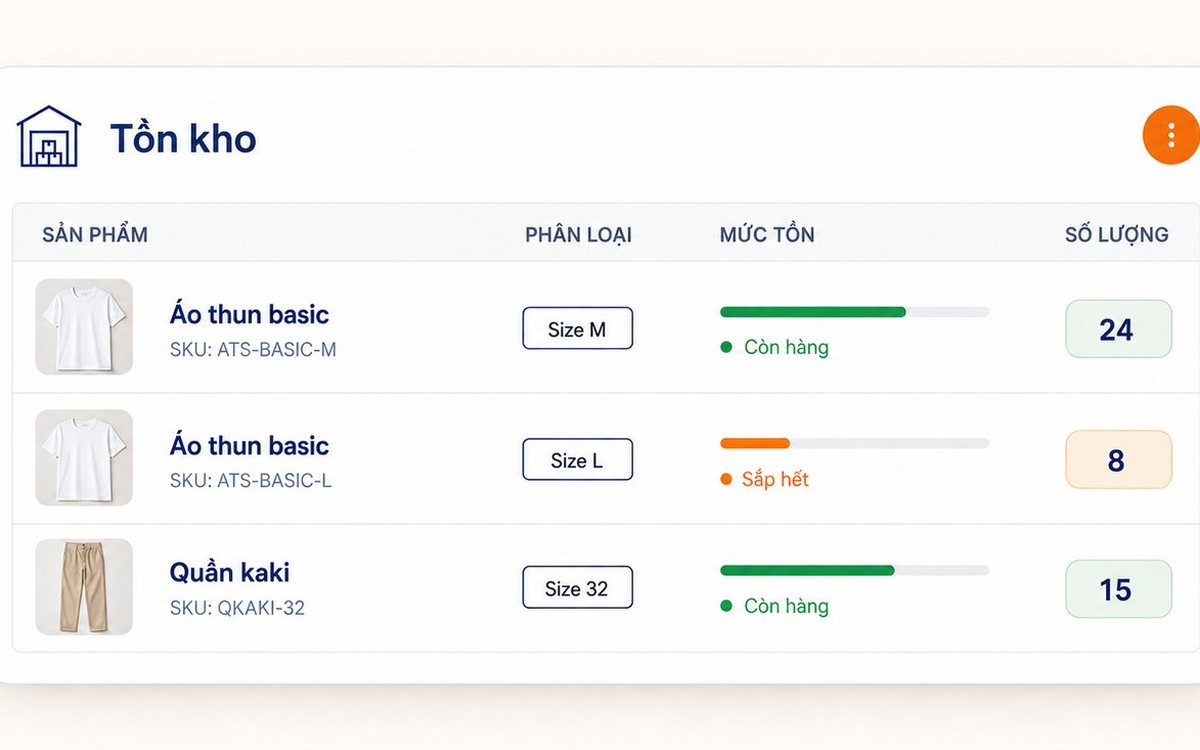
Inventory and stock software for retail stores: every item in and out has a document
When the stock on screen does not match the shelf, the software rarely miscounted; goods left or entered the stockroom without being recorded. This article follows an item through a retail store: opening stock, two-step purchase receipts (incoming first, then received into stock), instant deduction on sale, branch transfer slips, supplier returns, approved adjustments, the In–Out–Balance report and stock limits.
Automatic payment confirmation: customers scan VietQR or MoMo and the order closes itself
At busy times, cashiers lose the most time hunting for bank transfers. This article explains automatic payment confirmation in ordering software for restaurants and cafés: how it differs from a regular transfer QR, what happens from the moment a customer scans VietQR (BIDV), MoMo or VNPay until the order switches to paid, what runs automatically afterwards (receipts, stock deduction, member points) and when the software deliberately does not close the order.
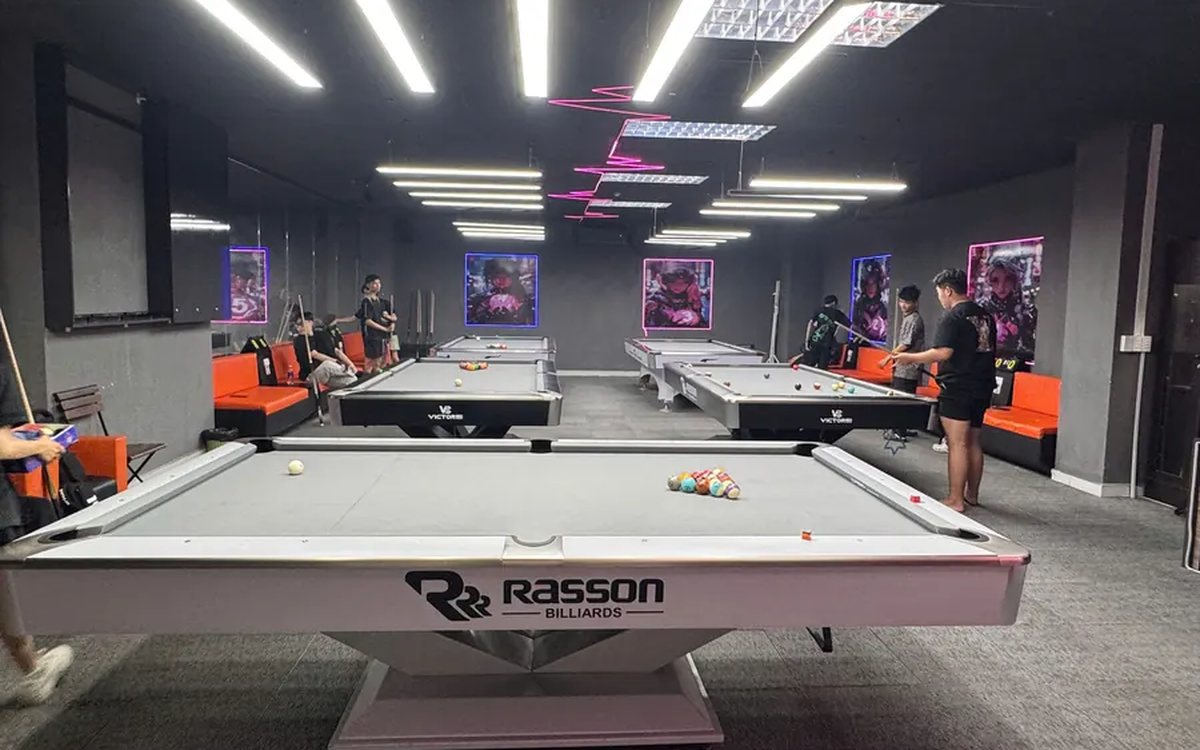
Sharing great billiards shots with customers over Zalo and social media
A clip of a great shot is something players want to keep, and the club gets mentioned every time it is passed on. This guide shows billiards club owners how to make sending highlights to customers over Zalo a counter habit: where clips come from, five steps to pick, preview, download and send, when to let customers scan a QR code to get clips themselves, and how to post on the club's fanpage while keeping customers comfortable.
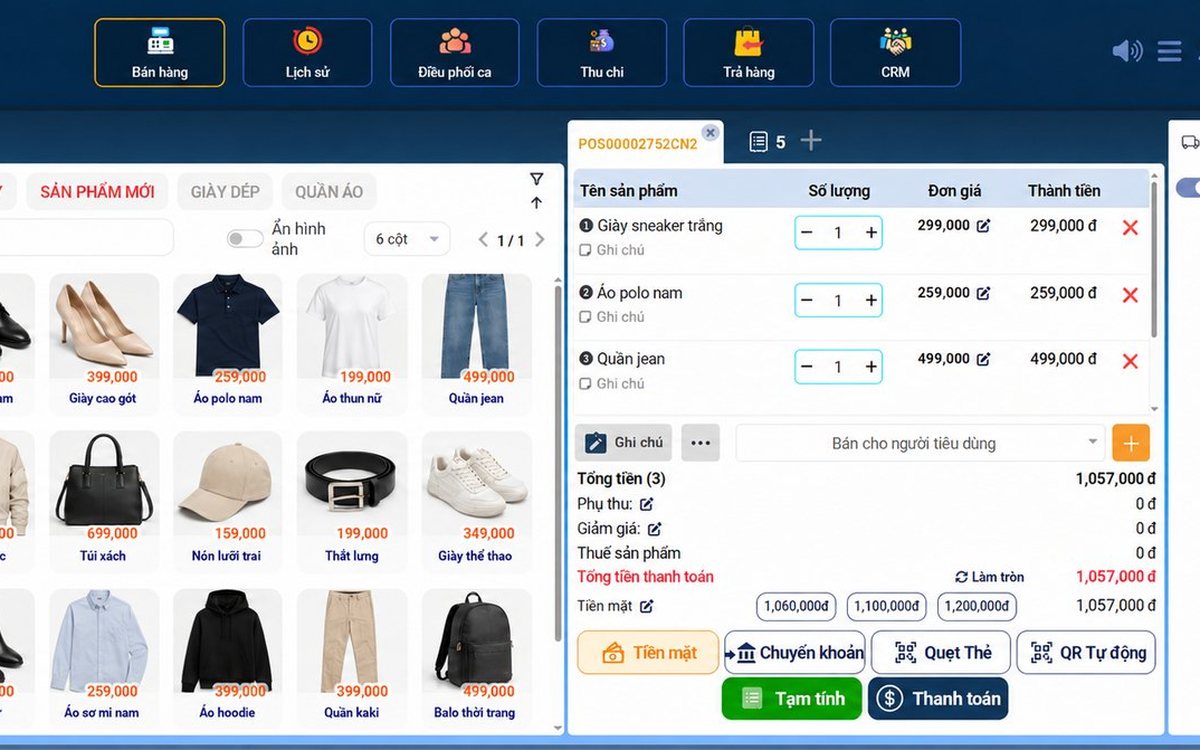
Sales software for household businesses that fits the new rules
From 2026 household businesses no longer pay presumptive tax and declare based on actual revenue; stores with revenue of 1 billion VND/year or more selling directly to consumers must use e-invoices generated from cash registers. This guide summarises the regulatory milestones that affect retail stores and what sales software must do: record every order, issue e-invoices, report by period, keep purchase records and track debts.
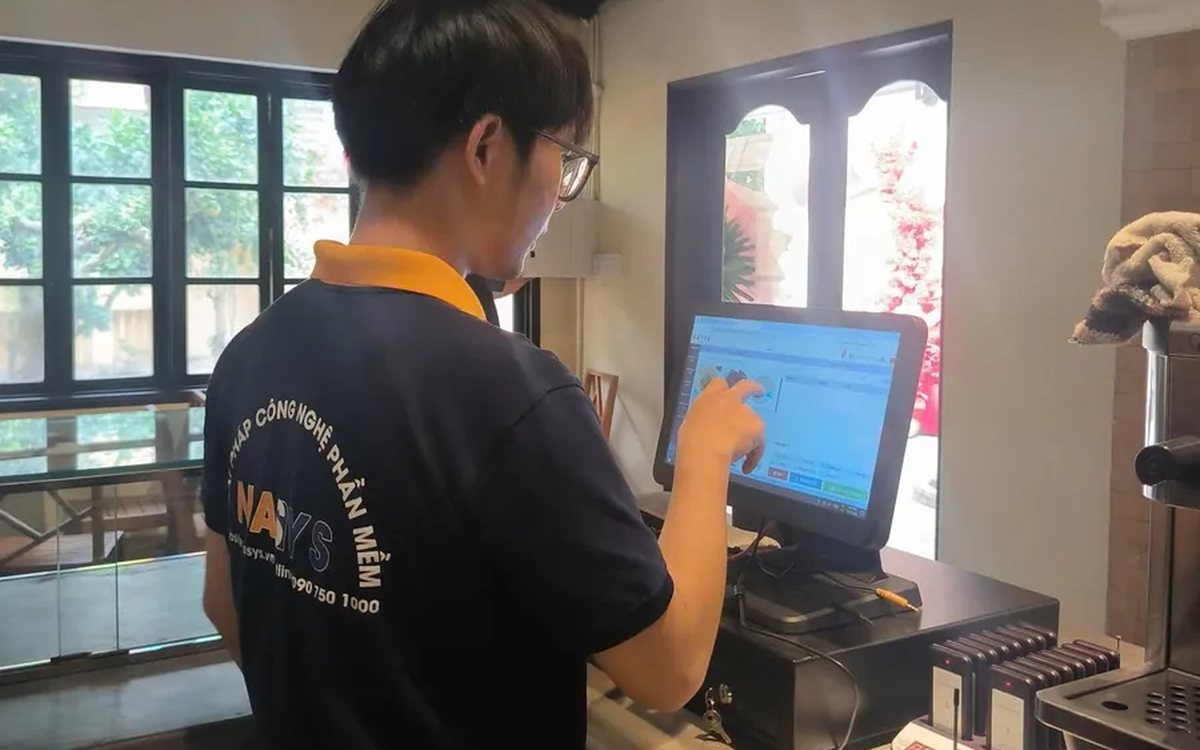
Scan a QR code to order at the table: guests order for themselves, the restaurant needs fewer staff
When guests scan a QR code to order at the table, handing out menus, taking orders, running tickets to the kitchen and answering "where is our food?" move to the guest. This guide separates what guests do themselves, what staff still have to do, how to rearrange shifts by table zone, and where things slip when the restaurant runs with fewer people.
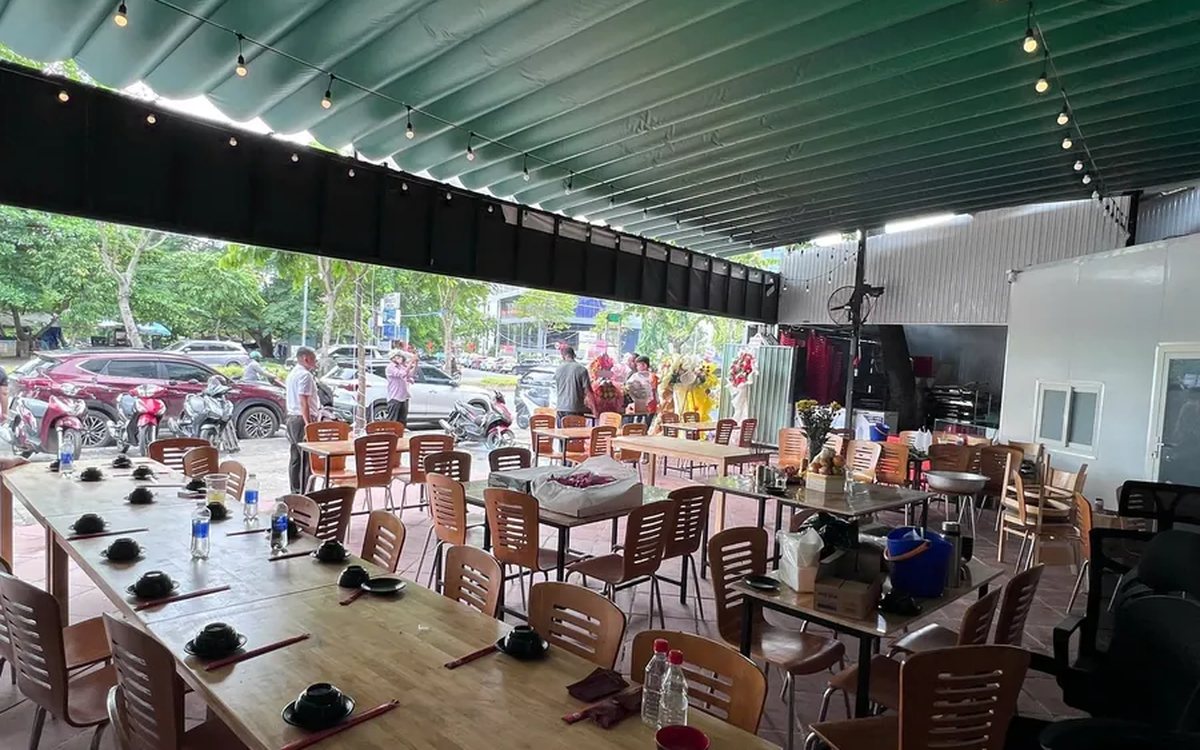
Ordering software for wedding banquet restaurants: serving many tables at once without the bill going wrong
A thirty-table wedding banquet usually goes wrong on the extras: drinks added mid-party, tables set up at the last minute, dishes sent to the kitchen twice, deposits remembered by word of mouth. This guide puts the whole banquet into one order from a multi-table booking or by merging tables, takes extra orders by phone, sends only new items to the kitchen, and settles with the host using a provisional bill, surcharges and automatic deposit deduction.
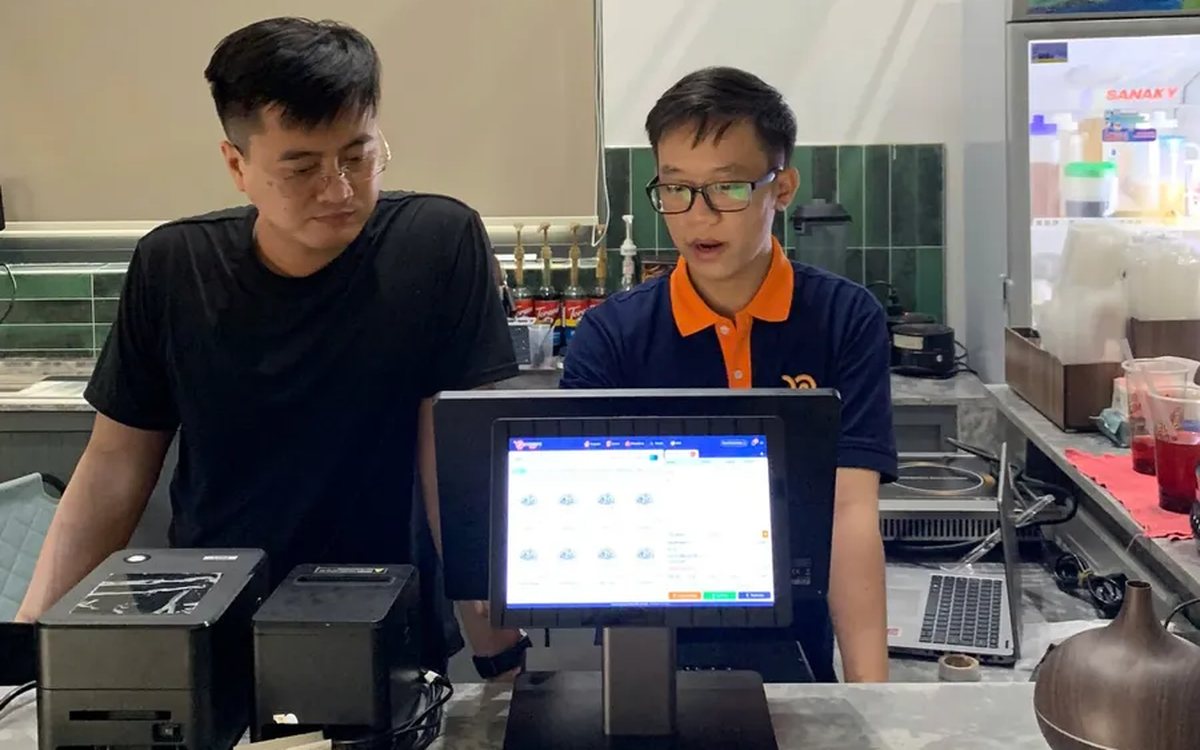
Complete coffee shop management software: how ordering, checkout, inventory and reports connect
Complete coffee shop management software is not a long feature list but ordering, checkout, inventory and reports working together: ring up one cup and the money goes into the right shift, ingredients are deducted by recipe and the end-of-day report updates itself. The article follows one cup through four stages, shows four common break points and the order to switch things on.
Billiards management software for a small new club: what to set up before opening day
For a new billiards club with five to ten tables, where the owner works the counter and starts the clocks, the software needs to do a few things right: set up tables, hourly rates, the menu and QR codes before opening; let players order drinks themselves and have table lights follow playing time; use camera highlights to get the club known; and after the first month read reports by table, debts and shift close.
Retail order management software: counter sales and online orders in one place
Counter orders, phone and Zalo orders, and orders from the store's web shop all go into one order book in Ordersys. Each online order moves through five clear statuses, delivery requires the address, delivery time and delivery person, customers track their own order, and there is no adding up two places at the end of the day.
