



Cửa hàng mỹ phẩm bán thứ hàng khó quản nhất trong bán lẻ: giá trị cao, nhiều mã, có hạn dùng, lại còn phải mở hộp cho khách thử. Ba chỗ dễ mất tiền nhất không phải ở quầy thu ngân mà nằm trong kho: hàng quá hạn, tester lẫn vào hàng bán và combo bán ra không biết lãi bao nhiêu. Bài này nói cách quản ba chỗ đó cho gọn.
Mỹ phẩm có hai mốc hạn, không phải một
Hàng thực phẩm chỉ có một hạn in trên hộp. Mỹ phẩm có hai:
- Hạn in trên bao bì — tính từ ngày sản xuất, áp cho hộp còn nguyên seal.
- Hạn sau khi mở nắp — nhiều loại kem, serum, mascara chỉ dùng tốt được một khoảng sau khi đã mở, sớm hơn hạn in trên hộp. Nên ghi ngày mở nắp lên chính sản phẩm đó.
Vì vậy hàng phải khai theo lô: cùng một mã nhập hai đợt là hai hạn khác nhau. Mỗi lô ghi ngày nhập và hạn riêng, bán ưu tiên lô cũ trước, và cảnh báo trước khi tới hạn để còn kịp xả hoặc đổi trả nhà cung cấp — chứ không phải tới lúc kiểm kho mới phát hiện cả thùng hết hạn. Cách khai lô và hạn dùng chi tiết xem ở bài quản lý hàng theo lô và hạn dùng.
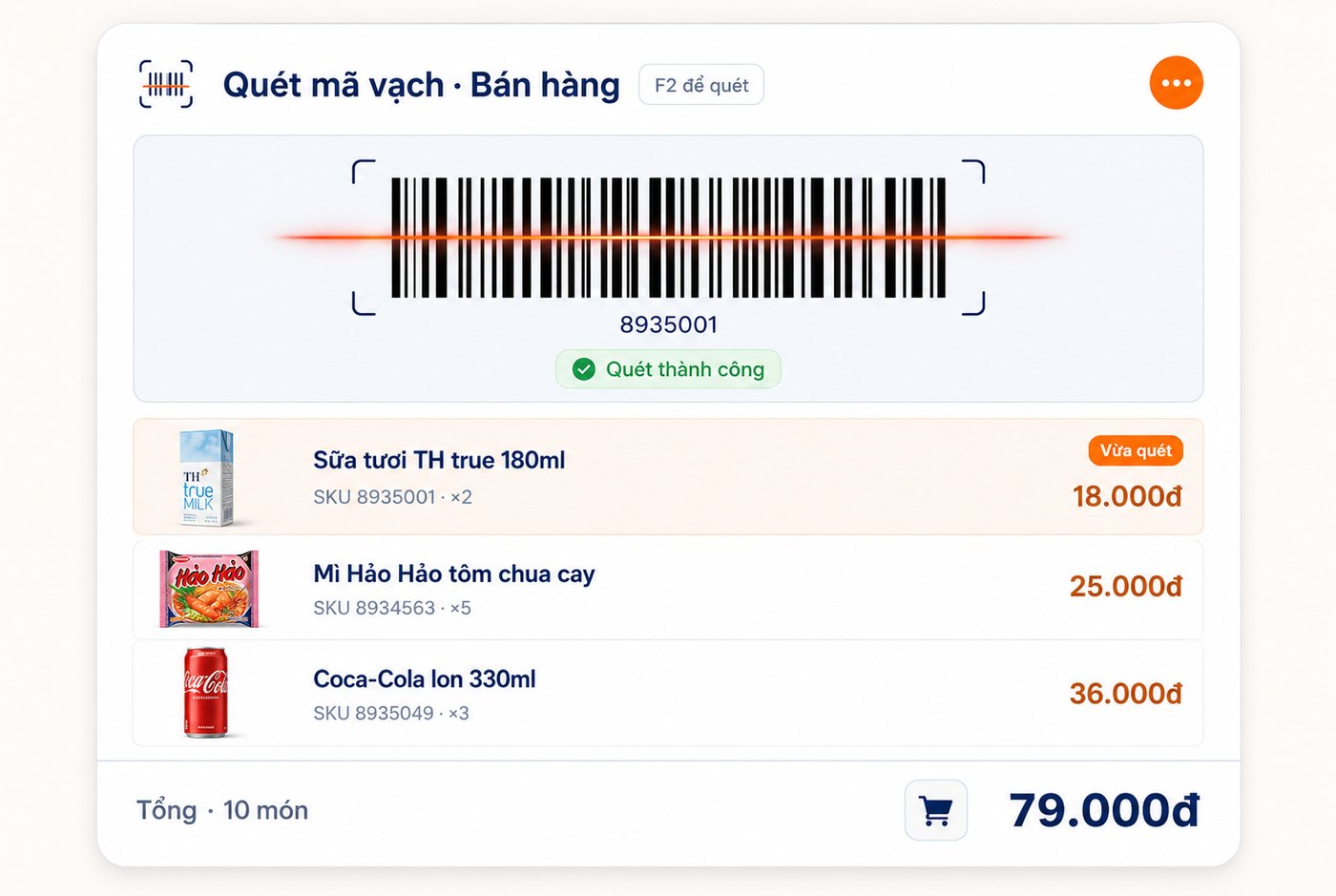
Tester: tách ra, đừng để lẫn hàng bán
Đây là chỗ thất thoát âm thầm nhất của cửa hàng mỹ phẩm. Một hộp lấy ra làm tester nhưng trên hệ thống vẫn là hàng bán được. Vài tháng sau tồn lệch, không ai nhớ hộp nào đã mở, hộp nào còn nguyên. Cách làm gọn:
- Tách hàng tester thành dòng riêng (hoặc kho riêng), không nằm cùng hàng bán.
- Mỗi lần lấy hàng ra làm tester thì xuất một phiếu — hàng trừ khỏi tồn bán, giá trị tính vào chi phí bán hàng chứ không để lẫn vào hao hụt.
Khi tester có phiếu riêng, cuối tháng bạn đọc được một con số thật hữu ích: tháng này cửa hàng chi bao nhiêu cho việc cho khách thử, và nhóm hàng nào thử nhiều nhưng bán ít.
Bán theo combo và bộ sản phẩm
Mỹ phẩm bán rất mạnh theo bộ: bộ dưỡng da ba bước, combo sữa rửa mặt + toner, set quà tặng. Nếu khai combo thành một mã hàng riêng rồi nhập tay giá vốn, số liệu sẽ sai ngay khi giá nhập từng món thay đổi. Khai combo gắn với các mã thành phần thì bán một combo là trừ tồn đủ từng món, và giá vốn combo tự cộng từ giá vốn thành phần — nhờ vậy mới biết combo nào thật sự có lãi. Chuyện hàng bán chạy mà lãi mỏng xem thêm ở bài xem lãi từng mặt hàng.
| Đặc thù cửa hàng mỹ phẩm | Cách phần mềm xử lý |
|---|---|
| Hàng có hạn, nhập nhiều đợt | Quản lý theo lô + hạn dùng, cảnh báo trước khi tới hạn |
| Tester, hàng tặng dùng thử | Tách dòng/kho riêng, xuất phiếu để trừ tồn đúng |
| Bán theo bộ, set quà | Hàng hoá combo: trừ tồn từng thành phần, cộng giá vốn |
| Nhiều mã, nhiều dung tích | Tồn theo mã SKU và thuộc tính, quét mã vạch bán nhanh |
| Hàng giá trị cao | Đơn gắn người bán và ca bán, kiểm kho đối chiếu |
Hàng giá trị cao thì kiểm kho dày hơn
Một hộp mỹ phẩm mất đi tương đương vài chục ly cà phê. Nhóm hàng giá trị cao và hàng dễ cầm gọn nên kiểm riêng theo tuần, phần còn lại kiểm theo tháng. Quan trọng là kiểm xong phải đối chiếu với số trên hệ thống để biết lệch ở mã nào — phát hiện trong tuần thì còn truy được, để tới cuối năm thì chỉ còn cách ghi nhận lỗ. Quy trình kiểm kho và vì sao số hay lệch có ở bài kiểm kho cửa hàng bán lẻ 5 bước.
Đi kèm là phân quyền ai được sửa giá, giảm giá, huỷ đơn. Mỗi đơn gắn với người bán và ca bán, nên cuối ngày ai bán bao nhiêu, thu bao nhiêu đều tra lại được.
Khách quen là nguồn thu chính
Mỹ phẩm là hàng mua lại đều: hết serum thì mua tiếp, hết kem chống nắng thì mua tiếp. Lưu hồ sơ khách và lịch sử mua giúp nhân viên tư vấn đúng loại khách đang dùng thay vì hỏi lại từ đầu, và lọc ra khách lâu chưa quay lại để nhắc.
Nếu cửa hàng của bạn vừa bán lẻ vừa làm dịch vụ (spa, salon), kho còn thêm phần hàng dùng theo lượng — việc đó quản khác, xem bài quản lý kho mỹ phẩm cho spa và salon.
Tóm lại
Cửa hàng mỹ phẩm quản tốt nằm ở bốn việc: khai hàng theo lô để không bị quá hạn (và ghi cả ngày mở nắp), tách tester khỏi hàng bán, khai combo gắn thành phần để biết lãi thật, và kiểm kho dày hơn với nhóm hàng giá trị cao. Bạn có thể xem phần mềm quản lý bán lẻ Ordersys — quét mã vạch tính tiền, kho theo SKU và lô hạn dùng, báo cáo lãi từng mặt hàng — và đăng ký dùng thử miễn phí 7 ngày để chạy thử cho cửa hàng của mình.
Xem thêm: phần mềm quản lý bán hàng miễn phí dùng được tới đâu.
Sell by barcode, track stock across units, manage debts and see profit every day.
Other news
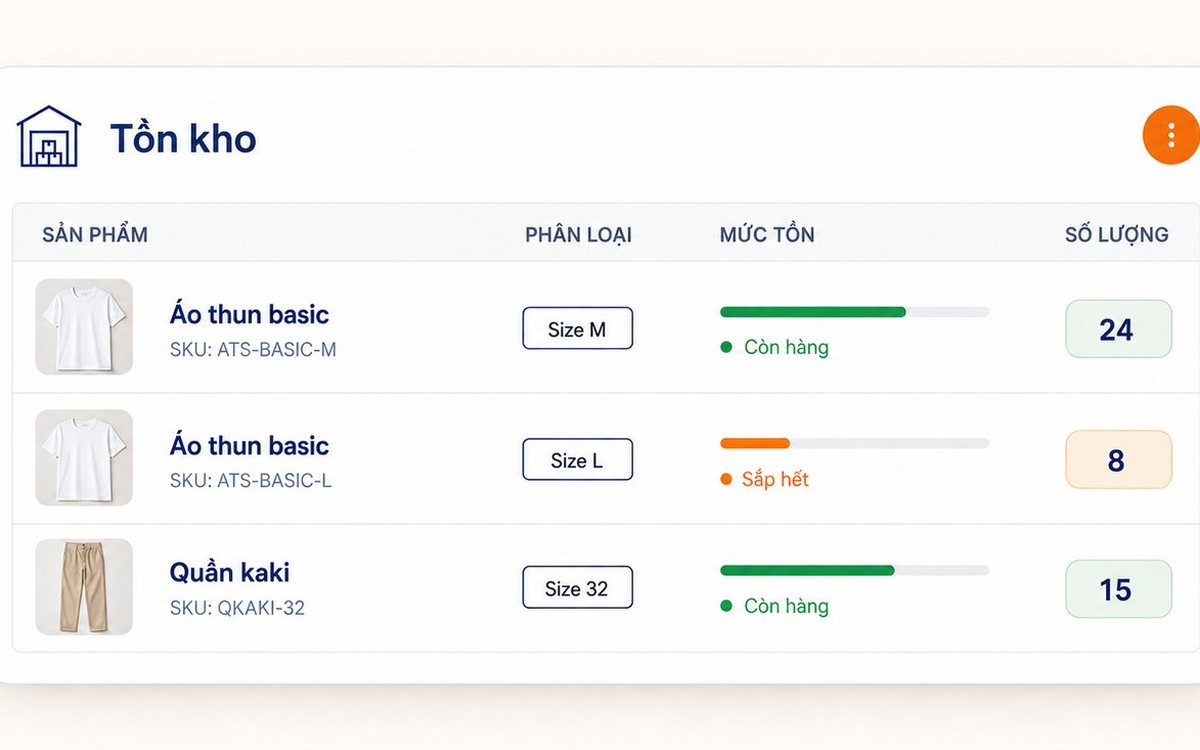
Inventory and stock software for retail stores: every item in and out has a document
When the stock on screen does not match the shelf, the software rarely miscounted; goods left or entered the stockroom without being recorded. This article follows an item through a retail store: opening stock, two-step purchase receipts (incoming first, then received into stock), instant deduction on sale, branch transfer slips, supplier returns, approved adjustments, the In–Out–Balance report and stock limits.
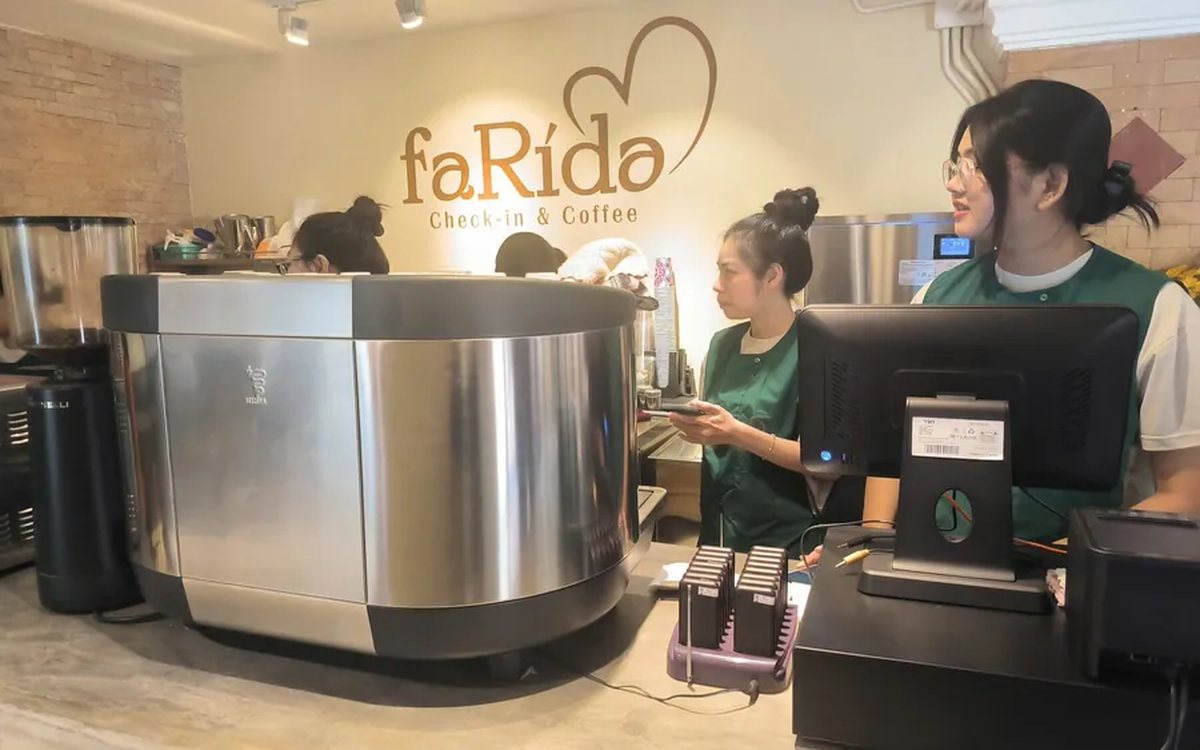
Ordering software for takeaway cafés: fast to-go orders, no mixed-up cups
A takeaway café does not lose time at the espresso machine but in four steps at the counter: typing option notes, customers changing their mind late, waiting to check transfers and handing over the wrong cup. This article shows how ordering software fixes each step: size, sugar, ice and toppings as buttons, a customer display to confirm before the cup is made, a payment QR in the total box and a numbered label for every cup.
Automatic payment confirmation: customers scan VietQR or MoMo and the order closes itself
At busy times, cashiers lose the most time hunting for bank transfers. This article explains automatic payment confirmation in ordering software for restaurants and cafés: how it differs from a regular transfer QR, what happens from the moment a customer scans VietQR (BIDV), MoMo or VNPay until the order switches to paid, what runs automatically afterwards (receipts, stock deduction, member points) and when the software deliberately does not close the order.
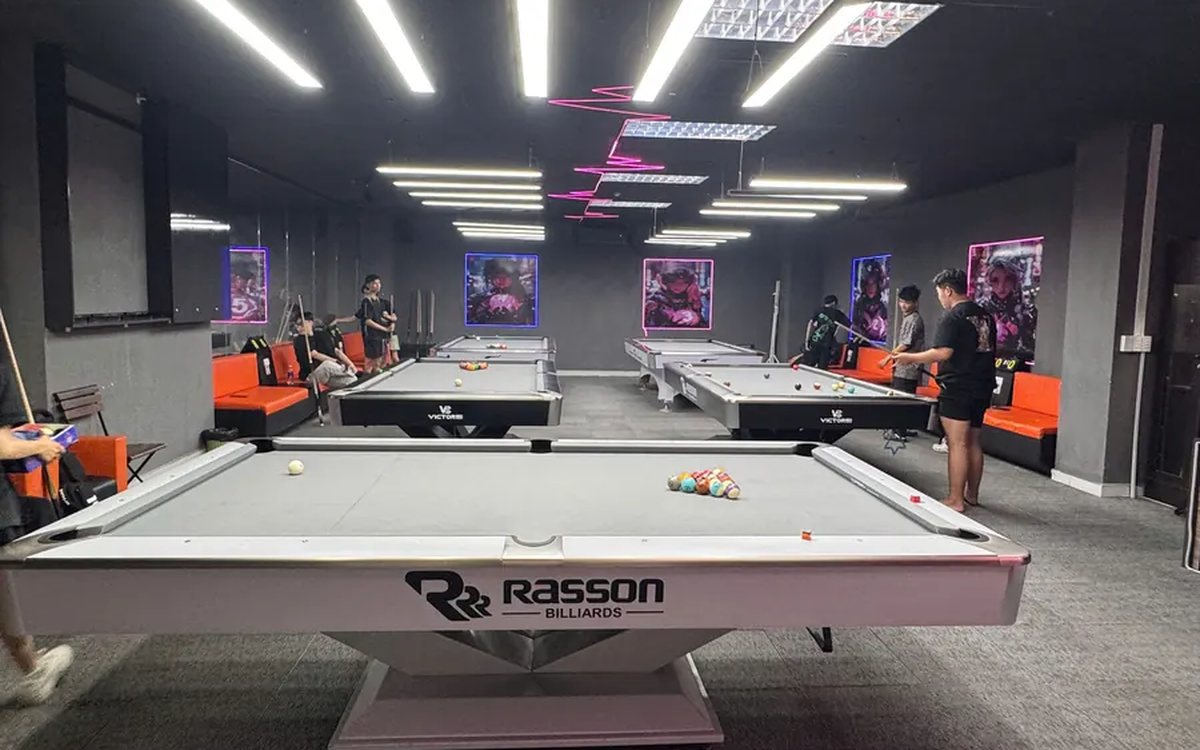
Sharing great billiards shots with customers over Zalo and social media
A clip of a great shot is something players want to keep, and the club gets mentioned every time it is passed on. This guide shows billiards club owners how to make sending highlights to customers over Zalo a counter habit: where clips come from, five steps to pick, preview, download and send, when to let customers scan a QR code to get clips themselves, and how to post on the club's fanpage while keeping customers comfortable.
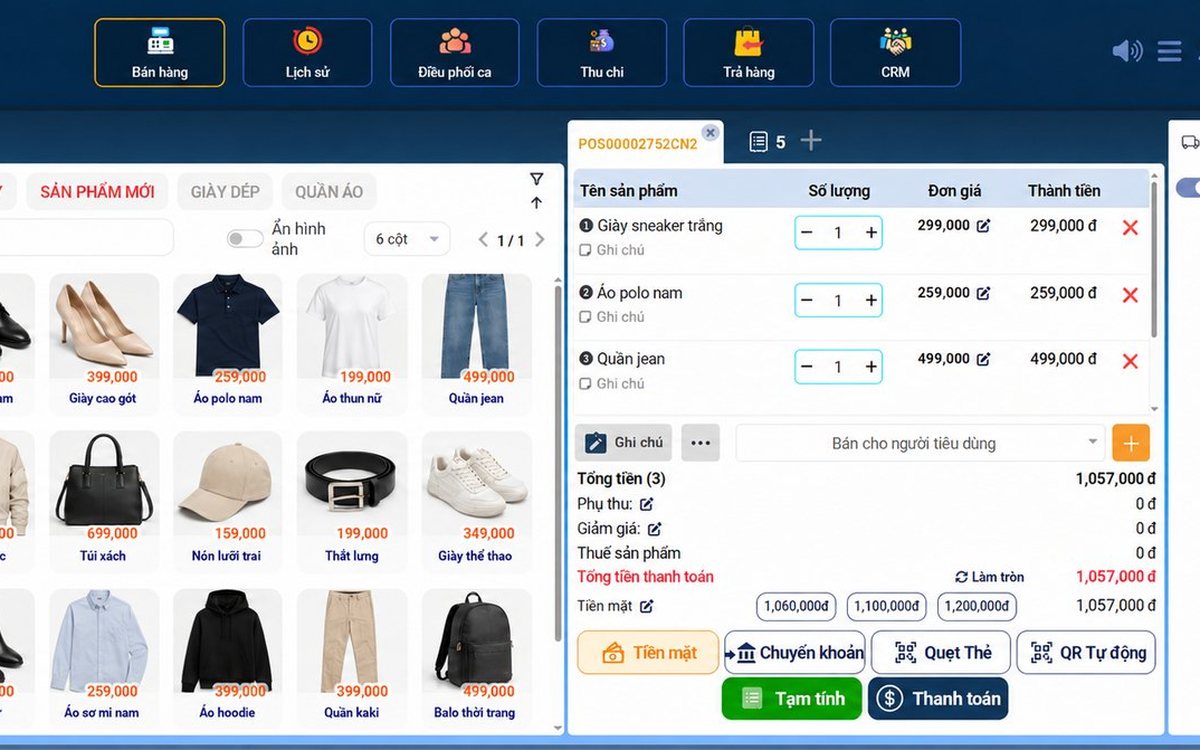
Sales software for household businesses that fits the new rules
From 2026 household businesses no longer pay presumptive tax and declare based on actual revenue; stores with revenue of 1 billion VND/year or more selling directly to consumers must use e-invoices generated from cash registers. This guide summarises the regulatory milestones that affect retail stores and what sales software must do: record every order, issue e-invoices, report by period, keep purchase records and track debts.
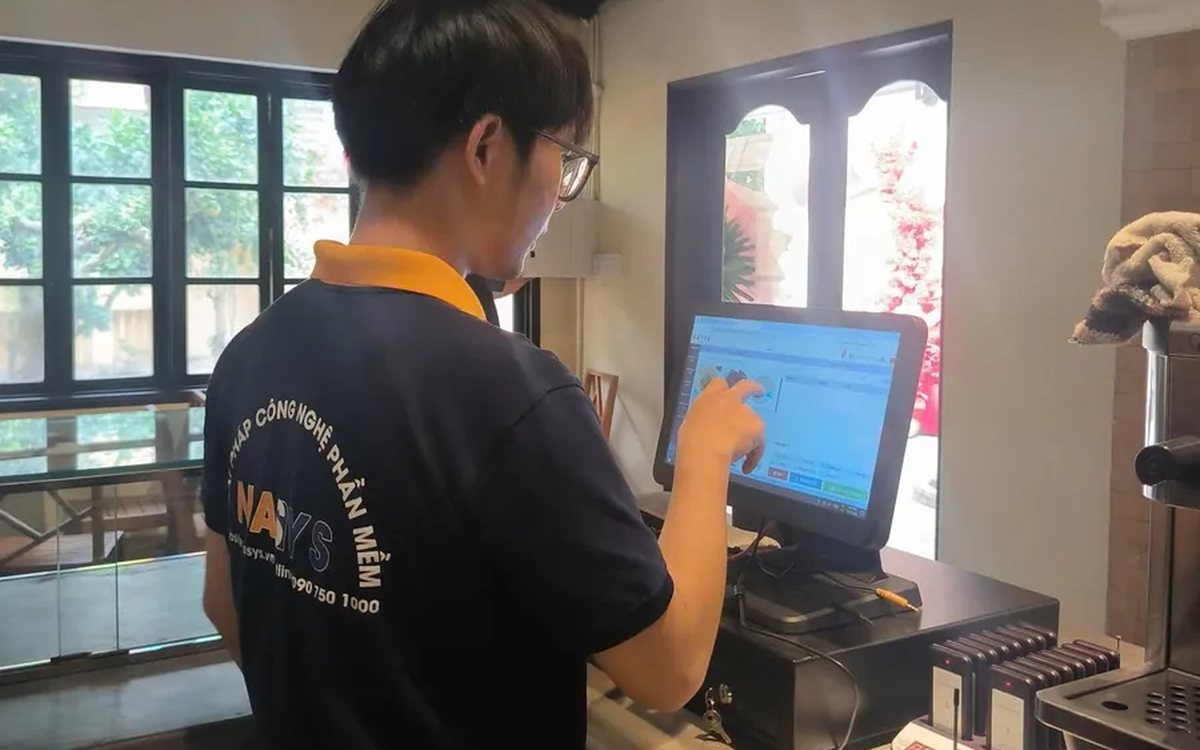
Scan a QR code to order at the table: guests order for themselves, the restaurant needs fewer staff
When guests scan a QR code to order at the table, handing out menus, taking orders, running tickets to the kitchen and answering "where is our food?" move to the guest. This guide separates what guests do themselves, what staff still have to do, how to rearrange shifts by table zone, and where things slip when the restaurant runs with fewer people.
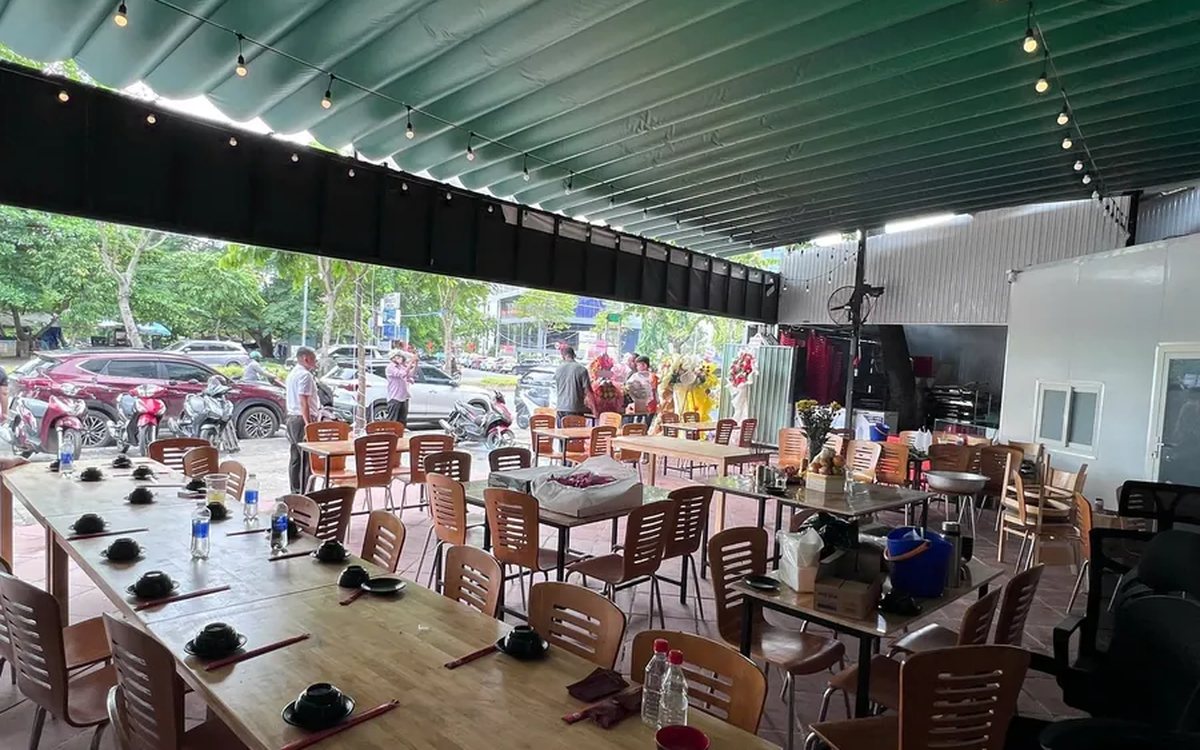
Ordering software for wedding banquet restaurants: serving many tables at once without the bill going wrong
A thirty-table wedding banquet usually goes wrong on the extras: drinks added mid-party, tables set up at the last minute, dishes sent to the kitchen twice, deposits remembered by word of mouth. This guide puts the whole banquet into one order from a multi-table booking or by merging tables, takes extra orders by phone, sends only new items to the kitchen, and settles with the host using a provisional bill, surcharges and automatic deposit deduction.
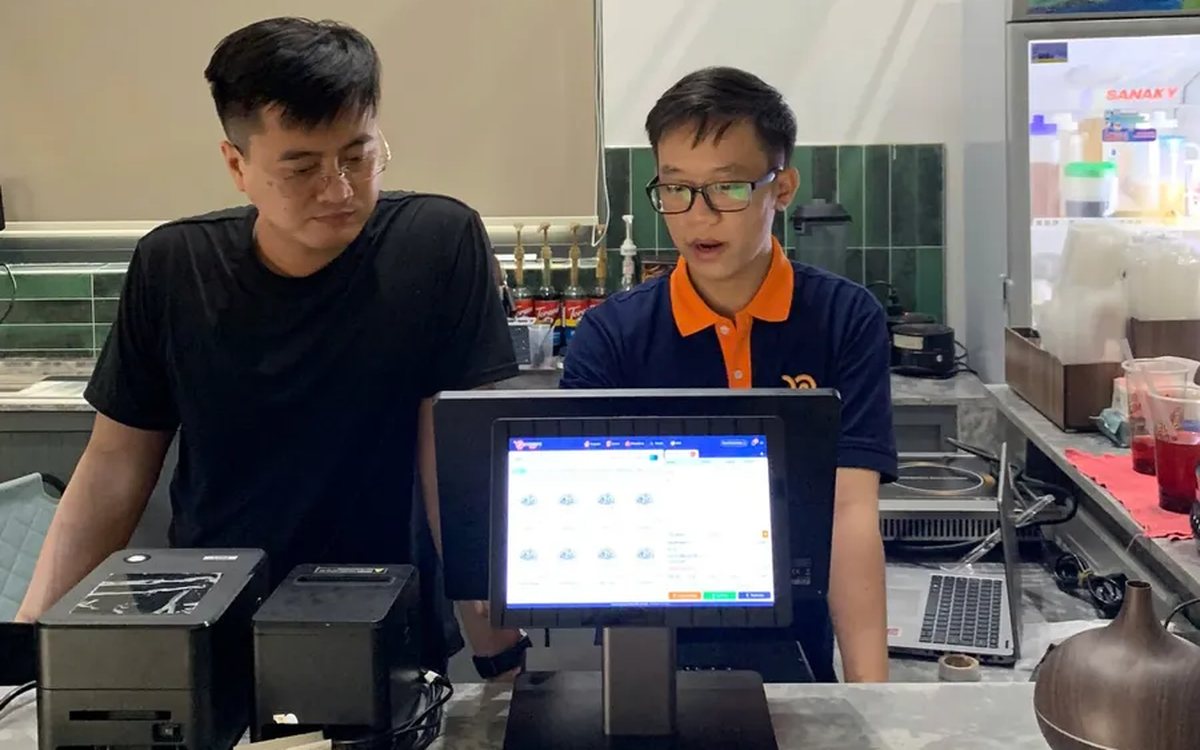
Complete coffee shop management software: how ordering, checkout, inventory and reports connect
Complete coffee shop management software is not a long feature list but ordering, checkout, inventory and reports working together: ring up one cup and the money goes into the right shift, ingredients are deducted by recipe and the end-of-day report updates itself. The article follows one cup through four stages, shows four common break points and the order to switch things on.
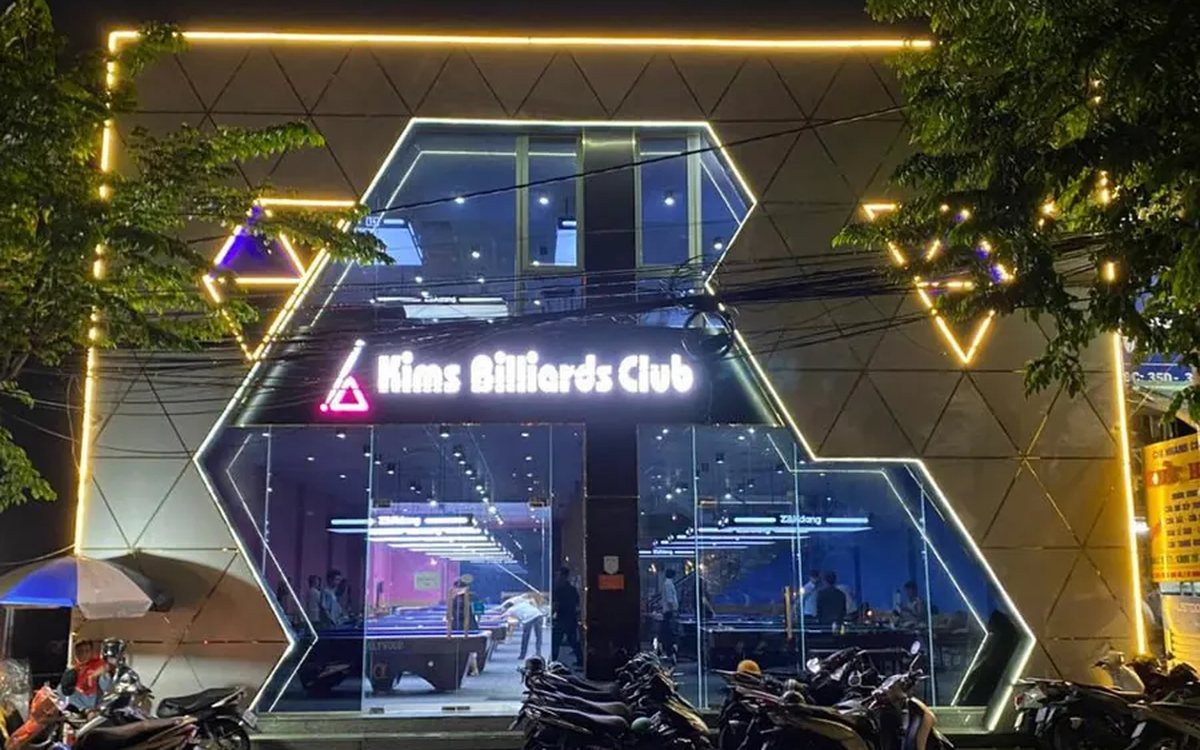
Billiards management software for a small new club: what to set up before opening day
For a new billiards club with five to ten tables, where the owner works the counter and starts the clocks, the software needs to do a few things right: set up tables, hourly rates, the menu and QR codes before opening; let players order drinks themselves and have table lights follow playing time; use camera highlights to get the club known; and after the first month read reports by table, debts and shift close.
