



A cafe that wants to change software mid-stream usually worries about one thing: the next morning the doors open, the rush brings dozens of orders, and staff are still fumbling with the new system, cup labels print wrong and toppings are undercharged. The cafe cannot close for a few days to switch. In fact most data can be moved with Excel files exported from the old software; the time-consuming part is rebuilding the size, sugar, ice and topping options and the label printer, and that can all be done before the cut-over day. This article goes through each type of data, the parts specific to cafes and milk tea shops, and how to choose the cut-over day so the cafe does not close for a single day.
Which data can be moved, and which must be rebuilt
Old software, including KiotViet, usually lets you export lists of products, customers and suppliers to Excel. The cafe sends those files as they are; if there is no file, fill in the Excel template Ordersys sends. Ordersys data-entry staff do the import and send it back to the cafe to check.
| Data | Moved across | Notes for cafes |
|---|---|---|
| Drinks, item groups | Yes, from file | With selling price, cost price, unit. Old item codes can be kept if the cafe wants. |
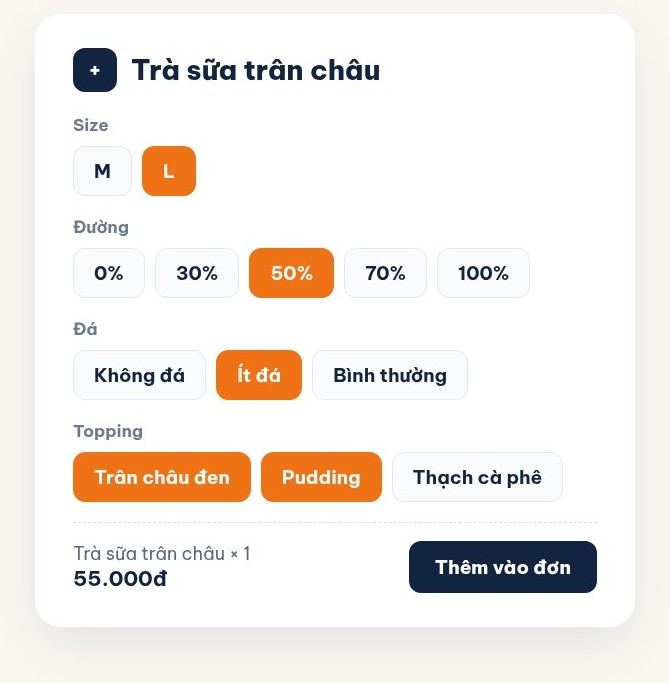
| Size, sugar, ice and topping options | Rebuilt | As buttons, with the topping price added straight to the cup. Finish building them on the new system before the cut-over day. |
| Customers, membership cards | Yes, from file | Name, phone number, date of birth, current loyalty points. |
| Suppliers | Yes, from file | Whoever delivers milk, tea, coffee beans, cups and lids. |
| Ingredient stock | Yes | Entered as opening stock based on an actual count on the cut-over day. |
| Supplier balances | Yes | Close off the figures on the cut-over day, then enter them. |
| Individual invoice history | No | Export an archive file from the old software for lookup and tax reconciliation. |
Three things that often go wrong when a cafe moves its files
- Each size is a separate item. Many cafes created "Milk tea M" and "Milk tea L" as two items to ring up faster. When switching, decide first: keep them as before or merge them into one item with size buttons. Merging gives a shorter item list and fewer taps for staff, but the extra rows must be deleted from the file before sending.
- Toppings mixed in with the drinks list. When pearls, pudding and jelly are set up as separate items, the cashier easily forgets to ring them up. On Ordersys, toppings are options of the cup; take these rows out of the item file and rebuild them as option buttons.
- Negative ingredient stock. If the cafe sells without recording stock-in regularly, the stock in the old software is usually off. Do not import those numbers: count the milk, tea, sugar, cups and lids on the cut-over day and enter that as opening stock.
Rebuild the label printer, customer display and recipes before the cut-over day
None of these are in any Excel file, so finish them before the cut-over day; the printers and screens are done together with the technician during on-site installation:
- Cup labels. Turn on label printing for the drinks that need a cup label, connect the label printer, and print a test order of three cups to check each label shows the drink name, size, sugar level, toppings and sequence number. For choosing the printer and label paper, see printing cup labels for take-away cafes and milk tea shops.
- Customer display and transfer QR. The screen facing the customer shows each cup with its options and the total, with a bank transfer QR code in the total panel. Try one real transfer before the cut-over day.
- Drink recipes. Send the recipe sheet you use, if you have one; if not, start with a few best-sellers and add the rest gradually. How to set up recipes is in ingredient quantities for cafes.
Choosing the cut-over day without interruption
The cut-over day should be at least two weeks before the old software expires, ideally at the start of a month so reports are not split in two. Cafes are busiest in the morning, so count stock and close off the data the evening before, so that the next morning the doors open selling on Ordersys. For the first few days, keep the old software for lookup and reconciliation, but do not sell on both systems at once. Each evening at shift close, compare cash and transfer revenue with the money in the till, and cups sold with ingredients used. Once things match for several days in a row, stop the old software. Detailed reconciliation is in how long to run two programs in parallel.
Before the cut-over day, let staff practise on the real machine during quiet hours: ringing up drinks with size and toppings, printing labels, taking QR payments, closing the shift. Once it is second nature, the first rush is no longer chaotic.
How Ordersys helps when a cafe switches software
Ordersys cafe management software takes the files exported from your old software, and data-entry staff move drinks, customers and suppliers across, then send them to the cafe to check. Technicians come to the cafe to connect the printers, label printer and customer display and train staff before the cut-over day; Ordersys charges no deployment fee. A cafe still on another program with 3 months left gets 3 months free, and with 6 months left gets 6 months free. The full process is on the switch to Ordersys page. The cafe can try it free for 7 days before deciding, or message on Zalo or call 090 750 1000 for advice.
Checkout in a few taps, print cup labels with toppings, send drinks to the bar screen and issue e-invoices from the POS.
Other news
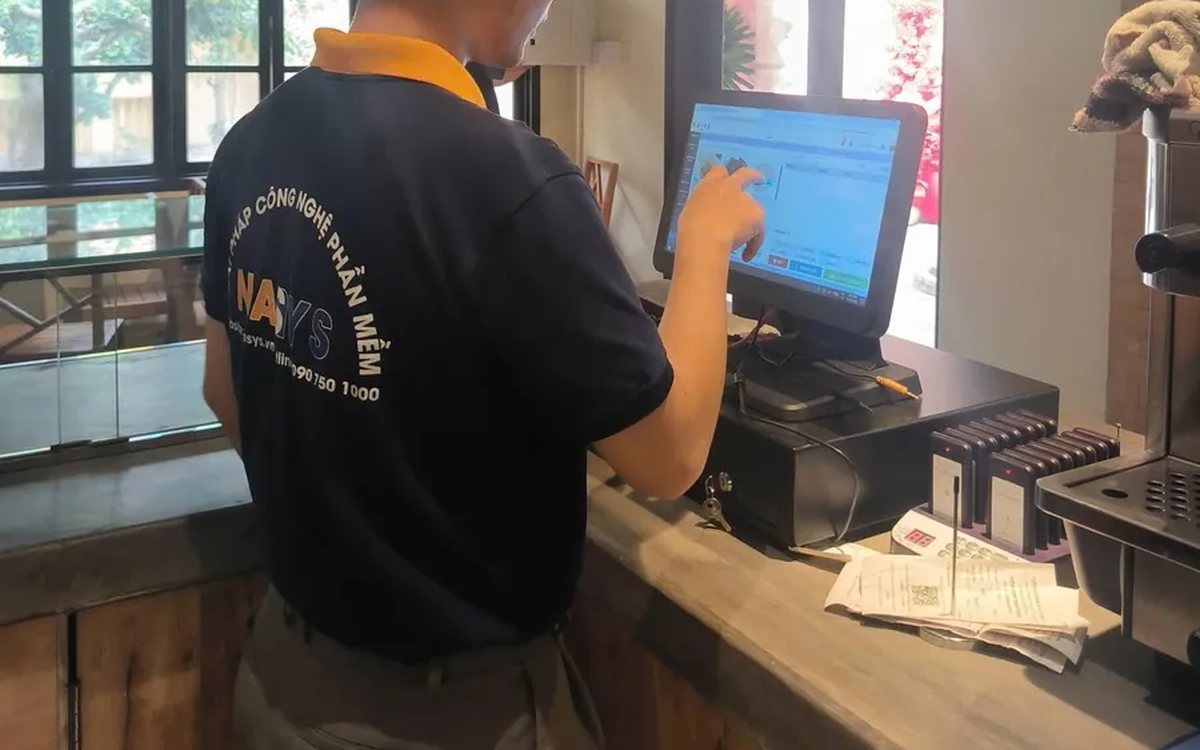
Choosing HR management software for a small business: seen from the four people who will use it every day
Small businesses have no HR department: the owner, the store manager and the accountant share the work, plus the employees themselves. This article suggests choosing HR software by each user's daily tasks instead of comparing feature lists, and how to split the demo by role to find out which parts will actually be used.
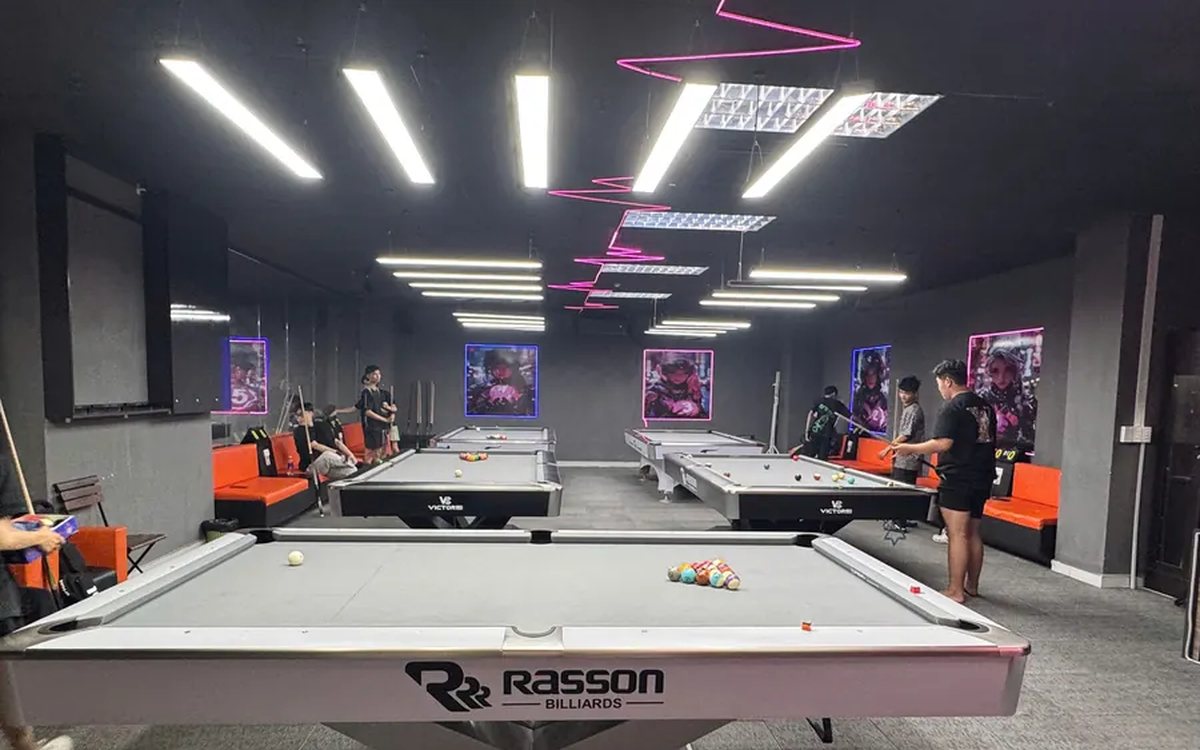
All-in-one billiards club management software: timing, scoring, cameras and livestreaming in one place
Timing in one app, lights switched by hand, cameras on a separate recorder, scores on a flip board, livestreams from a phone, debts in a notebook: each works, but at the end of the day nothing matches. This article compares stitching separate tools together with one all-in-one billiards management software, what it brings together, where the gain is and what to test in the 7-day trial.
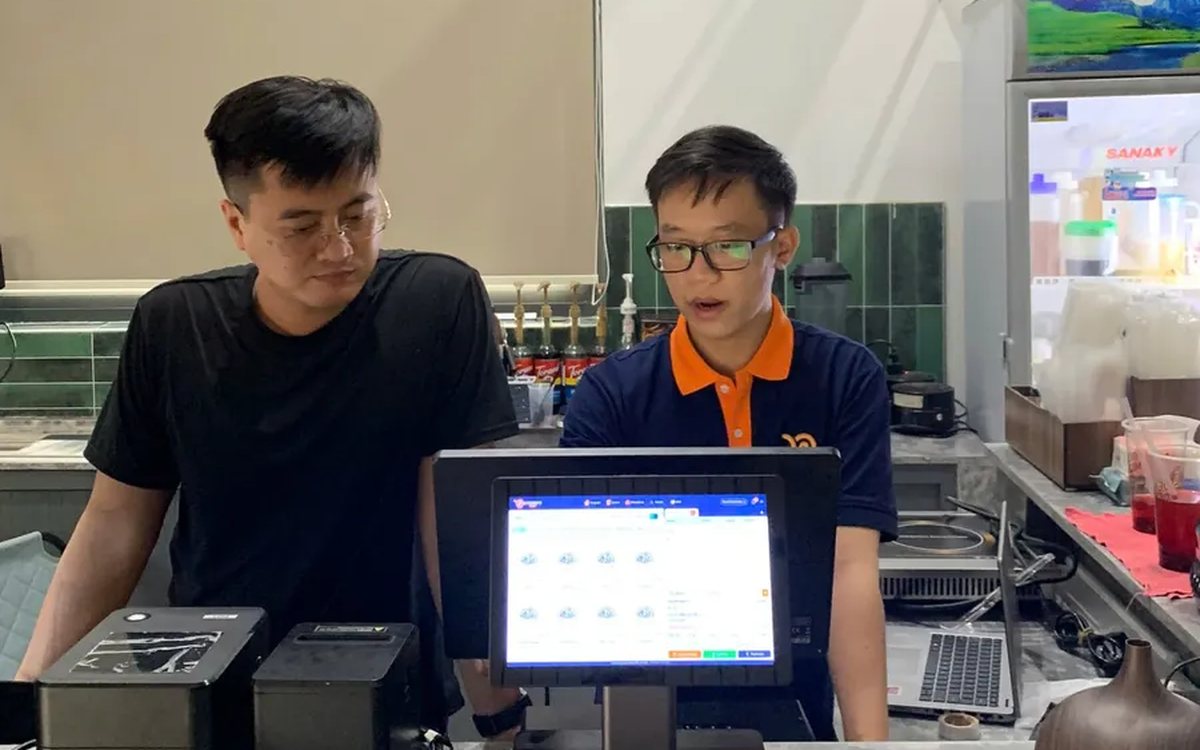
Choosing customer care software for shops and restaurants: four tools often mistaken for a CRM and six things to test in the demo
Personal Zalo contacts, Excel files, bulk messaging software and paper loyalty cards each cover only one piece of customer care. This article helps you choose the right customer care software: six things to make the vendor do in the demo, priorities for restaurants, retail, spas and chains, and three common mistakes.
Café management software in Ho Chi Minh City: keeping up with the morning takeaway rush, multiple shops and how rollout works
Coffee and milk tea shops in Ho Chi Minh City need software that enters size, sugar, ice and toppings fast, prints a label for each cup, shows a transfer QR code on the customer display, keeps dine-in, takeaway and pre-orders together, costs each cup and lets owners watch several shops remotely; four rollout steps from the Ordersys office in Binh Thanh and three things to test in the 7-day trial.
Billiards scoring software: record every inning, score by the rules, save match history
Scoring billiards in the hall app: four modes for 2 players, groups of 3–5 and 3–6 player elimination; set handicap, target score, innings and shot clock before the break; record each inning, return points, +1 to opponent; save matches and see each player's AVG, HIGH and win rate.
당구대 라이브 방송 + 점수판 자동 표시 (페이스북·유튜브)
Sales management software in Da Nang: what seasonal tourist-town shops need, and how setup and support work
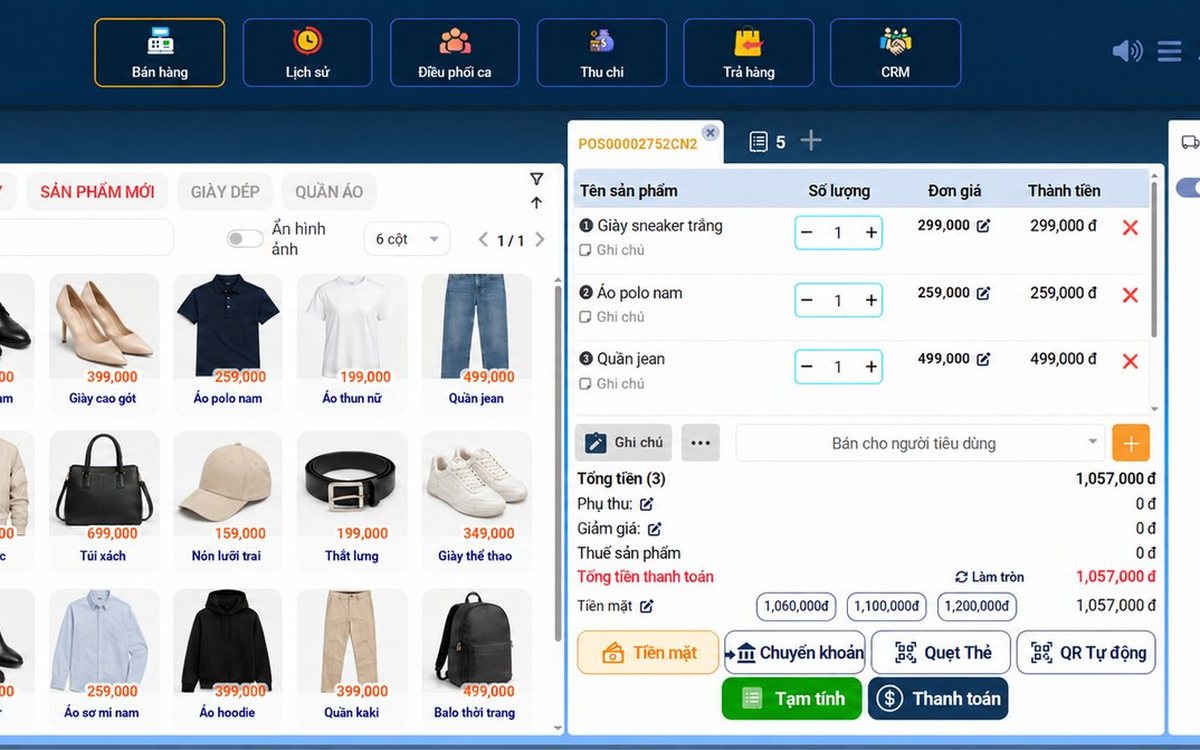
Shops in Da Nang serve crowds of tourists and live on regular customers: the software needs fast barcode checkout, VietQR and card payments, batch and expiry tracking for specialty foods, stock by size and color, and multiple outlets; reading reports for seasonal buying, four rollout steps and three things to test in the 7-day trial.

Switching hair salon software: keeping appointments, color formulas and stylist commission so no client slips through
Switch hair salon software without closing for a day: what moves by file and what must be rebuilt (service durations, chairs, commission rates), re-booking appointments by chair and stylist, carrying over regular clients' color formulas, and closing off commission and prepaid packages on the cut-over day.
Restaurant management software in Ho Chi Minh City: handling peak hours, multiple branches and how rollout works
What restaurants in Ho Chi Minh City need software to do during the office lunch rush and weekend evenings: QR self-ordering at the table, tickets split to the right kitchen station, splitting and merging tables, matching bank transfers, watching several branches remotely; four rollout steps from the Ordersys office in Binh Thanh and three things to test in the 7-day trial.
