



Restaurant owners in Ho Chi Minh City looking for management software usually ask two questions. First, can the software hold up during the office lunch rush and weekend evenings, when guests arrive all at once, keep ordering more and ask to split the bill? Second, after buying, who installs it, who trains the staff, and who do you call the day the kitchen printer stops printing tickets? This article matches common situations in city restaurants with what the software must be able to do, then walks through how Ordersys is rolled out for a restaurant in Ho Chi Minh City.
What restaurants in Ho Chi Minh City need software to do
Every restaurant is different, but the situations below come up often. Whichever row applies to your restaurant, test exactly that row during the trial.
| Situation at the restaurant | What the software must do | On Ordersys |
|---|---|---|
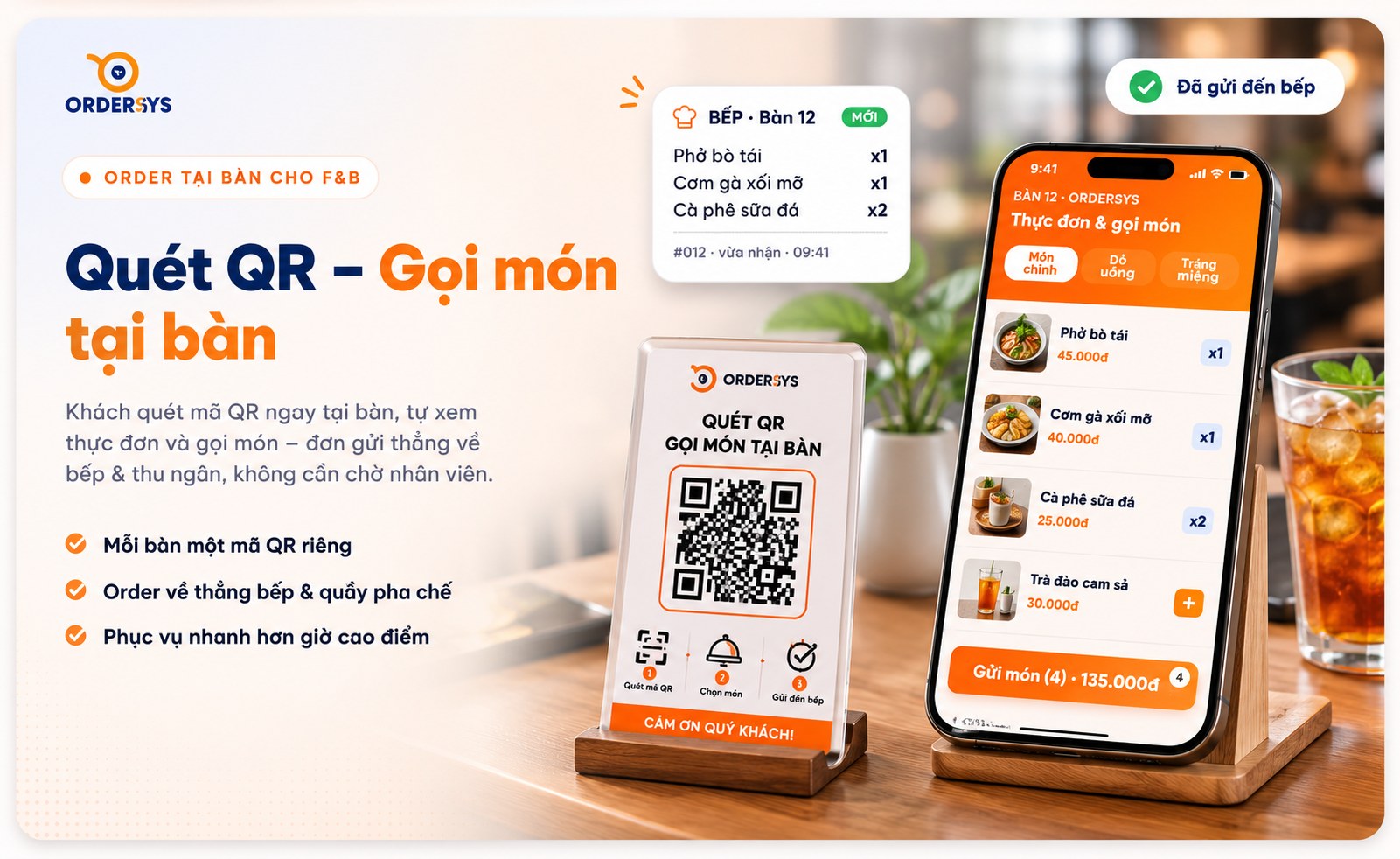
| Office guests arrive at lunch all at once and staff cannot take orders fast enough | Guests can order themselves and orders go straight into the system | Each table has its own QR code; guests scan it to see the menu and order, and the order goes to the kitchen and the cashier |
| One table orders grilled dishes, hot dishes and drinks at the same time | Tickets are split to the right station automatically | Set up the hot kitchen, grill and bar; each station receives only its own part via a ticket printer or kitchen display |
| A large group joins tables and wants to pay separately at the end | Split, merge and move tables without losing items | Split the bill by group, merge or move tables, and items and money follow the right table |
| Most guests pay by bank transfer | No need to check bank messages one by one | Print the bill with a payment QR code; the system matches incoming transfers automatically |
| The owner has two or three restaurants in different areas | See every branch from one place | Reports gathered in one place, permissions by branch, stock transfers between branches |
| Revenue has reached 1 billion VND a year | Issue e-invoices at the counter | E-invoices generated from the cash register are issued right on the payment screen |
Peak hours: where restaurants break down most
In a busy city like Ho Chi Minh City, restaurants usually lose money in the single busiest hour of the day, not for lack of guests but because of missed items and wrong totals. The software needs to keep three things in order:
- Extra orders go to the right table. Guests eat for a while and then order more. Each round must be added to the open table, not a new order, and paid once at the end.
- The kitchen does not have to listen for shouts. Tickets are split by station, so the grill does not have to read the bar's items; when a dish is ready, servers know to bring it out.
- Splitting the bill without arguments. How to split bills and merge tables at busy times is covered in the article on splitting bills, merging and moving tables at restaurants and beer bars.
Cancelled items are controlled too: every cancellation needs a reason, so if someone cancels a dish already sent to the kitchen during the rush, it can still be traced at the end of the shift.
When the owner is not on site, or has several branches
Many restaurant owners in Ho Chi Minh City do not stand at the counter all day. At shift close, the system calculates revenue by payment method and compares it with the actual cash in the drawer; any difference shows up immediately, and the daily report is sent to the owner's phone. A chain of several branches can view each restaurant separately or the whole chain together, and each manager sees only their own branch.
Korean restaurant owners in the Phu My Hung and Thao Dien areas can view the admin screens in Korean while sales staff and kitchen tickets stay in Vietnamese, on the same data. Details are on the page for Korean business owners.
Rolling out for a restaurant in Ho Chi Minh City: four steps
The Ordersys office is at 661 Xo Viet Nghe Tinh, Binh Thanh Ward, Ho Chi Minh City. Restaurants in the city can book a demo first, then follow four steps:
| Step | What the restaurant does | What Ordersys does |
|---|---|---|
| 1. Trial | Sign up for the 7-day trial or book a demo | Opens a full-featured account, no setup fee |
| 2. Send data | Menu, table layout, kitchen stations; if using other software, send its export file | Enters the data for you and sends it back for checking |
| 3. Install and train | Pick a quiet day | Installs and trains staff on site, connects receipt and kitchen printers |
| 4. Go live | Report any issue right away | Remote support, lifetime warranty for as long as you use it |
The software price does not include hardware such as POS terminals and printers. Restaurants switching from other software with 3 months left get 3 months free, with 6 months left get 6 months free; how to move the menu, table layout and kitchen printers is explained in the article on switching restaurant management software. If your restaurant must issue invoices from a cash register, see the page on e-invoices from cash registers.
Three things to test during the 7-day trial
- One table, three stations. Order a few grilled dishes, hot dishes and drinks for one table and check that tickets reach the right stations.
- Guests ordering by QR. Scan the code on the table and order one more dish: the order must reach the kitchen and be added to the table that is eating.
- Shift close. Split one bill, pay with cash and bank transfer, then check shift revenue against the cash in the drawer.
Get advice for your restaurant in Ho Chi Minh City
Ordersys restaurant management software has a table map, table-side ordering sent to the right kitchen station, QR self-ordering, splitting, merging and moving tables, recipe-based inventory, shift reports and e-invoices. Sign up for the free 7-day trial, or message us on Zalo or call 090 750 1000 to book a visit for your restaurant. Read more: restaurants with several kitchens and printers and managing service shifts and sales per staff member.
Staff take orders on their phones, the kitchen gets them instantly, guests order and pay by QR, owners see revenue remotely.
Other news
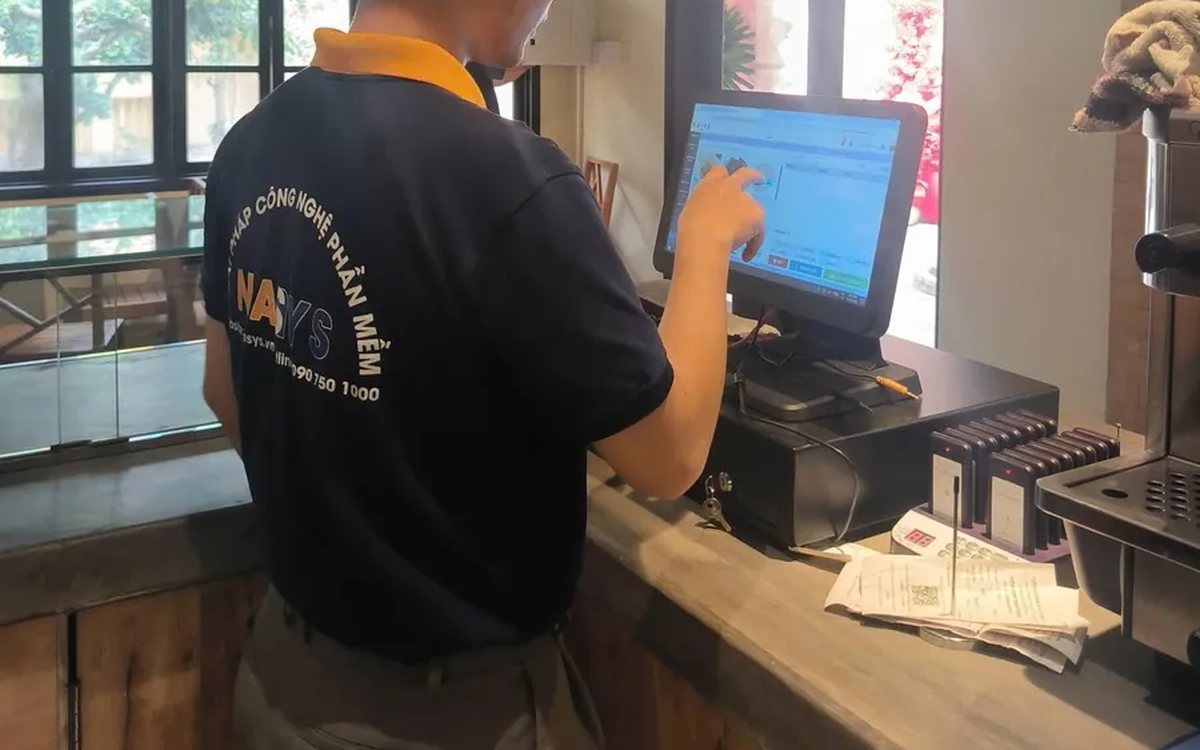
Choosing HR management software for a small business: seen from the four people who will use it every day
Small businesses have no HR department: the owner, the store manager and the accountant share the work, plus the employees themselves. This article suggests choosing HR software by each user's daily tasks instead of comparing feature lists, and how to split the demo by role to find out which parts will actually be used.
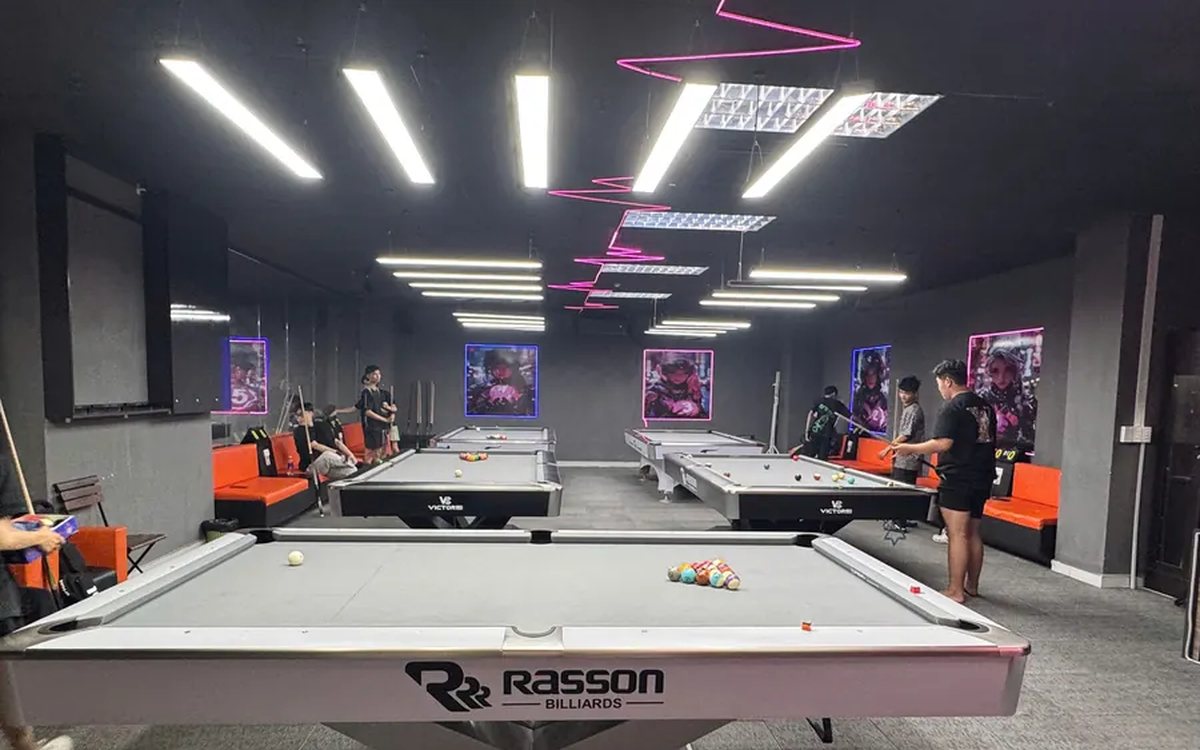
All-in-one billiards club management software: timing, scoring, cameras and livestreaming in one place
Timing in one app, lights switched by hand, cameras on a separate recorder, scores on a flip board, livestreams from a phone, debts in a notebook: each works, but at the end of the day nothing matches. This article compares stitching separate tools together with one all-in-one billiards management software, what it brings together, where the gain is and what to test in the 7-day trial.
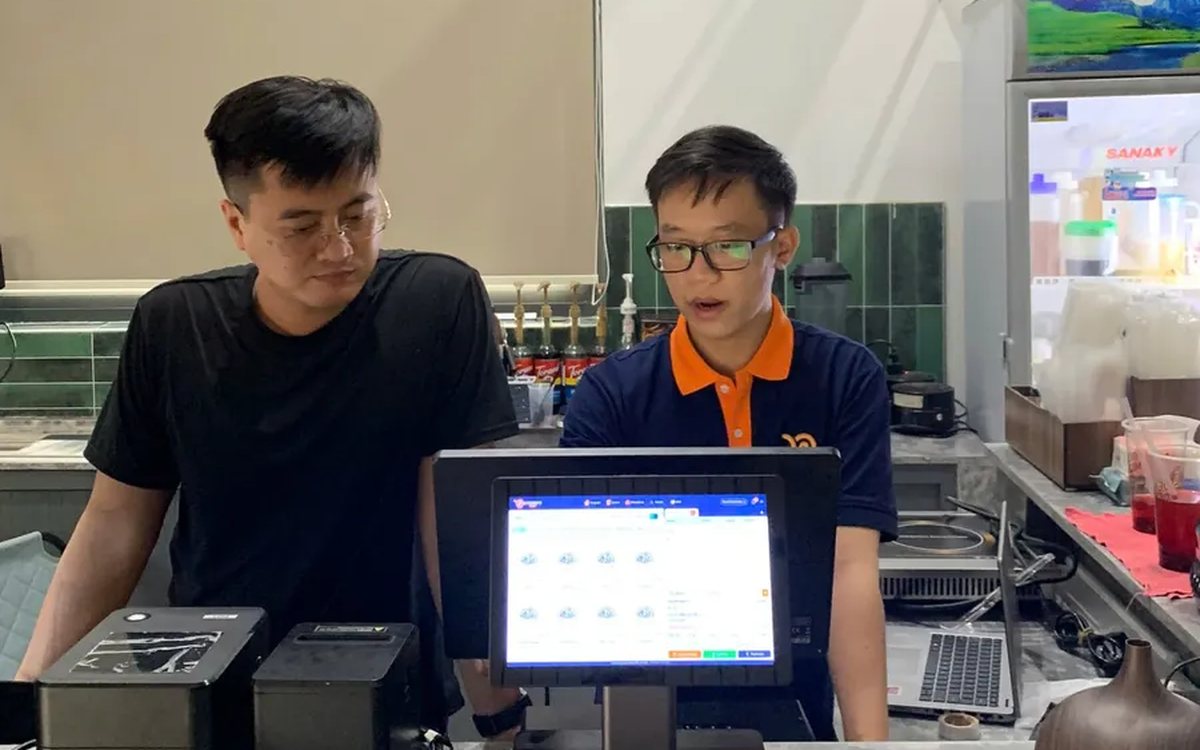
Choosing customer care software for shops and restaurants: four tools often mistaken for a CRM and six things to test in the demo
Personal Zalo contacts, Excel files, bulk messaging software and paper loyalty cards each cover only one piece of customer care. This article helps you choose the right customer care software: six things to make the vendor do in the demo, priorities for restaurants, retail, spas and chains, and three common mistakes.
Café management software in Ho Chi Minh City: keeping up with the morning takeaway rush, multiple shops and how rollout works
Coffee and milk tea shops in Ho Chi Minh City need software that enters size, sugar, ice and toppings fast, prints a label for each cup, shows a transfer QR code on the customer display, keeps dine-in, takeaway and pre-orders together, costs each cup and lets owners watch several shops remotely; four rollout steps from the Ordersys office in Binh Thanh and three things to test in the 7-day trial.
Billiards scoring software: record every inning, score by the rules, save match history
Scoring billiards in the hall app: four modes for 2 players, groups of 3–5 and 3–6 player elimination; set handicap, target score, innings and shot clock before the break; record each inning, return points, +1 to opponent; save matches and see each player's AVG, HIGH and win rate.
당구대 라이브 방송 + 점수판 자동 표시 (페이스북·유튜브)
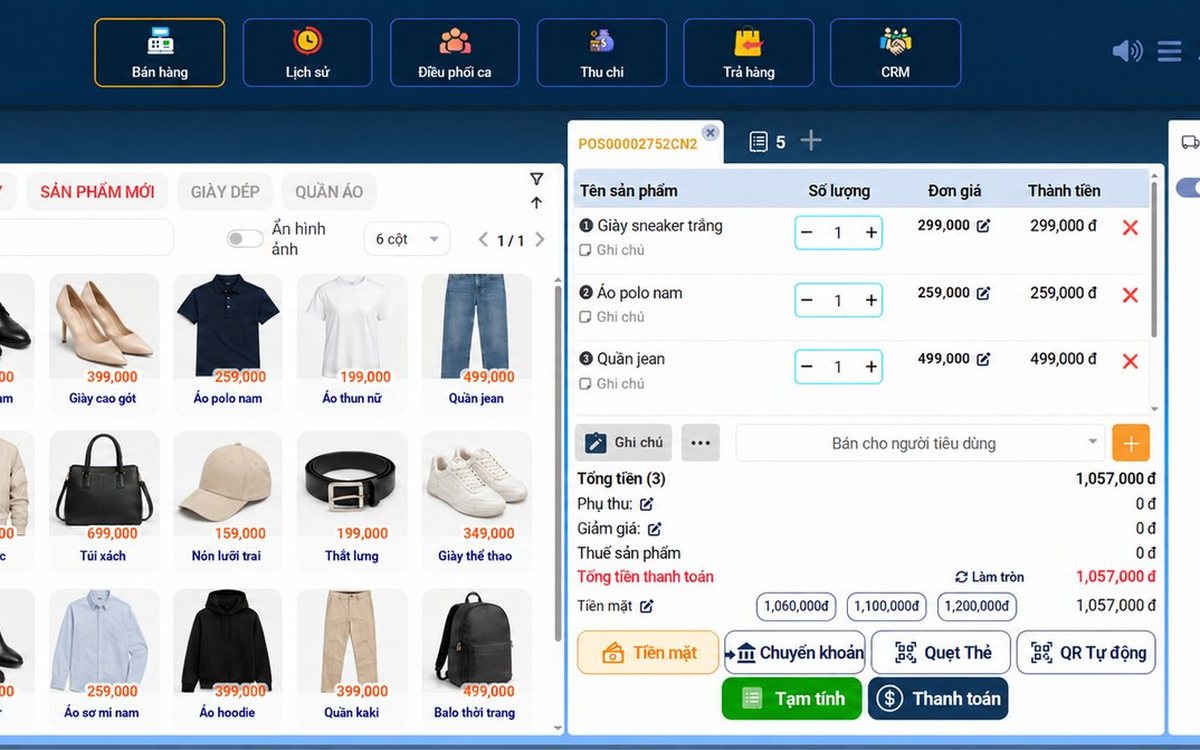
Sales management software in Da Nang: what seasonal tourist-town shops need, and how setup and support work
Shops in Da Nang serve crowds of tourists and live on regular customers: the software needs fast barcode checkout, VietQR and card payments, batch and expiry tracking for specialty foods, stock by size and color, and multiple outlets; reading reports for seasonal buying, four rollout steps and three things to test in the 7-day trial.

Switching hair salon software: keeping appointments, color formulas and stylist commission so no client slips through
Switch hair salon software without closing for a day: what moves by file and what must be rebuilt (service durations, chairs, commission rates), re-booking appointments by chair and stylist, carrying over regular clients' color formulas, and closing off commission and prepaid packages on the cut-over day.
Switching cafe software mid-stream without interruption: what data to move, rebuilding options and cup labels, and choosing the cut-over day
Change cafe software without closing for a single day: a table of data that moves by file and what must be rebuilt, three common mistakes when moving a menu with sizes and toppings, what to finish before the cut-over day for label printers, customer display and recipes, and how to reconcile in the first days.
