



Hair salon owners who want to switch software are usually less worried about learning something new than about four things: next week's appointments getting lost, so a client arrives with no name on any chair; regular clients' color formulas staying behind in the old software, so the next dye job comes out the wrong shade; stylists' commission for that month being split across two systems; and prepaid care packages ending up with the wrong number of sessions. Most data can be moved with Excel files exported from the old software; the rest needs to be rebuilt or closed off by hand on the cut-over day. This article goes through each part and how to choose the cut-over day so the salon does not have to close for a single day.
What moves by file, and what must be rebuilt or closed off by hand
The salon sends the files exported from the old software as they are; if there is no file, fill in the Excel template Ordersys sends. Ordersys data entry staff do the import and send it back to the salon for checking.
| Data | How it moves | Notes for hair salons |
|---|---|---|
| Services, retail products, product groups | Imported from file | With selling price, cost and unit. Keep services clearly separate from shampoo and wax sold to take home. |
| Clients | Imported from file | Name, phone number, date of birth, address. |
| Service durations, chairs, stylists | Rebuilt | A cut takes 30 minutes, a perm 3 hours. Set a duration for each service so the schedule fits correctly. |
| Commission rates for lead stylist and assistant | Rebuilt | By service and by person. Test a few tickets against the way the salon calculates now. |
| Appointments from the cut-over day on | Re-booked on the new calendar | Assign the right chair and the stylist the client chose. |
| Prepaid care packages with sessions left | List closed off on the cut-over day | Client, package, sessions used, amount paid. |
| Product and hair dye stock | Entered as opening stock | Based on the actual stock count on the cut-over day. |
| History of each invoice | Not imported | Export an archive file from the old software for lookups and tax reconciliation. |
Keeping appointments by chair and stylist without losing a single client
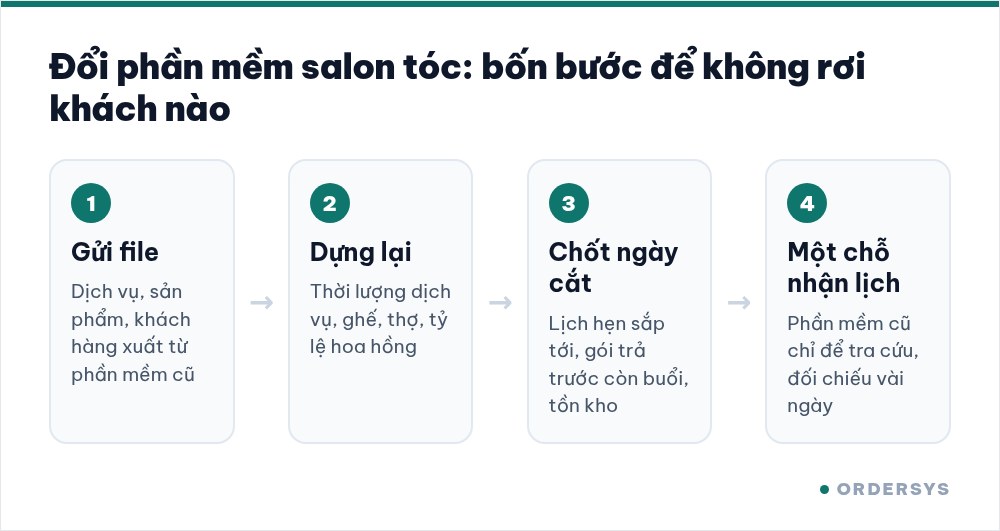
Appointments are the easiest thing to lose because they change by the hour. Work in this order:
- Close off the list of appointments from the cut-over day on. Export or print every booking from the cut-over day onward, with each client's phone number, service and chosen stylist.
- Re-book them on Ordersys before the cut-over day. The schedule is arranged by chair and stylist, with durations by service, so any overlapping booking shows up right away while re-booking instead of when the client arrives.
- From the cut-over day, take bookings in one place only. Bookings by phone, Zalo, at the counter or online all go into Ordersys. Two systems taking bookings at once is the fastest way to have two clients arrive for the same chair.
- Reconfirm with clients in the first week. Message or call clients booked in the first week; after that, Ordersys sends appointment reminders via Zalo.
How to set up a tidy schedule from the start is covered in the article on scheduling a hair salon by chair and service duration.
Color formulas: do not leave them in the old software
Color clients come back because the shade is right, and they do not remember the formula. On Ordersys, the color formula, dye brand, processing time and scalp notes are stored per client, and any stylist can open them. Move this part deliberately:
- Before the cut-over day, filter the clients who had color or perms in the last few months.
- Export or print their formulas from the old software, or photograph the color book, and save them in folders by client name.
- The first time a client returns after the cut-over day, the stylist opens the saved copy and, once done, records the formula in the client's color profile on Ordersys.
What to record so the next color comes out right is covered in the article on saving clients' hair color formulas.
Commission and prepaid packages: close them off on the cut-over day
Choose a cut-over day at the start of the month so one month's commission is not split in two: the previous month is closed on the old software, and from the cut-over day every ticket records the lead stylist and the shampoo assistant with their own rates, commission is calculated automatically, and stylists can see their own share.
Prepaid care packages are where disputes with clients happen most. The list closed off on the cut-over day should be checked line by line by a second person. The first time a client returns, the receptionist reads out the remaining sessions for the client to confirm; if the client remembers differently, look it up in the old software right then. How sessions are deducted is covered in the article on regular hair care packages and membership cards.
Choosing the cut-over day and running in parallel
The cut-over day should be at least two weeks before the old software expires, on a quiet day. The old software is kept only for lookups; it no longer takes bookings or sales. Each evening at shift close, compare revenue by cash, card and bank transfer and each stylist's commission; once they match several days in a row, stop the old software. Detailed reconciliation is covered in the article on how long to run two systems in parallel. Before the cut-over day, have the receptionist practice booking, opening client profiles and creating two-stylist tickets; stylists practice viewing their schedule and their commission.
How Ordersys helps when a salon switches software
Ordersys hair salon management software takes the files exported from the old software; data entry staff move services, products and clients over and send them to the salon for checking. Technicians install and train the receptionist and stylists before the cut-over day; Ordersys charges no implementation fee. Salons switching from other software with 3 months left get 3 months free, with 6 months left get 6 months free. The full process is on the switch to Ordersys page. Salons can try it free for 7 days before deciding, or message us on Zalo or call 090 750 1000 for advice.
Manage appointments, session-based treatments, client records and technician commissions in one app.
Other news
Choosing HR management software for a small business: seen from the four people who will use it every day
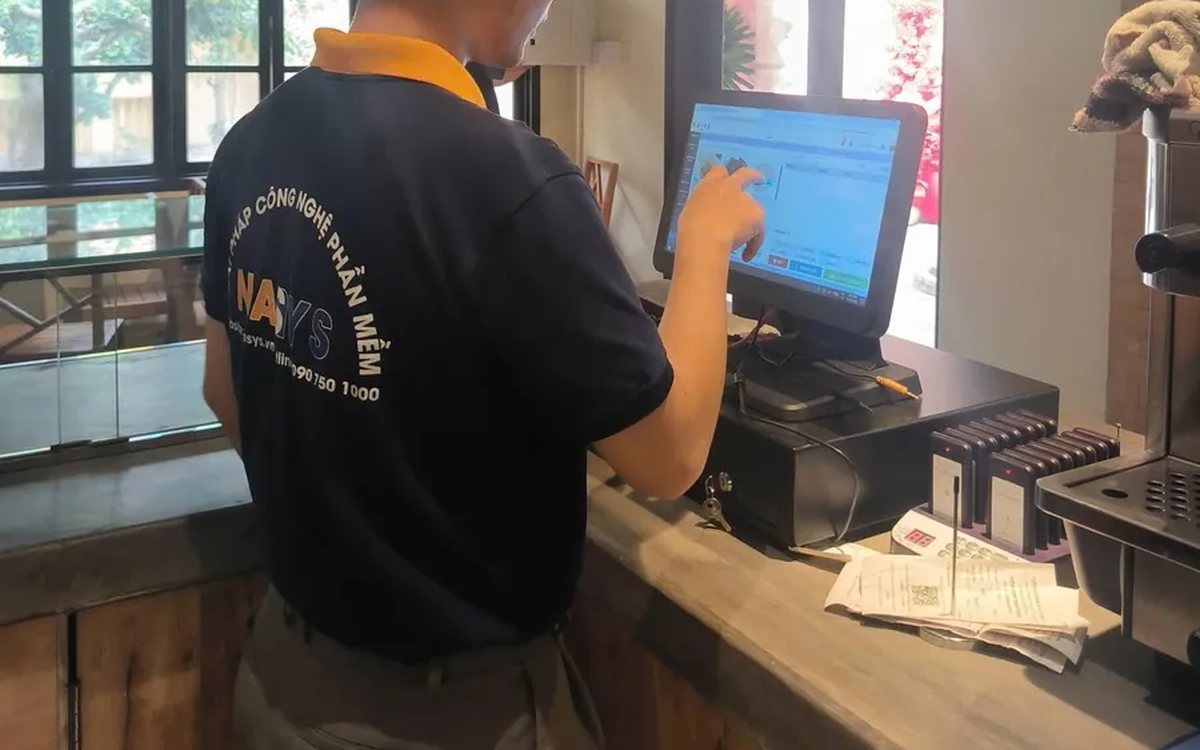
Small businesses have no HR department: the owner, the store manager and the accountant share the work, plus the employees themselves. This article suggests choosing HR software by each user's daily tasks instead of comparing feature lists, and how to split the demo by role to find out which parts will actually be used.
All-in-one billiards club management software: timing, scoring, cameras and livestreaming in one place
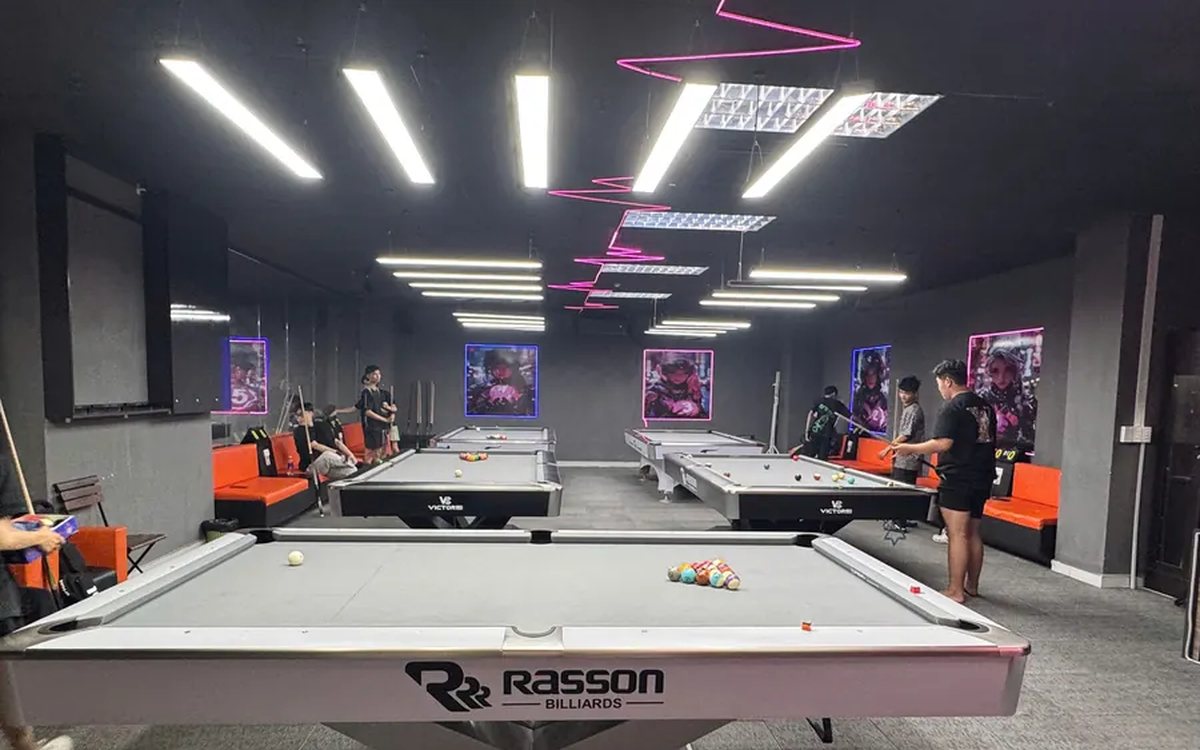
Timing in one app, lights switched by hand, cameras on a separate recorder, scores on a flip board, livestreams from a phone, debts in a notebook: each works, but at the end of the day nothing matches. This article compares stitching separate tools together with one all-in-one billiards management software, what it brings together, where the gain is and what to test in the 7-day trial.
Choosing customer care software for shops and restaurants: four tools often mistaken for a CRM and six things to test in the demo
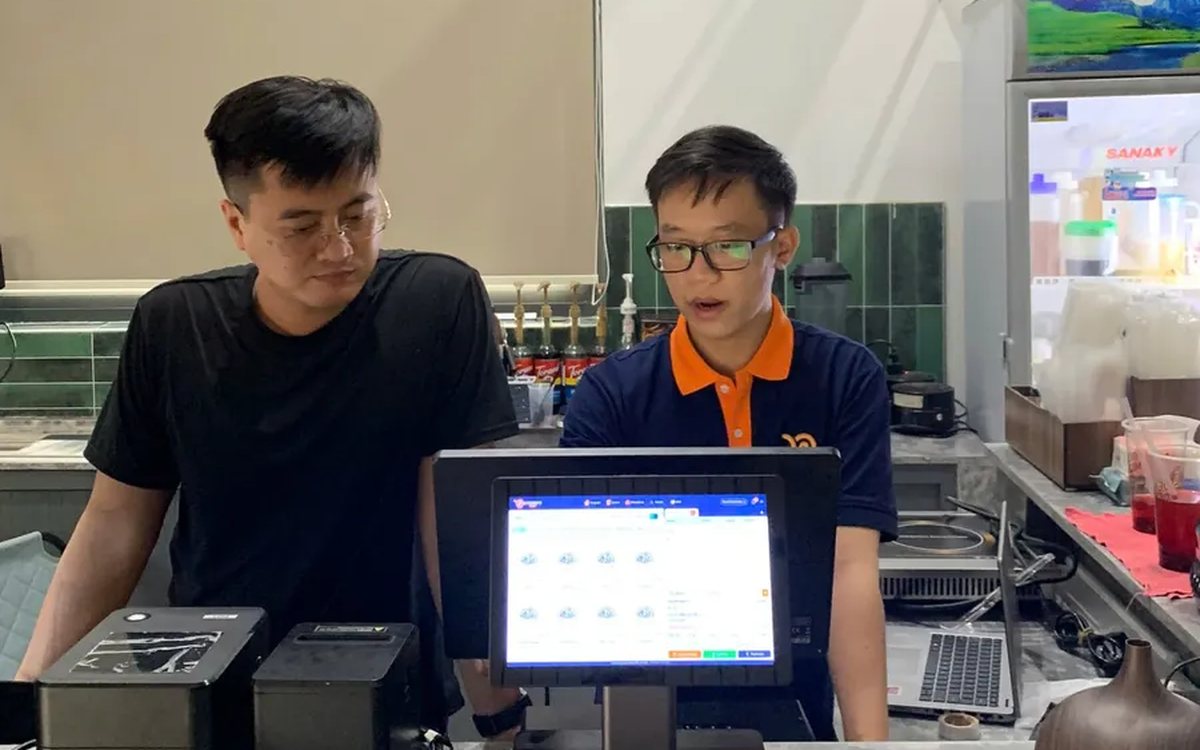
Personal Zalo contacts, Excel files, bulk messaging software and paper loyalty cards each cover only one piece of customer care. This article helps you choose the right customer care software: six things to make the vendor do in the demo, priorities for restaurants, retail, spas and chains, and three common mistakes.
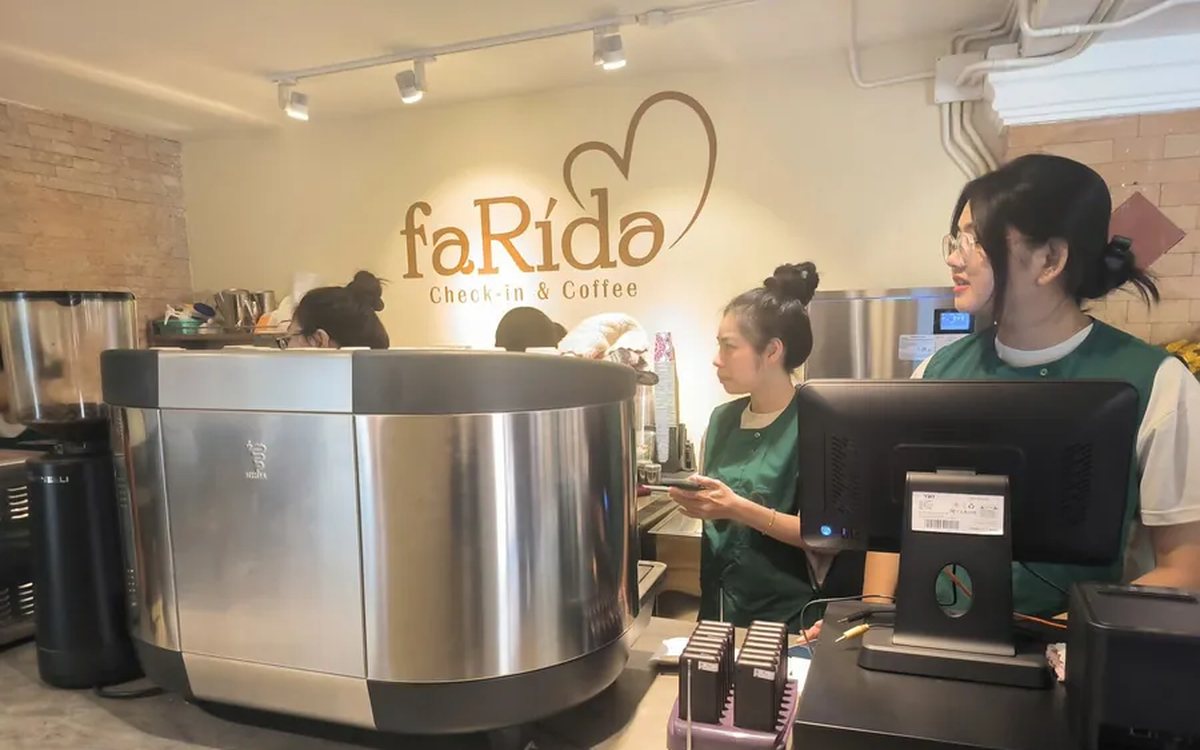
Café management software in Ho Chi Minh City: keeping up with the morning takeaway rush, multiple shops and how rollout works
Coffee and milk tea shops in Ho Chi Minh City need software that enters size, sugar, ice and toppings fast, prints a label for each cup, shows a transfer QR code on the customer display, keeps dine-in, takeaway and pre-orders together, costs each cup and lets owners watch several shops remotely; four rollout steps from the Ordersys office in Binh Thanh and three things to test in the 7-day trial.
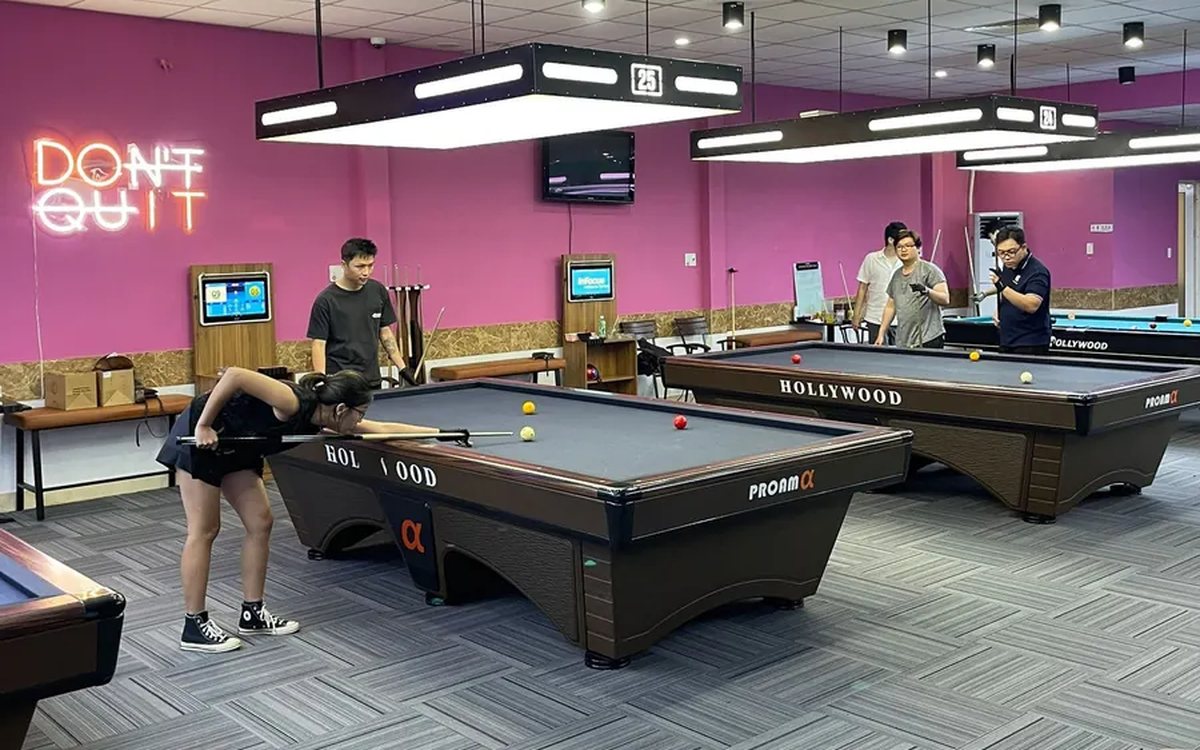
Billiards scoring software: record every inning, score by the rules, save match history
Scoring billiards in the hall app: four modes for 2 players, groups of 3–5 and 3–6 player elimination; set handicap, target score, innings and shot clock before the break; record each inning, return points, +1 to opponent; save matches and see each player's AVG, HIGH and win rate.
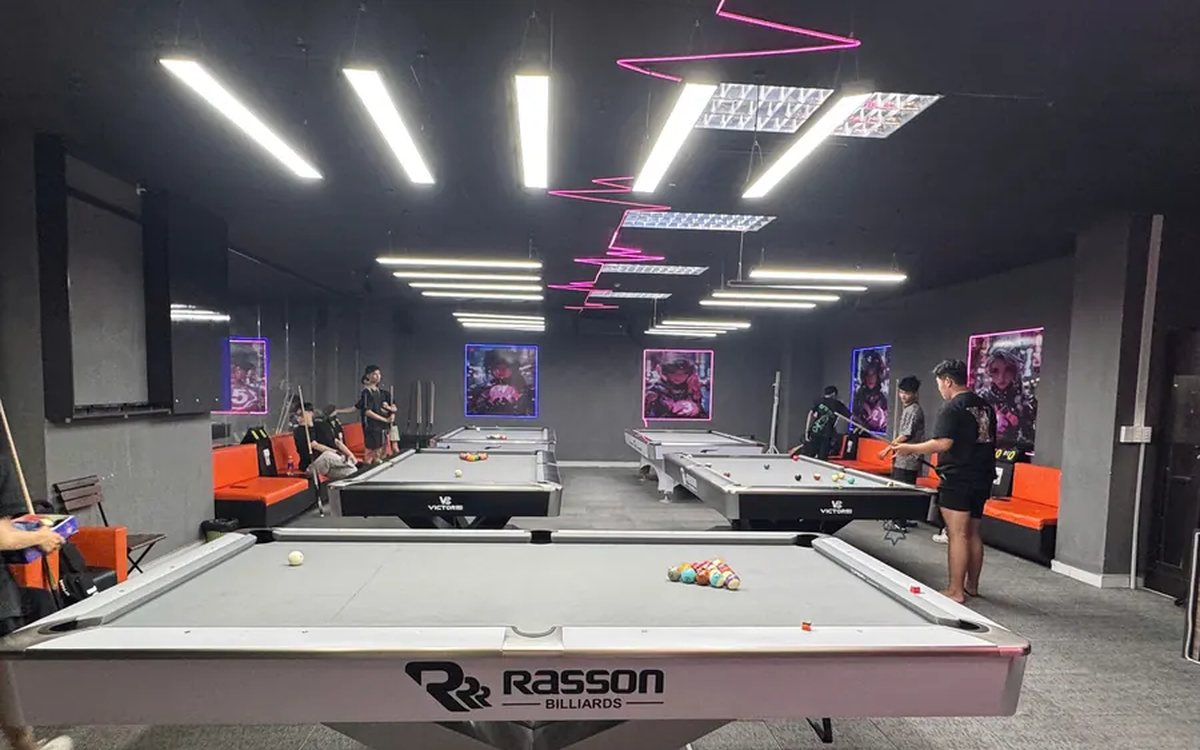
당구대 라이브 방송 + 점수판 자동 표시 (페이스북·유튜브)
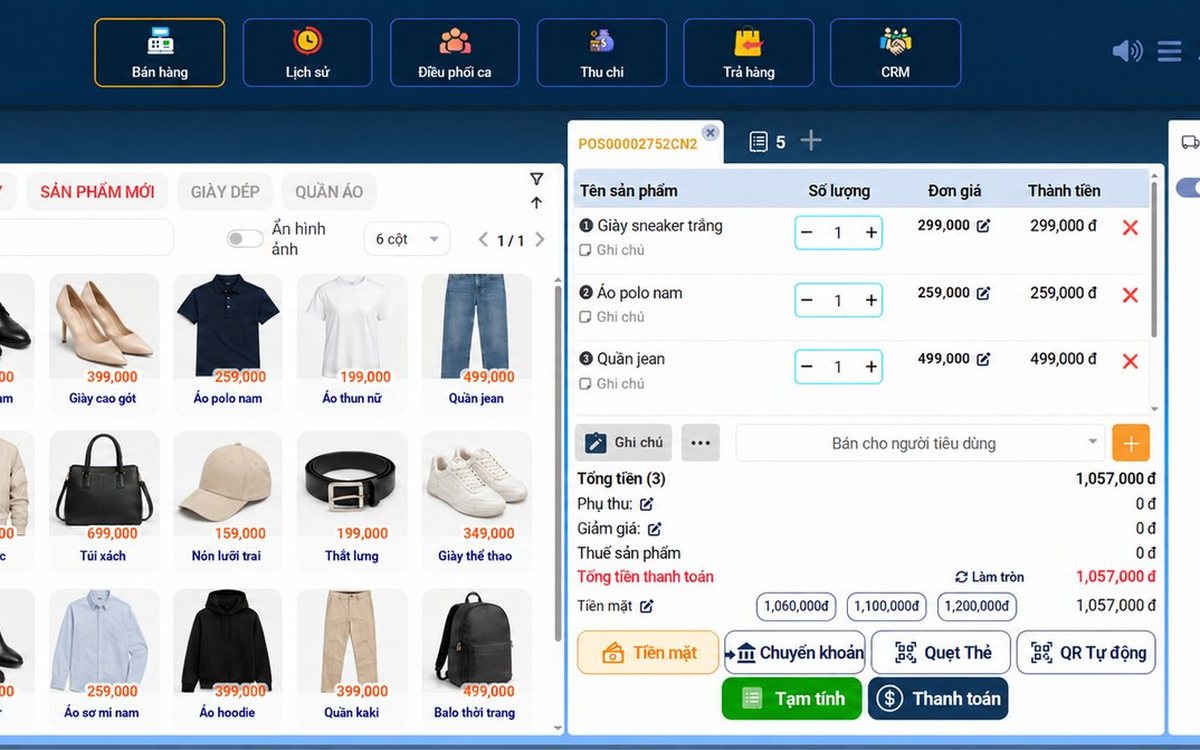
Sales management software in Da Nang: what seasonal tourist-town shops need, and how setup and support work
Shops in Da Nang serve crowds of tourists and live on regular customers: the software needs fast barcode checkout, VietQR and card payments, batch and expiry tracking for specialty foods, stock by size and color, and multiple outlets; reading reports for seasonal buying, four rollout steps and three things to test in the 7-day trial.
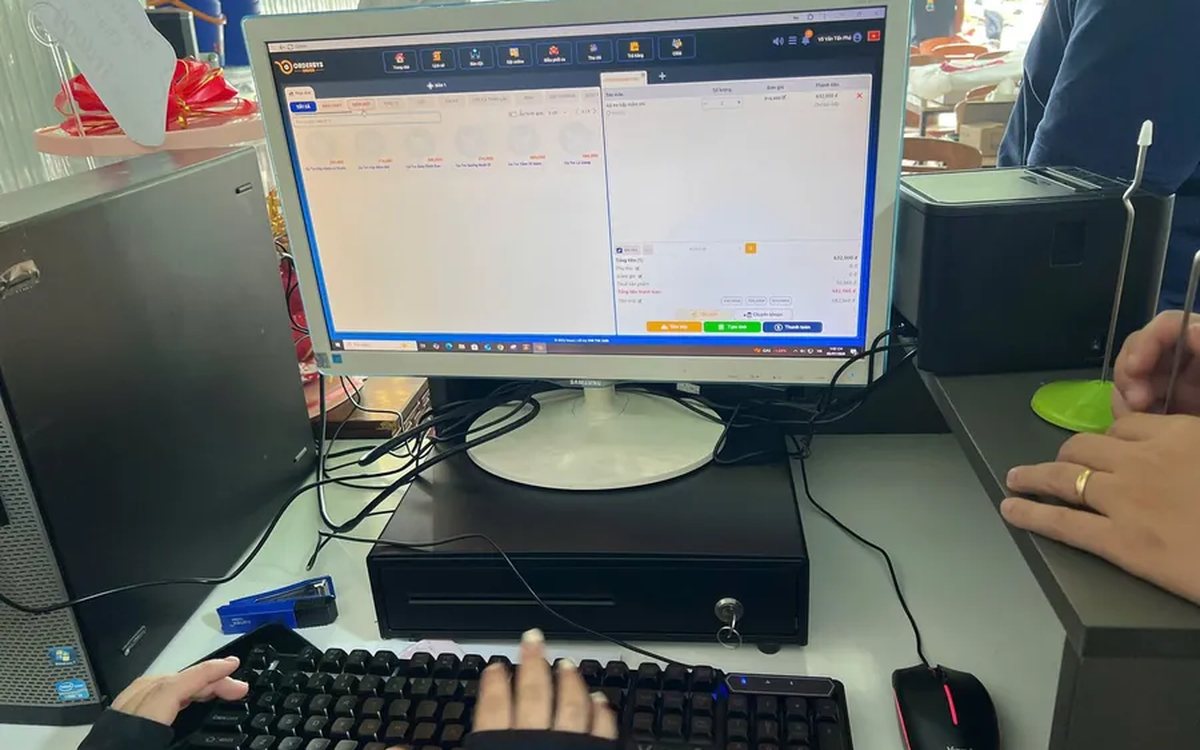
Restaurant management software in Ho Chi Minh City: handling peak hours, multiple branches and how rollout works
What restaurants in Ho Chi Minh City need software to do during the office lunch rush and weekend evenings: QR self-ordering at the table, tickets split to the right kitchen station, splitting and merging tables, matching bank transfers, watching several branches remotely; four rollout steps from the Ordersys office in Binh Thanh and three things to test in the 7-day trial.
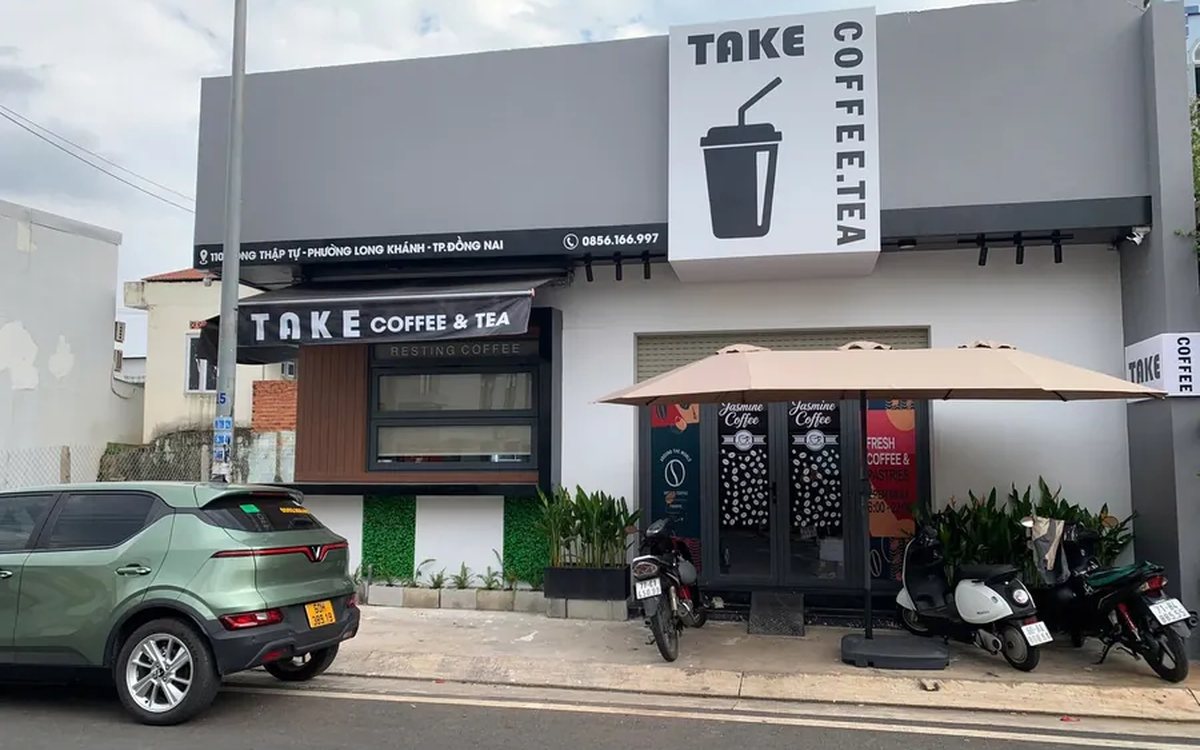
Switching cafe software mid-stream without interruption: what data to move, rebuilding options and cup labels, and choosing the cut-over day
Change cafe software without closing for a single day: a table of data that moves by file and what must be rebuilt, three common mistakes when moving a menu with sizes and toppings, what to finish before the cut-over day for label printers, customer display and recipes, and how to reconcile in the first days.
