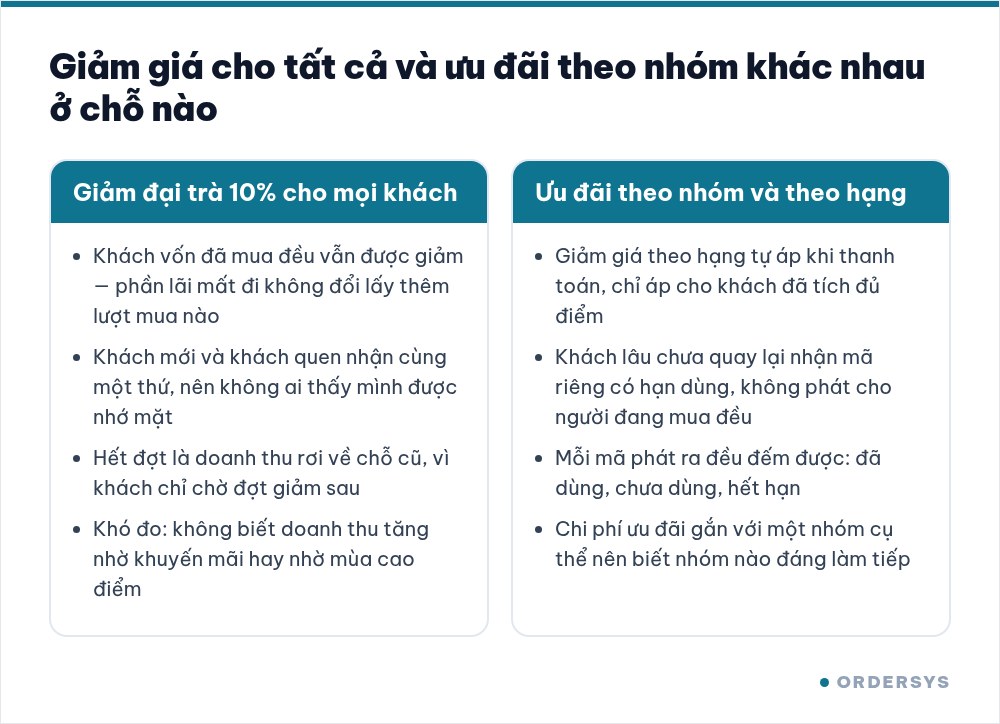
When revenue flattens for a month, the first reflex in many shops is a sign offering 10% off to everyone. Two weeks later revenue does tick up, but profit does not. The reason is simple: most of that discount goes to the customers who were already coming in every week — they still come, they just pay less.
Offers are not the problem. Handing the same one to everybody is.
Group customers by figures you already have, not by gut feel
Every owner remembers a few regulars by face. But memory cannot split a customer base into groups, because it only holds the people you see often — while the group you most need to find is the one you have not seen in a while. Once every payment is attached to a customer record, the customer list already carries the columns you need:
| Column in the customer list | Which group it isolates |
|---|---|
| Total purchases, total paid | High spenders — the group most worth keeping |
| Remaining points, points redeemed | Customers inside the loyalty scheme, close to the next tier |
| Tier | Those already qualified for an automatic discount |
| Customer group, customer type (personal / business) | Walk-ins, companies booking events, wholesale buyers |
| Outstanding debt | Credit customers — a group to chase, not to reward |
| Date of birth | An occasion to send an offer with a reason behind it |
Membership tiers: offers that run themselves, with nothing for staff to remember
The most durable way to reward the right people is to let the system recognise them. In the software you set up a list of tiers: each with a name, a point threshold to reach, and a discount — either a fixed amount or a percentage. A tier you are not ready to use can simply be switched off rather than deleted.
The points come from the point conversion setting: declare once how much a customer must spend to earn one point. From then on every bill linked to a customer adds points automatically, and once the threshold is met the member discount applies at payment. A new hire does not need to know who the VIPs are — the payment screen shows it.
Two figures deserve careful thought before you set them: the point threshold for each tier and the discount attached to it. Set the threshold too low and the whole shop becomes VIP, which is the flat-discount trap all over again; set it too high and nobody reaches it, so the scheme stays invisible.
Vouchers: time-limited offers, sent to the right group and countable
Tiers are for customers who already spend. The group that has not been back in months, the corporate group, or first-time visitors need something else: a single-use code with an expiry date. The software issues codes in batches — set a prefix, a suffix and how many codes per issue, or import a ready list of codes from a file. Each batch is defined with:
- Offer value and a maximum discount
- Bill conditions: the minimum and maximum amount it may be applied to
- Validity: issue date and expiry date
- Usage count per code, and whether it works system-wide or at one branch only
- Scope: the whole bill, or only one category or product group
The part that matters most comes after the codes go out: the voucher report shows which codes were used, which were not, and which expired. That is precisely what a "10% off" sign in the window never tells you.
Do not confuse the two kinds of offer
A promotion programme and a group-based offer are different tools for different jobs:
| General promotion | Offer by customer group | |
|---|---|---|
| Conditions | Time frame, day of week, total order value, number of guests, item group, sales channel | The customer's tier, or a code issued to that customer |
| Open to everyone? | Yes, as long as the bill meets the conditions | No, only customers in the group |
| Good for | Filling quiet hours, moving slow-selling item groups | Holding on to regulars, calling lapsed customers back |
Shops that do this well use both, but never mix them: general promotions fill the empty hours, group offers keep the people who already know their way to the door.
In short: split the groups first, then talk about discounts
A dong of discount given to someone who comes every week is a dong lost outright. The same dong given to someone who has not been back for three months at least buys one visit through the door. Grouping is exactly the decision of where that dong goes.
Customer records, customer groups, membership tiers, loyalty points and vouchers all sit inside the Ordersys CRM software, wired directly to the sales screen so customers are never entered twice. Shops that want to try it get a free 7-day trial — set up two tiers and issue one small batch of codes, and you will see how it counts.
Read more: Loyalty cards for shops and restaurants: picking numbers that do not cost you money for choosing thresholds and discount levels; and What is CRM software, and does a small shop need it? if you are still deciding whether to start.
Ordersys has editions for restaurants and for retail stores: checkout, stock, reports and e-invoices, with on-site setup and training.
Other news
Food and drink combos per room for karaoke venues
A fixed set or a combo the guest picks from, ordered as one line instead of five, with kitchen and bar receiving the right items and the combo landing on the same bill as the room time charge.
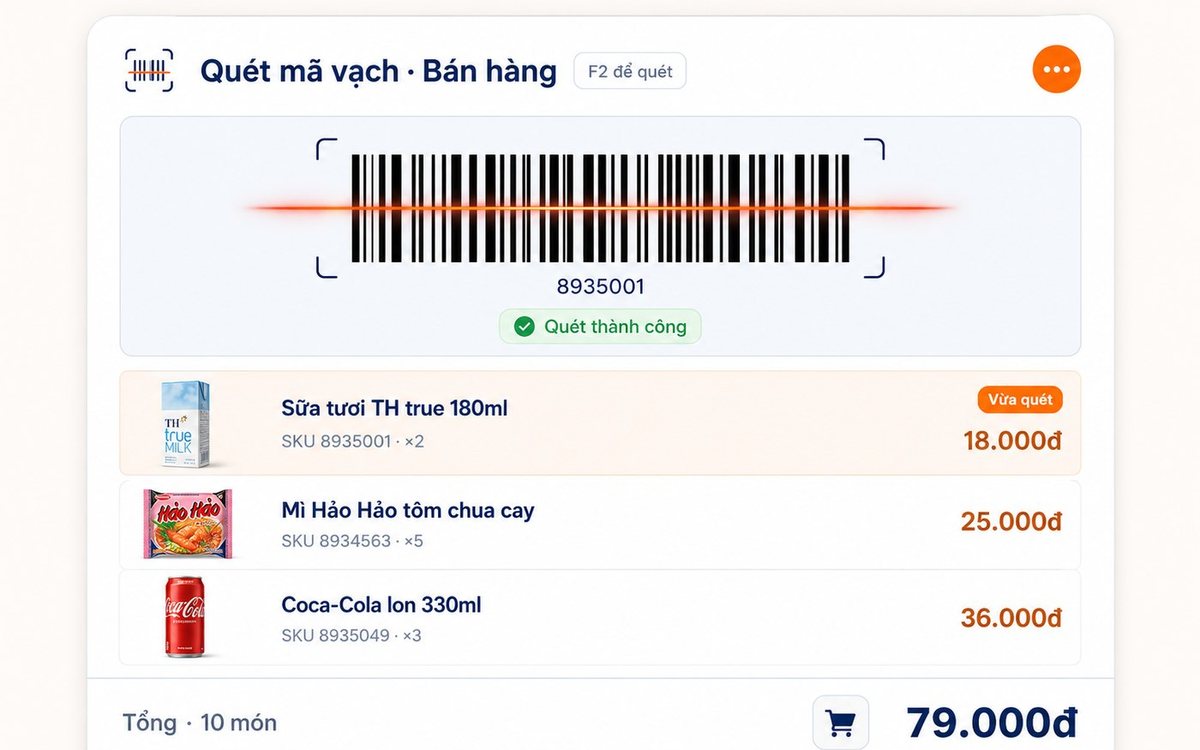
Printing barcodes and price labels in batches for retail shops
Pick the items, set the paper size and the code standard (Code 128 / EAN-13 / UPC-A), test-print one or two, then run the batch — or print straight from the purchase slip with label counts taken from the quantity received.