



Buying the wrong timekeeping and payroll software rarely shows up right away. The first month seems fine; only at the second payroll do you notice that split shifts cannot be calculated, commission still has to be copied by hand from the sales file, and staff still question every line. This article gathers the common buying mistakes at restaurants, shops and beauty salons, and seven criteria worth testing hands-on during a demo, before you pay.
Three common buying mistakes
- Buying a time clock first and thinking about software later. A standalone time clock usually only records clock-in and clock-out times, does not know the scheduled shifts and does not produce payroll; at month end you still export a file and add it up by hand.
- Buying HR software built for large companies. These are strong at recruiting, appraisal and training, which a shop does not use, while what a shop needs most is who is present, how many hours they worked and how much they get paid this month.
- Timekeeping in one place, sales in another. If pay includes sales commission, numbers must be copied between two systems, and errors start right there.

Seven criteria to test during a demo
Do not just read the feature list. Bring a real situation from your shop and ask the vendor to try it on screen right away:
| Criterion | Question to ask during the demo | How Ordersys handles it |
|---|---|---|
| 1. Preventing buddy punching | Can someone take a photo of the QR code and send it to a friend to scan? | The QR code changes over time, so a photo cannot be reused; clock-in can also be limited to a device placed at the shop or include location |
| 2. Split shifts, half days, part-time | Three hours in the morning and four in the evening: how is that counted? | Supports split shifts and half days; pay by hour, by shift, by month or fixed piece rate |
| 3. Scheduling, shift swaps with approval | When two staff swap shifts, who approves it and is it recorded? | Drag-and-drop scheduling, shift swaps with an approver, alerts for understaffed shifts |
| 4. Timesheet edits leave a trail | If one line of the timesheet is edited, can you see who edited it and when? | The timesheet is built from clock-in data; any edited line records who changed it and when |
| 5. Pay pulled straight from attendance and sales | Does commission have to be exported to Excel and entered again? | Shares data with Ordersys sales software; commission is calculated from completed sales |
| 6. Staff view their own payslips | Where do staff see their payslips, and is each item itemized? | Payslips separate base pay, overtime, allowances, commission and deductions; staff view them on their phones |
| 7. Multiple branches | If someone works at two locations in one day, where is the time counted? | Time is counted to the branch where the work was done; each branch manager sees only their own staff, the owner sees everything |
How QR codes prevent buddy punching is explained in the article QR code timekeeping.
Which criteria matter for your business model
Not every shop needs all seven at the same level. Restaurants count working time differently from retail shops and beauty salons:
- Restaurants, eateries: split shifts and part-time staff swapping shifts constantly, so criteria 2 and 3 matter most. Time must be counted by actual hours worked, not by days present.
- Retail shops: shifts are usually more fixed and the variable part is sales commission, so criterion 5 decides.
- Salons, spas: technicians earn by services performed; timekeeping is mainly for knowing who is present and scheduling, while pay is calculated per service ticket.
- Multi-branch chains: criterion 7 shows which branch carries the highest staff cost.
Try one pay period before deciding
The 7-day free trial is enough to run one real week: have staff scan in and out, schedule the week, try one shift swap and one approved overtime. At the end of the week, open the timesheet, look at the unusual lines and compare with the book you keep by hand. The five places payroll most often goes wrong are listed in where month-end payroll usually goes wrong; use it as a checklist for the trial week. For what the price is based on, see how much HR management software costs.
See Ordersys HRM software
Ordersys HRM software is built for businesses without an HR department: employee profiles and contracts, QR timekeeping, shift scheduling, leave, payroll with allowances and deductions, and payslips sent to each person. Staff use it on their own phones, with on-site installation and training. Sign up for the 7-day free trial, or message on Zalo or call 090 750 1000 for a demo based on your shop's real situation.
Clock in by phone and calculate pay by shift, allowances and overtime automatically every month.
Other news

How much does nail salon management software cost: what the price is based on, what a package includes, and what a salon loses on paper
Nail salon software is quoted by salon size: number of salons, technicians, chairs and how you sell. A nail salon package must separate base prices from add-ons, calculate commission per ticket and save client nail design photos. A table to estimate losses when keeping a paper book and how to test it during a 7-day trial.
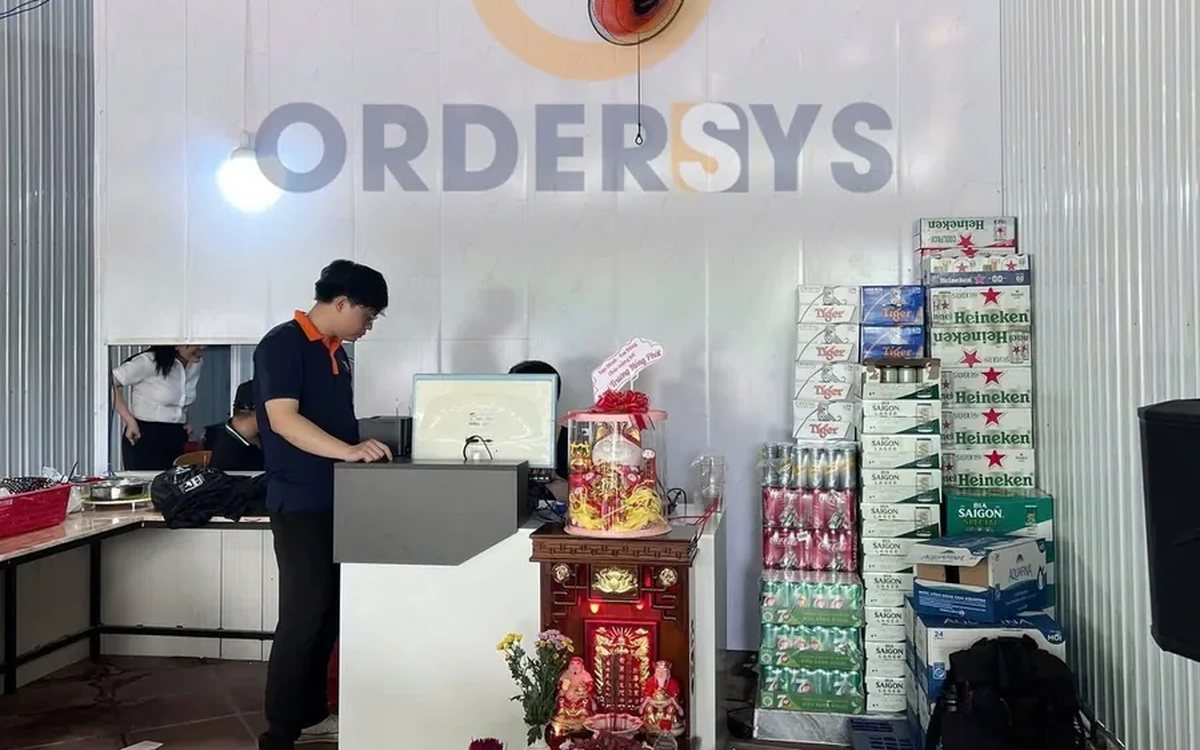
Restaurant management software cost: how to calculate it right, from plan fees and kitchen equipment to money leaking at the tables
Restaurant software cost has three layers: the plan fee per month and per branch, equipment counted by kitchen stations and waiting staff, and leaks that never appear in the expense book (missed dishes, forgotten extra orders, unexplained cancellations, miscalculated bill splits, ingredient shortfall). A table to estimate each one and how to test it during a 7-day trial.
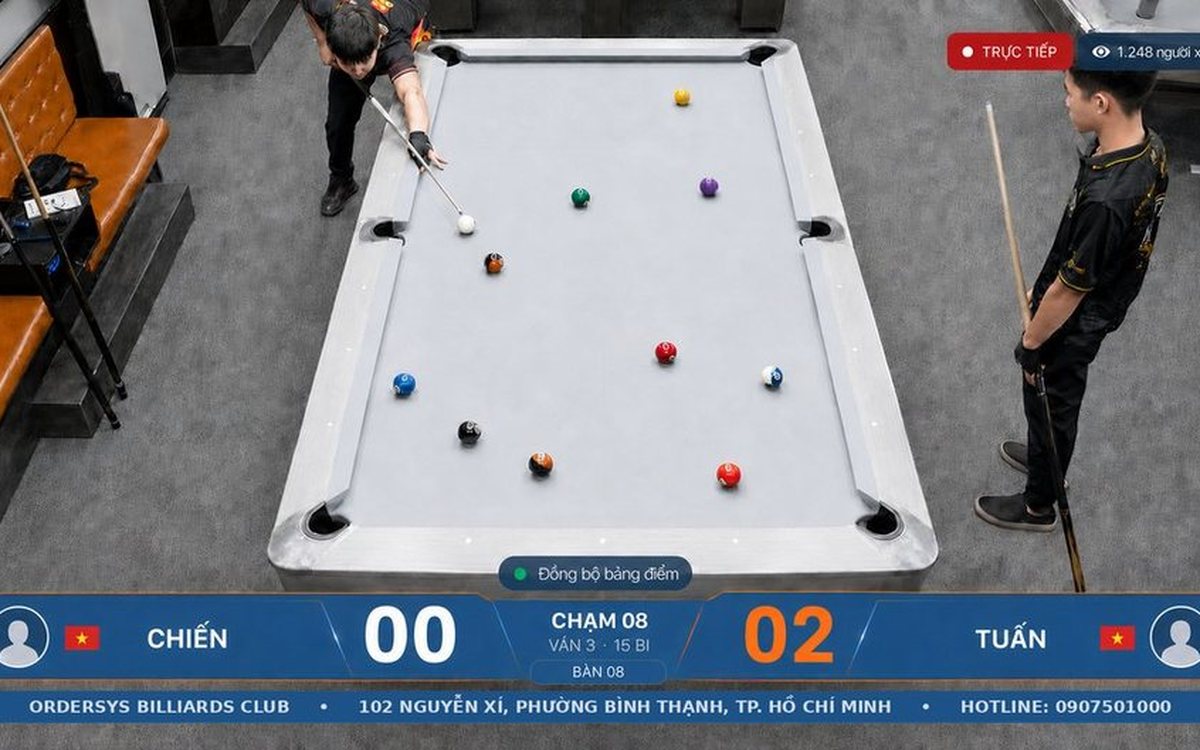
당구 경기 기록·영상 복기 앱 — 로그인하고 내 점수 보기
당구장 카메라 하이라이트 자르기 — 점수마다 자동 클립

식당·카페 주문관리 포스(POS) — 테이블 주문부터 전자세금계산서까지
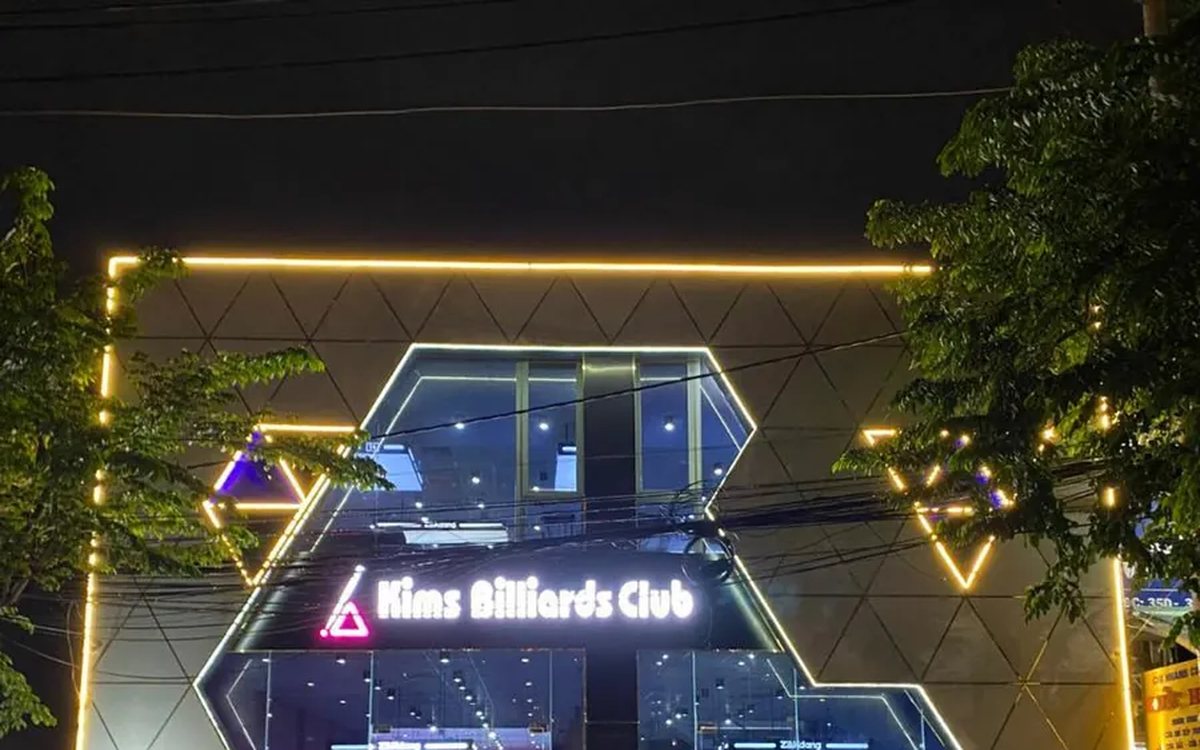
당구장 점수 기록 + 영상 복기·하이라이트 자동 생성

Monthly cost of cafe management software: what you pay and what the cafe is losing without noticing
The monthly cost of cafe software splits into three parts: the plan fee, equipment paid once, and losses that never appear in the expense book (ingredient loss, uncharged toppings, wrong takeaway cups, cash drawer mismatches). A table to estimate each one and how to test it during a 7-day trial.

How much does hair salon management software cost: what the price is based on, what a plan should include and the hidden costs of doing it by hand
Hair salon management software is usually quoted by salon size. What the price is based on (salons, chairs, how you take customers, equipment, term), what a salon plan should include (chair scheduling, lead stylist and assistant commission, colour formulas, retail products), five hidden costs of notebooks and how to test it during a 7-day trial.
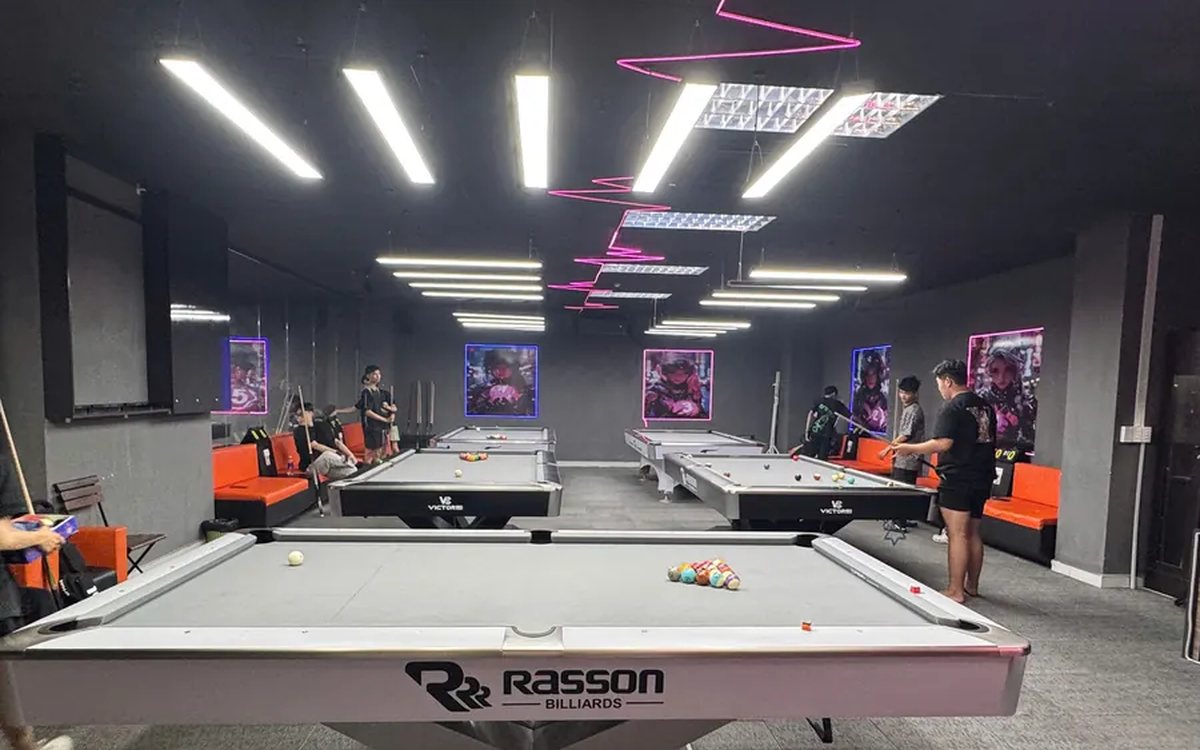
Billiards club management software in Hanoi: what it must do, and how setup and support work
Billiards club owners in Hanoi choosing software should look at two things: does it run the way the club already works (pool and carom tables, time-slot rates, multi-floor clubs, ordering at the table, table cameras), and who installs, trains and supports it. A situation checklist, four setup steps and three things to test during the 7-day trial.
