



Billiards club owners in Hanoi looking for management software usually ask two questions: does the software run the way the club already works, and after buying, who installs it, who trains the staff, and who do you call when something goes wrong on a weekend night? This article matches common situations in a billiards club with what the software has to handle, then walks through the steps of setting up Ordersys for a club in Hanoi.
What a billiards club in Hanoi needs the software to do
A billiards club in a big city rarely has just one type of table and one price. Whichever rows in the table apply to your club, test exactly those during the trial.
| Situation at the club | What the software must do | In Ordersys |
|---|---|---|
| Pool tables and carom tables, each with a different hourly rate | A rate per table type, still correct when players switch tables | Rates by table type; moving a table keeps the time played and items ordered, and charges each table at its own rate |
| Afternoon rates differ from evening rates, weekdays from weekends | Switch the rate automatically when a time slot changes | Rates by time slot, weekdays and weekends |
| The club spans several floors or areas, and the cashier cannot see every table | See every table on one screen | Table map filtered by area and table type; each table shows its status, time played and running total |
| Lights are switched by hand and stay on after players leave | Lights follow the playing session | With the light controller installed: on when a table opens, off when it is closed, switchable remotely from the POS or a phone |
| Players order drinks all the time and staff run up and down between floors | Players order right at the table | A QR code per table; players view the menu and order themselves, orders go to the counter and are added to that table's bill |
| The owner runs two or three locations in different districts | See every branch from one place | Central chain management, revenue reports per branch |
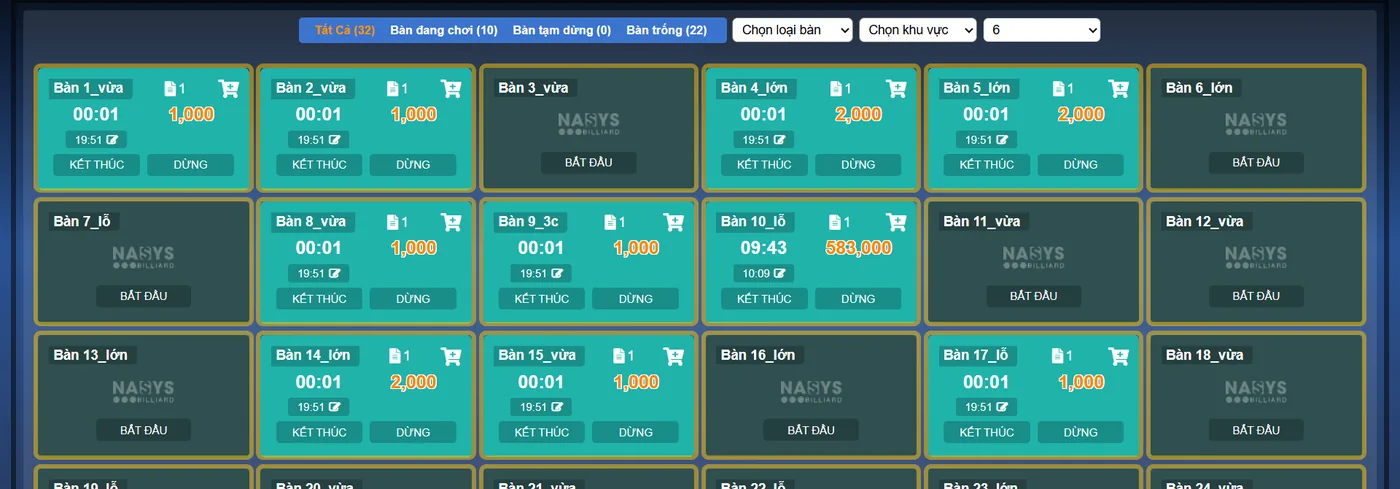
Table cameras and scoreboards: a reason for regulars to come back
For regular players, being able to watch their own shots again is a reason to pick a club. Ordersys connects each table's camera to the software (the club needs cameras at the tables):
- Scan a QR code to replay the table camera. The QR code appears on the table's screen; players scan it with their phone to open the camera history of their own table, already split into 15-minute blocks, with no app to install.
- Cut clips of great shots. Staff at the counter cut a short clip from the recording to send to the player; if the table uses the in-software scoreboard, every scored point is a marker on the timeline, so finding a shot is faster. The software does not detect good shots on its own, a person still chooses.
- Live scoreboard. Score each turn and show it on a screen or TV at the table; livestream matches to Facebook or YouTube with the scoreboard.
Setting up a club in Hanoi: four steps
Ordersys serves customers across 63 provinces; a club in Hanoi follows the same process:
| Step | What the club does | What Ordersys does |
|---|---|---|
| 1. Trial | Sign up for the 7-day trial, or book a demo to see it first | Opens a full-featured account, no setup fee |
| 2. Send data | List of tables, hourly rates by table type and time slot, drinks menu; if you use other software, send its export file | Imports the data for you and sends it back for the club to check |
| 3. Installation and training | Pick a quiet day | Installs and trains staff on site, connects the receipt printer the club already has |
| 4. Go live | Report any issue right away | Remote support, lifetime warranty for as long as you use the software |
The software price does not include hardware (POS terminals, printers, cameras). If your club is moving from other software, see how products, tables, hourly rates and regulars are transferred in switching billiards club management software.
Three things to test during the 7-day trial
- Table time. Open a pool table, play across a time-slot change, move to a carom table, then check out; the amount must match how the club calculates it by hand.
- Ordering at the table. Scan the QR code and order a bottle of water: the order must reach the counter and be added to the right table.
- Closing the shift. Check revenue by table, by shift and by staff member, and compare it with the cash in the drawer.
Get advice for your billiards club in Hanoi
Ordersys billiards club management software times each table, switches lights with each playing session, lets players scan a QR code to order drinks at the table, keeps score and connects table cameras so players can replay their shots. Sign up for a free 7-day trial, or message us on Zalo or call 090 750 1000 to book a time for your club. Read more: players scan a QR code to replay the billiards table camera and timing different billiards tables: pool, cushion, carom.
Ordersys times every table automatically, switches table lights, takes drink orders at the table and reports revenue per shift.
Other news
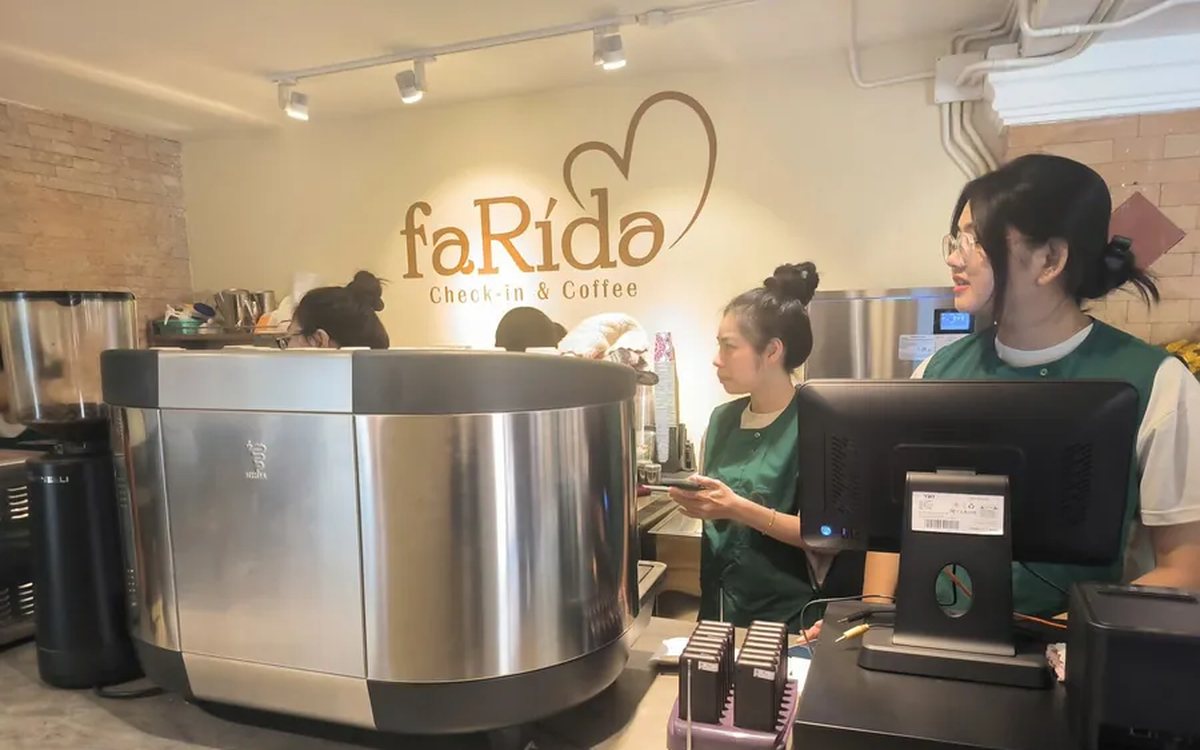
Monthly cost of cafe management software: what you pay and what the cafe is losing without noticing
The monthly cost of cafe software splits into three parts: the plan fee, equipment paid once, and losses that never appear in the expense book (ingredient loss, uncharged toppings, wrong takeaway cups, cash drawer mismatches). A table to estimate each one and how to test it during a 7-day trial.

How much does hair salon management software cost: what the price is based on, what a plan should include and the hidden costs of doing it by hand
Hair salon management software is usually quoted by salon size. What the price is based on (salons, chairs, how you take customers, equipment, term), what a salon plan should include (chair scheduling, lead stylist and assistant commission, colour formulas, retail products), five hidden costs of notebooks and how to test it during a 7-day trial.

How much does spa management software cost, and is it worth it: what the price is based on and how to estimate hidden costs
Spa management software is usually quoted by size. What the price is based on (locations, therapists, how you sell, equipment, term), what a spa plan should include, five hidden costs of running a spa on notebooks and Excel, and how to test whether it is worth it during a 7-day trial.
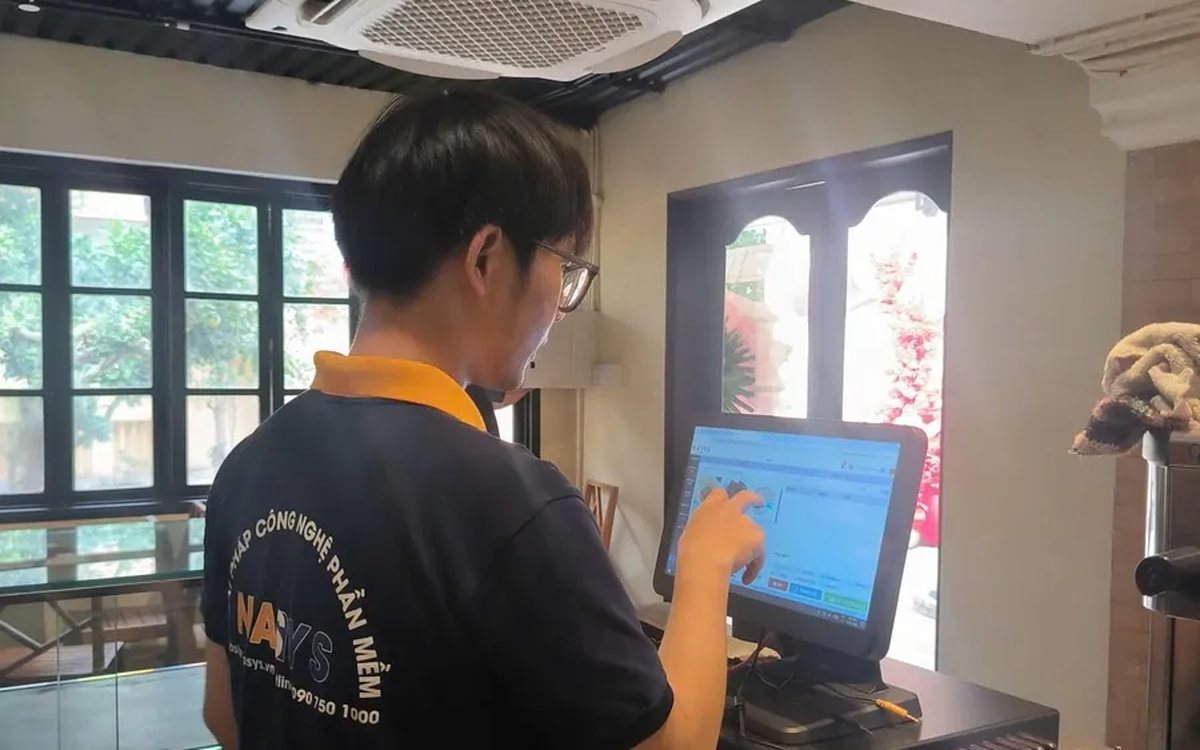
How much does HR management software cost? What the price is based on, what a plan includes and the hidden costs of manual payroll
HR software quotes are hard to compare because some charge per head and some per store. How to read a quote: what the price is based on, what attendance, scheduling, payroll and commission features a plan should include, costs outside the plan (setup, equipment, branches) and four hidden costs of tracking attendance in a notebook or Excel.
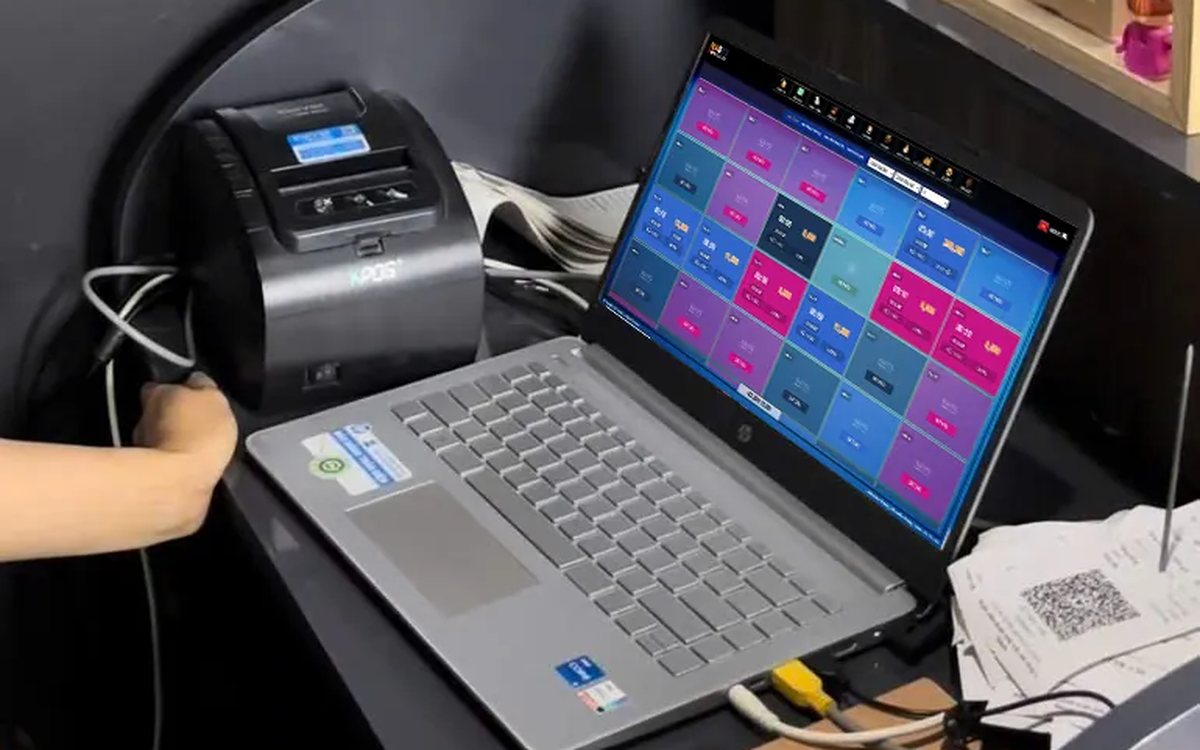
Switching billiards club software: how to move products, tables, hourly rates and regulars
Most of a billiards club's data moves to new software through Excel files, except table time, which is not a menu item. What can and cannot be moved, three places where file transfers go wrong (table-time lines, empty units, negative stock), rebuilding tables, rates and lights before cut-over, and running both systems in parallel until the numbers match.
A points-for-rewards programme for your shop: choosing rewards, promoting it at the counter and measuring take-up
When points are collected but few customers redeem, the problem is usually the rewards. Four kinds of reward and what the shop really spends, why to start with menu items and only two or three tiers, setting rewards up in the software so the cashier does not calculate by hand, three moments to mention it at the counter, and three numbers that show whether customers really take part.

Karaoke room map: seeing free rooms and rooms in use, and seating guests at peak hours
A karaoke room map has to answer three questions: which rooms are free, which are in use and which are booked. How to name and group rooms to match the real venue, four steps for reading the map to seat guests at peak hours without clashing with bookings, and two places where the map in the system often drifts from the real rooms.
Calculating customer lifetime value (CLV) for your shop: what a regular customer is worth
CLV is the money a customer brings in over the whole time they keep coming back. A four-number formula good enough for restaurants, cafés and spas and where to get each number, a trial calculation with assumed figures, using CLV to cap the cost of winning new customers, size offers for regulars and pick which group to focus on, plus three common mistakes.
Guests check their order and order more via QR: fewer "where is our food?" questions
The same QR page guests order from also holds the table's order: the item list, the status of each item, the subtotal and whether it is paid. How statuses appear depending on the kitchen setup, ordering more and calling staff from the same page, and three things to make guests actually use it.
