



Restaurant owners asking about software prices usually ask only about the monthly fee, but the real cost of a restaurant has three layers: the software fee, the equipment for the counter, the kitchen and the waiting staff, and the money leaking in the kitchen and at the tables that never appears in the expense book. A restaurant spends where a cafe does not: one table orders in several rounds, dishes come from several kitchen stations, and guests join tables and then ask to split the bill.
What restaurant software fees are based on
Ordersys restaurant management software is billed monthly, per branch. The items in a quote:
| Item | At Ordersys | Notes |
|---|---|---|
| Software fee | Monthly, by plan, per branch | The lowest plan already covers sales operations: table map, tableside ordering sent to the kitchen, splitting and merging tables, QR, e-invoices; higher plans add timekeeping and payroll |
| Setup fee | None | On-site installation and training, lifetime warranty |
| Staff accounts, number of orders | No extra charge | Unlimited accounts and orders |
| Second branch onward | Discounted | Discount levels are listed on the pricing page |
| Paying several years upfront | Locks in the price | The monthly rate stays fixed |
Each plan's fee is listed on the pricing page. Restaurants switching from other software have a transfer policy; see the FAQ section of the pricing page.
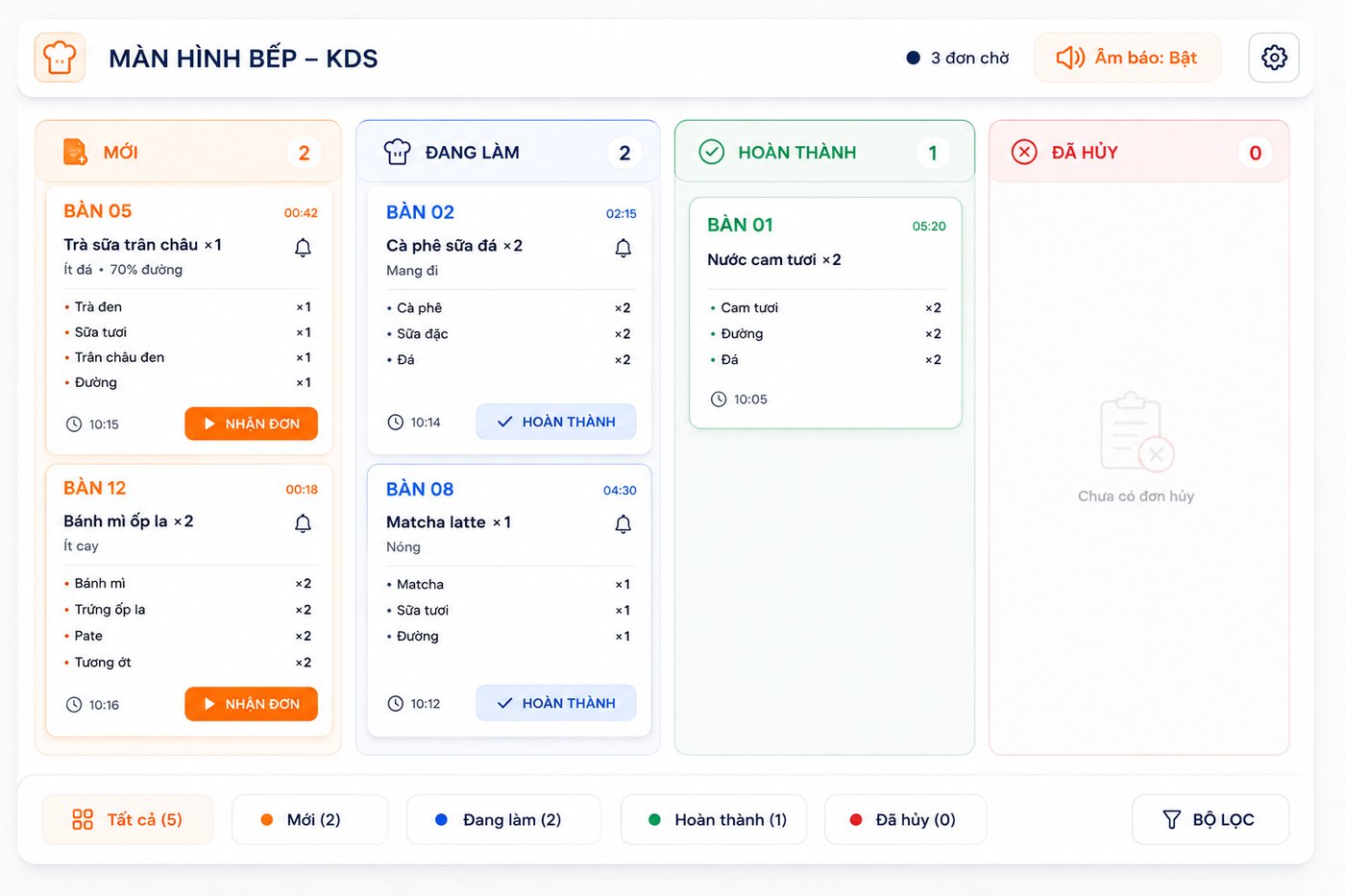
Equipment: count by kitchen stations and how you take orders
The software price does not include hardware. Ordersys runs on the web and on mobile apps and connects to POS machines, bill printers, kitchen printers and kitchen screens, so list the equipment you already have before buying anything new. A checklist:
- Cashier counter: a POS machine or computer, a receipt printer.
- One ticket point per prep station: hot kitchen, grill, bar, each with a ticket printer or a kitchen display (KDS). A restaurant with three kitchen stations needs three points, not one.
- Tableside ordering: waiters order on phones or tablets; the number of devices follows how many waiters work at peak hours.
- QR ordering at the table: guests use their own phones; the restaurant only prints codes to stick on tables.
How tickets are split across several kitchens and printers is covered in the article managing multiple kitchens and printers.
What the restaurant is losing without seeing it in the expense book
A restaurant without software, or one using a machine only to take payment, still pays something every month. That cost just has no invoice:
| Item | What usually happens | How to estimate |
|---|---|---|
| Missed dishes, dishes sent to the wrong kitchen | Shouted orders or handwritten tickets at peak hours; one table's dish goes to another and has to be remade | Number of dishes remade in a week |
| Extra orders left off the bill | Guests order more verbally, the kitchen makes it but it is forgotten at checkout | Compare a few dozen bills from busy tables with kitchen tickets |
| Dishes cancelled for no clear reason | Dishes already sent to the kitchen get cancelled; nobody knows who cancelled them or why | Number and value of cancelled dishes per week |
| Bill splits and table merges miscalculated | Guests join two tables and then split the bill; adding by hand easily misses or double-counts | Number of bills corrected in a month |
| Ingredient shortfall | No recipes declared; at month end meat and seafood are short and nobody knows where | Ingredients purchased versus dishes sold times recipe quantity |
Ordersys handles each row above with built-in features: tickets are routed to the right kitchen station automatically, every additional order is added to the open table, cancelling a dish requires a reason, splitting, merging and moving tables keep dishes and money correct, and sales deduct ingredients by recipe. How to set up recipes is in the article recipe-based automatic stock deduction.
Check it yourself during the 7-day trial
Use the 7-day free trial and run one busy evening shift: set up the real table map, declare the kitchen stations, enter recipes for a few best-selling dishes, let waiters order at the table, try joining tables and then splitting the bill. At the end of the shift open the report, count cancelled dishes and corrected bills, and put them next to the table above. If missed dishes and forgotten extra orders alone exceed one month of software fees, the answer is clear.
Get a quote for your own restaurant
Ordersys restaurant management software has a table map, tableside ordering sent to the right kitchen station, splitting, merging and moving tables, recipe-based inventory, shift reports and e-invoices; no setup fee, with on-site installation and training. See the plans on the pricing page, sign up for the 7-day free trial, or message on Zalo or call 090 750 1000 for a quote based on your number of branches and kitchen stations. If you are comparing several systems, also read what restaurant management software needs.
Staff take orders on their phones, the kitchen gets them instantly, guests order and pay by QR, owners see revenue remotely.
Other news

Choosing timekeeping and payroll software: three buying mistakes and seven criteria to test during a demo
Buying the wrong timekeeping and payroll software usually shows up only at the second payroll: split shifts cannot be calculated, commission is still copied by hand, staff still question every line. Three common buying mistakes, seven criteria with questions to ask during a demo, and which criteria matter for restaurants, shops, salons and chains.

How much does nail salon management software cost: what the price is based on, what a package includes, and what a salon loses on paper
Nail salon software is quoted by salon size: number of salons, technicians, chairs and how you sell. A nail salon package must separate base prices from add-ons, calculate commission per ticket and save client nail design photos. A table to estimate losses when keeping a paper book and how to test it during a 7-day trial.
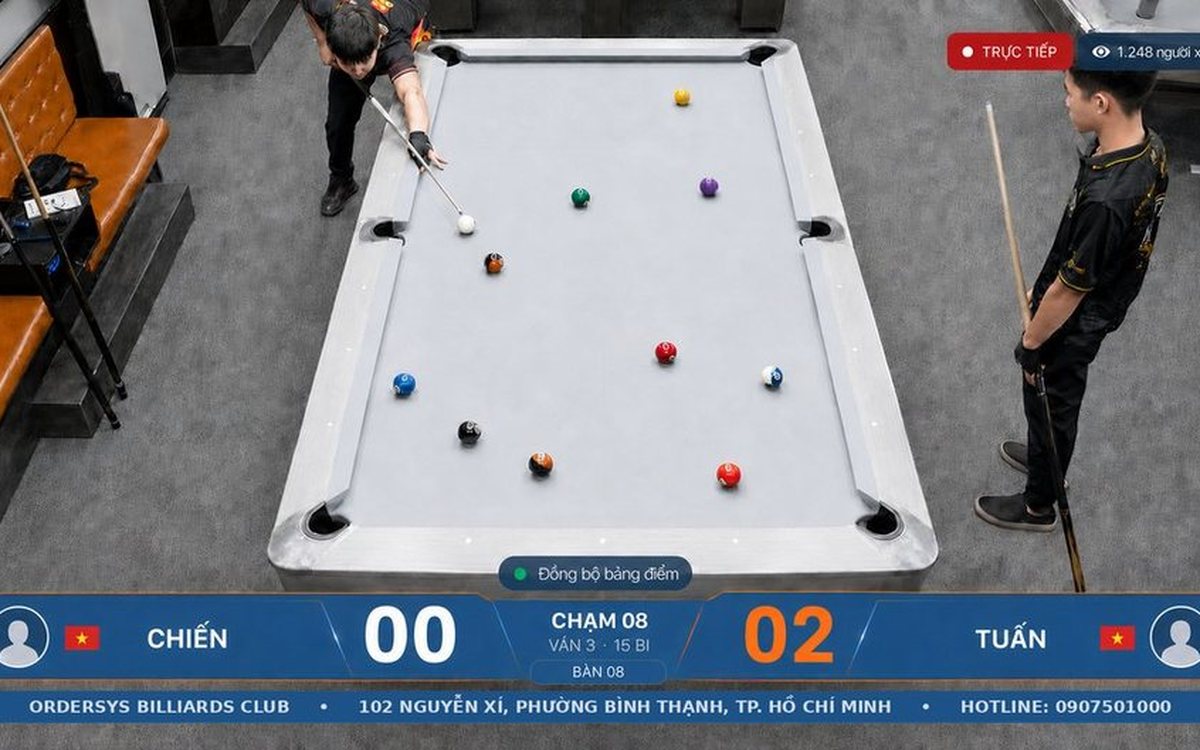
당구 경기 기록·영상 복기 앱 — 로그인하고 내 점수 보기
당구장 카메라 하이라이트 자르기 — 점수마다 자동 클립
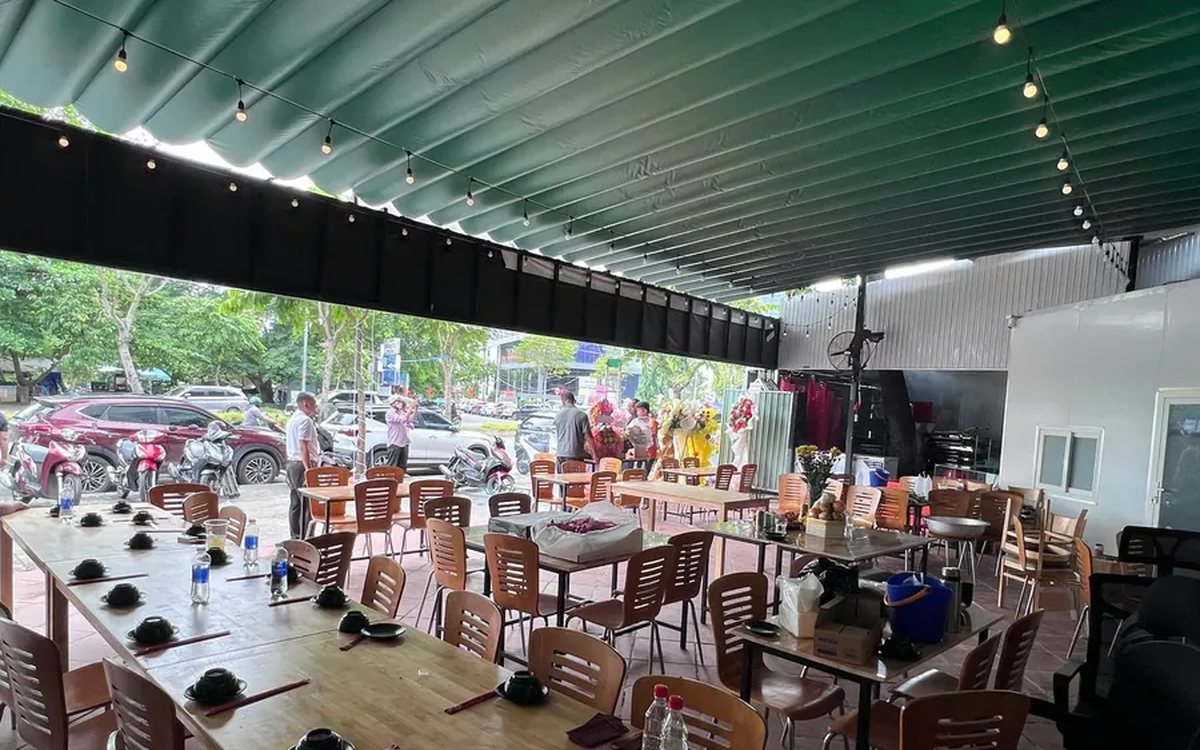
식당·카페 주문관리 포스(POS) — 테이블 주문부터 전자세금계산서까지
당구장 점수 기록 + 영상 복기·하이라이트 자동 생성
Monthly cost of cafe management software: what you pay and what the cafe is losing without noticing
The monthly cost of cafe software splits into three parts: the plan fee, equipment paid once, and losses that never appear in the expense book (ingredient loss, uncharged toppings, wrong takeaway cups, cash drawer mismatches). A table to estimate each one and how to test it during a 7-day trial.

How much does hair salon management software cost: what the price is based on, what a plan should include and the hidden costs of doing it by hand
Hair salon management software is usually quoted by salon size. What the price is based on (salons, chairs, how you take customers, equipment, term), what a salon plan should include (chair scheduling, lead stylist and assistant commission, colour formulas, retail products), five hidden costs of notebooks and how to test it during a 7-day trial.
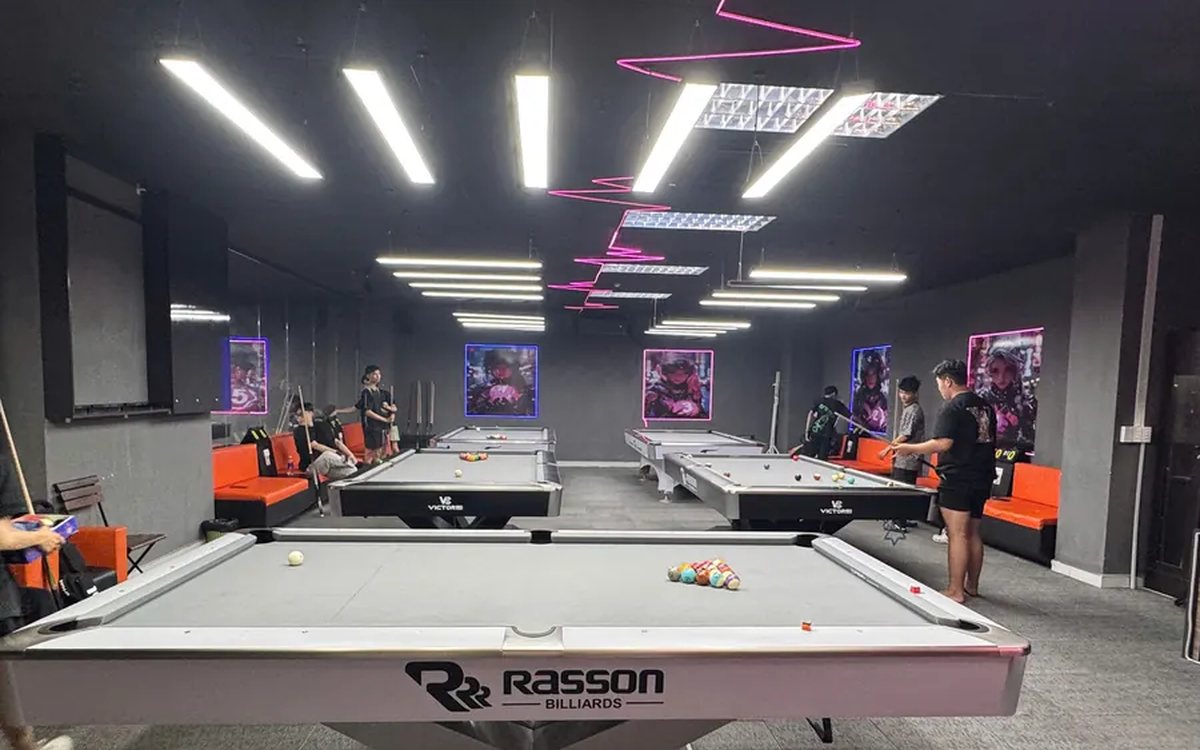
Billiards club management software in Hanoi: what it must do, and how setup and support work
Billiards club owners in Hanoi choosing software should look at two things: does it run the way the club already works (pool and carom tables, time-slot rates, multi-floor clubs, ordering at the table, table cameras), and who installs, trains and supports it. A situation checklist, four setup steps and three things to test during the 7-day trial.
