



Restaurants and coffee shops are rarely staffed entirely by full-timers. Most of the team is part-time: four or five-hour shifts, a roster that changes every week around class timetables, two people leaving this month and two new ones starting the next. Monthly salary does not fit here, and adding hours by hand means sitting over the books late at the end of the month and still getting questions. The job is not to learn another formula, it is to set up four things properly: shifts, attendance, the hourly rate, and the closing cycle.
Declare the short shifts first, then build the weekly roster
In the HRM part of Ordersys a work shift is a record of its own, not a number someone keeps in their head. Each shift has a start and an end time — short shifts like 10:00–12:00 and overnight ones like 15:00–00:00 both work. Each shift also carries a few settings that are worth real money:
- The earliest time attendance may be recorded. A 10:00 shift can allow check-in from 09:00, so someone who turns up early and sits around does not turn it into an hour of paid time.
- The windows for counting lateness and early leaving and the windows for counting overtime before and after the shift — so the system knows which minutes are overtime and which are just arriving early.
- The break minutes, deducted straight out of worked hours instead of being argued over every month.
Once the shifts exist, you roster each person, and a roster can repeat weekly — someone fixed on Tuesday, Thursday and Saturday is entered once for the whole period.

Hours come from attendance, not from the roster
This is the usual mix-up: the roster is the plan, worked hours are the reality. Staff check in and out on a device with a QR code kept at the shop, using their own account; every check becomes a line in the timesheet with its shift, and the minutes late and minutes left early already calculated. Because it counts in minutes, being ten minutes late costs ten minutes rather than the whole session — for part-timers that is a very large difference.
A missed check can be corrected, but every correction records who made it and why, and the line is marked as edited — quite unlike a notebook rubbed out and written over. The shop also sets the standard hours for a working day so the system knows what counts as excess.
The hourly rate and the overtime rates
Each employee is on one of two pay types: monthly or hourly. On hourly, you enter the rate for one hour and pay = rate × actual hours worked in the cycle. Overtime is set separately by type of day — ordinary day, day off, public holiday — each with its own figure, entered as a percentage or as an amount, and applied to chosen shifts. The rates are set once for the whole shop, and anyone on a different agreement gets their own.
| Where you set it | What you set | Effect on payroll |
|---|---|---|
| Work shifts | Start and end times, break minutes, overtime windows | Decides which minutes are worked hours and which are overtime |
| Salary settings | Hourly pay type, rate per hour | Multiplied by worked hours to give the pay |
| Overtime settings | Rates for ordinary days, days off, holidays | Prices the hours beyond the shift separately |
Close weekly or monthly, either works
Plenty of shops pay students weekly and core staff monthly. A salary cycle can be set up either way, each with a start date, an end date and a number of working days. One cycle's payroll gathers everything: hourly pay, overtime, allowances, bonuses, deductions, commission, paid and unpaid leave days — ending in the amount payable and the amount paid.
Once a payroll is closed it is locked, so nobody reopens it to change figures after wages have gone out. If an item genuinely needs adjusting, it goes in the adjustment field and the figure the system calculated stays there for comparison.
Two things to do in the first week
- Declare every shift the shop actually runs, including the two-hour peak-time relief shift. A missing shift sends overtime minutes to the wrong place.
- Announce the earliest check-in time and how lateness is deducted before the first pay cycle, then run one week in parallel with the old method before dropping the book.
Part-time pay rarely goes wrong because of the formula — it goes wrong because nobody can gather the hours and nobody can check them. Once the shifts are declared, hours come straight from attendance and the cycle closes on time, paying a dozen hourly staff shrinks to one session of reviewing. Have a look at Ordersys HR management software, with a free 7-day trial, and run one complete cycle through it. Two related articles: how to calculate pay by hour and by shift, QR code attendance and stopping buddy punching.
Clock in by phone and calculate pay by shift, allowances and overtime automatically every month.
Other news
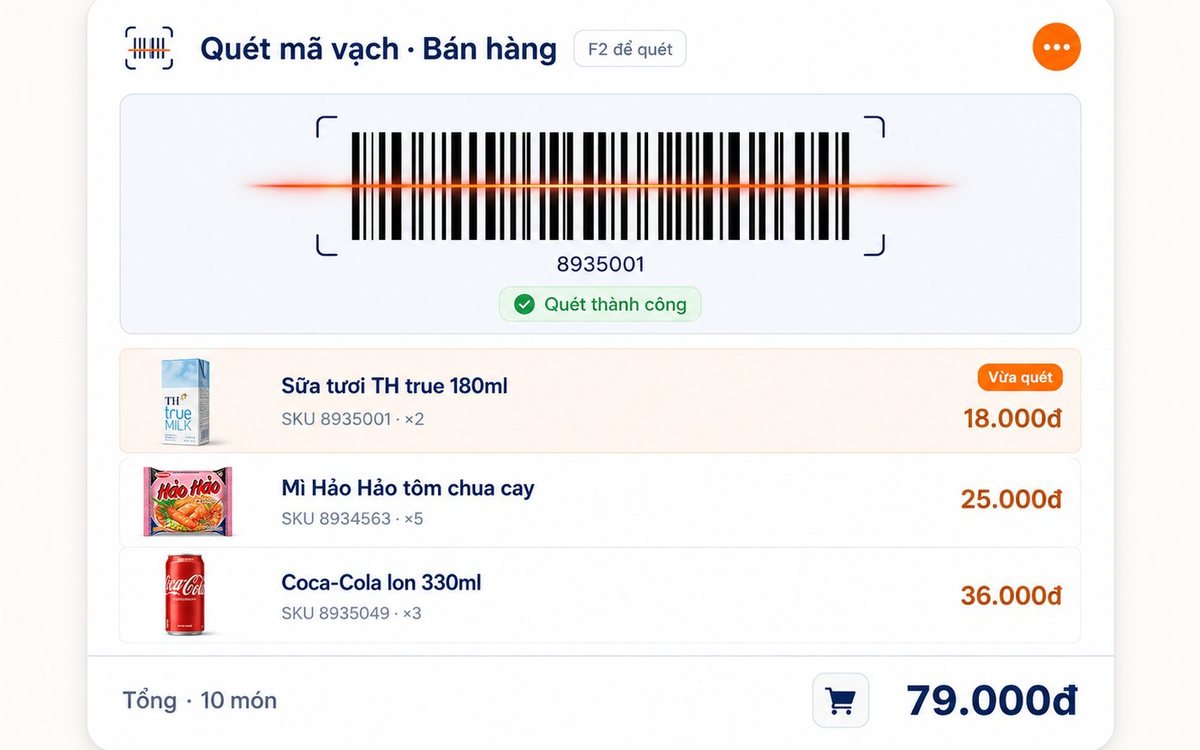
Pharmacy and grocery software: barcodes, expiry dates, fast selling
Pharmacies and grocery shops struggle the same way: many items, small values, a customer waiting, and stock with expiry dates. Barcode selling, lot and expiry travelling with the goods from receipt, case-to-box conversion, stock levels — and one point pharmacies should ask about before choosing software.

Massage shops: booking rooms, beds and therapists without overlaps
Two customers on one bed is the kind of mistake that loses guests quietly. The three sources of overlap in a massage shop, how the software blocks bed conflicts using start time plus duration and a buffer on both sides, what the machine guards and what people still have to, and four rules to agree on before switching on.

Bakery management software: production recipes, expiry dates and cakes ordered for a pickup date
A bakery is a small workshop stuck to a shop, so software that only sells still leaves the owner guessing how much flour went into a batch. Declare baked goods as produced items with recipes, sponge and cream as semi-finished goods, receive materials by lot with expiry dates, sell at the counter with barcode labels, and keep every advance cake order in one place.

Software for a hotpot and grill house: building the menu, splitting the kitchen, what to set up before you open
Guests order five or six rounds over two hours, the kitchen runs three stations, and tables turn over once or twice a night. Those three traits decide what to configure in the first week: hotpots and broth flavours as attributes, meat plates by recipe quantity, buffet seats, kitchen and bar printers by product group, advance bookings with a code, and closing the shift at night.
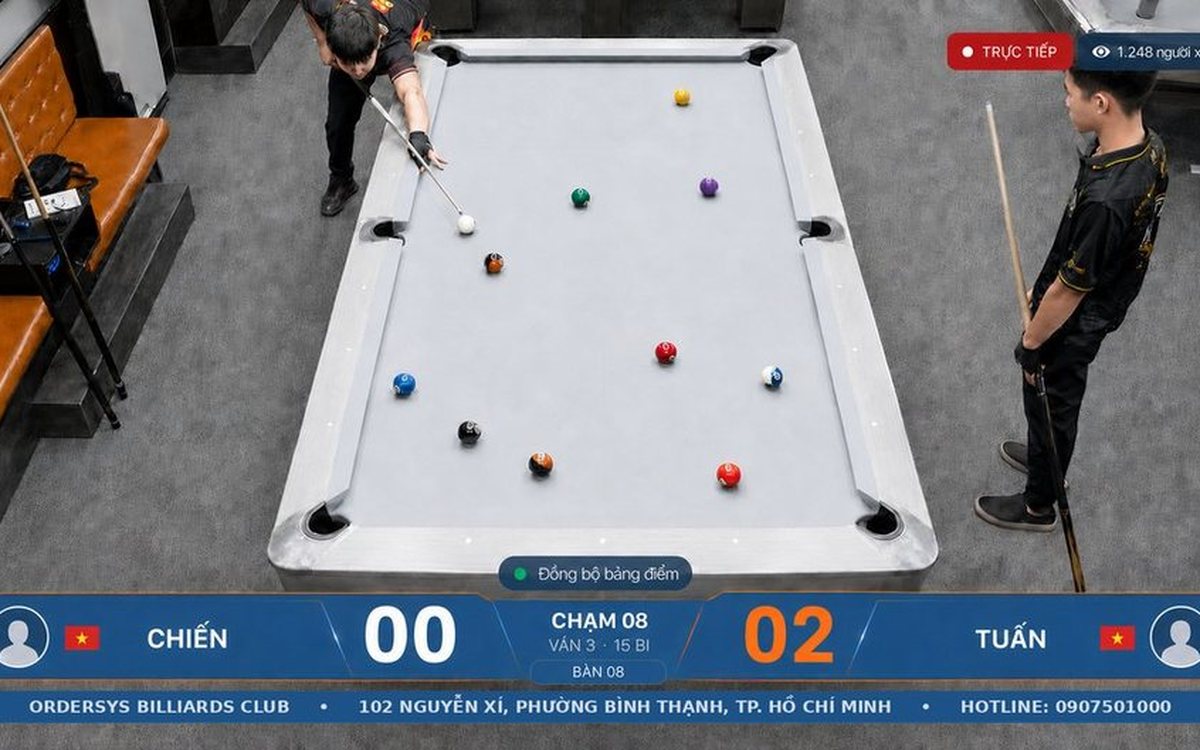
Filling off-peak hours with student groups: attach the offer to the person, not just the hour
Cutting the price for a whole afternoon band also discounts the people who were coming anyway. To aim at the group you are missing, the offer has to attach to a person: membership cards and tiers, three preset rates — Regular, Student, Other — and a capped group combo limited by weekday and time window. Plus three guards so the discount does not leak.

HRM software for restaurant and cafe chains: splitting the work with each outlet
By the third location, three Excel files on three computers no longer answer how many people the chain employs or what it spent on staff last month. One shared record that travels with the person, a table splitting duties between owner and outlet manager, permissions by store, rules configured per branch, and labour cost broken out by outlet.
Flower shop software: bookings by delivery date and wholesale credit
Most of a flower shop's revenue comes from orders booked in advance, stock spoils in two or three days, and restaurant and hotel regulars buy on credit all month. How to put the delivery date, time and card message in the order itself, filter today's deliveries at the counter, sell by the stem while receiving by the bunch, and track wholesale debt with reminders before it falls due.

Managing massage therapist shifts without padded hours
A handwritten timesheet leaves nothing to check at month-end, so it gets signed anyway. Declare shifts in advance, clock in on a branch-tied QR device, then set hours beside the session count for that shift — three common discrepancy signals and how to go from timesheet to hourly payroll.
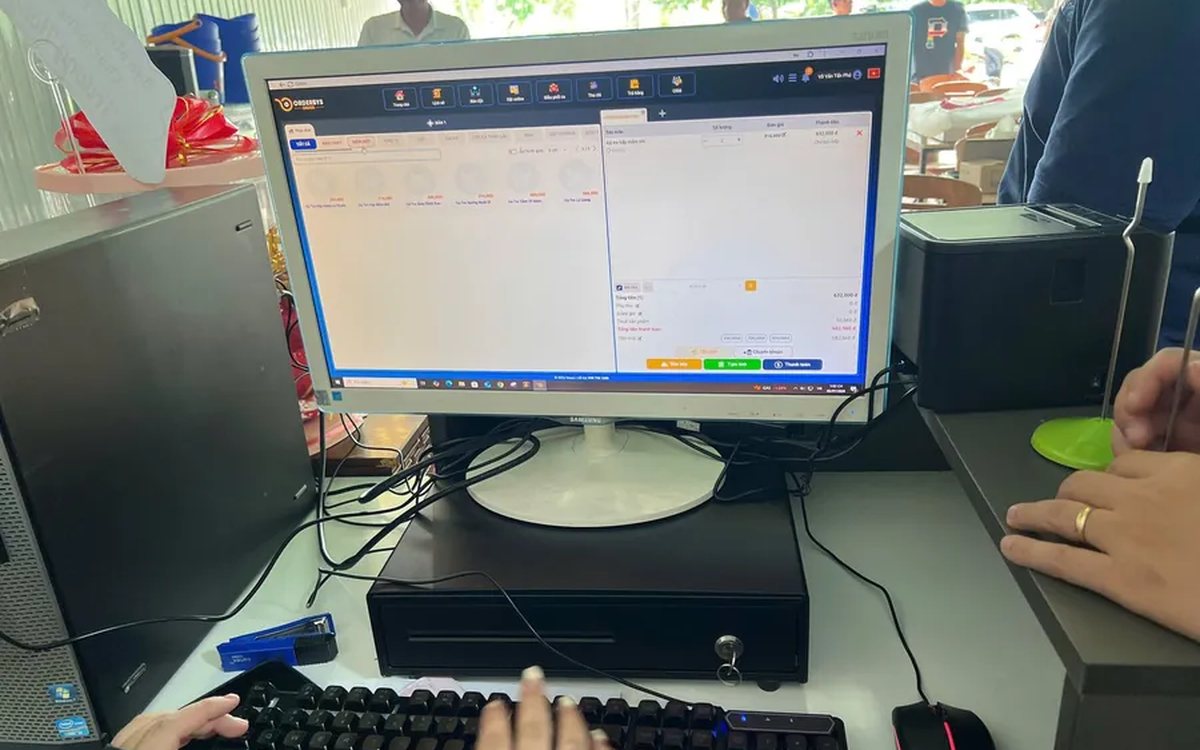
Pizza shop software: choose-your-own toppings, dine-in and delivery
A dozen pizzas on the menu, but size, crust and toppings push it to several hundred combinations — and the shop sells three channels at once. How to declare attributes, variants and topping groups once, run all three channels on one system, deduct ingredients by recipe, and what not to expect from the delivery side.
