



A massage shop runs on people. Busy or quiet, there still have to be enough therapists on duty, and wages are the biggest cost after rent. The leak is not in the pay rate but in the hours written on paper: a shift logged as eight hours when the person turned up forty minutes late, a night shift logged in full when half of it had no customers, or a colleague clocking in on someone's behalf. At month-end the owner holds a handwritten timesheet with nothing to check it against, and signs it anyway.
Shifts declared in advance, not kept in someone's head
The first job is to get shifts out of the manager's memory. Ordersys has a work shifts section: declare the shop's shifts (morning, afternoon, night, split shifts), declare standard working days and holidays, then schedule each therapist by week. With a schedule you know in advance which day is short-staffed, and when a customer calls to book into that band, reception does not overcommit.
The shift schedule sits in the same system as the customer appointments, so the two can be read against each other. The rooms and beds screen shows which room is free, which is running and for how long — put that beside who is on duty and you see at once when someone is idle while a room sits empty.

Clocking in has to happen in the right place
Attendance in Ordersys goes through a QR-coded device placed in the shop. The therapist scans the code on that device and signs in with their own account. Two constraints make clocking in for someone else much harder: each person needs their own account and password, and the device is tied to one branch — an account that does not belong to that device's branch is refused outright.
Every in and out feeds the timesheet. The timesheet can be viewed per person and per day, edited when there is a legitimate reason, and exported to Excel for checking. The difference from a paper book: every edit is an action in the system, not an erasure written over.
Checking hours against the work actually done in the shift
This is the part that stops padded hours. Hours on their own say nothing — they have to sit beside the number of jobs done in that shift. The system already has two sources: service tickets tagged with the therapist's name (used to calculate commission per service) and the per-shift report.
| Signal | Usually means | What to do |
|---|---|---|
| Full hours, almost no sessions | Overstaffed shift, or someone clocked in without being on duty | Review the schedule for that band |
| Many sessions, low hours | Forgot to clock in, or clocked out early | Remind people of the procedure, edit the timesheet with a reason |
| Always exactly the standard hours, every single day | Clocking in as a formality | Check a few days against appointments and service tickets |
You do not need to examine every person every day. Open it once a week, pull out the few clear discrepancies and ask about them — that alone is enough for everyone to know somebody is looking.
From timesheet to payroll
Once the timesheet is clean, payroll becomes mechanical. Ordersys lets you set pay monthly or by the hour; choose hourly and pay = hourly rate × actual hours worked, with lateness and early leaving deducted by the minute rather than by the half-day. Overtime has three separate rates — ordinary days, days off and public holidays. Allowances, bonuses, deductions and service commission all land on the same payslip.
A few rules worth agreeing with therapists before switching it on:
- State clearly where they clock in and with which account, and forbid lending accounts — this is the condition for every number afterwards to mean anything.
- Spell out who to tell if someone forgets to clock in, within what time, and who is allowed to edit the timesheet.
- Announce how hours are counted and how lateness is deducted before the first pay period, and do not change it mid-period.
- Keep commission separate from hourly pay, so the people who work hard are not penalised by a quiet shift.
Padded hours are rarely grand dishonesty; usually it is everyone rounding a little in their own favour because nobody can check. Once shifts are declared, clocking in is pinned to the right place, and hours sit next to session counts, that rounding disappears on its own without the owner having to confront anyone. Have a look at the Ordersys spa and massage management software and the free 7-day trial, so you can run a full pay period and compare it with the old way. Two related articles: scheduling by bed and by therapist, recording therapist commission and tips without arguments.
Ordersys has editions for restaurants and for retail stores: checkout, stock, reports and e-invoices, with on-site setup and training.
Other news
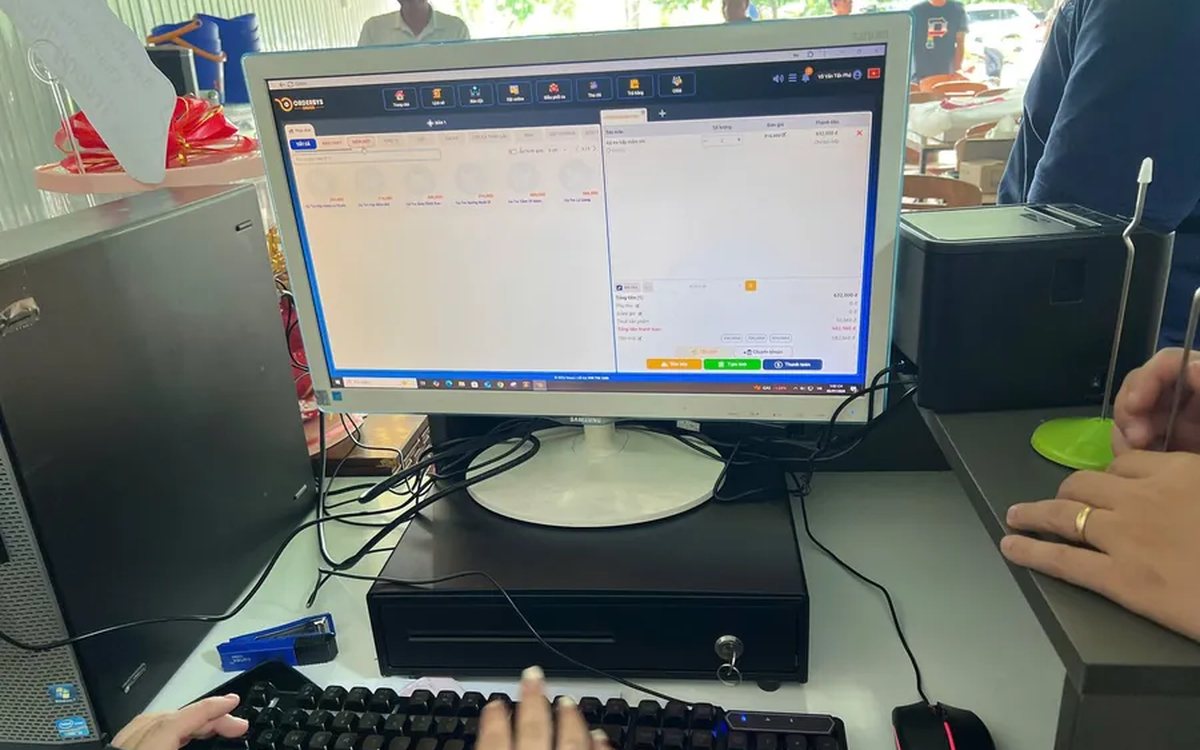
Pizza shop software: choose-your-own toppings, dine-in and delivery
A dozen pizzas on the menu, but size, crust and toppings push it to several hundred combinations — and the shop sells three channels at once. How to declare attributes, variants and topping groups once, run all three channels on one system, deduct ingredients by recipe, and what not to expect from the delivery side.
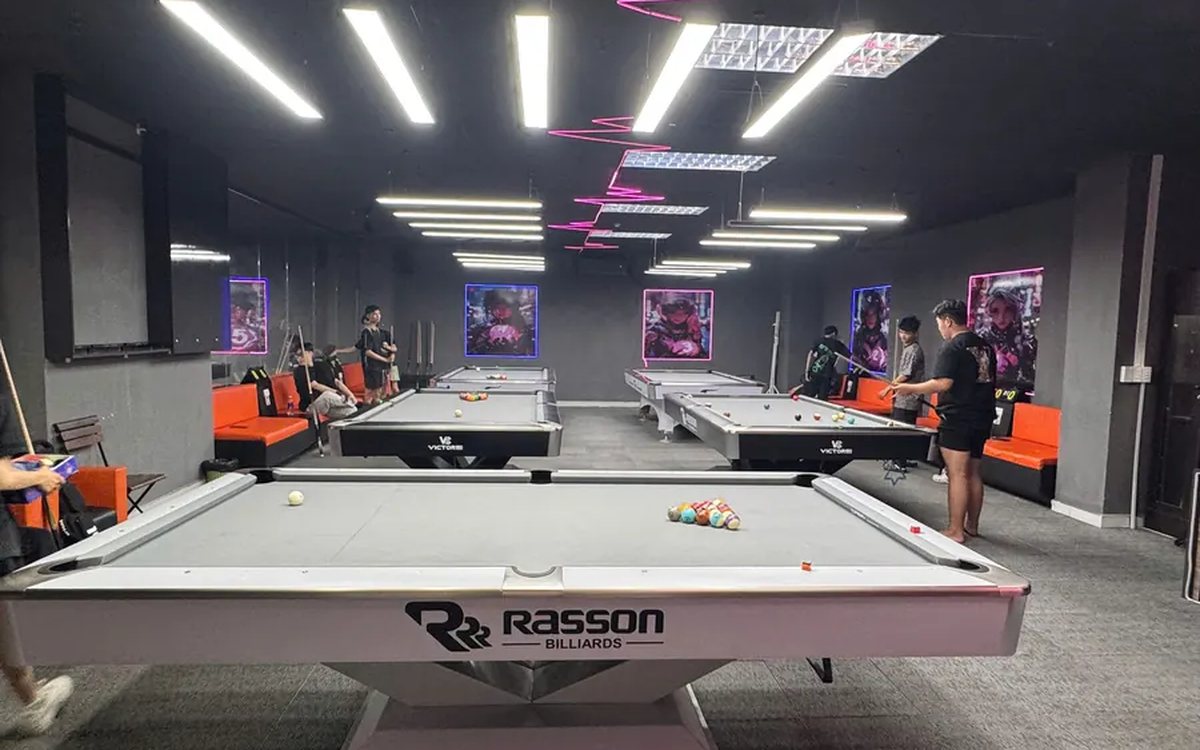
Reports on which billiards tables are busy by hour, for staffing shifts
How many staff for a Friday night, and is the table at the back worth keeping — two questions answered by reports, not instinct. The revenue-by-table screen lists even the zero tables, per-table detail carries invoice timestamps, plus three charts for reading hour bands and four things to do after reading them.
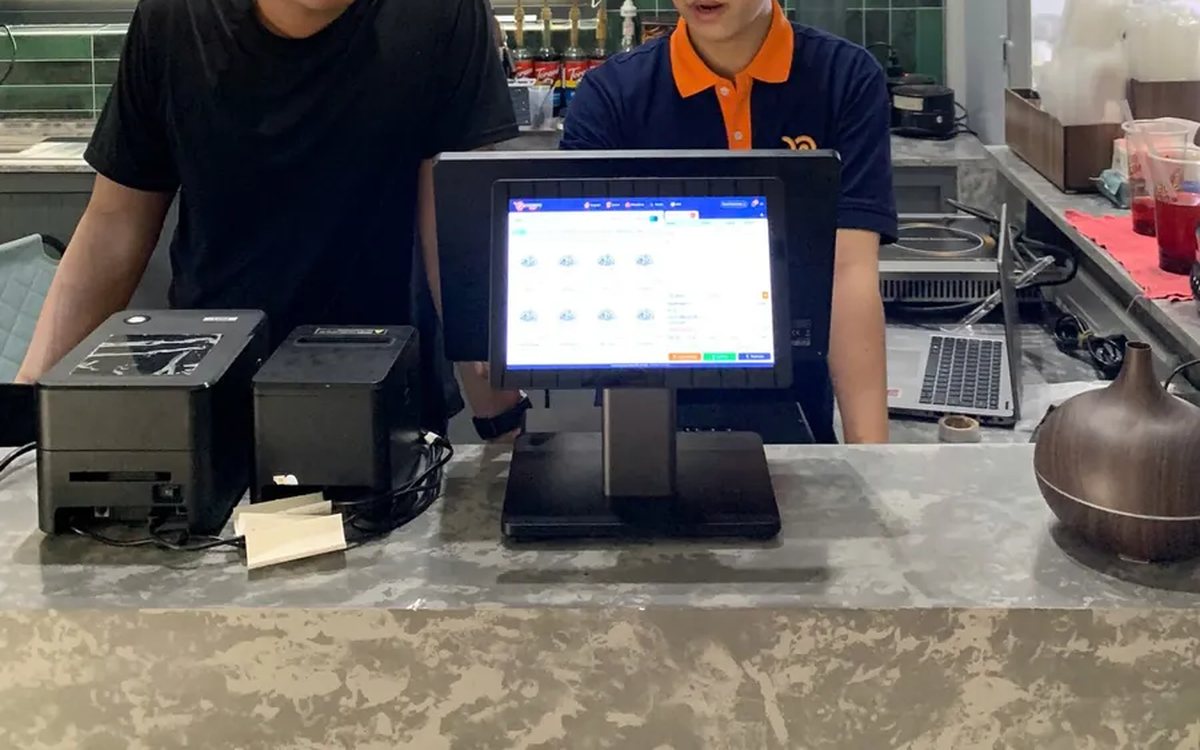
Assessing staff productivity by sales and hours worked
The highest sales figure is not necessarily the strongest performer — you still have to divide by hours worked. The two numbers you need first, three ways to turn them into productivity, three rules for comparing like with like, what to measure for roles with no sales, and why criteria must be announced before money is attached.

Per-dish gross margin in a restaurant: making the number trustworthy
What the gross margin on a plate includes and excludes, two ways to get cost into the software (a cost price field or ingredient recipes), four places the number goes wrong, and why you must multiply margin by plates sold to see which dish really feeds the restaurant.

Bubble tea chain management software: open the second shop without starting over
Opening a second bubble tea shop: import the menu from a file instead of retyping it, declare the four option groups and the recipes so the drink stays the same, use a price list for per-location price differences, then read reports combined and split by branch.

Massage bookings over Zalo: what to do once the message arrives
A chat message is not yet an appointment. How to move it into the shared schedule: pick the room, the bed and the therapist, read the appointment statuses, and let the software remind the customer before the slot.

Pet shop software: selling supplies and taking grooming bookings on one machine
A pet shop is two shops in one: stock in many pack sizes, and grooming services that need a time slot. How to declare several units of measure, take bookings with a named staff member, and put goods and services on the same bill.
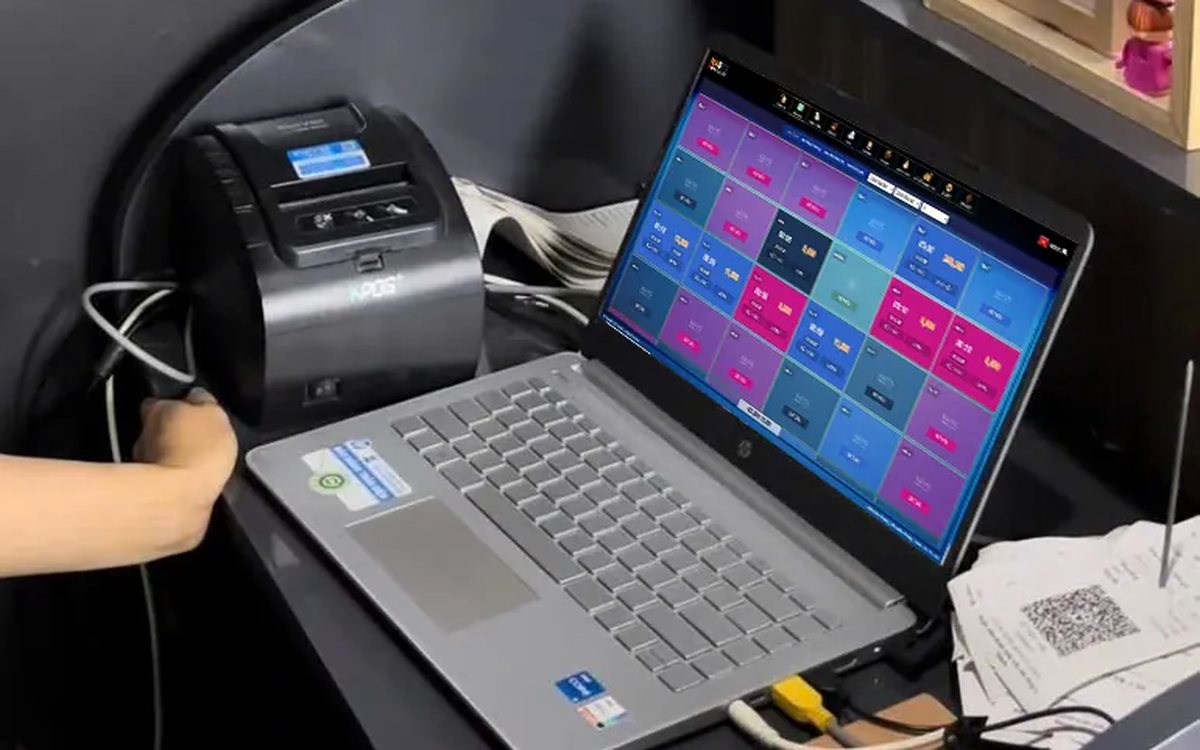
Credit for billiard club regulars: record and collect debt in the software
Replacing the notebook at the counter: debt is recorded as the table is closed and must be tied to a member, revenue counts only money actually received, and the debt report shows who owes what and the total outstanding.
Restaurants with several kitchens and printers: tickets to the right station
Hot kitchen, cold kitchen and bar each with their own printer. Assign product groups to each machine and the system splits tickets by station; choosing IP or USB printers, and where to look when the kitchen loses a ticket.
