



With a single outlet, staffing fits inside the owner's head: who works which shift, who keeps asking for days off, who is due a raise this month. By the third location memory stops working, and what usually replaces it is three Excel files on three different computers. At that point the owner of the chain cannot answer two simple questions: how many people does the chain employ, and how much did it spend on staff last month. This article is about building one shared HR system across several outlets — that is, how to split the work between the chain owner and each outlet manager.
One employee record, shared by the whole chain
The first step in merging those three files is accepting one principle: each person has a single record in the system, attached to the outlet they currently work at rather than owned by it. That way, when a server moves from outlet A to outlet B, the record travels with the person: documents, contract and expiry date, job title, base pay and allowances, raise history, transfer history. Nobody re-enters anything, and nobody exists twice on two payrolls.
A central record also keeps hold of things that slip away in a busy shop: contracts nearing expiry and staff nearing the end of probation are flagged in advance, instead of being discovered when the paperwork is suddenly needed — see managing employment contracts and renewal reminders.

What stays with the outlet, what stays with the owner
Chains tend to fail at one of two extremes: the owner holds everything, so every leave request waits for them, or lets go of everything, so each outlet invents its own rules. The split below is the level most restaurant and cafe chains of a few outlets find liveable.
| Task | Who does it |
|---|---|
| Weekly rosters, approving swaps and short leave | The outlet manager. Only someone on site knows which shift is short-handed. |
| Creating records, signing contracts, setting pay and allowances | The owner or the accountant. This is where money is created, so no outlet decides alone. |
| Attendance rules: standard hours, overtime rates, lateness penalties | The owner sets the common frame; each outlet adjusts only what genuinely differs. |
| Closing the monthly timesheet | The outlet manager approves first, the accountant reviews and locks it. |
| Viewing payroll and chain-wide staff cost | The owner and the accountant only. |
Splitting the work on paper is not enough; the software has to enforce it. Permissions by store mean the manager of outlet A opens the system and sees only outlet A's people, with no access to outlet B's pay. The principle is the same as in permissions in sales software: everyone sees what they need — not out of suspicion, but because the fewer people who see salary figures, the fewer arguments there are.
A common frame, with each outlet still slightly different
A cafe opens at 6 a.m. while a beer restaurant in the same chain closes at 1 a.m. — forcing both onto one rule set only makes life harder. Rules can be configured per branch, so the late-night outlet carries a night-shift allowance while the morning one does not, and standard hours per shift differ too. What stays common is the method: overtime, lateness and early leaving all come from attendance data under the configured rules, with nobody typing them in. Staff file leave, shift swaps and overtime requests on their phones, and managers approve on theirs, the way approving leave, swaps and overtime describes.
Month-end: one payroll, cost split by outlet
The point of the whole system is that month-end becomes reading rather than typing. Payroll is drafted from recorded attendance: base pay, overtime, allowances, commission taken straight from sales, insurance and deductions. Payslips go to each person individually so they can check their own, and the accountant exports a bulk transfer file instead of retyping account numbers.
- Labour cost is split by outlet; placed next to that outlet's revenue, it shows which location is carrying too many people.
- Odd lines — a missing clock-out, unapproved overtime, edits after closing — should be checked straight away, following the list in where month-end payroll usually goes wrong.
- Every edit records who made it and when, which is enough to explain things when an employee queries their pay.
Ordersys HRM is built for businesses with no dedicated HR department: records and contracts, QR attendance, rosters, leave, payroll with allowances and deductions, individual payslips, permissions by store and staff-cost reporting by branch. Extra branches cost nothing extra. See the details on the HRM software page and try it free for 7 days.
Read more: attendance when staff move between branches · running a multi-store chain: which numbers to watch.
Checkout in a few taps, print cup labels with toppings, send drinks to the bar screen and issue e-invoices from the POS.
Other news
Flower shop software: bookings by delivery date and wholesale credit
Most of a flower shop's revenue comes from orders booked in advance, stock spoils in two or three days, and restaurant and hotel regulars buy on credit all month. How to put the delivery date, time and card message in the order itself, filter today's deliveries at the counter, sell by the stem while receiving by the bunch, and track wholesale debt with reminders before it falls due.

Managing massage therapist shifts without padded hours
A handwritten timesheet leaves nothing to check at month-end, so it gets signed anyway. Declare shifts in advance, clock in on a branch-tied QR device, then set hours beside the session count for that shift — three common discrepancy signals and how to go from timesheet to hourly payroll.
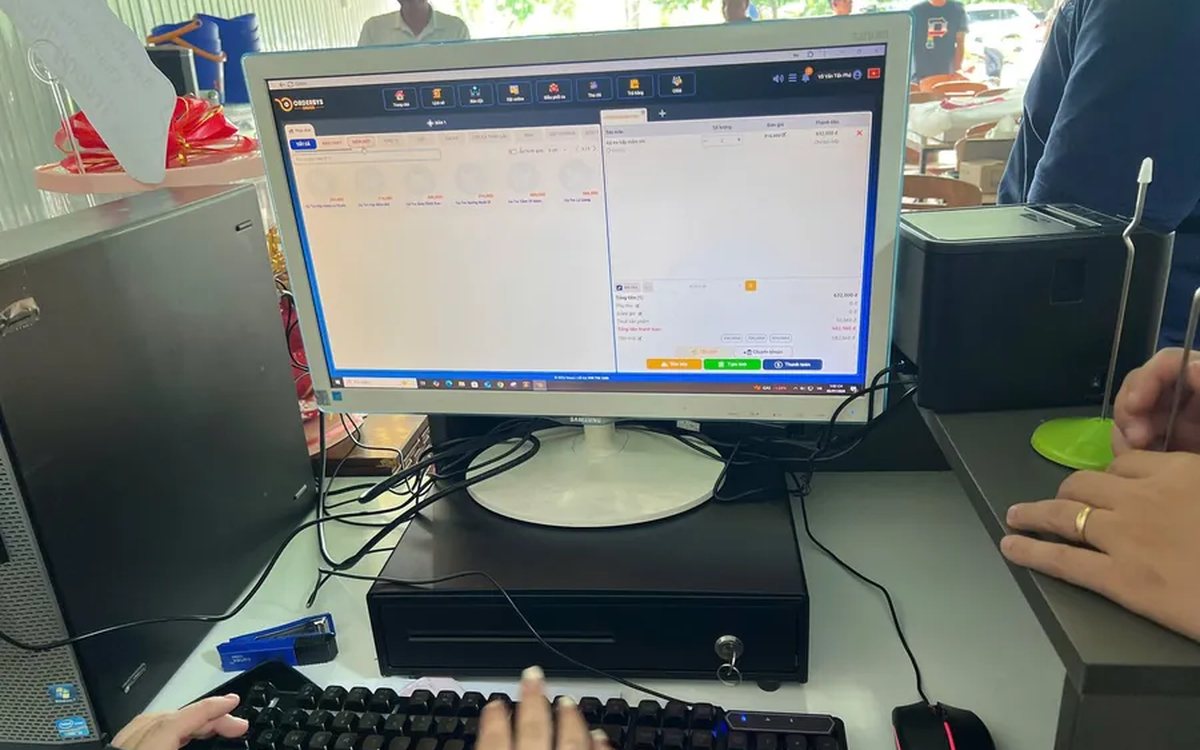
Pizza shop software: choose-your-own toppings, dine-in and delivery
A dozen pizzas on the menu, but size, crust and toppings push it to several hundred combinations — and the shop sells three channels at once. How to declare attributes, variants and topping groups once, run all three channels on one system, deduct ingredients by recipe, and what not to expect from the delivery side.

Reports on which billiards tables are busy by hour, for staffing shifts
How many staff for a Friday night, and is the table at the back worth keeping — two questions answered by reports, not instinct. The revenue-by-table screen lists even the zero tables, per-table detail carries invoice timestamps, plus three charts for reading hour bands and four things to do after reading them.
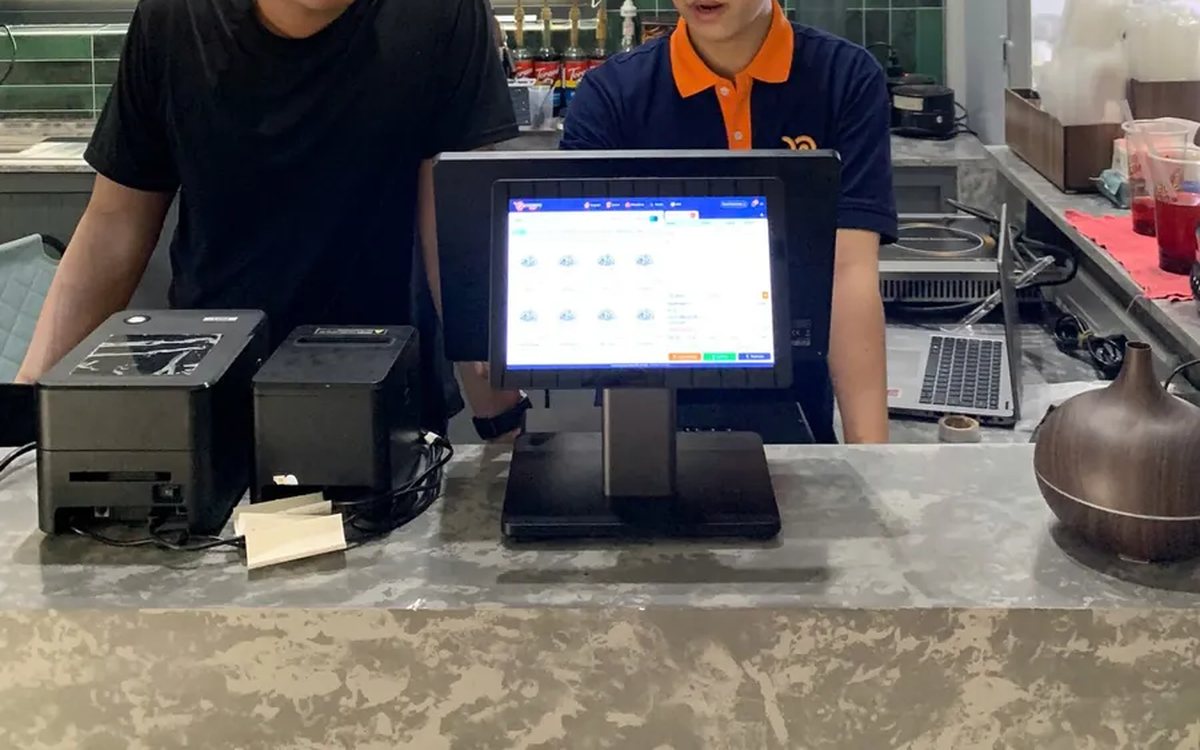
Assessing staff productivity by sales and hours worked
The highest sales figure is not necessarily the strongest performer — you still have to divide by hours worked. The two numbers you need first, three ways to turn them into productivity, three rules for comparing like with like, what to measure for roles with no sales, and why criteria must be announced before money is attached.

Per-dish gross margin in a restaurant: making the number trustworthy
What the gross margin on a plate includes and excludes, two ways to get cost into the software (a cost price field or ingredient recipes), four places the number goes wrong, and why you must multiply margin by plates sold to see which dish really feeds the restaurant.
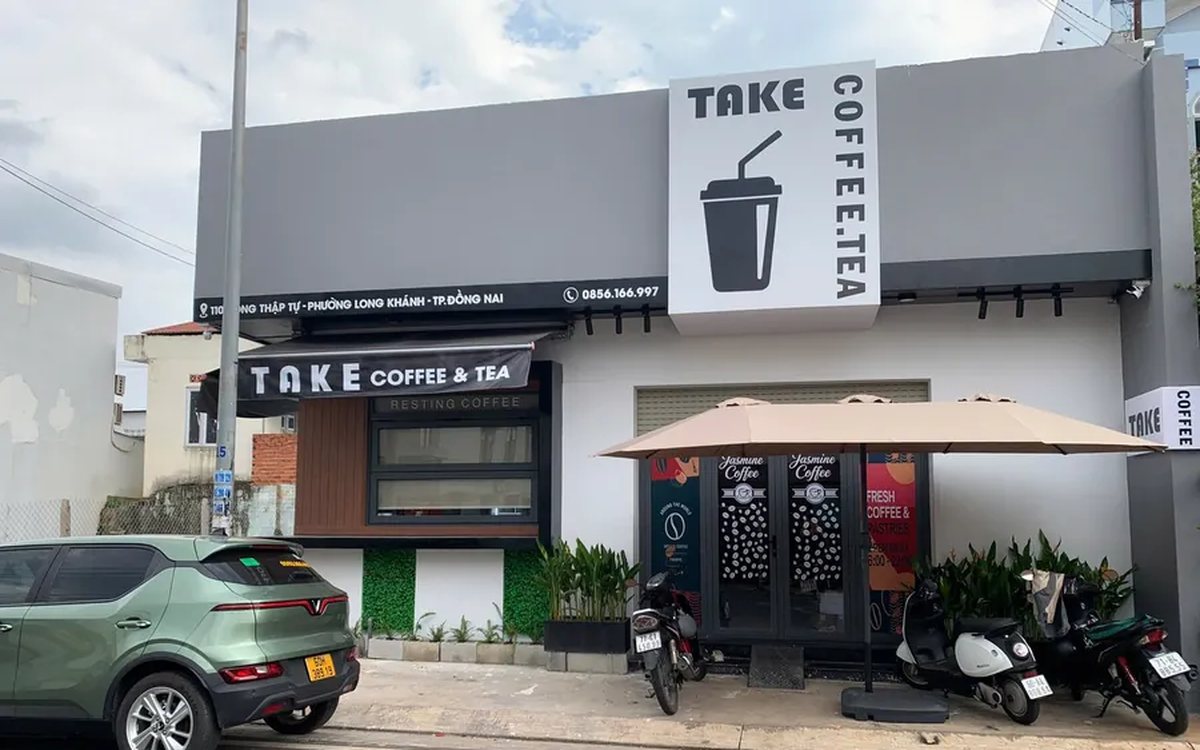
Bubble tea chain management software: open the second shop without starting over
Opening a second bubble tea shop: import the menu from a file instead of retyping it, declare the four option groups and the recipes so the drink stays the same, use a price list for per-location price differences, then read reports combined and split by branch.

Massage bookings over Zalo: what to do once the message arrives
A chat message is not yet an appointment. How to move it into the shared schedule: pick the room, the bed and the therapist, read the appointment statuses, and let the software remind the customer before the slot.

Pet shop software: selling supplies and taking grooming bookings on one machine
A pet shop is two shops in one: stock in many pack sizes, and grooming services that need a time slot. How to declare several units of measure, take bookings with a named staff member, and put goods and services on the same bill.
