



Search for "free sales software" and a store owner will find two very different kinds. The first is free for the long term but usually comes with limits on the number of products, invoices or features. The second offers a full free trial for a period before you pay. Ordersys is the second kind. Seven days sounds like plenty, but if you only click a few buttons and leave it, the trial ends and you still do not know whether the software fits your store. This article explains what to prepare before day one and which tasks to try with your own goods and your own staff.
What the Ordersys retail software trial includes
- 7 days with every feature, not a cut-down version. Sales, stock, debt, branches and reports are all open.
- No card and no setup fee. If it does not suit you when the trial ends, that is it, nothing is charged.
- On-site help with installation and training, so you do not have to figure out day one alone.
- Works with common devices such as barcode scanners, receipt printers, electronic scales and cash drawers. Bring out whatever the store already has and test it too.
If you are weighing long-term free software, the article should you use free sales management software covers the usual risks in detail.
Prepare before day one
Most trial time is lost to data entry. Have these ready and you can sell on the first day:
- Your product list in the Excel template downloaded from the software, filled in using the template's columns. Import product groups first (they have their own template), because the group codes in the product file must already exist. The file must match the latest template; if a column is wrong, the software reports the error right away instead of importing junk.
- Opening stock for your best-selling groups. Enter it before the first sale, because once a branch has transactions, opening stock can no longer be created.
- Regular customers and suppliers: these can also be imported from Excel. If customers owe you money, prepare those amounts to enter as opening debt.
- Who runs the counter: pick one main cashier for the trial week instead of leaving only the owner to click around.
Six tasks to try with your store's real goods
| Task | What to do | Passes when |
|---|---|---|
| Selling at the counter at peak time | Scan barcodes, search products by name, sell items with sizes and colours, take cash, card or VietQR, print the receipt | A new staff member can sell alone after one shift without calling the owner |
| Receiving a batch of goods | Create a purchase slip, approve it, then press receive into stock; if not fully paid, record the debt to the supplier | Stock rises by exactly the batch, supplier debt matches the slip |
| Counting one shelf | Count one best-selling group and create an adjustment slip for the difference | You know how much is off and on which items; stock only changes when the slip is approved |
| Selling on credit to a regular | Pick the customer, record the amount owed with a due date, collect part of it a few days later | You can see which customer owes, on which order, and how much is left |
| Opening and closing shifts | Enter the opening cash, close the shift at the end of the day and print the shift closing slip | Cash in the drawer matches the slip, and any gap shows up at once |
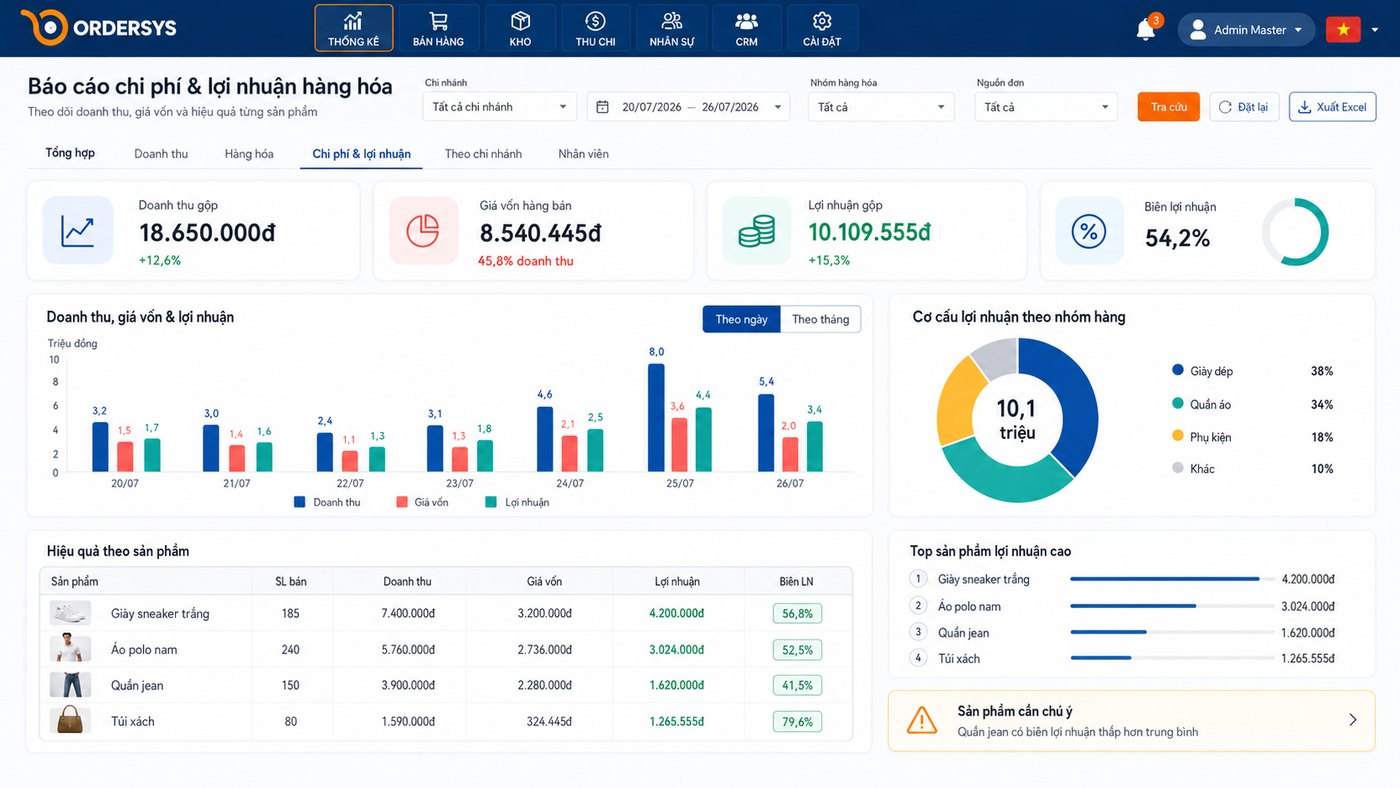
| Checking reports on the phone | The owner opens daily revenue, best sellers and gross profit by product | You know how the day is going without standing at the counter |
If the store has two or more outlets, also try a stock transfer between two branches. Each type of stock slip is explained in stock and inventory management for retail stores.
Ways of testing that waste the 7 days
- Testing with five or ten sample items. Any software runs smoothly with ten items. Only your real catalogue shows whether searching and scanning are fast enough.
- Only the owner tries it. The heaviest users are the counter staff. If they find it confusing, they will not use it later.
- Selling without closing shifts or counting stock. The biggest benefit is reconciling cash and goods. Skip that and you have only tested half the software.
- Forgetting to check the internet at the counter. The software runs over the internet, so test it at peak time and keep 4G as a backup. See also can you keep selling during an internet or power cut.
After 7 days, what to look at before deciding
Do not ask "does the software look nice". Compare four numbers with the week before the trial:
- The number of items off on the shelf you counted.
- The cash difference at the end of each shift.
- The time spent on bookkeeping and adding up money each evening.
- How often staff had to call the owner while selling.
If the bookkeeping time saved and the goods and cash that no longer go missing are already worth more than one month of the software fee, the answer is clear. For how fees are calculated, see how much sales management software costs: Ordersys charges by store and number of outlets, with no limit on products or invoices.
Sign up for the Ordersys retail software trial
Barcode checkout, stock by size and colour, customer and supplier debt, multiple branches, and revenue and gross profit reports are all part of the Ordersys retail and store management software. Read more about managing customer debt and managing stock and inventory to see which parts to test closely. Sign up for a 7-day free trial, or message us on Zalo or call 090 750 1000 for installation help tailored to your store.
Sell by barcode, track stock across units, manage debts and see profit every day.
Other news
Cutting billiards highlights: around the scoring mark or by segment, and when you need the full match
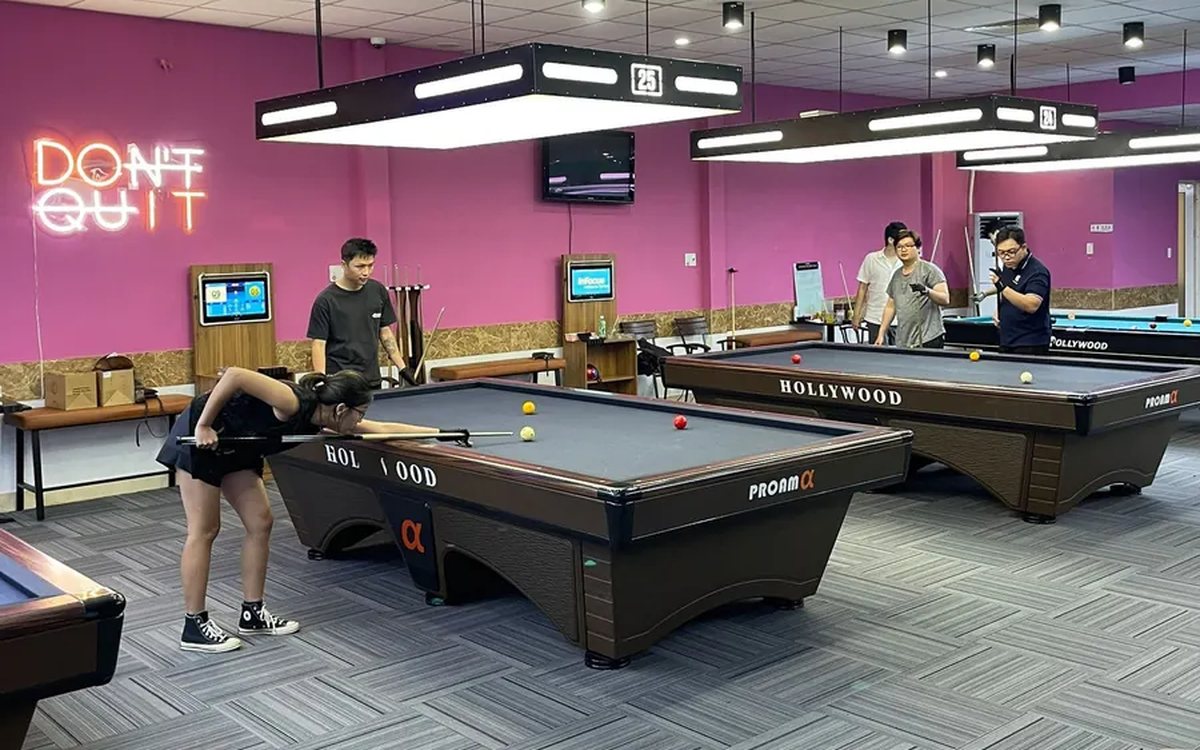
The Ordersys billiards management software cuts highlights in two ways: around the scoring mark (seconds before and after set by the club) or by segment (from the previous scoring press to this one), and every match also keeps a full match segment to watch and download. This article compares the two styles, explains how to set the camera delay first and suggests which one a club owner should pick.
Retail software that manages customer debt properly: credit with due dates, part payments that never mix up orders
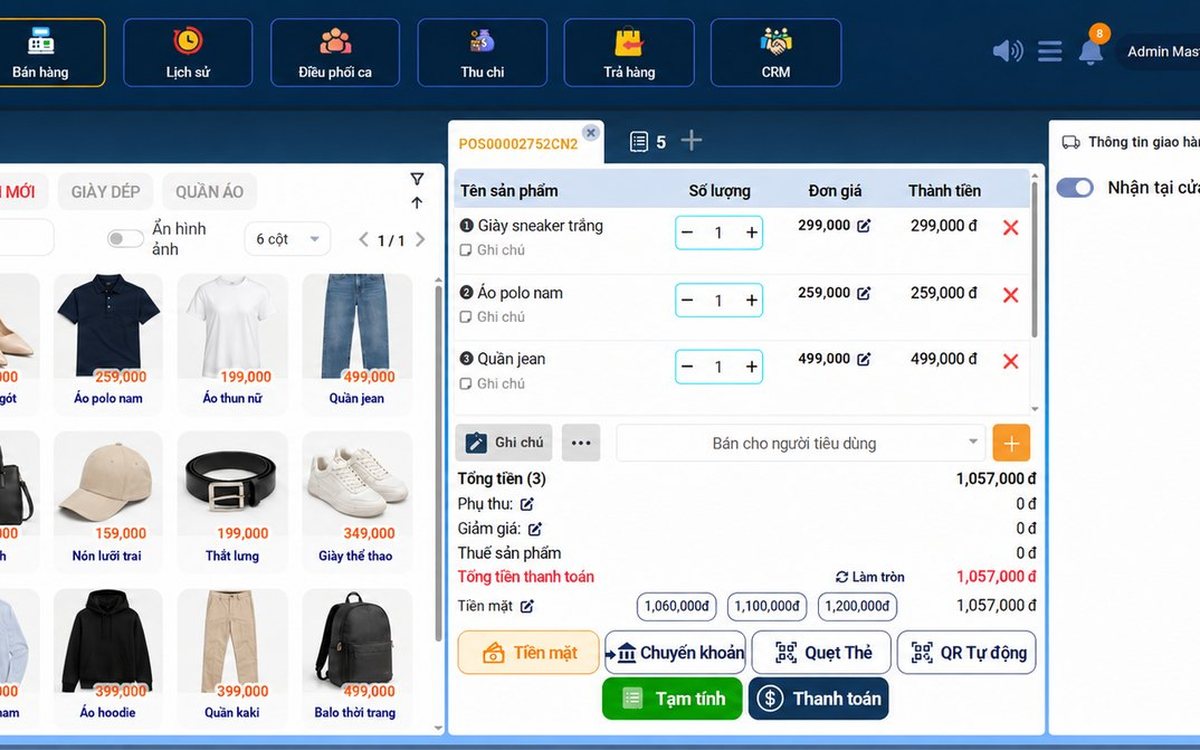
A handwritten debt book goes wrong in four places: debts not tied to orders, no due date, part payments applied to the wrong order, and repayments mixed with sales cash. This article follows the life of a debt in Ordersys: credit tied to a customer and a due date, filters for nearly due and overdue debts, collections allocated to the earliest due order first, safeguards against workarounds, and opening debt imported from Excel.
How to manage a cafe or small restaurant remotely by phone: what to check each day, and when
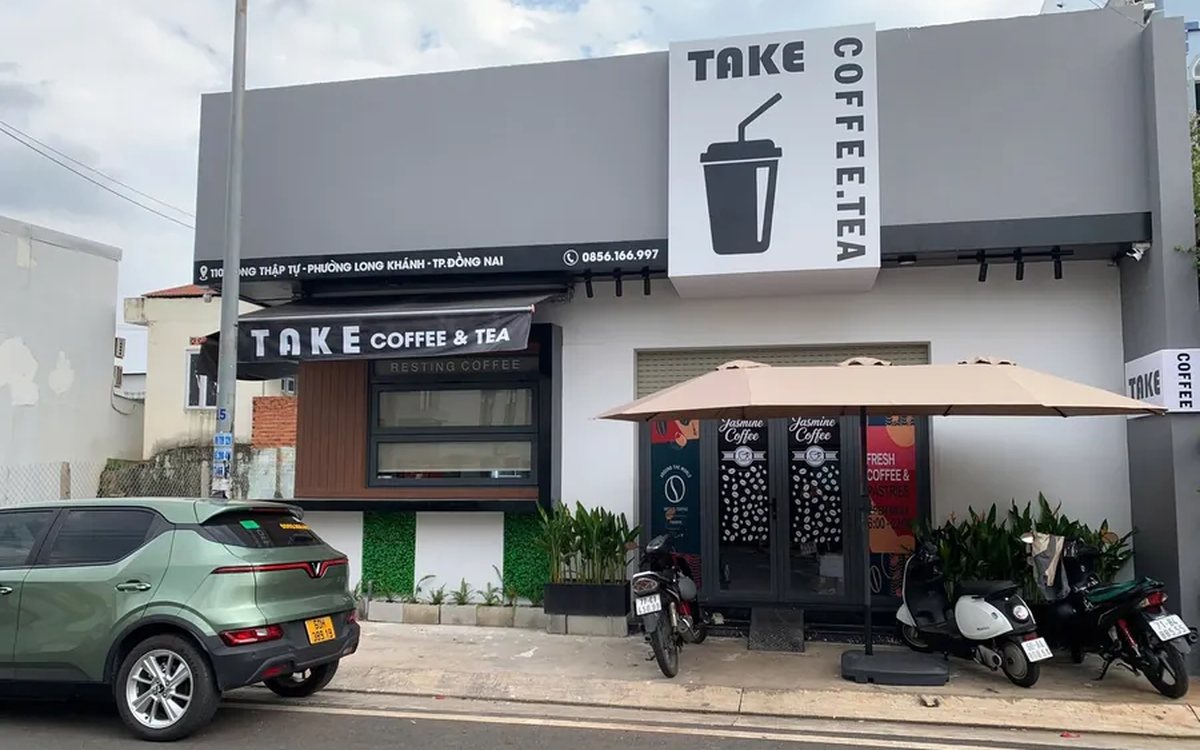
Remote management is not watching staff on camera for hours; it is knowing how many times a day to open your phone and which numbers to read. This article gives a concrete daily schedule for cafe and restaurant owners using Ordersys: end-of-day report, shift close report, orders, stock and multiple branches, plus the numbers worth a call right away and what the venue must record.
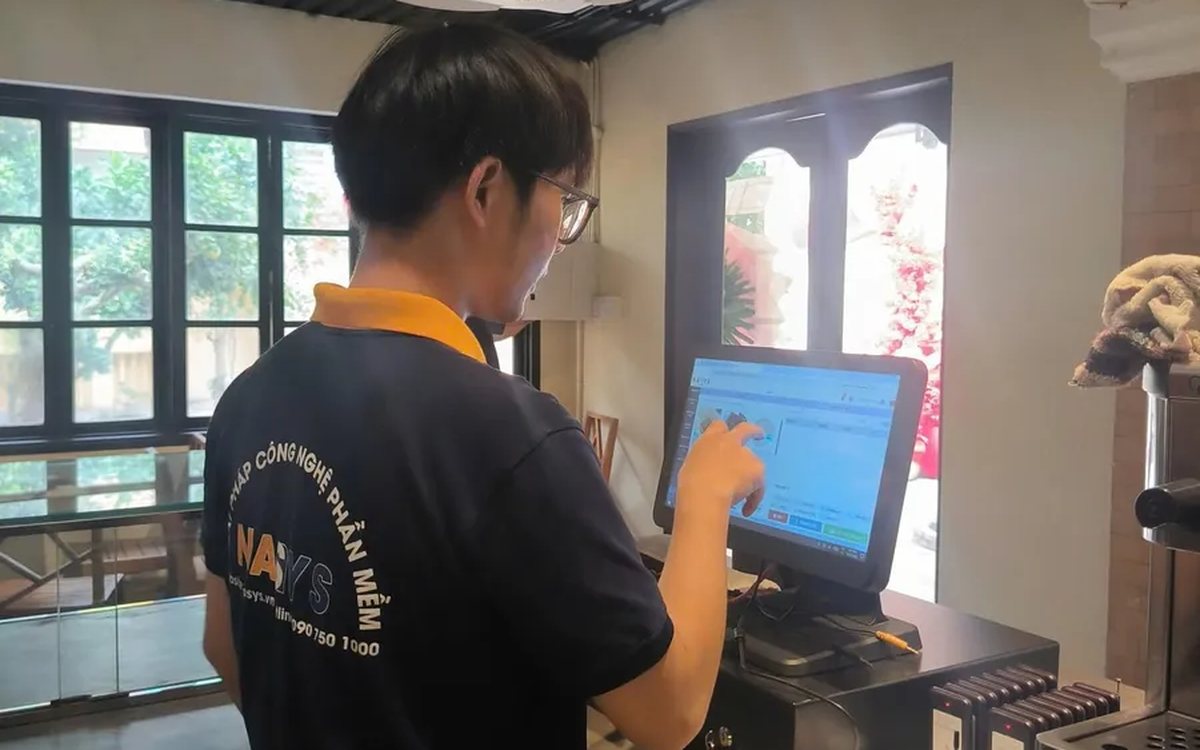
QR payment with automatic reconciliation: reading the shift close report so the money matches
When a venue takes many transfers, the drawer holds only part of the revenue. This article walks through the Ordersys shift close report money stream by money stream: cash, bank transfer, card, auto QR and debt; which lines the software already matched, which the cashier must check item by item, orders paid two ways, orders tapped with the wrong method, and the order of reconciliation before closing the shift.

Billiards management software free trial: what to test in 7 days before buying
Instead of hunting for free billiards management software, trying the full version for 7 days on real tables, at real hours, with real staff gives a surer answer. This article suggests a day-by-day trial plan for a billiards hall: tables and hourly rates, running alongside the paper log, table ordering, shift close, hardware and reports, plus four mistakes that waste the trial and the questions to ask before buying.
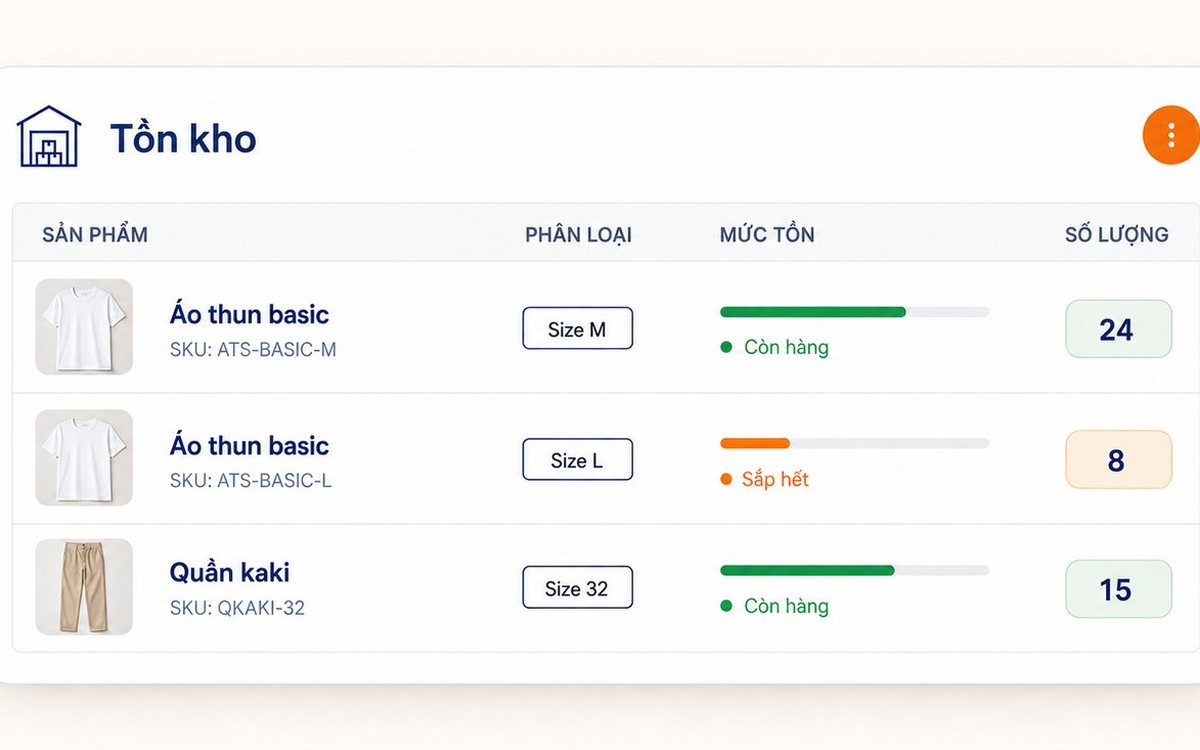
Inventory and stock software for retail stores: every item in and out has a document
When the stock on screen does not match the shelf, the software rarely miscounted; goods left or entered the stockroom without being recorded. This article follows an item through a retail store: opening stock, two-step purchase receipts (incoming first, then received into stock), instant deduction on sale, branch transfer slips, supplier returns, approved adjustments, the In–Out–Balance report and stock limits.
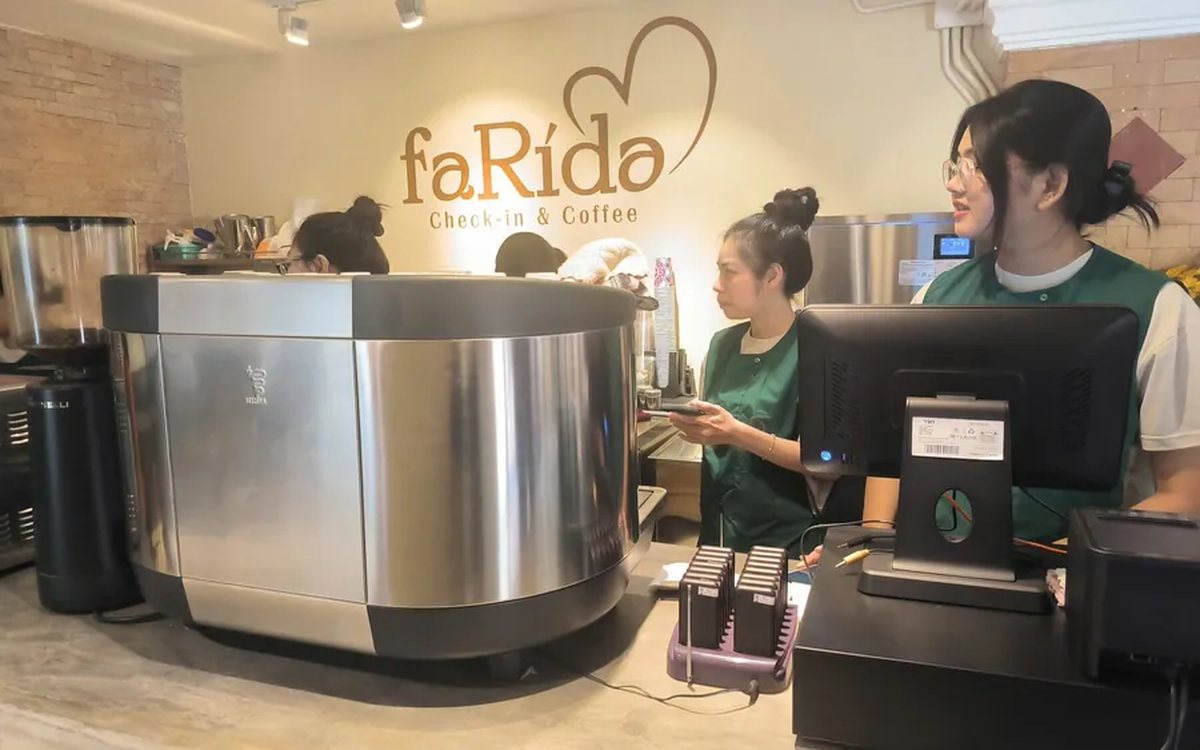
Ordering software for takeaway cafés: fast to-go orders, no mixed-up cups
A takeaway café does not lose time at the espresso machine but in four steps at the counter: typing option notes, customers changing their mind late, waiting to check transfers and handing over the wrong cup. This article shows how ordering software fixes each step: size, sugar, ice and toppings as buttons, a customer display to confirm before the cup is made, a payment QR in the total box and a numbered label for every cup.
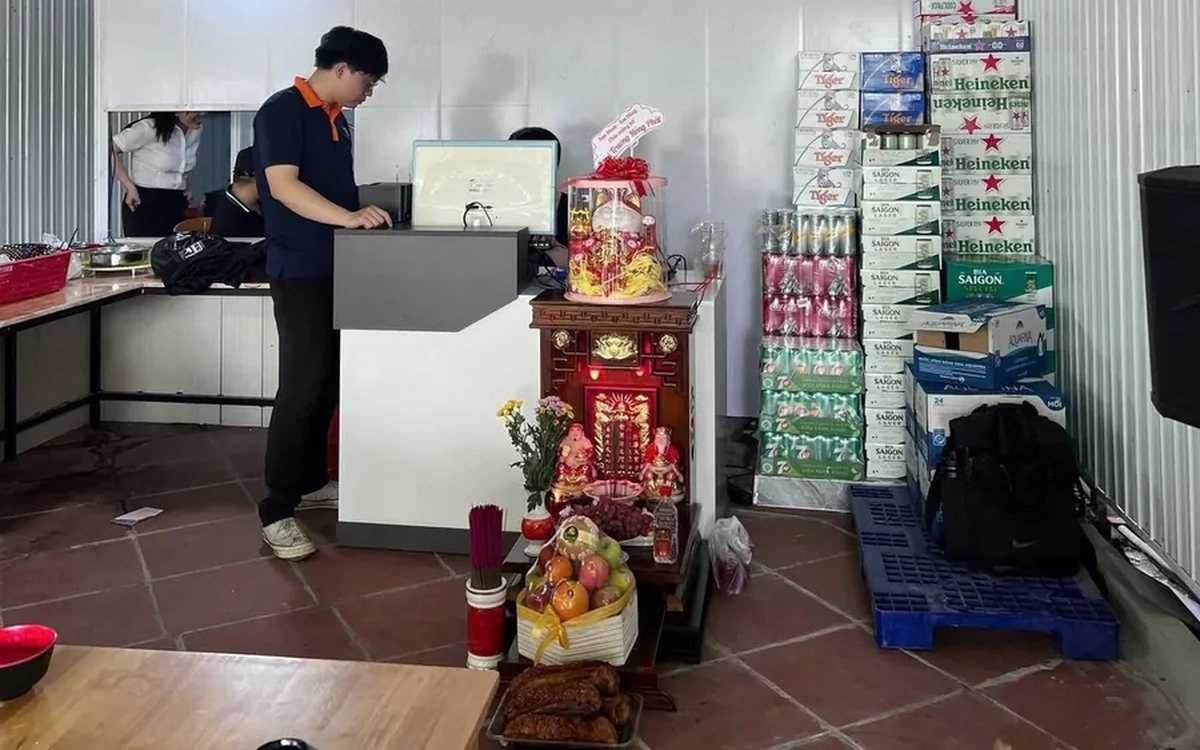
Automatic payment confirmation: customers scan VietQR or MoMo and the order closes itself
At busy times, cashiers lose the most time hunting for bank transfers. This article explains automatic payment confirmation in ordering software for restaurants and cafés: how it differs from a regular transfer QR, what happens from the moment a customer scans VietQR (BIDV), MoMo or VNPay until the order switches to paid, what runs automatically afterwards (receipts, stock deduction, member points) and when the software deliberately does not close the order.
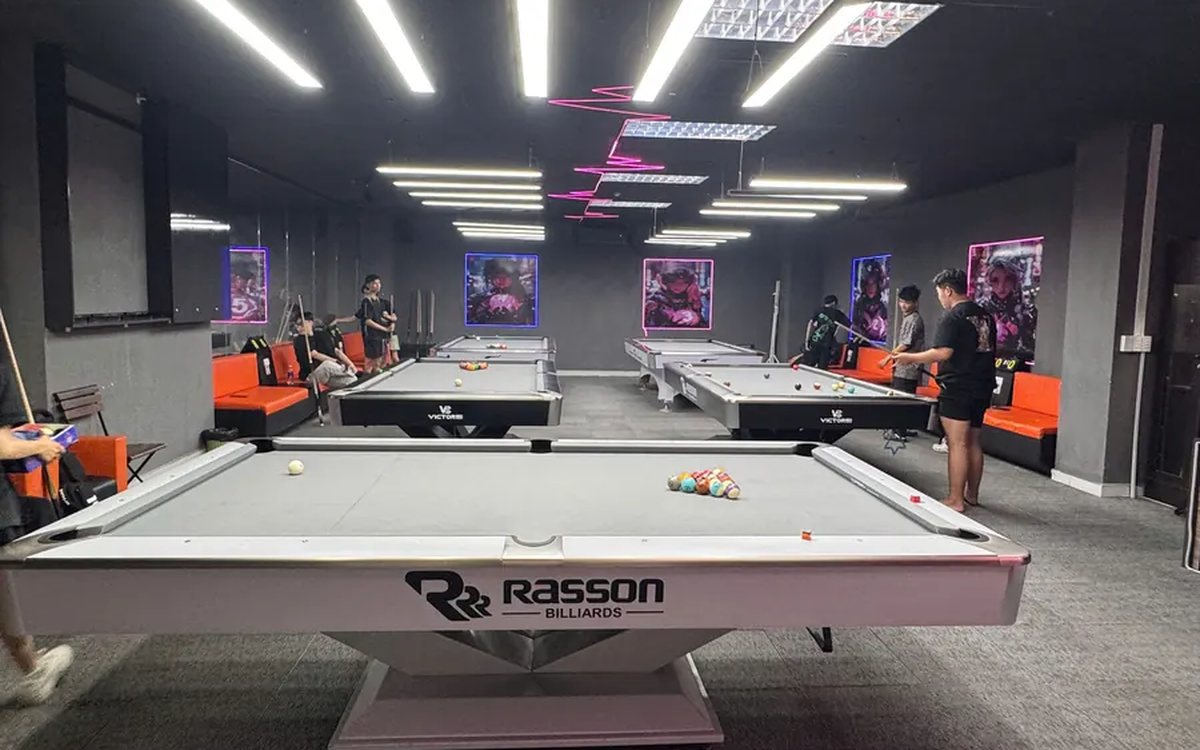
Sharing great billiards shots with customers over Zalo and social media
A clip of a great shot is something players want to keep, and the club gets mentioned every time it is passed on. This guide shows billiards club owners how to make sending highlights to customers over Zalo a counter habit: where clips come from, five steps to pick, preview, download and send, when to let customers scan a QR code to get clips themselves, and how to post on the club's fanpage while keeping customers comfortable.
