



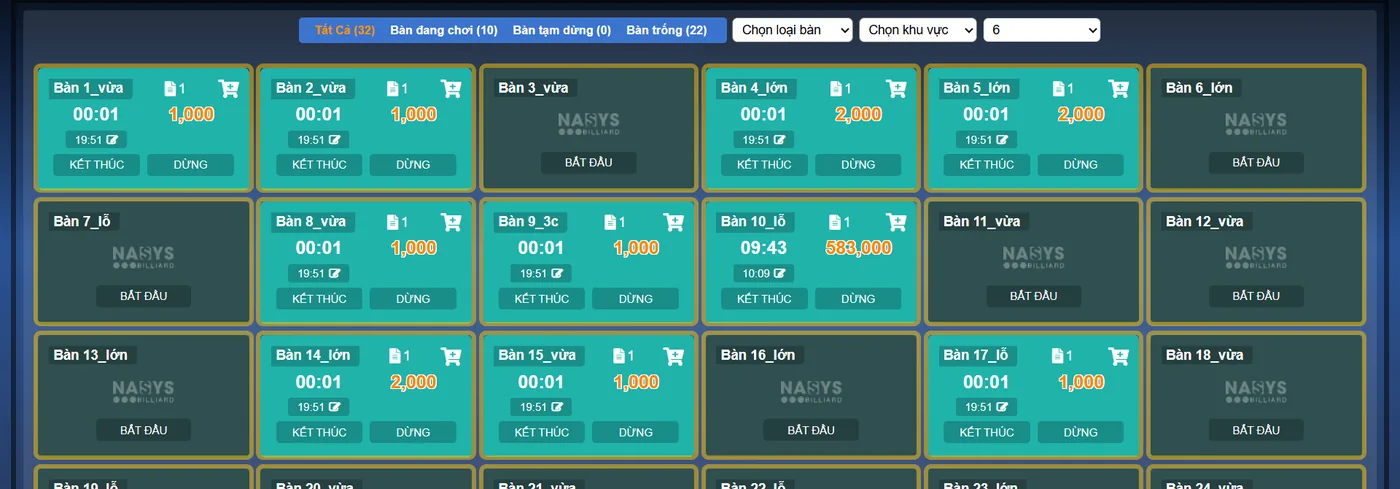
Just after eight in the evening, a group of four playing at the table by the door sees that the corner table has just freed up, with less foot traffic around it, and asks to switch. Without a table transfer function, staff have only two options and both are poor: charge for the old table and open a new one, so the guests pay twice; or leave the old table's clock running and keep it all in their head, while the old table cannot take anyone else. A proper transfer has to keep three things: the time already played, the items already ordered, and one single bill.
What the software does when you press Transfer table
A table in play has a Transfer table button. Staff choose the destination table, choose the price type for the new table, then confirm. Here is what happens to each part:
| Part | After the transfer |
|---|---|
| Bill | Still the same bill, moved to the new table. The old table goes back to empty and can take other guests right away. |
| Time already played | Closed at the moment of the transfer, charged at the old table's price, with a note showing which table it moved from and to. |
| Time from here on | A new time line opens at the destination table, at the price type just chosen. |
| Items already ordered | They sit on the bill, so they travel with the guests and need no re-entry. |
| History | The bill log records the transfer and the account that made it. |
Why two time lines on the bill is the correct result
When guests move from a regular table to a large one, the two stretches of time carry two prices. Merging the whole session into one price leaves one side short. The software keeps each stretch separate, as in this example with illustrative prices (each venue sets its own):
| Time line | Time played | Price per hour | Amount |
|---|---|---|---|
| Table 4 | 1 hour 20 minutes | 60,000đ | 80,000đ |
| Table 9 | 40 minutes | 90,000đ | 60,000đ |
| Total table time | 2 hours | 140,000đ |
The same applies going from a large table back to a regular one: the stretch already played is not recalculated at the cheaper price. Table time is still charged by the minute or by block and rounded the way the venue has set it. Guests can see each stretch on the bill, so staff have less to explain.
When a transfer is not possible
- The destination table has guests. The software only allows a move to an empty table. If someone has just opened the destination table, the action returns an error instead of overwriting that table's bill.
- The table is using a combo. The software says the table cannot be transferred. Mention this when selling a combo so guests choose the table they like from the start.
- A different area, if the venue blocks it. There is an option that disallows transfers between areas. Venues with a separate floor or zone can switch it on so staff do not move guests across zones on their own.
Transfers also deserve a watchful eye
Because staff choose the price type at the new table, this action touches money. Moving a guest from the standard price to a lower price type still produces a valid bill; the venue simply collects less. The software cannot read the intent of whoever pressed the button, but it leaves enough of a trail for the owner to review:
- A "Transfer table" notification goes to whoever has switched on this notification type, showing the account used and which table moved to which.
- Each time line on the bill records the price applied, so at shift close you can compare bills with a transfer against the guest's actual price type.
- The bill log keeps the transfer on record, which helps when a guest or cashier has a question later on.
One small habit helps a lot: tell staff to do the transfer the moment guests change tables, not later when things calm down. Time is closed when the button is pressed, so however late it is pressed, that stretch stays on the old table at the old price.
Table transfer, per-table time billing and in-table drink ordering are part of Ordersys billiard management software. If you want to try it, there is a 7-day free trial: open a table, order a bottle of water, transfer to another table and look at the bill to see how the software splits the time.
Further reading: Closing the night shift at a billiard hall: reconciling table time, drinks and cash for how to check things at the end of a shift; and Billiard cameras against staff fraud: matching orders with table video if you want to check more closely.
Ordersys times every table automatically, switches table lights, takes drink orders at the table and reports revenue per shift.
Other news
QR digital menu: change prices and hide sold-out dishes without reprinting
A QR menu can change right away without reprinting, but you need the right switch. Three ways to stop customers ordering a dish by QR, whether a price change affects dishes already ordered, what the kitchen's Sold out button really does, and a three-step routine for busy hours.

Tracking spa appointment status: arrived, late or cancelled
The hard part of spa appointments is not writing them down but knowing what state each one is in right now. Six statuses and what reception should do at each, how to handle no-shows, and how to cancel and undo bookings while deposits still match the cash book.
Pharmacy and grocery software: barcodes, expiry dates, fast selling
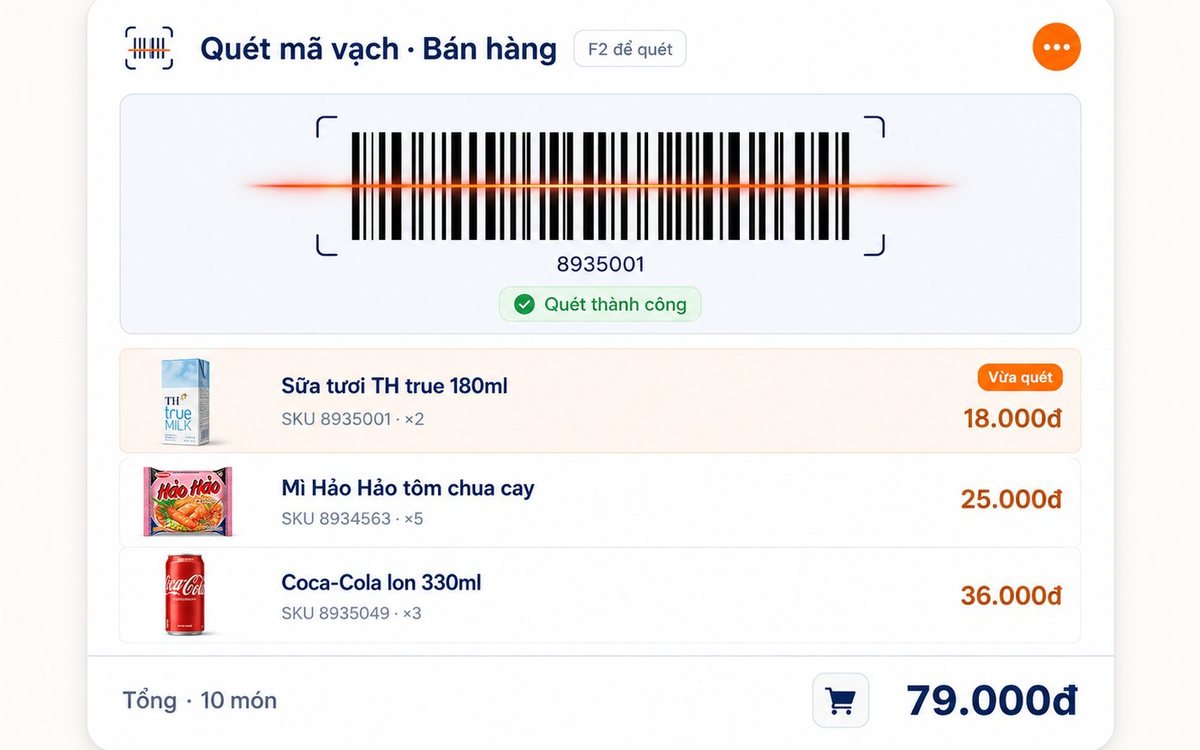
Pharmacies and grocery shops struggle the same way: many items, small values, a customer waiting, and stock with expiry dates. Barcode selling, lot and expiry travelling with the goods from receipt, case-to-box conversion, stock levels — and one point pharmacies should ask about before choosing software.

Paying part-time staff by the hour in restaurants and coffee shops
Monthly salary does not fit part-timers on four or five-hour shifts with a roster that changes weekly. The four things to set up properly — shifts, attendance, the hourly rate, the closing cycle — and why worked hours must come from attendance rather than from the roster.

Massage shops: booking rooms, beds and therapists without overlaps
Two customers on one bed is the kind of mistake that loses guests quietly. The three sources of overlap in a massage shop, how the software blocks bed conflicts using start time plus duration and a buffer on both sides, what the machine guards and what people still have to, and four rules to agree on before switching on.

Bakery management software: production recipes, expiry dates and cakes ordered for a pickup date
A bakery is a small workshop stuck to a shop, so software that only sells still leaves the owner guessing how much flour went into a batch. Declare baked goods as produced items with recipes, sponge and cream as semi-finished goods, receive materials by lot with expiry dates, sell at the counter with barcode labels, and keep every advance cake order in one place.

Software for a hotpot and grill house: building the menu, splitting the kitchen, what to set up before you open
Guests order five or six rounds over two hours, the kitchen runs three stations, and tables turn over once or twice a night. Those three traits decide what to configure in the first week: hotpots and broth flavours as attributes, meat plates by recipe quantity, buffet seats, kitchen and bar printers by product group, advance bookings with a code, and closing the shift at night.
Filling off-peak hours with student groups: attach the offer to the person, not just the hour
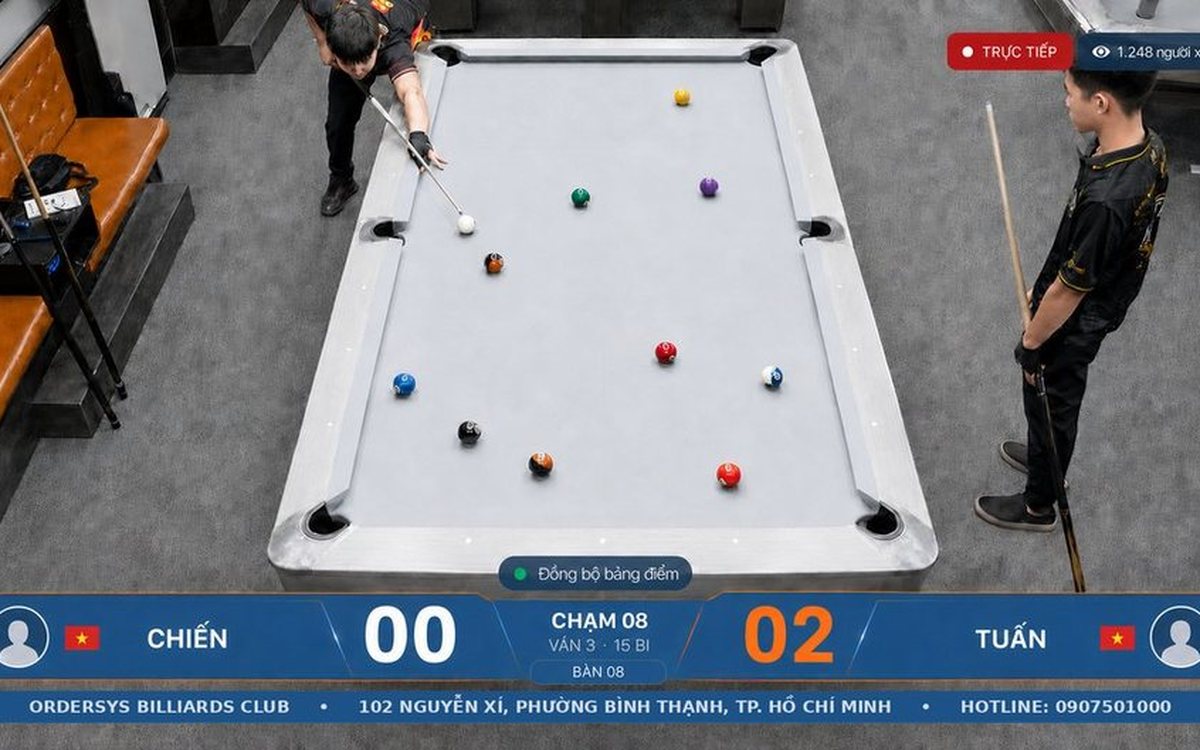
Cutting the price for a whole afternoon band also discounts the people who were coming anyway. To aim at the group you are missing, the offer has to attach to a person: membership cards and tiers, three preset rates — Regular, Student, Other — and a capped group combo limited by weekday and time window. Plus three guards so the discount does not leak.

HRM software for restaurant and cafe chains: splitting the work with each outlet
By the third location, three Excel files on three computers no longer answer how many people the chain employs or what it spent on staff last month. One shared record that travels with the person, a table splitting duties between owner and outlet manager, permissions by store, rules configured per branch, and labour cost broken out by outlet.
