



Billiards club owners who want to switch software usually dread two things: retyping a hundred or so drinks and snacks, and staff fumbling between two systems during the first busy evenings. Most of a club's data can be moved with the Excel files exported from the old software. A billiards club has a few parts that cannot be copied over as they are, though, because table time is not an item on the menu. This article goes through each type of data, the three places where file transfers usually go wrong, and how to choose a cut-over date so the club never has to close for a day.
What data can be moved and what cannot
Old software, KiotViet included, usually lets you export the product, customer and supplier lists to Excel. The club sends those files as they are; if there is no file, fill in the Excel template that Ordersys provides.
| Data | Moved over | Notes for a billiards club |
|---|---|---|
| Products, product groups | Yes | With selling price, cost price, unit and barcode. Old product codes can be kept if the club wants. |
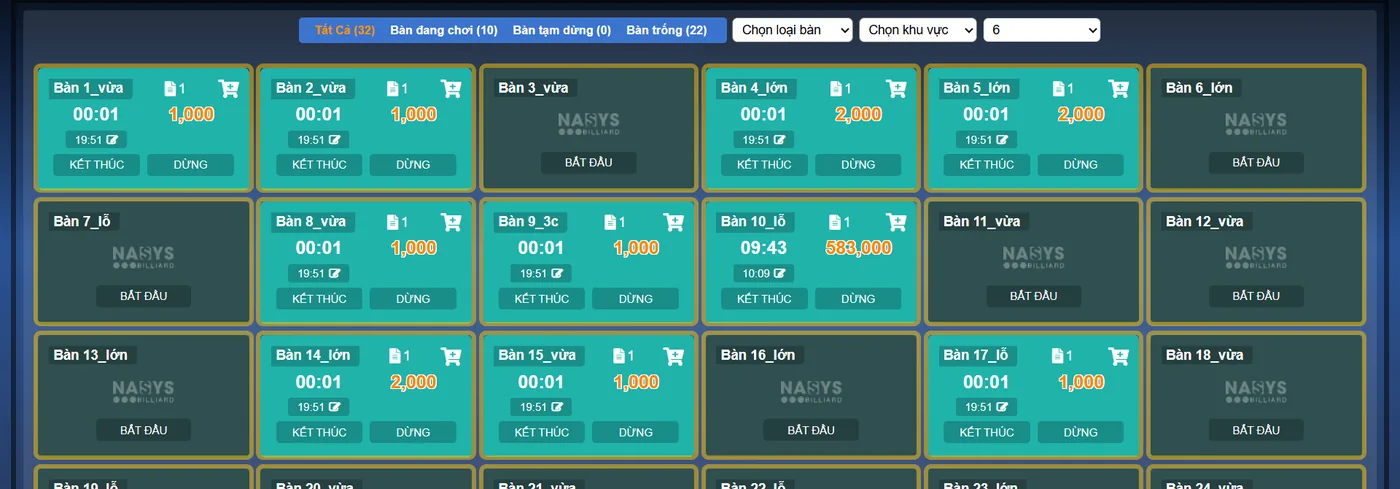
| Table map, areas | Yes | Rebuilt by area and by table type so each table gets the right hourly rate. |
| Customers | Yes | Name, phone number, date of birth and address of regulars and members. |
| Suppliers | Yes | Contact details and tax code of whoever delivers beer, drinks and food. |
| Stock | Yes | Entered as opening stock using the real stock count on the cut-over date. |
| Customer and supplier debts | Yes | Close the balances on the cut-over date before entering them, especially for regulars who run a tab. |
| Individual invoice history | No | Export an archive file from the old software for lookups and tax reconciliation. |
Three places where a billiards club's file transfer goes wrong
- A "table time" line mixed into the product list. Many clubs once created "playing time" as an item so it could be rung up. In Ordersys, table time is calculated from the table type and the rate band, so these lines must be removed from the file. If they are imported, the cashier sees two places to charge time and can easily charge it twice.
- An empty unit column. Files exported from old software often leave the unit blank: cans of beer, bottles of water, fruit plates, none of them say what they are. Fill this in before sending the file, because wrong units throw off both stock receiving and stock counts later.
- Stock figures that are negative or do not match. When a club sells without recording deliveries regularly, the stock in the old software is often negative. Do not import those figures. Count the real stock on the cut-over date and enter that as opening stock, as in the table above.
Rebuild tables, hourly rates and lights before the cut-over date
None of this is in any Excel file, so it is done together with the technician during on-site setup:
- Areas and table types. Pool tables, three-cushion tables, carom tables and VIP rooms are set up as separate types so each type has its own rate. For setting up several table types, see timing several types of billiards tables.
- Rate bands. Write down the hourly rates in use now: weekdays, weekends, peak hours. Set them up again in Ordersys, then work out a few real sessions to see whether the result matches the old way of charging.
- Table lights. If the club uses automatic light switching, configure the light group for each table: opening a table turns its light on, closing the table turns it off.
- Printers and table QR codes. The technician connects the receipt printer and the bar printer, and prints the ordering QR code for each table if the club uses it.
Choosing the cut-over date and running both systems in parallel
The cut-over date should be at least two weeks before the old software expires, on a quiet day, ideally at the start of a month so reports are not split in half. From that date the club sells on Ordersys and keeps the old software for a few days to compare. Each night at shift close, compare three things: the table charges of a few tables against the old way of charging, drink and food sales against the stock you counted, and the debts of regular customers. Once these match for several days in a row, stop using the old software. For detailed checks, see how long to run two systems in parallel and closing the night shift at a billiards club.
Before the cut-over date, staff should practise on the real devices: opening a table, moving a table, adding drinks, checking the running total and taking payment. Once these become routine, busy hours stop being chaotic.
How Ordersys helps a billiards club switch software
Ordersys billiards management software takes the files exported from your old software; data-entry staff move products, customers and suppliers over and send them to the club to check. A technician comes to the club to set up the table map and hourly rates, connect printers and devices, and train staff before the cut-over date. Ordersys charges no implementation fee; the full process is on the switch to Ordersys page. Clubs can try it free for 7 days alongside their current software, or message on Zalo or call 090 750 1000 for advice. To see which files to prepare first, read what to prepare when moving data to new software.
Ordersys times every table automatically, switches table lights, takes drink orders at the table and reports revenue per shift.
Other news

How much does spa management software cost, and is it worth it: what the price is based on and how to estimate hidden costs
Spa management software is usually quoted by size. What the price is based on (locations, therapists, how you sell, equipment, term), what a spa plan should include, five hidden costs of running a spa on notebooks and Excel, and how to test whether it is worth it during a 7-day trial.
How much does HR management software cost? What the price is based on, what a plan includes and the hidden costs of manual payroll
HR software quotes are hard to compare because some charge per head and some per store. How to read a quote: what the price is based on, what attendance, scheduling, payroll and commission features a plan should include, costs outside the plan (setup, equipment, branches) and four hidden costs of tracking attendance in a notebook or Excel.
A points-for-rewards programme for your shop: choosing rewards, promoting it at the counter and measuring take-up
When points are collected but few customers redeem, the problem is usually the rewards. Four kinds of reward and what the shop really spends, why to start with menu items and only two or three tiers, setting rewards up in the software so the cashier does not calculate by hand, three moments to mention it at the counter, and three numbers that show whether customers really take part.

Karaoke room map: seeing free rooms and rooms in use, and seating guests at peak hours
A karaoke room map has to answer three questions: which rooms are free, which are in use and which are booked. How to name and group rooms to match the real venue, four steps for reading the map to seat guests at peak hours without clashing with bookings, and two places where the map in the system often drifts from the real rooms.
Calculating customer lifetime value (CLV) for your shop: what a regular customer is worth
CLV is the money a customer brings in over the whole time they keep coming back. A four-number formula good enough for restaurants, cafés and spas and where to get each number, a trial calculation with assumed figures, using CLV to cap the cost of winning new customers, size offers for regulars and pick which group to focus on, plus three common mistakes.
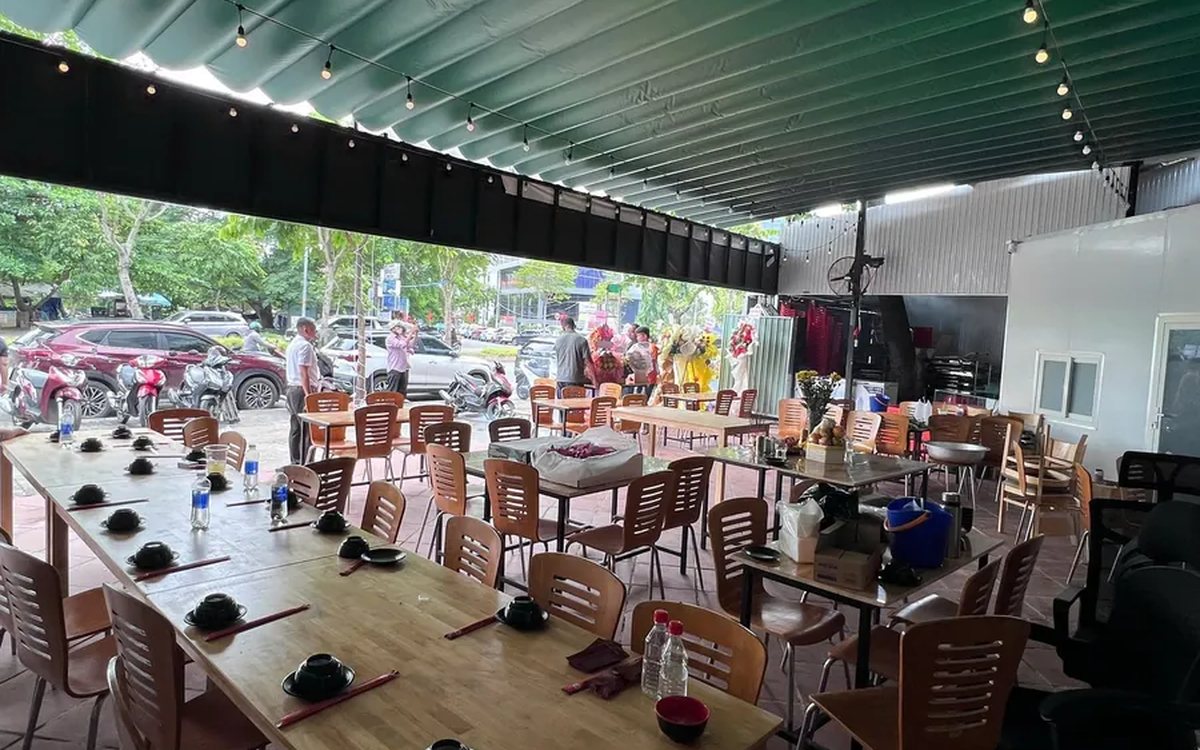
Guests check their order and order more via QR: fewer "where is our food?" questions
The same QR page guests order from also holds the table's order: the item list, the status of each item, the subtotal and whether it is paid. How statuses appear depending on the kitchen setup, ordering more and calling staff from the same page, and three things to make guests actually use it.

Switching karaoke rooms while keeping singing time and ordered drinks: how to charge without arguments
When guests ask to switch rooms mid-session, karaoke venues often lose an hour of singing time or charge a beer case twice. Four reasons for switching and how to charge for each, what to tell guests before moving them, five steps to switch rooms without losing money, and how to stop transfers being used to undercharge.
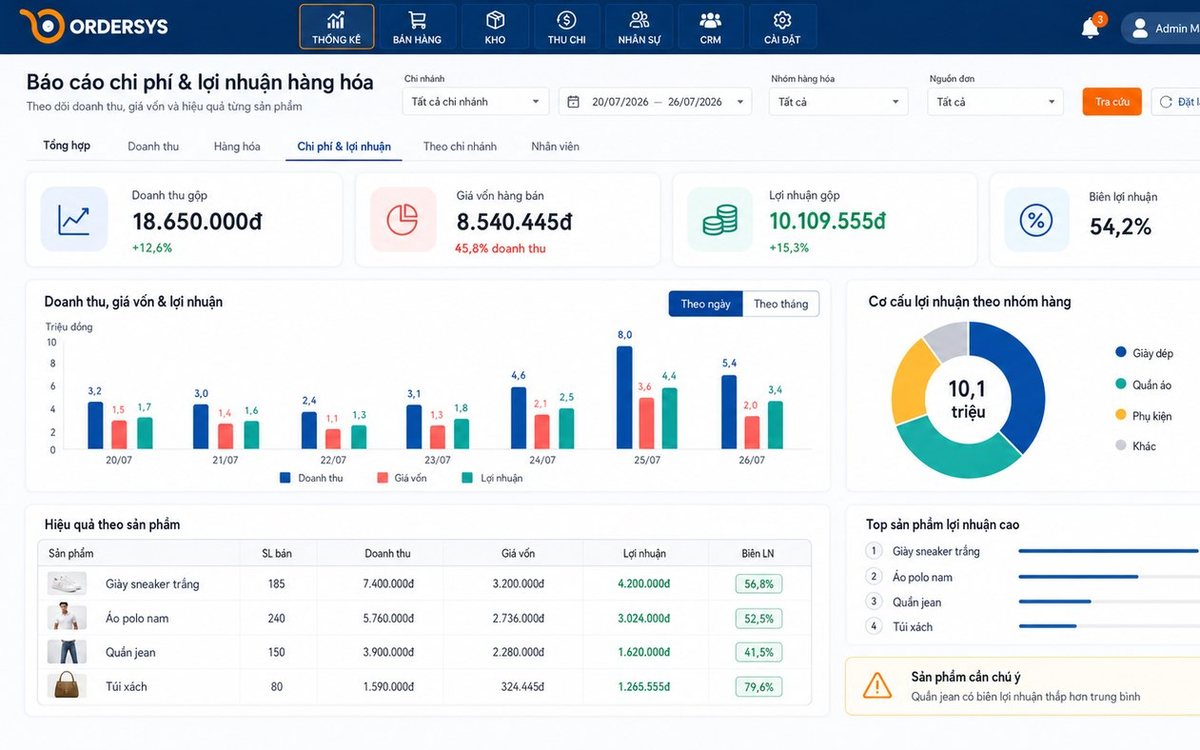
Loyalty points and membership tiers for retail shops: how to set them up without eating your profit
Loyalty points and membership tiers are two different things: each customer has total points that decide the tier and remaining points to redeem, and redeeming never drops the tier. Three ways retail must plan differently from restaurants, four setup steps with a sample tier table, and how it runs at the checkout.
After-sales customer care via Zalo for restaurants and cafés: five occasions and a sample line for each
You don't need many messages, just the right occasions: after a first visit, after a party, when a regular goes quiet, before a birthday and after fixing feedback. Each comes with who to send to, when, and a sample line to adapt to your shop's voice, plus how to run it in fifteen minutes a day.
