



Shop owners who ask "how much does HR management software cost" usually get quotes that are hard to compare: some charge per head, some per store, some bundle a time clock. This article does not give a single figure, because list prices change over time and by plan. Instead it shows how to read a quote: what the price is based on, what a plan should include, which costs sit outside the plan, and the money a shop loses without noticing while it still tracks attendance in a notebook or Excel.
What HR software prices are usually based on
| Pricing basis | Suits | Ask about |
|---|---|---|
| Per store, with a staff limit | Restaurants, cafés, shops, small chains | How it is charged when staff exceed the limit |
| Per employee | Offices with many staff | Whether part-time and seasonal staff count |
| Standalone or bundled with sales software | Businesses that already use sales software | Whether sales data is shared for commission, or has to be entered again |
| Monthly or prepaid for several years | Everyone | Whether prepaying locks in the price |
With Ordersys, the HR software (HRM) is charged monthly per store; the HRM plan states that it covers 15 employees per store. It can be used on its own or bundled with sales software: restaurants and cafés have a sales plan with HRM included, and billiards clubs have a VIP plan that includes full attendance and payroll. Prepaying for several years locks in the price. Current prices for each plan are on the pricing page.

What an HR software plan should include
In shops and small chains the owner also handles HR, so the software needs to be compact but complete:
- Attendance. By QR code on a phone, a time clock, or controlled manual entry; split shifts and half days are recorded.
- Shift scheduling, shift swaps, leave and overtime. Every change has an approver and is recorded when it happens.
- Payroll. By the hour, by shift or by month; overtime added and late arrivals or early departures deducted automatically, with allowances, bonuses and deductions; one payslip per person with each item shown separately.
- Employee records and contracts kept in one place.
- Sales commission taken directly from completed orders, with no re-entry.
- Multiple branches. Hours worked by staff who move between locations are credited to the branch where they worked.
Costs outside the plan price
- Setup and implementation fees. Some vendors charge these separately. Ordersys charges no setup fee; on-site installation and training are included in the price.
- Equipment. Software prices do not include hardware. QR clock-in uses phones, so buying a device is not required; if the shop wants a fingerprint scanner, see fingerprint time clocks connected to software.
- Additional branches. Ask about the price from the second branch onwards; the Ordersys pricing page offers discounts when you add branches.
- Support after purchase. Ordersys provides lifetime support for as long as you use it.
Hidden costs of tracking attendance in a notebook and Excel
Not paying for software does not mean paying nothing. Nobody records the items below as expenses, but they come up every month:
| Item | Why it costs money | How to estimate it yourself |
|---|---|---|
| Hours spent adding up attendance at month end | Collecting notebooks, checking day by day, retyping into Excel | Hours the owner or accountant spends on it each month |
| Payroll errors | Forgotten allowances, wrong shifts, advances not deducted | Number of payslips corrected in the last three months |
| Buddy punching | Paper sign-in sheets or a fixed QR code on the wall let absent staff still get hours | On a few surprise checks, compare recorded attendance with who is actually there |
| Pay disputes | No record of shift swaps or overtime | Time spent resolving them, and conscientious staff who feel cheated and quit |
You do not need exact figures. Just put these items next to one month's plan price to see whether it is worth it. Five places where payroll often goes wrong are listed in where month-end payroll usually goes wrong; for preventing buddy punching, see QR code attendance.
Try it before you pay
Ordersys HR management software offers QR clock-in, shift scheduling, leave and overtime approval, automatic payroll and sales-based commission, sharing data with Ordersys sales software. The best way to find out which plan fits your shop is the free 7-day trial: run one attendance cycle with your real staff. For a quote based on your number of stores and staff, message on Zalo or call 090 750 1000. If you are still unsure whether a small shop needs software at all, read what HRM software is and whether small businesses need it.
Clock in by phone and calculate pay by shift, allowances and overtime automatically every month.
Other news

How much does spa management software cost, and is it worth it: what the price is based on and how to estimate hidden costs
Spa management software is usually quoted by size. What the price is based on (locations, therapists, how you sell, equipment, term), what a spa plan should include, five hidden costs of running a spa on notebooks and Excel, and how to test whether it is worth it during a 7-day trial.
Switching billiards club software: how to move products, tables, hourly rates and regulars
Most of a billiards club's data moves to new software through Excel files, except table time, which is not a menu item. What can and cannot be moved, three places where file transfers go wrong (table-time lines, empty units, negative stock), rebuilding tables, rates and lights before cut-over, and running both systems in parallel until the numbers match.
A points-for-rewards programme for your shop: choosing rewards, promoting it at the counter and measuring take-up
When points are collected but few customers redeem, the problem is usually the rewards. Four kinds of reward and what the shop really spends, why to start with menu items and only two or three tiers, setting rewards up in the software so the cashier does not calculate by hand, three moments to mention it at the counter, and three numbers that show whether customers really take part.
Karaoke room map: seeing free rooms and rooms in use, and seating guests at peak hours
A karaoke room map has to answer three questions: which rooms are free, which are in use and which are booked. How to name and group rooms to match the real venue, four steps for reading the map to seat guests at peak hours without clashing with bookings, and two places where the map in the system often drifts from the real rooms.
Calculating customer lifetime value (CLV) for your shop: what a regular customer is worth
CLV is the money a customer brings in over the whole time they keep coming back. A four-number formula good enough for restaurants, cafés and spas and where to get each number, a trial calculation with assumed figures, using CLV to cap the cost of winning new customers, size offers for regulars and pick which group to focus on, plus three common mistakes.
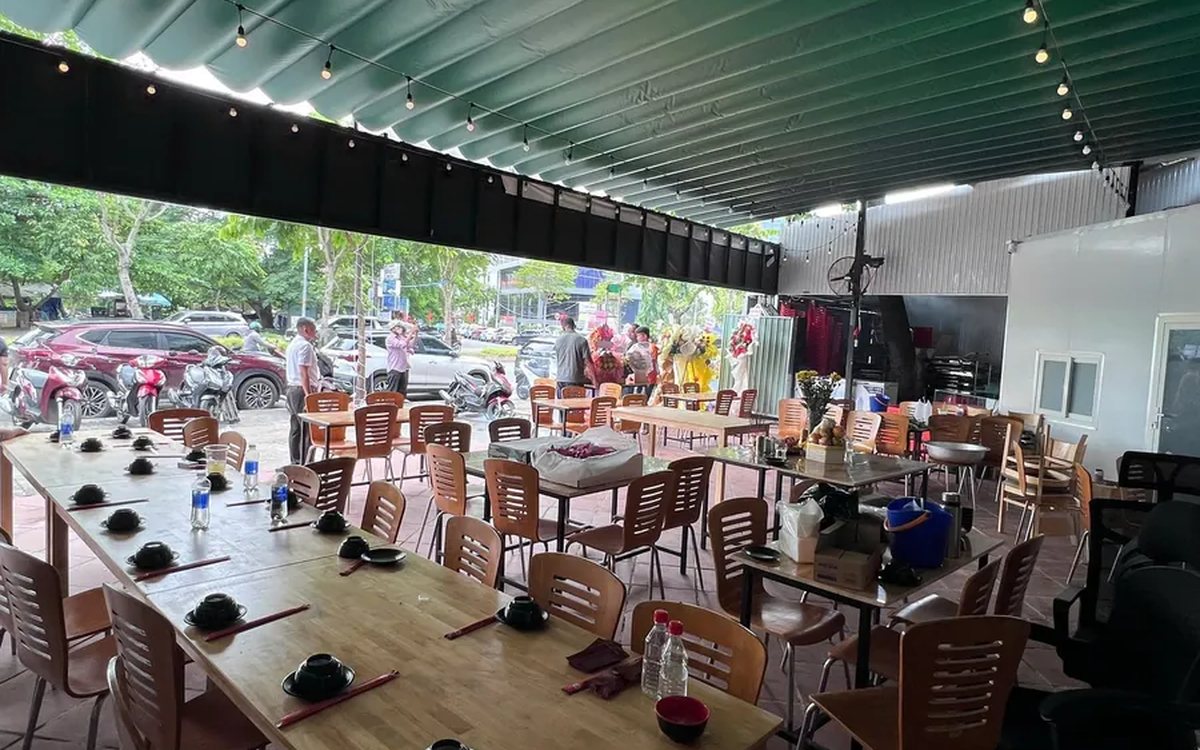
Guests check their order and order more via QR: fewer "where is our food?" questions
The same QR page guests order from also holds the table's order: the item list, the status of each item, the subtotal and whether it is paid. How statuses appear depending on the kitchen setup, ordering more and calling staff from the same page, and three things to make guests actually use it.

Switching karaoke rooms while keeping singing time and ordered drinks: how to charge without arguments
When guests ask to switch rooms mid-session, karaoke venues often lose an hour of singing time or charge a beer case twice. Four reasons for switching and how to charge for each, what to tell guests before moving them, five steps to switch rooms without losing money, and how to stop transfers being used to undercharge.
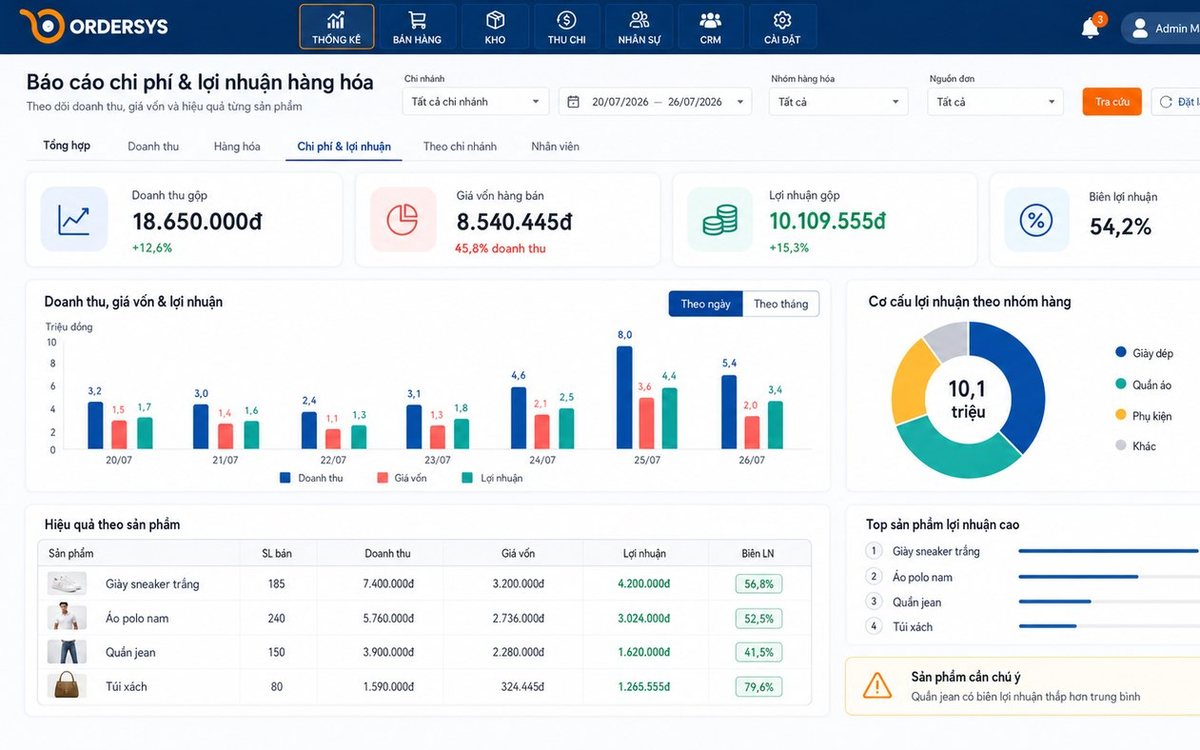
Loyalty points and membership tiers for retail shops: how to set them up without eating your profit
Loyalty points and membership tiers are two different things: each customer has total points that decide the tier and remaining points to redeem, and redeeming never drops the tier. Three ways retail must plan differently from restaurants, four setup steps with a sample tier table, and how it runs at the checkout.
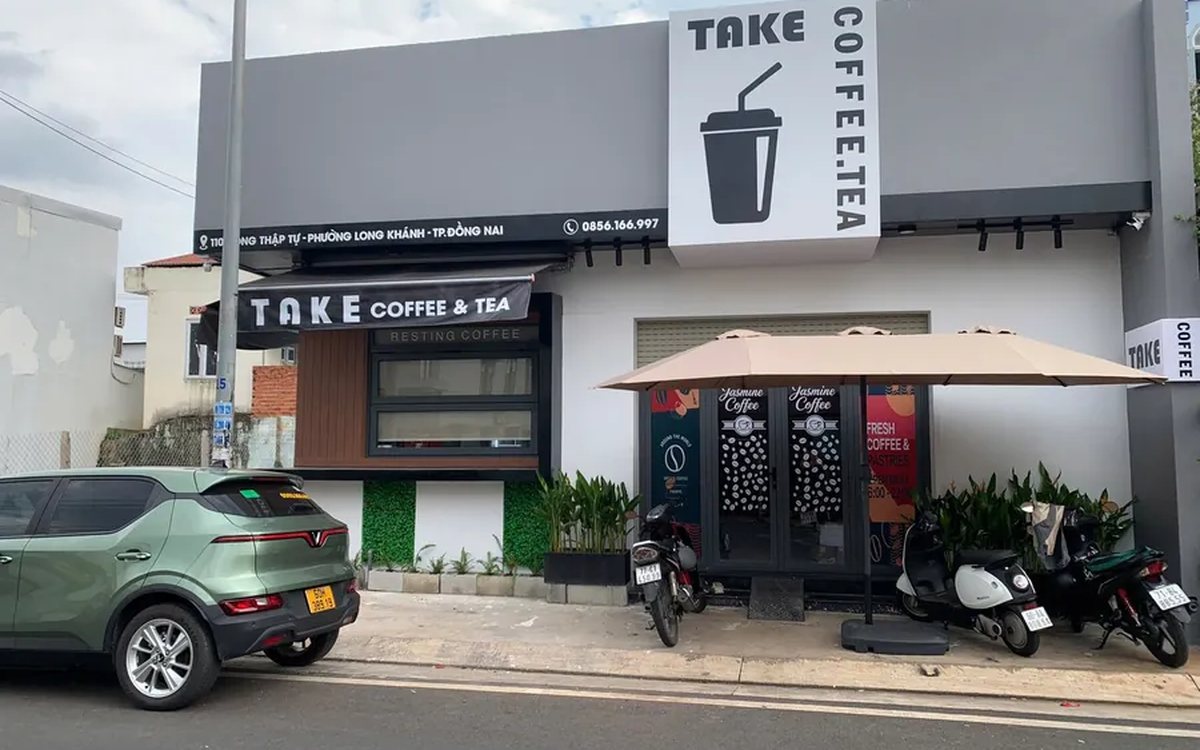
After-sales customer care via Zalo for restaurants and cafés: five occasions and a sample line for each
You don't need many messages, just the right occasions: after a first visit, after a party, when a regular goes quiet, before a birthday and after fixing feedback. Each comes with who to send to, when, and a sample line to adapt to your shop's voice, plus how to run it in fifteen minutes a day.
