Every billiards club has cameras, but most of them are only used to watch over property: a cue goes missing, a phone disappears, so someone opens the footage. Yet what a billiards club loses most is not an object — it is playing time that never gets charged. A table runs for two hours while the ticket says one. No dish is short, no stock is off, so there is nothing to reconcile against. Cameras solve that, provided the owner can open the right table at the right time and has a record in the software to put beside it.
Cameras alone are not enough, and neither is the software alone
Nobody can sit and scrub through a whole evening of footage. On the other hand, looking only at the revenue report shows the final number without telling you whether that number matches what actually happened in the room. The two belong together: the software tells you when, which table, who did what, and the camera shows you what that table actually looked like at that moment. Once you know the time and the table, reviewing takes a few minutes instead of a whole evening.
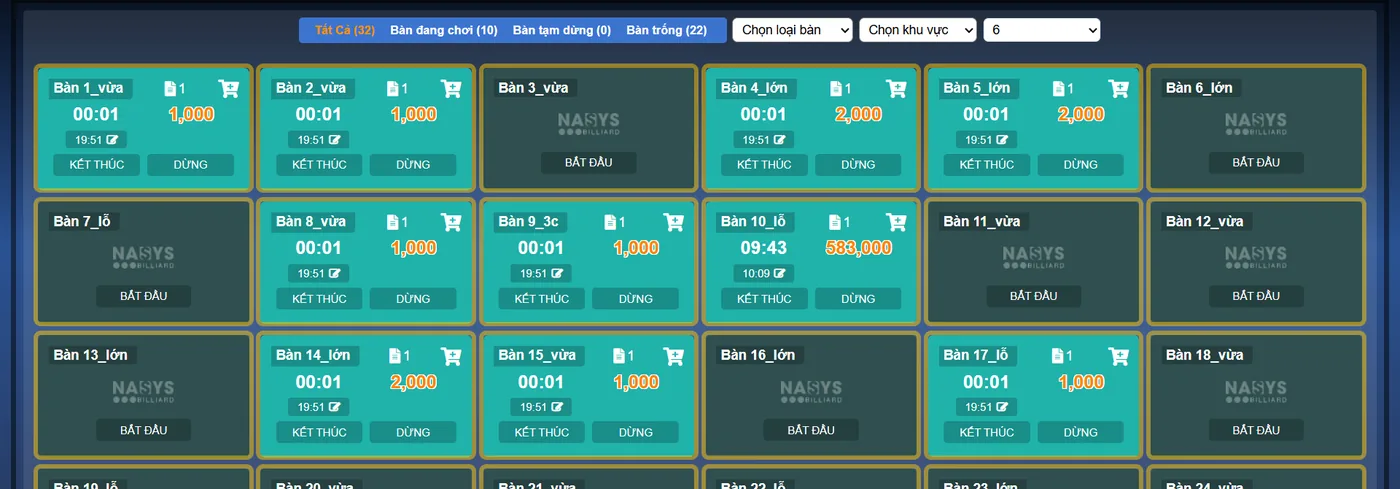
What the software records for you to compare
Ordersys keeps an action history for each user, filterable by table and by time range. These are the lines worth looking at first:
| What happened | What the software records | What it lets you check |
|---|---|---|
| Opening and closing a table | Table name, start time, end time, who did it | Whether the time on the ticket matches when the guests really arrived and left |
| Cancelling a payment, reopening a ticket | Which ticket, which table, who reopened it, at what time | A ticket reopened several times in one shift is a sign worth asking about |
| Deleting an order | Which order, which table, who deleted it, when | An order deleted right at peak hour is usually not a change of mind |
| Adding drinks or food | Item, quantity, time ordered, which table's ticket | Guests drinking in the room while the ticket shows no such line |
Opening the right table at the right time
Each table in the software is tied to its own camera, so there is no opening the wrong table by mistake. The camera history page for a table splits the day's recording into fifteen-minute blocks, newest at the top; every block has a play button and a button to download that stretch. While watching, there are back-one-minute and back-two-minute buttons to search around the moment you want. Cameras that support panning and zooming are controlled right on the screen, so nobody has to go adjust them by hand.
- Get the time from the action history first, then open the camera — not the other way around.
- If you need to keep something as evidence, cut that stretch out and download it, because the recorder will overwrite the footage after a while.
- The camera QR code for a table is shown on that table's screen; scanning it with a phone opens that table's history, without sitting at the counter.
To be clear: the software does not accuse anyone
There is no function that detects a staff member cheating. The software only records faithfully what happened, and the camera only stores images; putting the two side by side and drawing a conclusion is still the owner's job. The camera history page lists the recordings of the current day, so anything you want to trace has to be reviewed early, or the stretch you need downloaded to your machine. Cameras also have to be placed so they see the table surface and the way in and out — pointed at a corner of the wall, the replay tells you nothing.
Cutting down how often you have to check
Reviewing footage is firefighting. It is better to make missed time hard to happen in the first place: have the table light switch on and off with the playing session, so a lit table with no ticket shows up immediately; charge by the minute instead of rounding by hand; reconcile cash against each table's revenue at the end of the shift instead of lumping the whole night together. Once those run smoothly, cameras become the place you verify a real suspicion, not something you have to open every night.
Time tracking, table lights, scorekeeping and reporting in Ordersys are part of the billiards club management software, with a free 7-day trial before you decide. Read more: preventing losses in a billiards club — the six places money leaks out and scanning a QR code to replay a billiards table's camera.
Ordersys times every table automatically, switches table lights, takes drink orders at the table and reports revenue per shift.
Other news

Managing employment contracts: renewal reminders and employee files
End of probation, contract expiry, documents lapsing — dates that come once per person and slip past easily. One file per employee with documents and expiry dates, and notice before each date arrives.

Prepaid cards and treatment packages for massage guests
A stored-value card is drawn down by service price, a package by session — two different mechanics that need different setups. Deduct in the room, and see both money received and sessions still owed.

Food and drink combos per room for karaoke venues
A fixed set or a combo the guest picks from, ordered as one line instead of five, with kitchen and bar receiving the right items and the combo landing on the same bill as the room time charge.

Grouping VIP customers so offers reach the right people
Total purchases, remaining points, tier, customer group, outstanding debt, date of birth — the columns already in your customer list are enough to split groups. Tiers handle regulars; vouchers handle the ones who stopped coming.
Printing barcodes and price labels in batches for retail shops
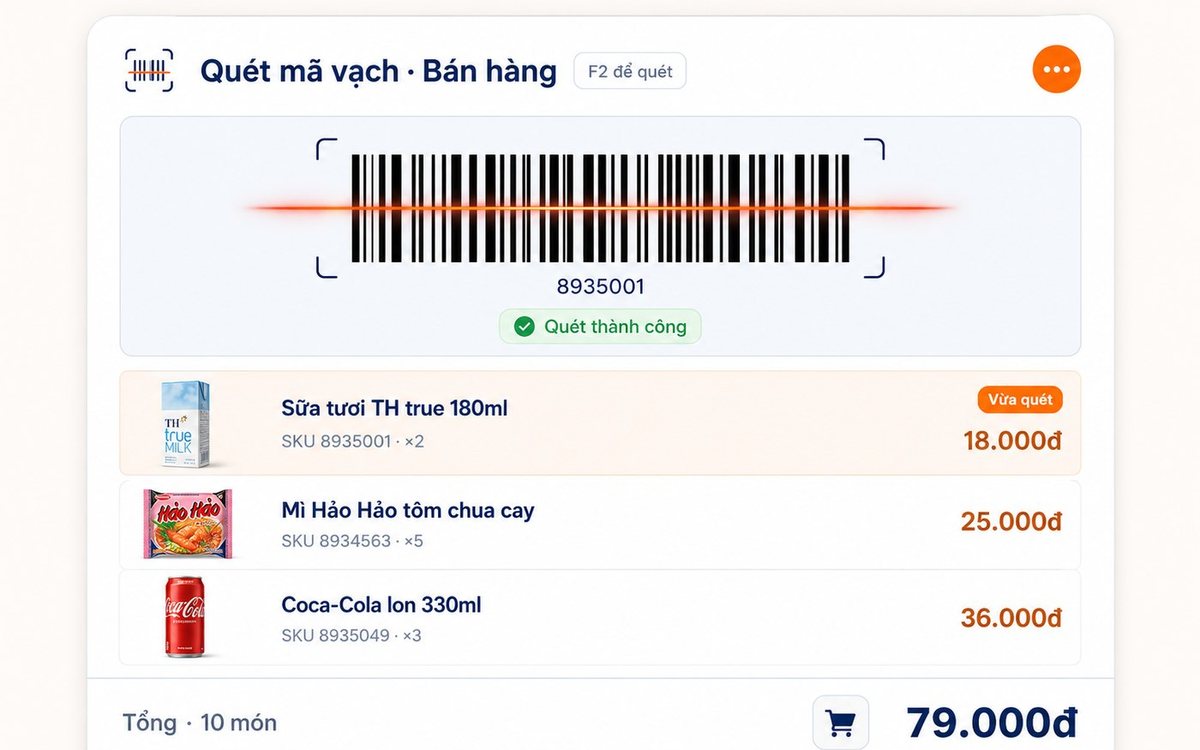
Pick the items, set the paper size and the code standard (Code 128 / EAN-13 / UPC-A), test-print one or two, then run the batch — or print straight from the purchase slip with label counts taken from the quantity received.