Employment contracts tend to be remembered twice: the day they are signed, and the day something goes wrong. In between they sit in a folder in the accounting room, or in a camera roll on the owner's phone. A company of fifteen can get by that way; at thirty or forty people across several branches, nobody can answer "has this person's contract expired yet?" on the spot. And a contract that has expired while the person keeps showing up for work is a position neither side wants to be in.
The dates that quietly slip past
Not because anyone is careless, but because these dates are not attached to anything that happens daily. They come once per person, scattered across the year:
| Milestone | If it slips past | Worth knowing in advance |
|---|---|---|
| End of probation | Letting someone keep working past it counts as having taken them on permanently | A few days ahead, in time to assess and give an answer |
| Contract expiry | The person keeps working while the paperwork has lapsed | A few weeks ahead, in time to prepare a new one |
| Personal documents expiring | The file is incomplete, and you only find out when something has to be submitted | Before the date they have to be replaced |
| Salary review date | The employee raises it first and the manager is caught unprepared | Before the period, in time to gather the figures |

One file per employee, not one folder of paper
In Ordersys HRM, each person has a file holding their documents, their contract with its expiry date, job title, current branch, base salary and allowances. Documents are attached inside the file, so nobody has to dig a photo out of a chat thread. The system gives notice before a contract expires and before probation ends, so the two dates most likely to slip are put in front of someone while there is still time to act.
The file also keeps a history: who received which raise and when, which branch they moved from and to. When an employee asks "when was my last raise?", the answer is in the file rather than in whoever happens to remember better.
When there are several branches
Chains often end up with each store manager holding part of the paperwork for their own people. When staff move between locations, the file follows late or not at all. Keeping every file in one system means a store manager sees their own people, the owner and accountant see everything, and moving an employee to another branch is a change of one field rather than a handover of a stack of paper.
- Contracts coming up for expiry can be filtered by month and by branch.
- Files missing documents are visible straight away, not at the moment something must be submitted.
- Departed employees keep their file and history for later reference.
The software reminds; people still decide
The system does not renew a contract by itself, and it does not replace a manager's judgement on who should be signed on again. What it does is put the right name in front of you at the right time, with a complete file behind it. The legal side — which type of contract, how long, how many days of probation are allowed, the minimum probation pay — follows the regulations and is worth reading separately; the article on employment contracts for restaurants and shops covers that part.
A light way to start
There is no need to enter everything at once. The lightest approach is to enter first the people whose contracts expire within the next three months, since that is the group needing notice soonest. Enter the rest gradually, completing each person's file whenever something brings them up. After one three-month cycle it is close to complete, without stopping other work to build a database.
Employee files, contracts, attendance, scheduling and payroll all sit in Ordersys HRM software, with a free 7-day trial. Read more: attendance when staff move between branches.
Clock in by phone and calculate pay by shift, allowances and overtime automatically every month.
Other news

Prepaid cards and treatment packages for massage guests
A stored-value card is drawn down by service price, a package by session — two different mechanics that need different setups. Deduct in the room, and see both money received and sessions still owed.

Billiards club cameras: matching tickets against table footage
The action history tells you which table, what time, who opened or cancelled; the camera on that same table shows what actually happened. Put the two side by side and a check takes minutes.

Food and drink combos per room for karaoke venues
A fixed set or a combo the guest picks from, ordered as one line instead of five, with kitchen and bar receiving the right items and the combo landing on the same bill as the room time charge.

Grouping VIP customers so offers reach the right people
Total purchases, remaining points, tier, customer group, outstanding debt, date of birth — the columns already in your customer list are enough to split groups. Tiers handle regulars; vouchers handle the ones who stopped coming.
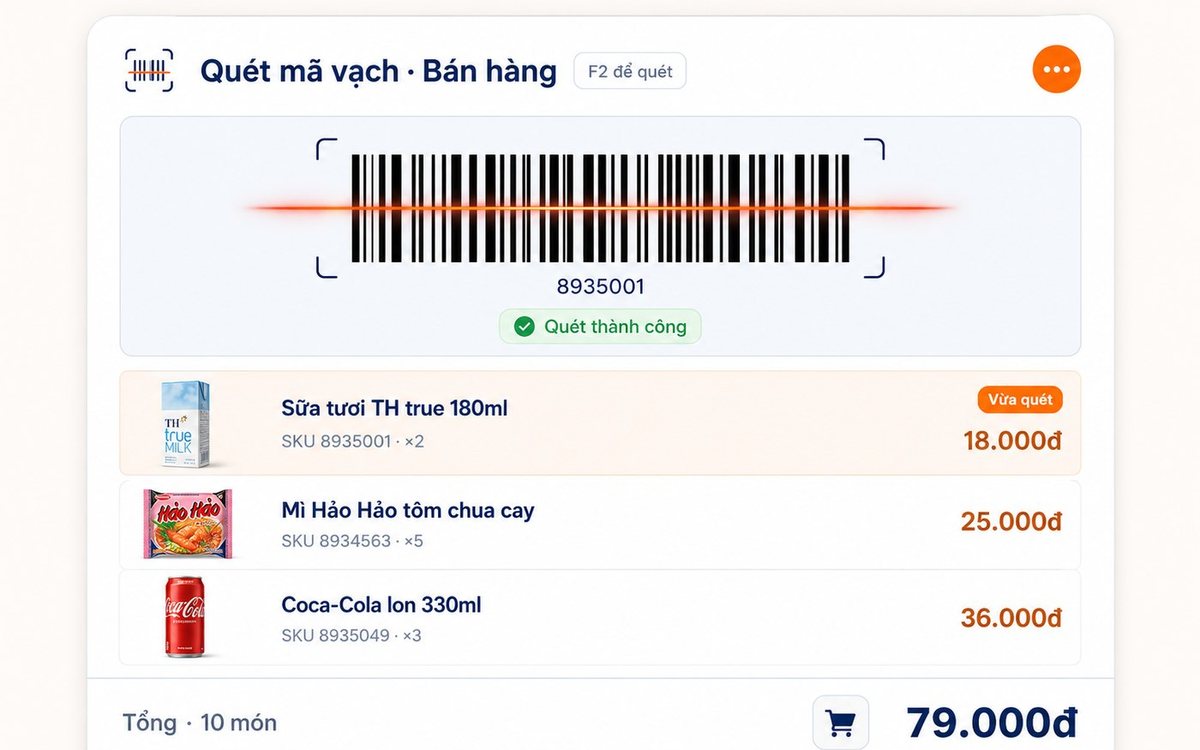
Printing barcodes and price labels in batches for retail shops
Pick the items, set the paper size and the code standard (Code 128 / EAN-13 / UPC-A), test-print one or two, then run the batch — or print straight from the purchase slip with label counts taken from the quantity received.