



Chấm công hộ là khoản thất thoát âm thầm nhất của một cửa hàng: không mất hàng, không mất tiền mặt ngay, nhưng mỗi tháng trả lương cho những giờ không có người làm. Máy vân tay bị qua mặt bằng miếng dán, bấm máy chấm công thì nhờ đồng nghiệp bấm giùm, còn chấm công bằng mã QR dán tường thì ai chụp màn hình gửi về nhà cũng quét được. Nhận diện khuôn mặt giải quyết đúng điểm yếu đó: nó không hỏi "có mã không", nó hỏi "có đúng người không".
Vì sao vân tay và QR vẫn bị chấm hộ
Ba cách chấm công phổ biến đều ghi được giờ, nhưng không cách nào tự nó chứng minh được người:
- Máy vân tay: cần lắp thiết bị ở từng điểm, chi nhánh mới mở phải mua thêm máy; vân tay ướt, bong, hoặc bị làm giả bằng miếng dán là nhận sai.
- Bấm máy / sổ ký: ai bấm cũng được, ký thay là chuyện thường.
- QR dán tường: rẻ và nhanh, nhưng mã cố định thì chụp lại gửi cho người ở nhà quét là xong.
Điểm chung: dữ liệu ghi về bảng công nhưng người quản lý không dám tin tuyệt đối, nên vẫn phải ngó camera, vẫn phải hỏi lại. Nhận diện khuôn mặt sinh ra để lấp đúng khoảng trống "có đúng người không" này.
Chấm công bằng nhận diện khuôn mặt hoạt động thế nào
Cách làm rất đời thường: nhân viên mở ứng dụng trên điện thoại của mình, tự chụp một tấm ảnh khuôn mặt khi vào ca và khi tan ca. Phần mềm đối chiếu ảnh vừa chụp với khuôn mặt đã đăng ký của người đó; khớp thì mới ghi công. Vì mỗi lần là một ảnh chụp trực tiếp tại chỗ, không thể đưa điện thoại cho người khác chấm thay mà hệ thống không biết.
Quản lý đăng ký khuôn mặt cho nhân viên một lần lúc nhận việc. Từ đó mỗi lần vào/ra ca chỉ mất vài giây, không xếp hàng chờ máy, không chạm tay chung một thiết bị.
Ba lớp khóa: khuôn mặt + vị trí + WiFi quán
Khuôn mặt trả lời "đúng người". Còn "đúng chỗ, đúng lúc" thì khóa thêm bằng hai lớp nữa, bật tắt tùy quán:
| Lớp khóa | Chặn được gì |
|---|---|
| Nhận diện khuôn mặt | Chấm thay cho người khác — không đúng mặt là không ghi. |
| Định vị GPS | Chấm công từ nhà hay dọc đường — chỉ ghi khi đứng trong phạm vi quán/chi nhánh. |
| WiFi của quán | Đứng ngoài cổng "chấm trước cho kịp giờ" — chỉ chấm được khi điện thoại nối đúng WiFi quán. |
Bật cả ba, một người muốn chấm hộ phải vừa đúng mặt, vừa có mặt tại quán, vừa trong mạng WiFi của quán cùng lúc — tức là phải thật sự đến làm. Quán nào chỉ cần nhẹ nhàng thì bật khuôn mặt là đủ.
Không cần mua máy chấm công đắt tiền
Điểm dễ chịu nhất: toàn bộ chạy trên điện thoại nhân viên, quán không phải đầu tư máy nhận diện khuôn mặt chuyên dụng cho từng cửa. Chi nhánh mới mở hôm nay thì chiều nay chấm công được ngay, chỉ cần tải ứng dụng và đăng ký khuôn mặt. Quán nào đã lỡ mua máy chấm công vân tay trước đó vẫn dùng tiếp được — công từ máy cũ và công từ khuôn mặt cùng đổ về một bảng.
Công khớp thẳng vào bảng lương
Chấm công chỉ có ích khi nó chạy thẳng sang tiền lương mà không phải gõ tay lại. Mỗi lần vào/ra ca được đối chiếu với ca đã xếp để tính đi trễ, về sớm, làm thêm giờ; bảng công hình thành từng ngày chứ không đợi cuối tháng. Từ đó phần mềm tính lương theo giờ, theo ca hoặc theo tháng tùy cách trả của quán, kèm nghỉ phép và tăng ca đã duyệt. Người làm công cũng tự xem được công của mình, đỡ thắc mắc cuối kỳ.
Câu hỏi thường gặp
Không có mạng thì chấm công được không? Nhân viên vẫn chấm được, dữ liệu đồng bộ lại khi có mạng; nhưng muốn khóa GPS/WiFi chặt thì nên có mạng tại điểm làm.
Điện thoại cũ, camera yếu có nhận mặt được không? Nhận diện dùng ảnh chụp thông thường nên đa số điện thoại hiện nay đều chạy được; chỗ thiếu sáng thì nên bật đèn khi chụp.
Nhân viên ngại bị chụp mặt mỗi ngày thì sao? Ảnh dùng để đối chiếu chấm công trong nội bộ quán; quán nào không muốn dùng khuôn mặt thì chuyển sang QR động hoặc máy vân tay, cùng một hệ thống.
Có tự nộp bảo hiểm xã hội không? Phần mềm lo khâu chấm công và tính lương; phần kê khai bảo hiểm vẫn do quán thực hiện theo quy định, phần mềm xuất số liệu để làm.
Tóm lại, nhận diện khuôn mặt không phải để quán "canh" nhân viên, mà để con số chấm công đáng tin đến mức dùng thẳng được cho bảng lương — và làm được điều đó chỉ bằng chiếc điện thoại sẵn có.
Clock in by phone and calculate pay by shift, allowances and overtime automatically every month.
Other news
Billiards club member app: QR player card, points wallet and tier offers on the customer's phone
ORDERSYS CLUB is the member page for a billiards club's regulars: a player card with a QR code, wallet balance, tiers and offers, opening tables, topping up points and ordering on their phone. This article walks through each part customers see, which steps the counter still approves (opening tables, crediting top-ups, deducting points) and the limits owners should tell customers about up front.
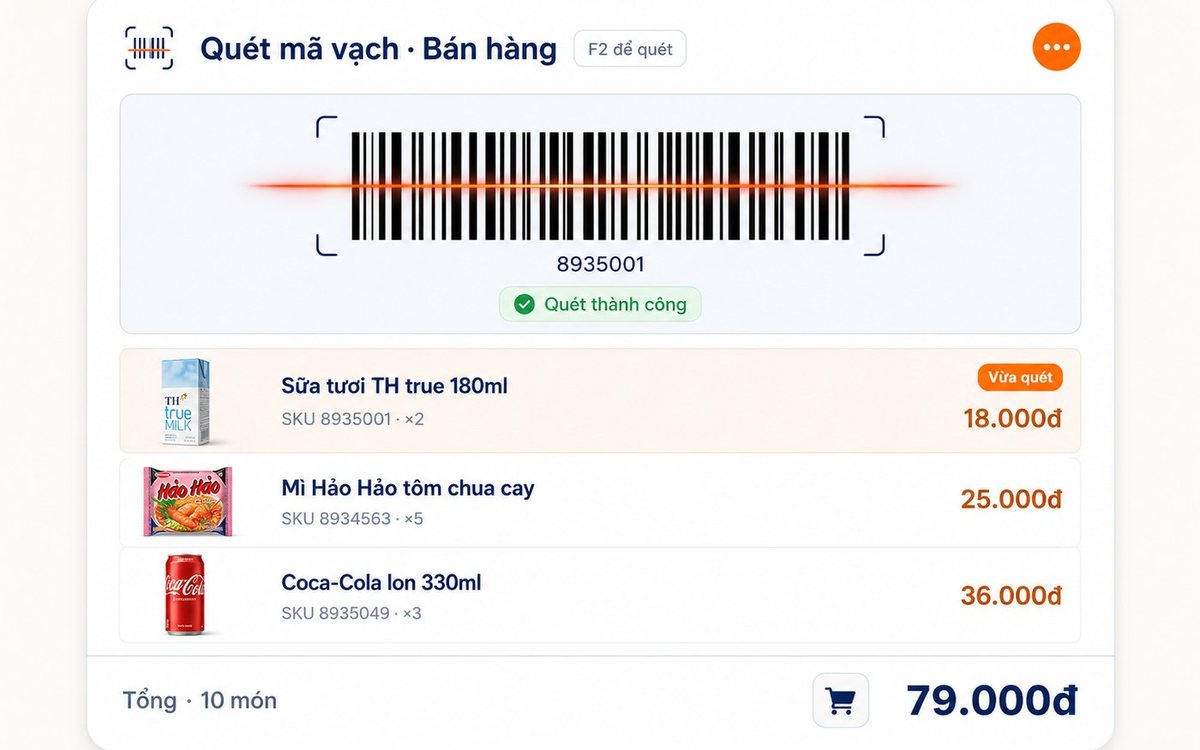
Free trial sales software for retail stores: what to prepare and what to test in 7 days
There are two kinds of "free" sales software: free for the long term with limits, and a full trial before you pay. Ordersys offers a 7-day trial with every feature, no card and no setup fee. This guide covers preparing your data from Excel before day one, six tasks to try with your store's real goods and four numbers to decide on when the trial ends.
Cutting billiards highlights: around the scoring mark or by segment, and when you need the full match
The Ordersys billiards management software cuts highlights in two ways: around the scoring mark (seconds before and after set by the club) or by segment (from the previous scoring press to this one), and every match also keeps a full match segment to watch and download. This article compares the two styles, explains how to set the camera delay first and suggests which one a club owner should pick.
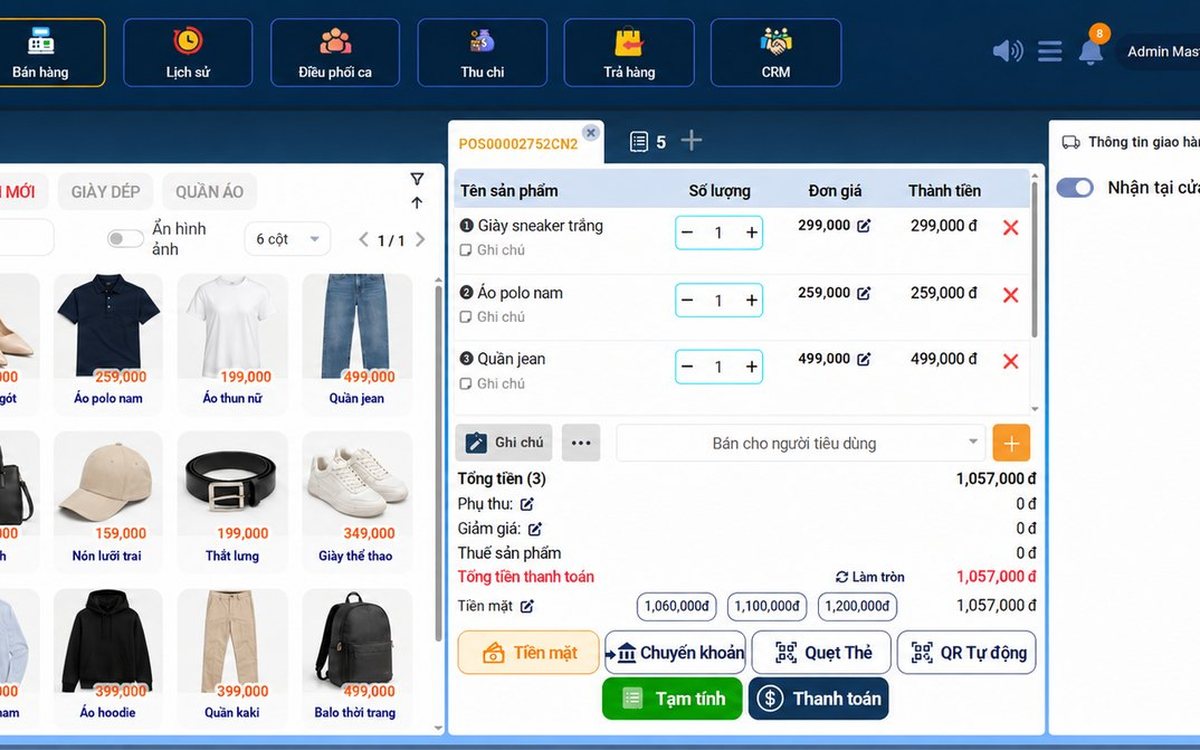
Retail software that manages customer debt properly: credit with due dates, part payments that never mix up orders
A handwritten debt book goes wrong in four places: debts not tied to orders, no due date, part payments applied to the wrong order, and repayments mixed with sales cash. This article follows the life of a debt in Ordersys: credit tied to a customer and a due date, filters for nearly due and overdue debts, collections allocated to the earliest due order first, safeguards against workarounds, and opening debt imported from Excel.
How to manage a cafe or small restaurant remotely by phone: what to check each day, and when
Remote management is not watching staff on camera for hours; it is knowing how many times a day to open your phone and which numbers to read. This article gives a concrete daily schedule for cafe and restaurant owners using Ordersys: end-of-day report, shift close report, orders, stock and multiple branches, plus the numbers worth a call right away and what the venue must record.
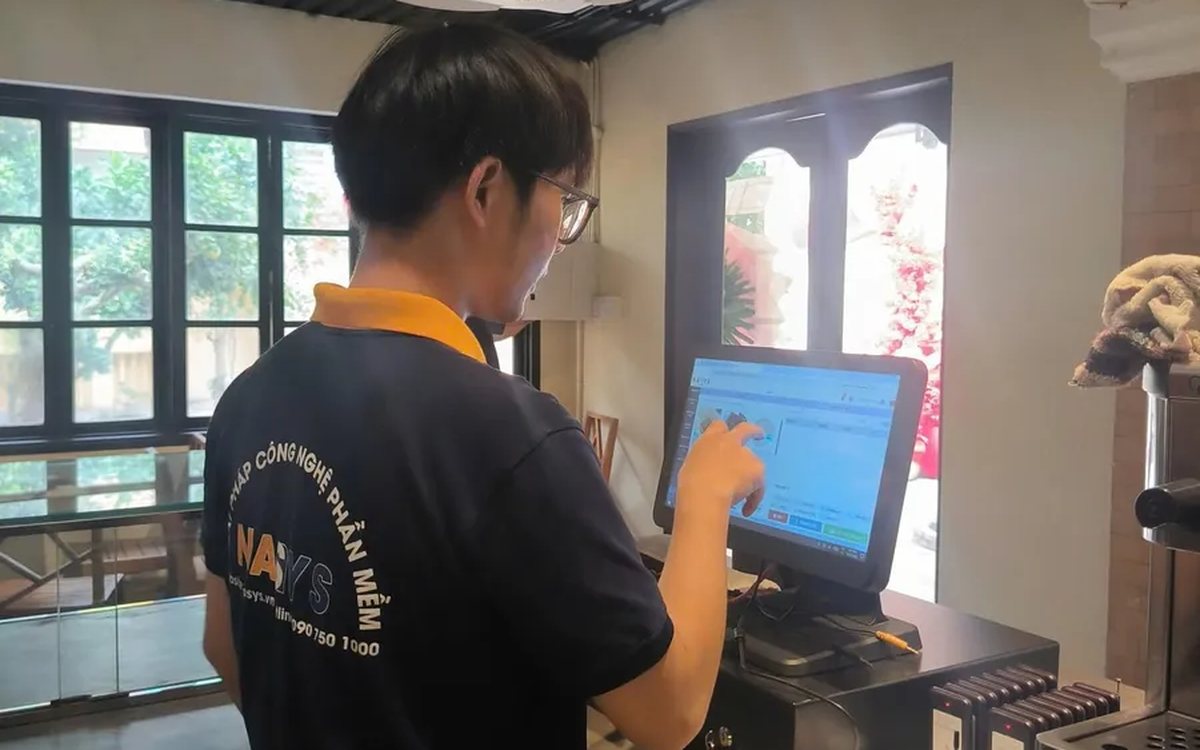
QR payment with automatic reconciliation: reading the shift close report so the money matches
When a venue takes many transfers, the drawer holds only part of the revenue. This article walks through the Ordersys shift close report money stream by money stream: cash, bank transfer, card, auto QR and debt; which lines the software already matched, which the cashier must check item by item, orders paid two ways, orders tapped with the wrong method, and the order of reconciliation before closing the shift.

Billiards management software free trial: what to test in 7 days before buying
Instead of hunting for free billiards management software, trying the full version for 7 days on real tables, at real hours, with real staff gives a surer answer. This article suggests a day-by-day trial plan for a billiards hall: tables and hourly rates, running alongside the paper log, table ordering, shift close, hardware and reports, plus four mistakes that waste the trial and the questions to ask before buying.
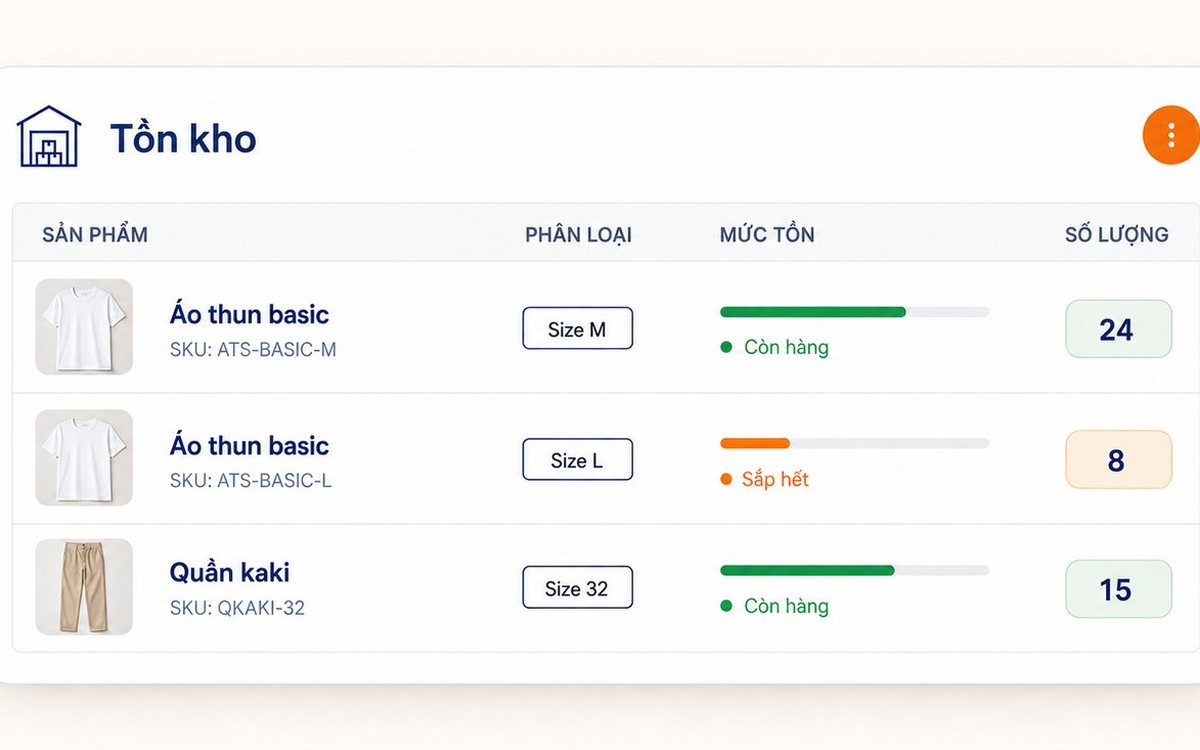
Inventory and stock software for retail stores: every item in and out has a document
When the stock on screen does not match the shelf, the software rarely miscounted; goods left or entered the stockroom without being recorded. This article follows an item through a retail store: opening stock, two-step purchase receipts (incoming first, then received into stock), instant deduction on sale, branch transfer slips, supplier returns, approved adjustments, the In–Out–Balance report and stock limits.
