



Unhappy guests rarely say so inside the restaurant. They pay, smile, and never come back — or give one star online that same evening. The restaurant finds out too late, and still does not know which dish, which staff member or which meal the guest was unhappy about. The fix is to ask right when the guest has just paid: the experience is still fresh, the guest is still at the counter, and if something went wrong there is still time to handle it. This article covers how to collect reviews so that more guests actually answer, and what to do with the bad ones.
When to ask, and where
| Method | Upside | Downside |
|---|---|---|
| Staff ask verbally at the counter | Costs nothing | Guests hesitate to complain face to face; if nothing is written down, nobody can read it later |
| Paper cards on the table | Guests can write freely | Few fill them in; collecting and reading them takes a lot of effort |
| Message asking for a review after the meal | Can ask after the guest has left | Needs a phone number; guests easily ignore the message |
| A screen inviting a star rating right at payment | A few seconds of tapping and it is done; the review is tied to the exact bill | Needs a screen facing the guest at the counter |
You do not have to pick just one. The counter screen captures the majority; messages after the meal are for regulars or for a guest you need to follow up with.
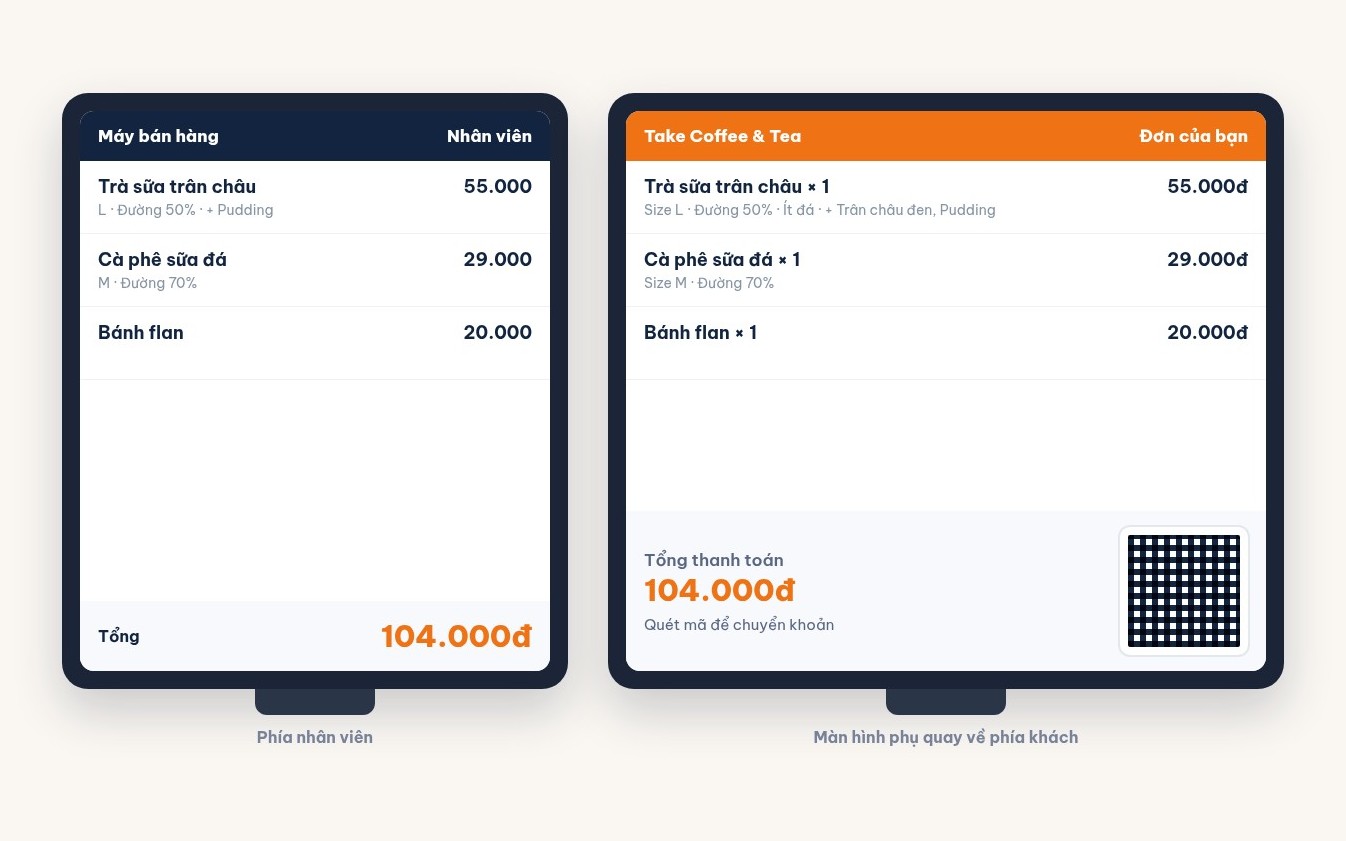
The shorter the question, the more people answer
Guests who have just paid are usually in a hurry. If you want many answers, let them finish in a few seconds:
- Stars first, words later. One tap and the restaurant already has a number to track. The comment box is only for those who want to say more.
- Prepare a few suggested phrases for guests to tap. Include both praise and complaints: "tasty food", "fast service", "long wait for food", "food not hot enough", "staff not attentive". Guests dislike typing, but tapping a ready-made phrase is easy.
- Do not force it. If the guest is in a hurry, staff let them skip. Forced reviews end up five stars just to get it over with, and lose all value.
- Do not trade gifts for high ratings. Giving offers to people who rate five stars makes the numbers pretty but useless — the restaurant no longer knows where it is going wrong.
Bad reviews: handle them the same day
A bad review handled quickly often keeps the guest. Leave it for a week and the guest has already forgotten the restaurant. Four steps:
- Read low ratings at the end of every shift. Give the job clearly to one person, usually the shift manager or the owner.
- Look up the bill. The review is tied to the bill, so you know what time the guest came, which table, what they ordered and who served them. Ask the staff on that shift while everyone still remembers.
- Contact the guest if you have a phone number. Apologise specifically for what the guest complained about, ask for more detail if it is unclear, and invite them back with a small offer. Do not argue, even if the guest misunderstood.
- Fix the root cause and write it down. Long waits mean reviewing how work is split at peak time; cold food means checking the serving step. Record what was changed so you can see next week whether the same complaint comes back.
Read weekly to spot repeated problems
One complaint can be bad luck. The same complaint repeated many times is the restaurant's fault. Each week, gather the reviews and ask three questions: which complaint was picked most often, which time slot or shift it falls in, and whether it is linked to a specific dish or staff member. Tap-to-select phrases make this far easier than reading free-text lines one by one.
Do not look only at the bad reviews. Repeated praise tells you what the restaurant does well — that is what to keep when staff or the menu change.
Collecting reviews with Ordersys
With Ordersys sales software and a customer display at the counter, once payment is done the display moves on to inviting the guest to give a star rating: the guest picks a number of stars, taps one of the ready-made suggested phrases or writes a comment, and after sending the screen shows a thank-you message. The restaurant turns this step on or off and sets how long it is shown; if the guest is in a hurry, the cashier skips it. Each review is tied to the bill that was just paid. Combined with the Ordersys CRM software — which keeps each guest's purchase history, groups guests, and sends vouchers and personal offers — the restaurant has everything it needs to invite back the very guest who was just disappointed. Free trial for 7 days. To contact guests again you need their phone number: see asking for the guest's phone number at payment. How to message guests after a meal without being annoying: see customer care messages on Zalo.
Ordersys has editions for restaurants and for retail stores: checkout, stock, reports and e-invoices, with on-site setup and training.
Other news
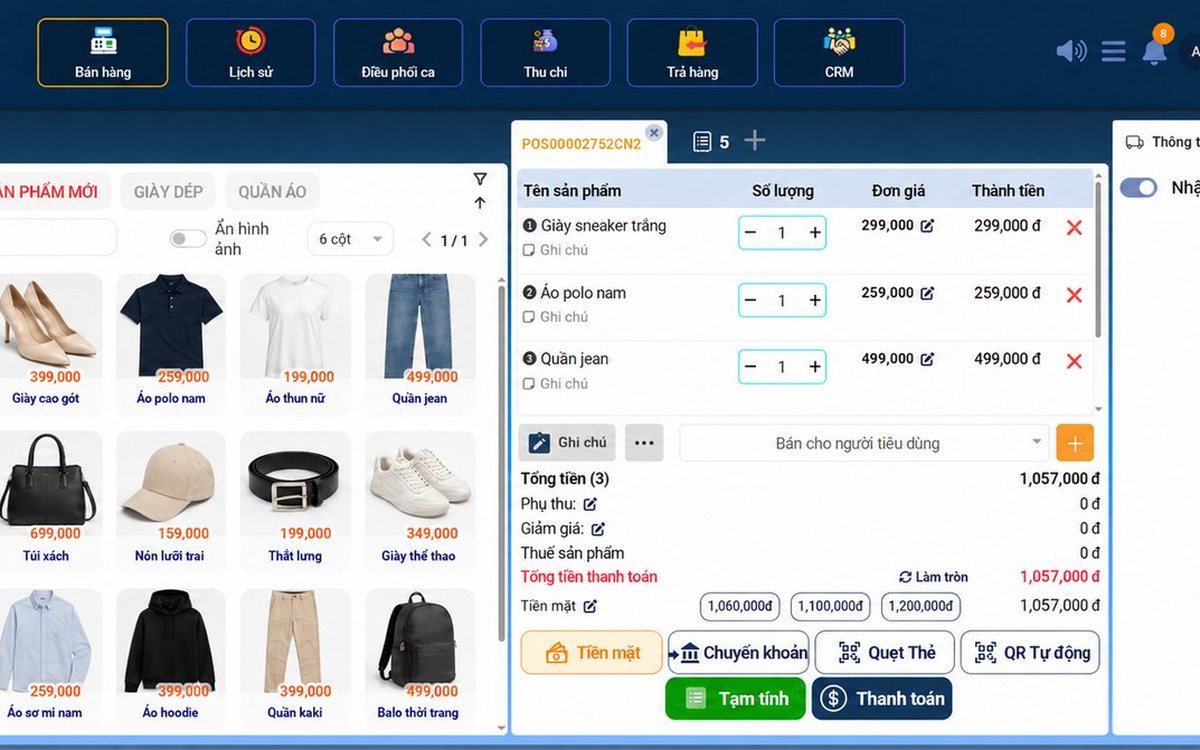
Recording supplier debt when receiving goods: know who you owe, how much and when it is due
Each delivery not paid in full becomes its own debt tied to the purchase receipt, with the delivery note number and due date. Pay in instalments one line at a time with documents, check due debts weekly, and reconcile at month end in minutes.

Selling multi-visit packages at a nail salon: what to include and how to deduct visits without disputes
A nail package should only cover the repeating base service; art, stones and extensions are charged separately each visit. State three things when selling, deduct visits on the ticket, and separate package sales from the value of visits performed.

Revenue reports by shift and by therapist at a massage shop: reading them to staff shifts right
Put the shift closing report, the sales report by room area and the commission report side by side to see which shifts are short-staffed, which are overstaffed, and which therapist should work which shift, then fix next week's schedule.

Splitting the bill when groups sharing a karaoke room want to pay separately
Two groups sing in the same room and each wants to pay its own part when leaving. Ask when the room is opened, record orders by group, split the bill on the system by choosing items and quantities, and agree up front on who pays for room time.

Best-selling dishes by time slot: prep the right amount and run out less at peak hours
A daily total report does not tell the kitchen how much to prep for lunch. How to split the day into time slots, pick the key dishes of each slot, convert portions into ingredients, batch by shift and read sold-out dishes correctly.
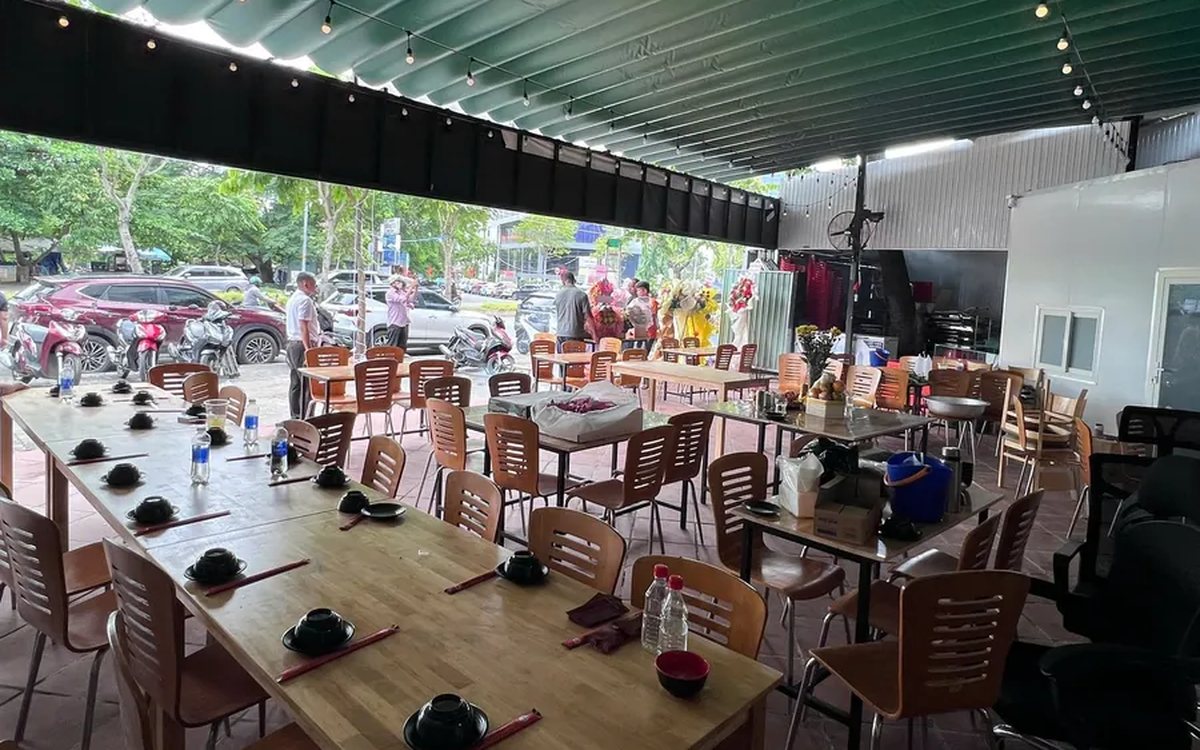
Selling set menus and meal combos in a restaurant: setting them up so the kitchen, stock and counter agree
Set up a set as an ordinary dish and the kitchen does not know what "Set B" contains, stock does not deduct ingredients, and swaps are edited by hand at the counter. How a set menu differs from a combo, how to set up dish groups, default dishes and extra charges, and what the kitchen, the bill and stock see when a combo is sold.
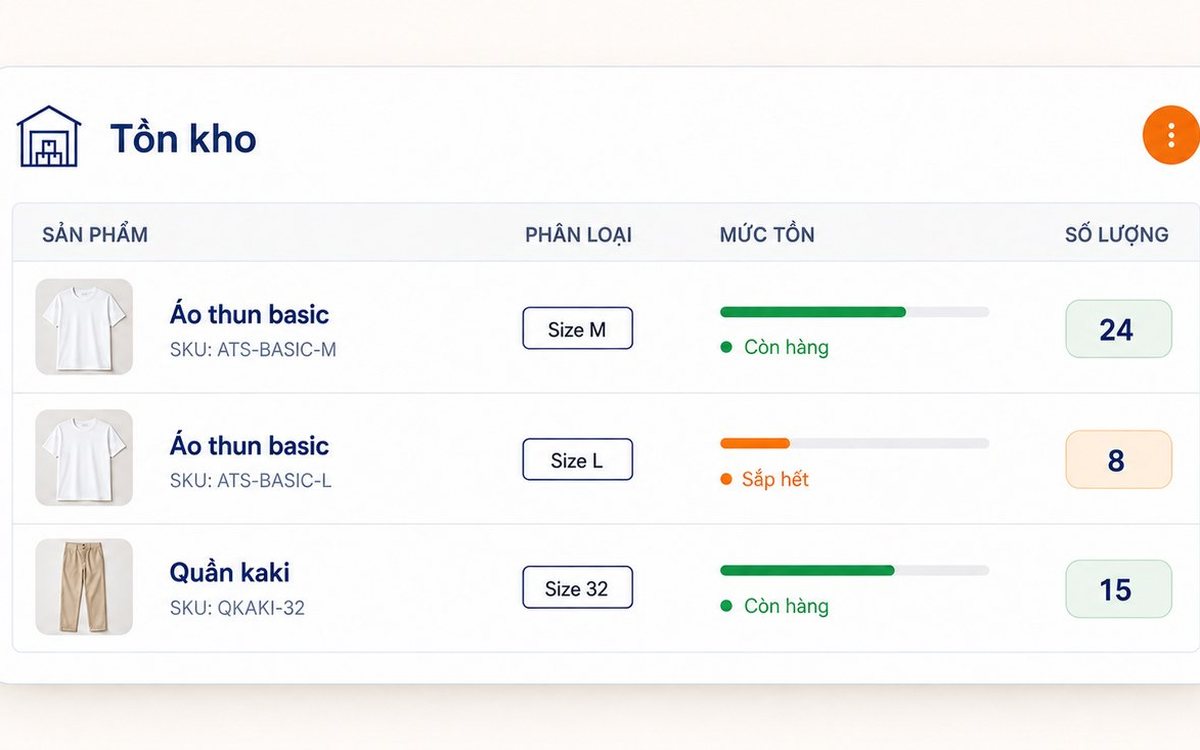
Unit of measure conversion: buy by the case, sell single items and keep stock accurate
When the stock book counts cases and the counter counts pieces, the two numbers cannot be compared at month end. Three ways of setting up items that throw stock off, how to set up unit conversion in the software, receiving by the case while stock counts in cans, and a few rules worth agreeing on in the stockroom.

Fingerprint time clock connected to software: hours go straight into payroll
A fingerprint device stops buddy punching, but it only records punch times. What the device does and what needs HR software, four steps from a finger on the scanner to a payslip, five things to do before buying a device, and how to handle a finger the device will not recognise.
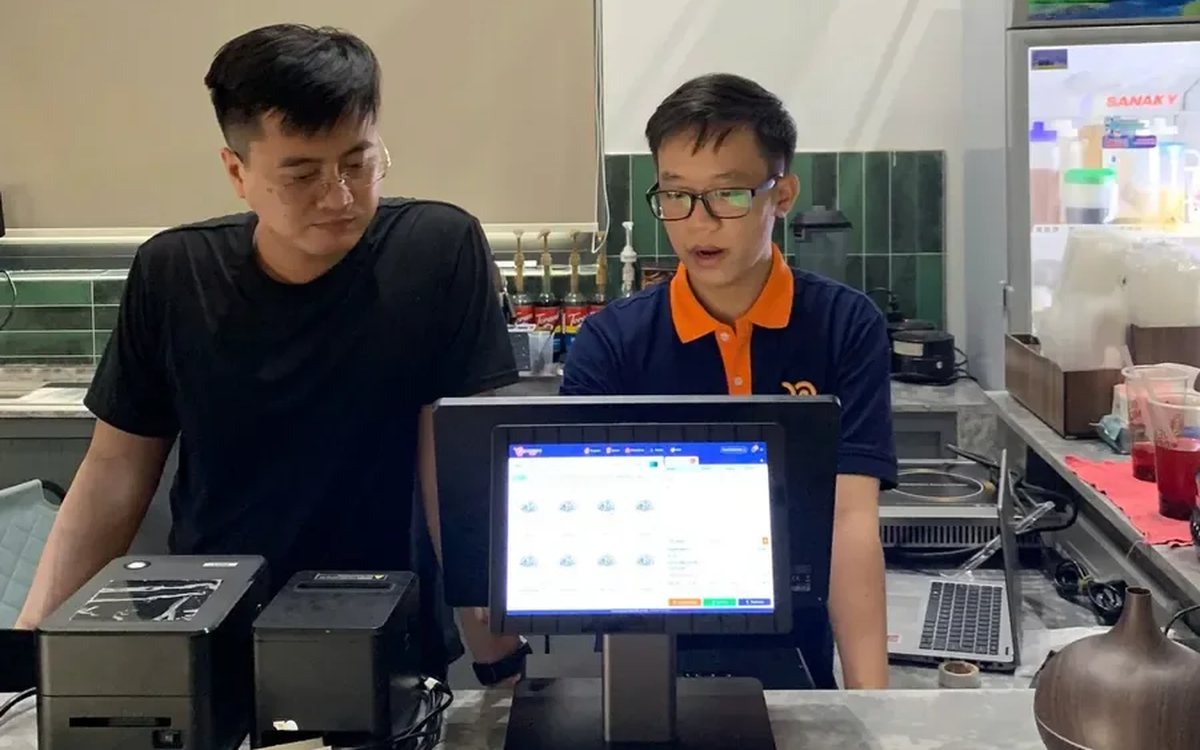
Coffee shop shift handover: closing the shift, reconciling cash and taking over cleanly
A rushed handover of one sentence, "there's about two million in the drawer", means that when the cash is short at night nobody knows which shift it came from. Three things to settle at handover, five steps to close and open a shift in the software, what the shift details show the owner, and a few rules worth posting at the counter.
