



Every massage shop owner has seen this: on Friday night customers wait in the lobby because there are not enough therapists, while on Tuesday afternoon three or four people sit scrolling their phones all shift. Shift schedules are usually set by feel ("weekends are busy, weekdays are quiet") and left unchanged for months. This article shows how to read reports by shift and by therapist to answer a more concrete question: how many people does each shift need next week, and who should work which shift.
Three reports, each answers one question
Ordersys has three places to read numbers, and each answers one part:
| Report | What it shows | Use it to ask |
|---|---|---|
| Shift closing report | One row per shift: who opened it, who closed it, opening cash, closing cash, cash difference, revenue by payment method, quantity of each service sold | Which shift earns, and which services each shift sells |
| Sales report by period | Choose today, this week, last month or a custom date range; filter by branch and by room area; view by service or by staff | Which room areas are busy, which services sell in the period |
| Commission report | Each therapist, each service performed, and the matching commission | Who did how many sessions, and which services |
One report on its own is easy to misread. A night shift with high revenue may simply have had one customer buy a prepaid card. A therapist with low commission may just always work the quiet shift. Only by putting the three tables side by side do you see the cause.
Reading by shift: separate prepaid card sales first
Open the shift closing reports for the last four weeks and line up shifts of the same type: all Monday mornings, all Friday nights… Comparing a night shift with a morning shift says nothing.
Before deciding which shift is busy, take out the money from card and treatment package sales. A customer buying a ten-session card makes that shift look very busy, but the therapist only did one session. Ordersys records each session when the customer uses it, so to know how busy a shift really was, look at the number of services performed in the shift. The total money collected does not tell you that.
Three signs worth noting:
- Shifts with many long services (body, hot stone): each session holds a person and a room for a long time, so the shift needs more people even if customer numbers are not high.
- Shifts with many short services (foot massage, neck and shoulder): customers arrive in bursts, so you need people who can take customers quickly, not more VIP rooms.
- Shifts that always have only a few sessions: candidates for one fewer person, or for an off-peak offer.
Reading by room area and by therapist
Filter the sales report by room area (standard rooms, couple rooms, VIP) for the same period. If the VIP area is often full on night shifts while standard rooms sit empty, do not rush to add therapists. The problem may be a shortage of the room type customers want, not a shortage of people.
For each therapist, the commission report shows how many sessions and which types of service each person did. Only compare people on the same shift, and look at the type of service, not just the total money. Therapists who can do hot stone or acupressure should be placed on shifts where many customers book those services.
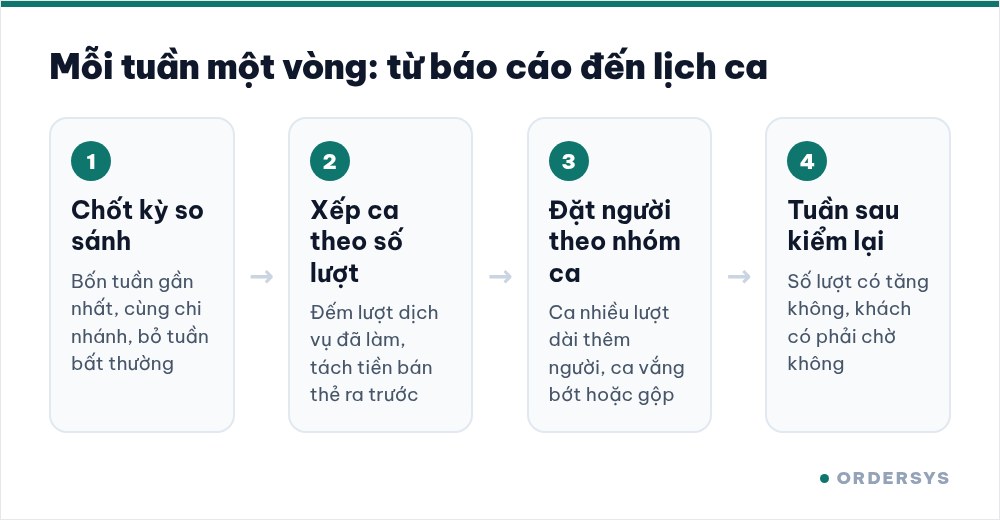
From numbers to next week's shift schedule
Set aside about half an hour each week and work in this order:
- Fix the comparison period: the last four weeks, same branch. Leave out Tet week and closed weeks.
- Rank shifts by number of services: shifts with many long sessions at the top, shifts with only a few sessions at the bottom.
- Set staffing by group: add one person to top-group shifts, remove one from bottom-group shifts or merge two quiet shifts into one. Change only a few shifts each week.
- Match people to shifts: therapists who can do long services go to shifts with many long sessions; new staff go to busy short-session shifts, working alongside experienced staff.
- Next week, open the same reports again: did the shift that gained a person do more sessions, did the shift that lost a person make customers wait? If nothing improved, change it back.
This method only requires two things from the start: every service on the ticket must be assigned to the therapist who did it, and the cashier must open and close shifts consistently. Without either one, every report will be off.
Ordersys includes the shift closing report, the sales report filtered by room area, and a commission report for each therapist. See the massage shop management software (or the version for spas) and try it free for 7 days to run a full round of shift comparison. Read more: managing therapist shifts and avoiding padded hours and prepaid cards and treatment packages for massage customers.
Ordersys has editions for restaurants and for retail stores: checkout, stock, reports and e-invoices, with on-site setup and training.
Other news
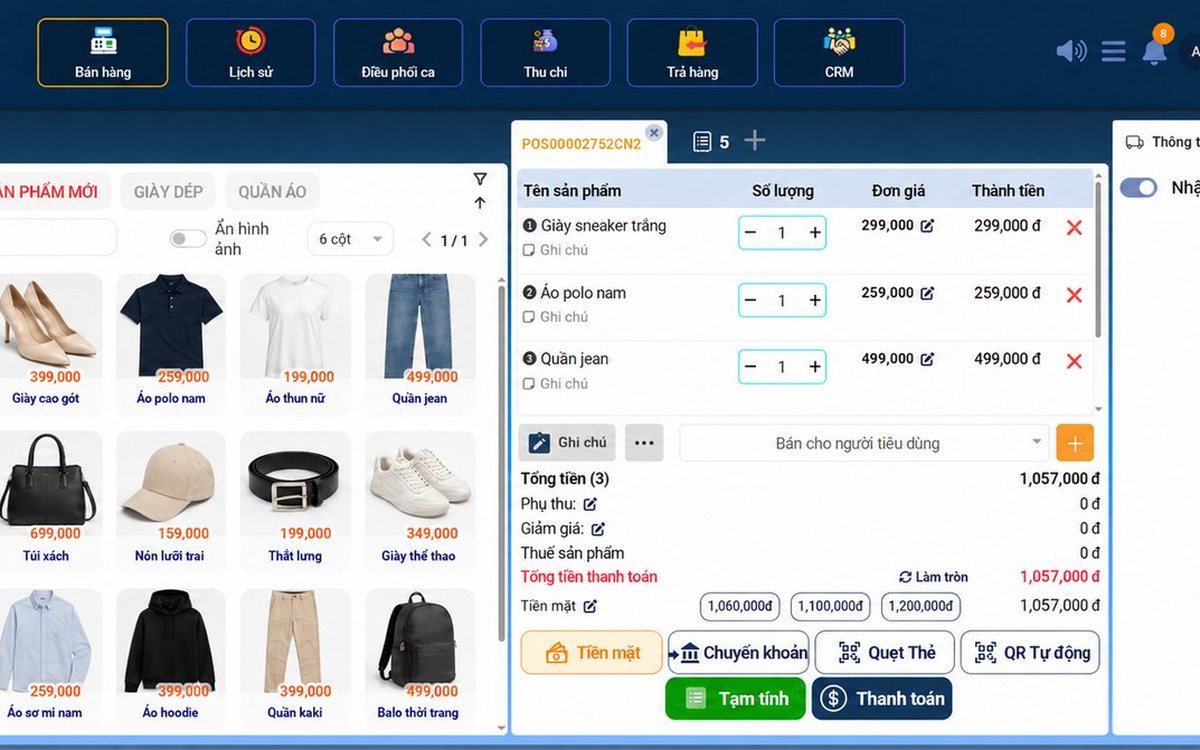
Recording supplier debt when receiving goods: know who you owe, how much and when it is due
Each delivery not paid in full becomes its own debt tied to the purchase receipt, with the delivery note number and due date. Pay in instalments one line at a time with documents, check due debts weekly, and reconcile at month end in minutes.

Selling multi-visit packages at a nail salon: what to include and how to deduct visits without disputes
A nail package should only cover the repeating base service; art, stones and extensions are charged separately each visit. State three things when selling, deduct visits on the ticket, and separate package sales from the value of visits performed.

Splitting the bill when groups sharing a karaoke room want to pay separately
Two groups sing in the same room and each wants to pay its own part when leaving. Ask when the room is opened, record orders by group, split the bill on the system by choosing items and quantities, and agree up front on who pays for room time.
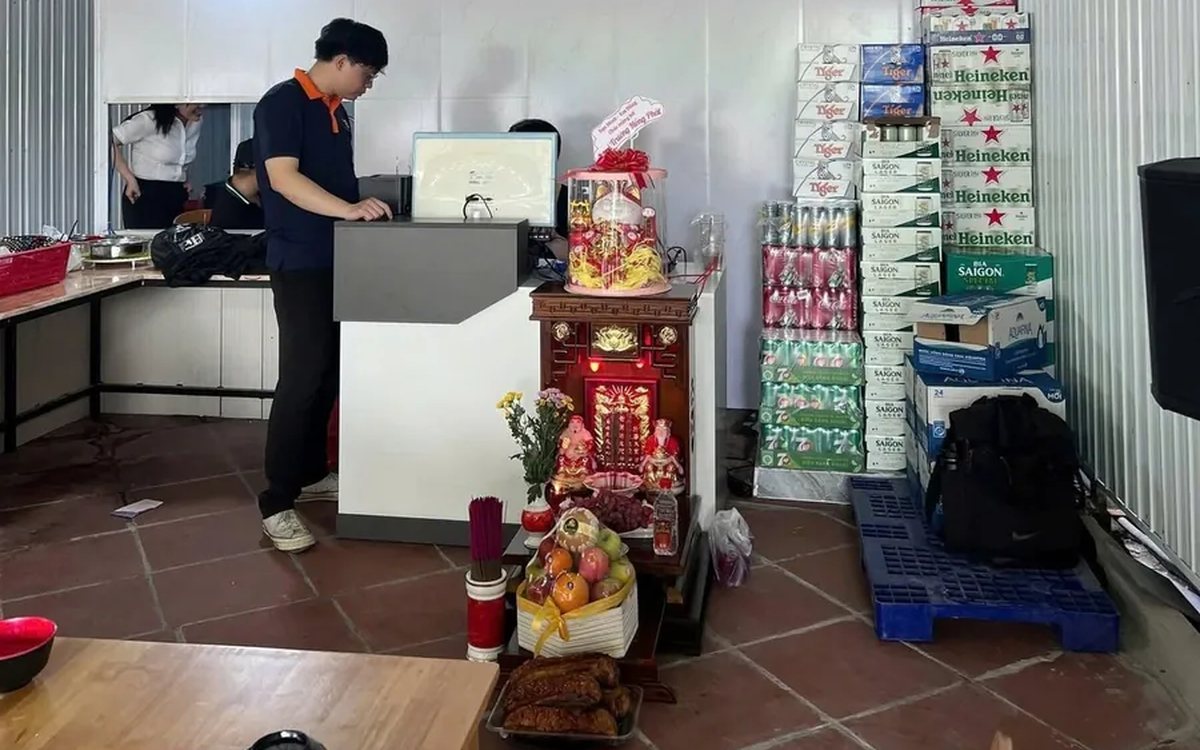
Collecting guest reviews after the meal and handling bad feedback the same day
Unhappy guests rarely speak up inside the restaurant; they quietly never come back. Ask right when the guest has just paid, let them rate in a few seconds, handle bad reviews the same day in four steps, and read weekly to spot repeated problems.

Best-selling dishes by time slot: prep the right amount and run out less at peak hours
A daily total report does not tell the kitchen how much to prep for lunch. How to split the day into time slots, pick the key dishes of each slot, convert portions into ingredients, batch by shift and read sold-out dishes correctly.

Selling set menus and meal combos in a restaurant: setting them up so the kitchen, stock and counter agree
Set up a set as an ordinary dish and the kitchen does not know what "Set B" contains, stock does not deduct ingredients, and swaps are edited by hand at the counter. How a set menu differs from a combo, how to set up dish groups, default dishes and extra charges, and what the kitchen, the bill and stock see when a combo is sold.
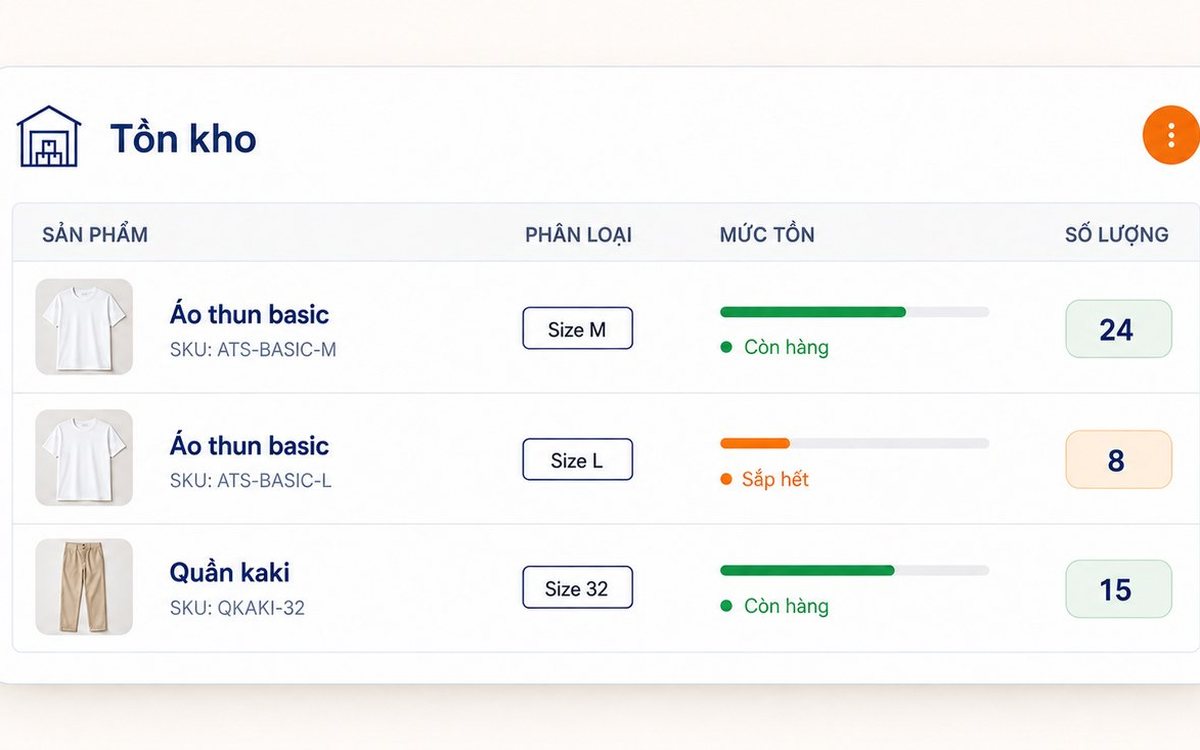
Unit of measure conversion: buy by the case, sell single items and keep stock accurate
When the stock book counts cases and the counter counts pieces, the two numbers cannot be compared at month end. Three ways of setting up items that throw stock off, how to set up unit conversion in the software, receiving by the case while stock counts in cans, and a few rules worth agreeing on in the stockroom.

Fingerprint time clock connected to software: hours go straight into payroll
A fingerprint device stops buddy punching, but it only records punch times. What the device does and what needs HR software, four steps from a finger on the scanner to a payslip, five things to do before buying a device, and how to handle a finger the device will not recognise.

Coffee shop shift handover: closing the shift, reconciling cash and taking over cleanly
A rushed handover of one sentence, "there's about two million in the drawer", means that when the cash is short at night nobody knows which shift it came from. Three things to settle at handover, five steps to close and open a shift in the software, what the shift details show the owner, and a few rules worth posting at the counter.
