



Grocery stores, soft drink distributors and stationery shops all share one kind of stock: it comes in by the case, the box or the pack but goes out one can or one pen at a time. If the stock book counts cases while the counter counts pieces, at the end of the month the book says "3 cases left" while the shelf holds 2 full cases and 17 loose cans. The two numbers are not in the same unit, so they cannot be compared, and nobody knows whether anything is really missing. Unit of measure conversion exists to solve exactly this.
Three ways of setting up items that throw stock off
| How the item is set up | What happens |
|---|---|
| The item is set up in cases | When a single can is sold nobody knows how to deduct it, so staff sell it without recording it. |
| Two separate codes: one for the case, one for the can | Receiving goods raises the case code, retail sales push the can code down until it goes negative. Keeping them in line means moving stock between them by hand. |
| Set up in cans, but receiving is multiplied in someone's head | One receipt multiplied wrongly, 5 cases entered as 100 cans instead of 120, and the stock is off until the next count. |
The right way: one item, with a base unit that is the smallest unit you sell, while cases, packs and boxes are conversion units back to that base unit.
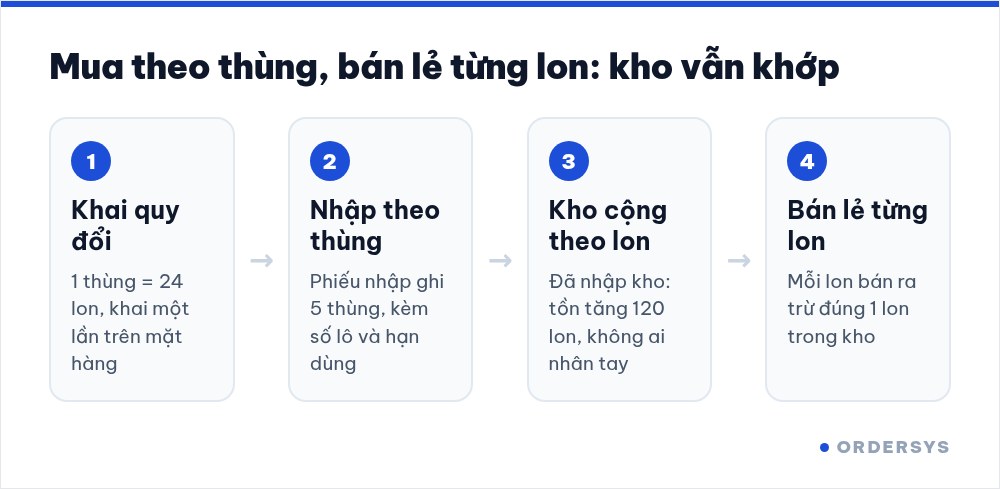
Setting up unit conversion in Ordersys
The item screen of the Ordersys retail software has a section called Item unit conversion. Each line records one conversion: a quantity and a conversion unit, equal to how many base units. For example:
- 1 Case = 24 Cans
- 1 Pack = 6 Cans
One item can have several conversion lines. The list of units is shared across the store and does not allow duplicate names, so agree on one spelling: "Case" is always "Case", not "case" one day and "C" the next.
Receive by the case, stock counts in cans
- Purchase receipt. Choose the Case unit, type the number of cases actually received, and record the lot number and expiry date if there is one. When the receipt moves to the received-into-stock status, stock rises in the base unit: 5 cases become 120 cans, and nobody has to multiply by hand.
- Opening stock. When you first move to the software, count the shelves by the case to go faster and enter the opening stock by the case too. Note: opening stock can no longer be entered or edited once the first purchase receipt exists, so do this step before receiving your first delivery.
- Stock adjustment after a count. The stock adjustment slip also offers the item's conversion units.
- Selling. At the counter, each can sold deducts exactly one can from stock. The stock report has a unit of measure column, and printed item labels have an option to show the unit.
A few rules worth agreeing on in the stockroom
- Stock counts: full cases are counted as cases, opened cases are counted as single pieces. Write both numbers and let the software add them up in the base unit.
- A different pack size is a different unit. A 24-can case and a 12-can case must be two conversion units with different names. A 330 ml can and a 250 ml can are two different items.
- Set stock thresholds in the base unit. If you want the item to show in the "Below threshold" list when it drops under 2 cases, set the minimum threshold to 48 cans.
- Whoever receives and whoever sells use the same unit names. If the supplier says "crate" and the store says "case", pick one name in the software and post the conversion table where goods are received.
Unit conversion, receiving goods by lot and expiry date, stock thresholds and stock reports are part of the Ordersys retail management software, with a free 7-day trial. Stores that sell both retail and wholesale to regular buyers can read grocery stores selling wholesale and retail: managing credit and per-customer prices. For how high to set the minimum stock level, see minimum stock: when to reorder.
Sell by barcode, track stock across units, manage debts and see profit every day.
Other news

Selling set menus and meal combos in a restaurant: setting them up so the kitchen, stock and counter agree
Set up a set as an ordinary dish and the kitchen does not know what "Set B" contains, stock does not deduct ingredients, and swaps are edited by hand at the counter. How a set menu differs from a combo, how to set up dish groups, default dishes and extra charges, and what the kitchen, the bill and stock see when a combo is sold.

Fingerprint time clock connected to software: hours go straight into payroll
A fingerprint device stops buddy punching, but it only records punch times. What the device does and what needs HR software, four steps from a finger on the scanner to a payslip, five things to do before buying a device, and how to handle a finger the device will not recognise.
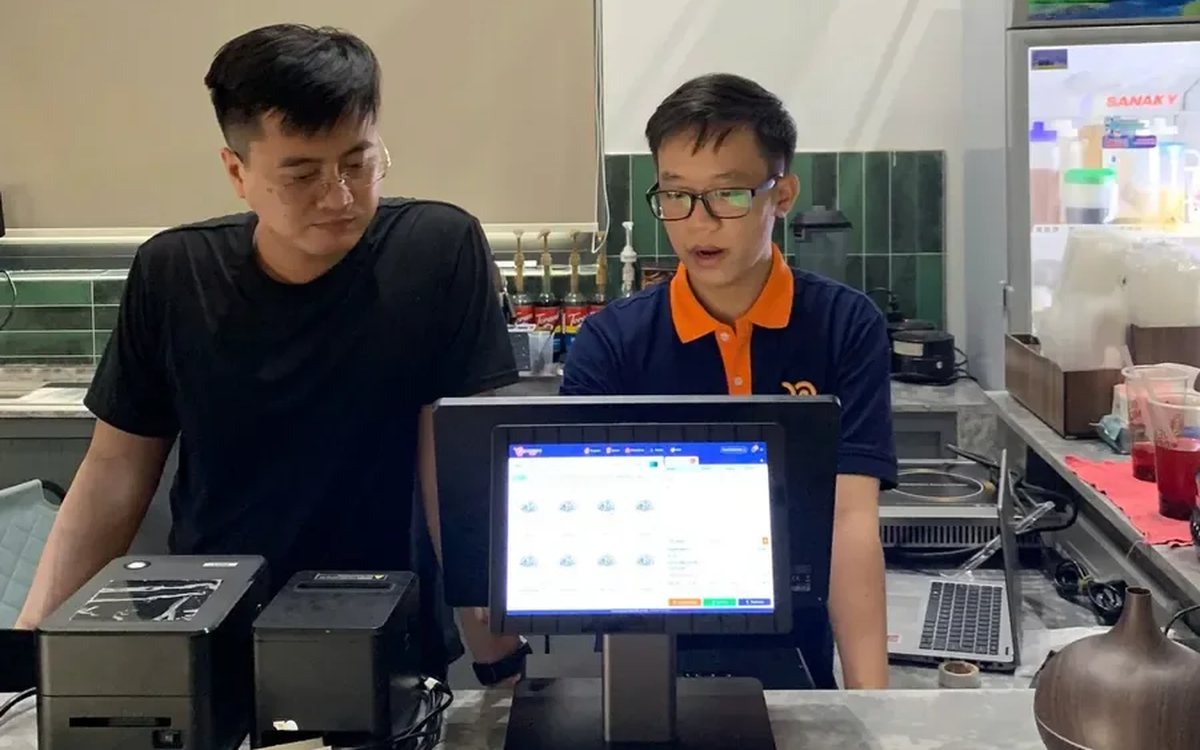
Coffee shop shift handover: closing the shift, reconciling cash and taking over cleanly
A rushed handover of one sentence, "there's about two million in the drawer", means that when the cash is short at night nobody knows which shift it came from. Three things to settle at handover, five steps to close and open a shift in the software, what the shift details show the owner, and a few rules worth posting at the counter.

Revenue reports by stylist at a hair salon: how to read them fairly
A revenue-by-stylist table is easily read as a ranking, yet stylists on the evening shift, those taking colouring and perming, or shampoo assistants have very different numbers. Where the data comes from, which column answers which question, how to compare fairly, and using the report to finalise commission, assign customers and train staff.
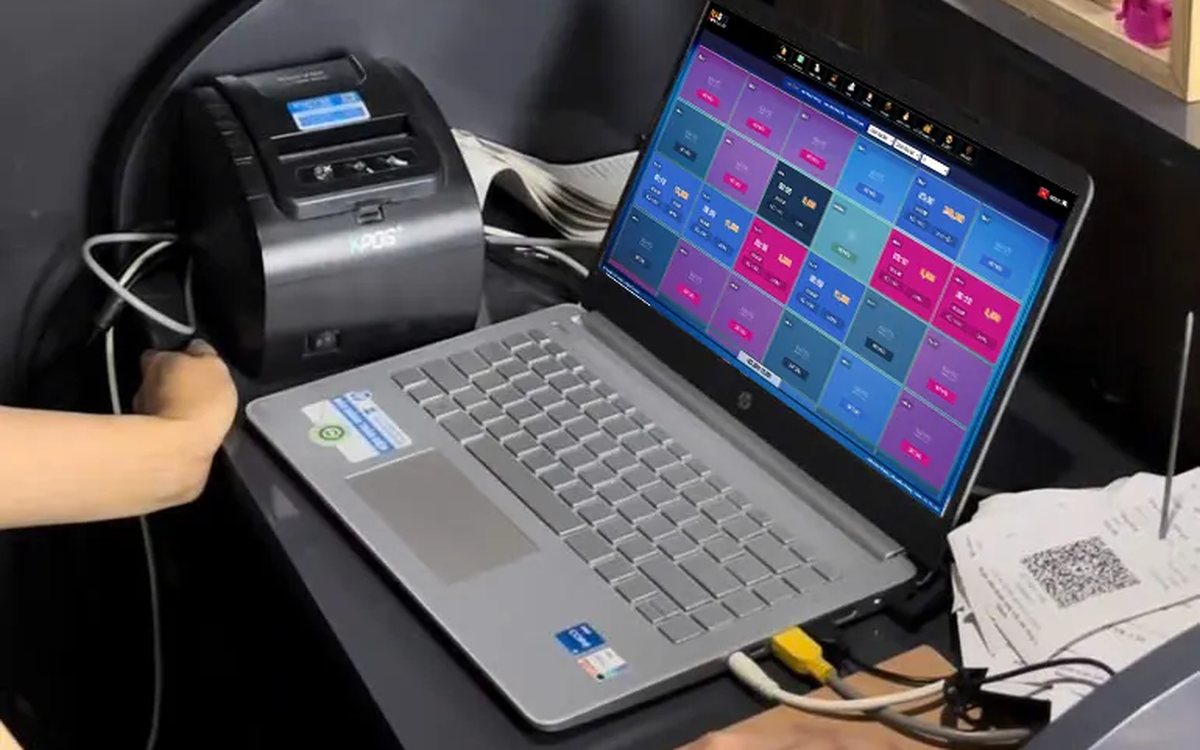
Showing the running total for a billiards table in play: give customers the right number before checkout
When customers ask "how much are we at?" and staff do the sum in their head, the bill at payment often differs and arguments follow. Two ways to see the running total in the software, what the provisional invoice includes, when the number still changes, pausing with a trail, and logging items added after an interim print.

Managing tips for karaoke room servers: recording and sharing them transparently
Karaoke guests tip in cash, by adding to the bill or by overpaying a transfer. The last two pass through the venue's fund, and if nobody records them, suspicion follows. Three kinds of tips and where the money sits, individual or pooled tips, recording tips at payment, and paying them out at shift end transparently.
Duplicate customers in your list: how to merge them without losing history
One customer with three profiles means points split three ways, never reaching a higher tier, and reports counting them as new customers. Five sources of duplicates, the signs to look for, how to merge while keeping purchase history and loyalty points, and counter habits that stop duplicates from the start.

Booking deposits for nail salons in peak season: who to ask, what to say, where the money goes
In peak season, every missed booking wastes a prime time slot of your best technician. Which bookings need a deposit and which do not, three things to say when you take one, which technician it holds, and how the deposit moves through the software so the cash fund still matches at the end of the day.

QR digital menu: change prices and hide sold-out dishes without reprinting
A QR menu can change right away without reprinting, but you need the right switch. Three ways to stop customers ordering a dish by QR, whether a price change affects dishes already ordered, what the kitchen's Sold out button really does, and a three-step routine for busy hours.
