



At a massage shop most appointments start with a Zalo message: "Any slots at 7pm tomorrow?" The receptionist replies "yes, we do", and the appointment is settled — inside the head of whoever happens to be on duty. The next evening a different shift is on, the customer arrives, and the room is taken, or the therapist they always ask for is in the middle of someone else's session. The fault is not Zalo's. The fault is that a message is not an appointment until it is written into the shared schedule.
The chat is where the customer speaks; the schedule is where the appointment lives
Bookings arrive down several routes: Zalo, phone calls, walk-ins, and in some shops a link or a QR code at the counter. How they arrive matters less than the fact that they all land on one schedule screen. The Ordersys massage shop software does exactly that: the receptionist reads the message and creates an appointment straight away, and from then on everyone in the shop is looking at the same thing, with nobody asking "who took this booking?"
Creating the appointment means picking the time, the service, the room or bed and the therapist. A clash is flagged immediately — this is what a notebook cannot do, because a massage shop is constrained by two resources at once: people and rooms. A free therapist with no free room still cannot take a customer.

Appointment statuses: the receptionist knows what comes next
An appointment is not only "yes" or "no". The schedule separates bookings by status, filtered right at the top of the screen:
| Status | Meaning | What the receptionist does |
|---|---|---|
| Booked | Customer has a slot, time not reached yet | Leave it, wait for the reminder |
| Due soon | The slot is about to start | Prepare the room, tell the therapist |
| Arrived | Customer is here and going in | Open the ticket, start the timer |
| Late / no show | Past the time with no customer | Call to ask, or release the slot |
| Cancelled · Completed | Customer cancelled, or the session is done | Recorded for the month-end review |
The schedule can be viewed by day, by week, by month or as a list. On an ordinary day the day view is enough; at weekends or holidays the week view shows which slots are still empty and worth promoting.
Reminders before the appointment — where Zalo really earns its place
Zalo is handy for receiving messages, but its biggest contribution runs the other way: reminding customers before their slot. Someone who booked three days ago forgets easily, and an empty evening slot costs a full session of a therapist's time. Ordersys sends automatic reminders to customers whose number is in their profile, so the front desk is not typing messages one by one at the end of a shift.
For new customers or long services, the shop can take a deposit at booking and offset it against the bill on arrival. Not to be difficult with customers — simply because a prime Saturday evening slot held and then abandoned is a real loss.
A few house rules for taking bookings over Zalo
- Enter the booking into the software during the same shift; do not let the message carry over to the next one.
- Always ask for three things: name, phone number and the service wanted — without a number there can be no reminder.
- If the customer asks for a specific therapist, pick the name on the ticket rather than writing it in the notes field.
- At the end of the shift, look over the late / no show group and call them in one round; they are the easiest to recover.
A shop does not have to drop Zalo to manage its schedule better. Treat Zalo as the door customers come through, and keep the schedule in the software — the place that knows which room is busy, which therapist is free and who is due next. Have a look at the Ordersys massage shop management software, free for 7 days. Two related articles: taking bookings by QR code to cut empty beds, and customers who book and never show: what it costs and how to reduce it.
Ordersys has editions for restaurants and for retail stores: checkout, stock, reports and e-invoices, with on-site setup and training.
Other news
Pet shop software: selling supplies and taking grooming bookings on one machine
A pet shop is two shops in one: stock in many pack sizes, and grooming services that need a time slot. How to declare several units of measure, take bookings with a named staff member, and put goods and services on the same bill.
Credit for billiard club regulars: record and collect debt in the software
Replacing the notebook at the counter: debt is recorded as the table is closed and must be tied to a member, revenue counts only money actually received, and the debt report shows who owes what and the total outstanding.
Restaurants with several kitchens and printers: tickets to the right station
Hot kitchen, cold kitchen and bar each with their own printer. Assign product groups to each machine and the system splits tickets by station; choosing IP or USB printers, and where to look when the kitchen loses a ticket.
Tracking seasonal best sellers to update a coffee shop menu
A thirty-item menu where revenue comes from seven or eight drinks. Read the product report by period, set it next to cost, sort items into four groups, and only then decide to keep, push or drop.

Recurring hair care packages and membership cards for salons
A six-session conditioning package and a membership card are two different things, and managing them the same way is where it gets messy. Deduct the session on the ticket, split commission between the lead and the washer, and know how many sessions you still owe.

Managing employment contracts: renewal reminders and employee files
End of probation, contract expiry, documents lapsing — dates that come once per person and slip past easily. One file per employee with documents and expiry dates, and notice before each date arrives.
Prepaid cards and treatment packages for massage guests
A stored-value card is drawn down by service price, a package by session — two different mechanics that need different setups. Deduct in the room, and see both money received and sessions still owed.
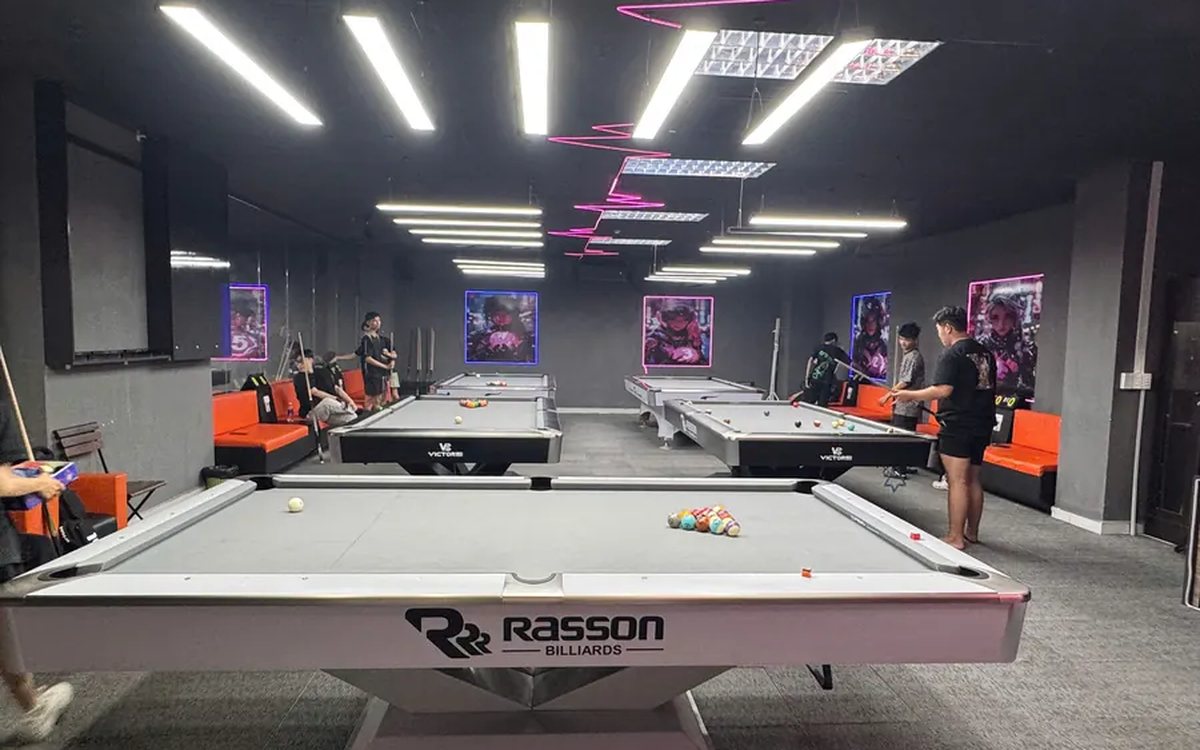
Billiards club cameras: matching tickets against table footage
The action history tells you which table, what time, who opened or cancelled; the camera on that same table shows what actually happened. Put the two side by side and a check takes minutes.

Food and drink combos per room for karaoke venues
A fixed set or a combo the guest picks from, ordered as one line instead of five, with kitchen and bar receiving the right items and the combo landing on the same bill as the room time charge.
