



Members at a billiards club tend to ask two things: "how much is left on my card" and "why was so much taken off today". The club has its own blind spot: the money customers put on their cards and the points the club gives away sit in the same number, so at closing nobody knows which part is cash already received and which part is a gift. The My wallet screen in the ORDERSYS CLUB member page of Ordersys billiards management software separates the two and states the deduction order.
Five numbers on the My wallet screen
Opening the wallet, the customer sees one large number, Available points, and four smaller ones below it, each taken from its own source:
| Number | Meaning | Where it comes from |
|---|---|---|
| Available points | Points left to deduct from a bill | The same figure the cashier sees on the Member screen |
| Topped-up points | Total points from top-ups | Top-up requests the counter has approved |
| Earned points | Total points the club adds after each bill | Added automatically when the cashier completes payment |
| Used points | Total points deducted from bills | Payments that used points |
| Total points | Topped-up plus earned | The same Total points figure in the management app |
Topped-up plus earned minus used does not always equal the available figure, because there are also Point adjustment lines, for example points refunded when a bill is cancelled; the software records those separately in the history. Below the five numbers is a Top up more points button, which leads into the request-then-approve flow described in topping up a billiards club member card: points reach the wallet only after the counter approves.
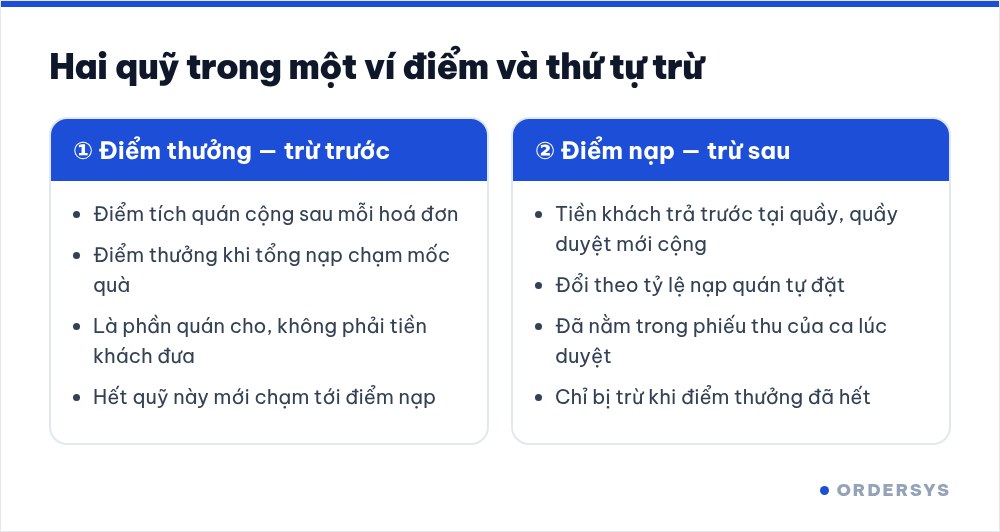
Two funds in one wallet: bonus points and top-up points
Inside, the wallet is split into two funds. The top-up fund holds points converted from money the customer paid in advance at the counter, at the top-up rate the club sets. The bonus fund holds points earned after each bill plus bonus points the club gives when total top-ups reach a gift milestone; this is the club's gift, not the customer's money.
The wallet screen carries a locked line stating the rule: "Payment deducts bonus points first, then top-up points once those run out." The software spends the club's gift first and keeps the money the customer paid, so the customer can tell from the bill exactly what was deducted. For the club, this split decides whether revenue is right: top-up money is already in the drawer and is written into the shift's receipt slip at the moment of approval, while bonus points are a promotion cost. Lump them together and one of the two is counted wrong. Why money a customer has topped up is not yet money the club has earned is covered in player membership cards: how to bring customers back to your billiards club.
At payment: the customer chooses, the cashier confirms before anything is deducted
The Payment page in the app has a Pay with points section with two choices: Deduct from wallet first (spend the bonus fund first, pay the remainder at the counter) or Keep points, pay cash (save them for the next session). The breakdown lists table time, tier discount, food and drinks, voucher and amount due, then three numbered lines: ① deduct bonus, ② deduct top-up, ③ remainder paid in cash. The app notes this is an estimate and the clock keeps running until the counter closes the table.
When the customer taps Send payment request, the app switches to Waiting for cashier confirmation and the wallet is untouched. At the counter, the payment screen pre-fills the points the customer asked to use, with the reminder "Customer's points applied as requested. Remove if the customer changes their mind." The cashier still decides: keep it, change the points within what the customer has, or remove it. Only when the cashier completes payment does the software deduct the bonus fund first and then the top-up fund, write one Use points line with the converted amount, and add that bill's earned points to the bonus fund. Earned points are calculated on what the customer actually paid, not on the part paid with points.
For points to be deductible, the club must turn on Redeem points and set how much one point is worth; if it is off, the wallet screen shows "This club has not enabled point redemption at payment. Please ask staff at the counter." For the full member page, from the player card to opening tables and ordering, see the billiards club member app: QR player card, points wallet and tier perks.
Transaction history: four kinds of lines
- Use points: a minus sign, with the amount converted into the bill.
- Earn points: a plus sign, recorded after each bill that earns points.
- Top up points: a plus sign, with the request code and whether it was cash or bank transfer.
- Point adjustment: everything else, for example points refunded when a bill is cancelled.
Each line has a date, time and note, so customers can read it themselves and ask the counter less. The cashier opens the Member screen and sees the same set of numbers, so both sides look at one source.
A few things to tell staff
- When a customer asks "how much money is left on my card", point them to the line "Balance equals … when deducted from a bill" right on the wallet screen.
- If a customer sent a payment request using points and then changes their mind, remove the points on the payment screen before completing it.
- At the end of the shift, reconcile top-up receipt slips with the cash drawer and bank statement; bonus points are not part of that money.
See Ordersys billiards management software
The points wallet above is part of Ordersys billiards club management software, sharing member records with the cashier screen and the management app. Sign up for a free 7-day trial, or message us on Zalo or call 090 750 1000 for help turning on point redemption and top-ups for your regulars.
Ordersys times every table automatically, switches table lights, takes drink orders at the table and reports revenue per shift.
Other news
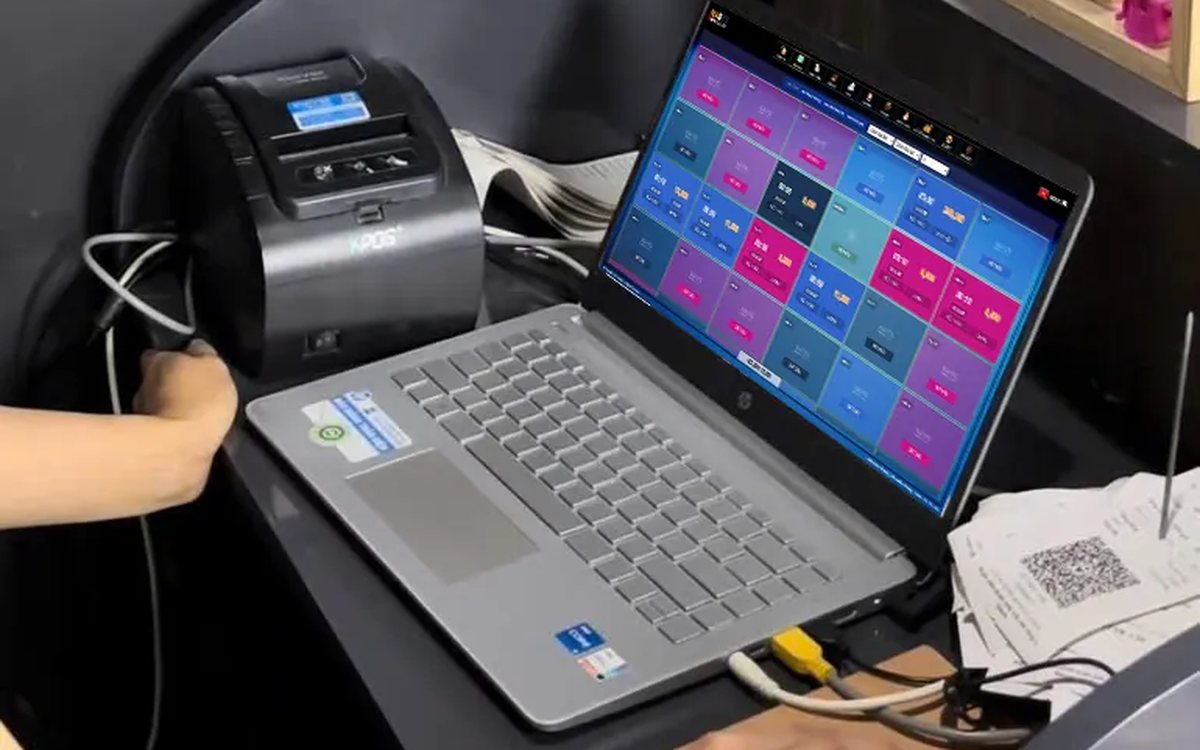
Topping up a billiards club member card: the customer sends a request, points reach the wallet only after the counter approves
The real top-up flow in the ORDERSYS CLUB member page: the customer picks an amount, bank transfer or cash, and gets a request code; the counter sees the notice on the bell and taps Approve or Reject with a reason; points reach the wallet only after approval and the customer is told right away. The article shows why the approval step and the request code are what stop leakage compared with a notebook.


Billiards club member app: QR player card, points wallet and tier offers on the customer's phone
ORDERSYS CLUB is the member page for a billiards club's regulars: a player card with a QR code, wallet balance, tiers and offers, opening tables, topping up points and ordering on their phone. This article walks through each part customers see, which steps the counter still approves (opening tables, crediting top-ups, deducting points) and the limits owners should tell customers about up front.
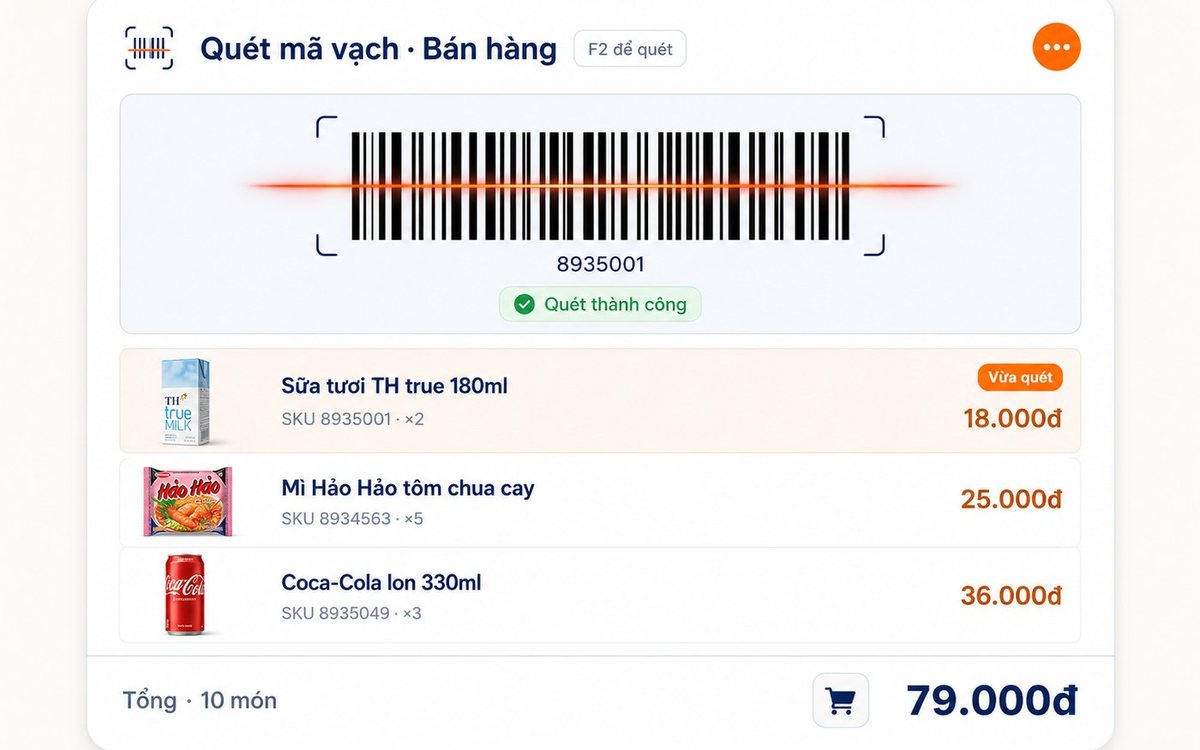
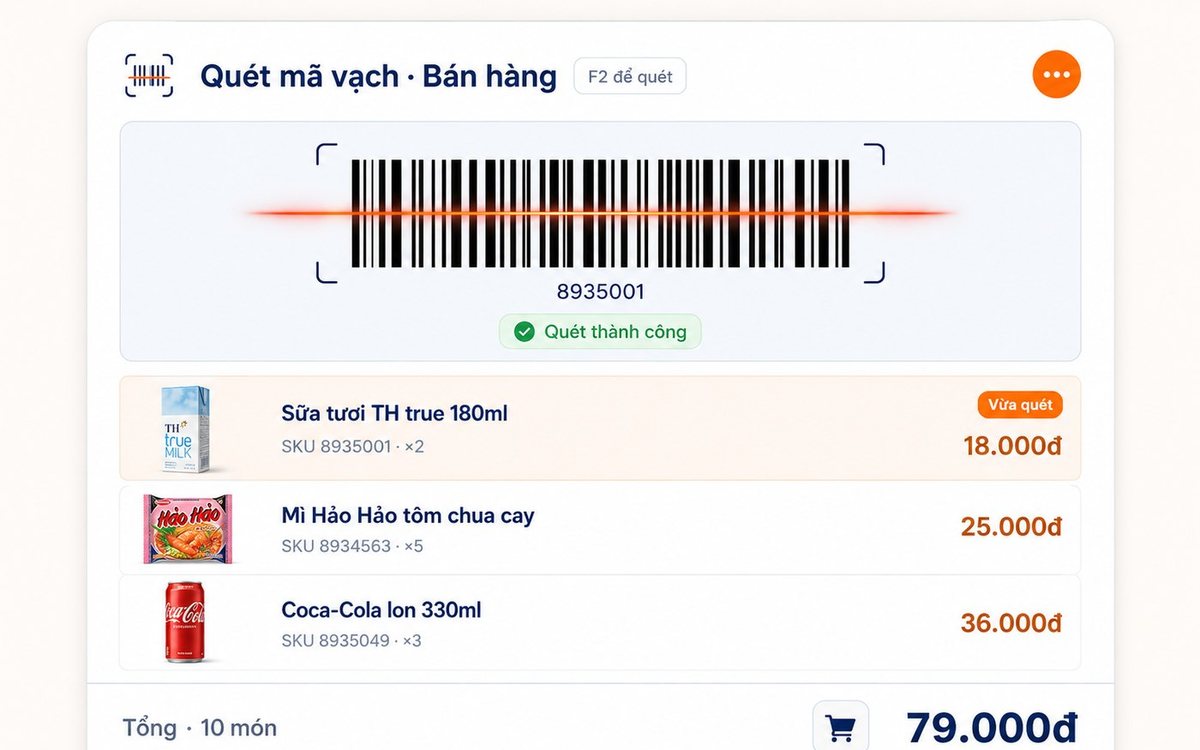
Free trial sales software for retail stores: what to prepare and what to test in 7 days
There are two kinds of "free" sales software: free for the long term with limits, and a full trial before you pay. Ordersys offers a 7-day trial with every feature, no card and no setup fee. This guide covers preparing your data from Excel before day one, six tasks to try with your store's real goods and four numbers to decide on when the trial ends.

Cutting billiards highlights: around the scoring mark or by segment, and when you need the full match
The Ordersys billiards management software cuts highlights in two ways: around the scoring mark (seconds before and after set by the club) or by segment (from the previous scoring press to this one), and every match also keeps a full match segment to watch and download. This article compares the two styles, explains how to set the camera delay first and suggests which one a club owner should pick.
Retail software that manages customer debt properly: credit with due dates, part payments that never mix up orders
A handwritten debt book goes wrong in four places: debts not tied to orders, no due date, part payments applied to the wrong order, and repayments mixed with sales cash. This article follows the life of a debt in Ordersys: credit tied to a customer and a due date, filters for nearly due and overdue debts, collections allocated to the earliest due order first, safeguards against workarounds, and opening debt imported from Excel.

How to manage a cafe or small restaurant remotely by phone: what to check each day, and when
Remote management is not watching staff on camera for hours; it is knowing how many times a day to open your phone and which numbers to read. This article gives a concrete daily schedule for cafe and restaurant owners using Ordersys: end-of-day report, shift close report, orders, stock and multiple branches, plus the numbers worth a call right away and what the venue must record.

QR payment with automatic reconciliation: reading the shift close report so the money matches
When a venue takes many transfers, the drawer holds only part of the revenue. This article walks through the Ordersys shift close report money stream by money stream: cash, bank transfer, card, auto QR and debt; which lines the software already matched, which the cashier must check item by item, orders paid two ways, orders tapped with the wrong method, and the order of reconciliation before closing the shift.
