



The question sounds simple: how many staff does the club need on a Friday night, and is the table at the back worth keeping? Most billiards owners answer from instinct — "the outside tables seem busier", "it probably picks up around eight". Instinct is usually right about the direction but wrong about the size, and when you are staffing shifts or scrapping a table, being wrong about the size costs real money. The data that answers it is already in the software; most people simply never open the right screen.
The per-table report: every table shows up, including the ones nobody touched
Ordersys has a revenue by table screen. Pick a date range and the table lists every table not yet deleted — a table with no invoices in the period still appears, with a zero. That detail matters: a report that only lists tables with revenue means the owner never sees the dead ones.
Each row separates table time, goods (drinks, food), combos, surcharges, discounts, tax, amount collected and debt still outstanding. Click a column heading to sort, so finding the table at the bottom of the list takes one click. Besides grouping by individual table, you can group by table type — pocket, carom, three-cushion — to compare whole categories rather than single tables.
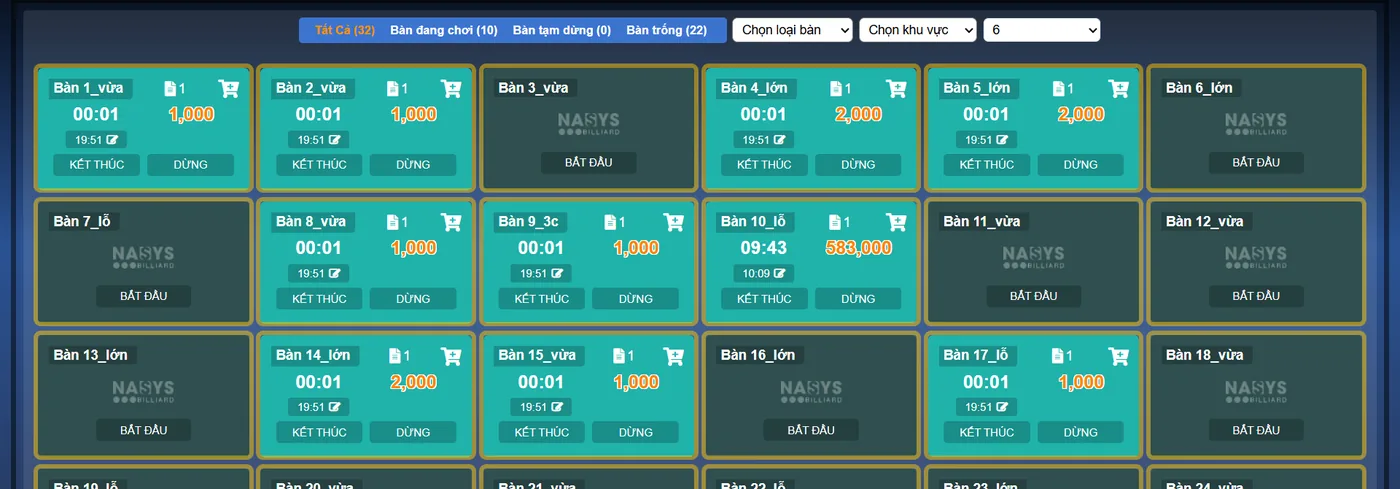
To see which table runs at which hour, open the per-table detail
Pick a table (or a table type) and open the detail: the software returns the list of that table's invoices for the period, ordered by time. Each row carries the invoice time, the ticket code, table time, goods, surcharge, discount, amount collected and amount still owed. Reading the time column shows straight away which part of the day that table is concentrated in — and counting the rows gives the number of sessions in the period.
To be clear and avoid wrong expectations: the software does not draw a ready-made "table openings per hour band" chart for each table. It gives you a detail table with timestamps, and splitting it into hour bands is something the owner reads off or exports and groups. For a club with a dozen or so tables, looking at a two-week period is enough to see the pattern.
Three charts that help you read the hours
| Chart | What it tells you | Caveat |
|---|---|---|
| By hour (0–23) | Which hour of the day sells the most goods | Counts items sold, not table openings |
| By weekday (Mon–Sun) | Which day of the week carries the most | Lets you compare individual items against each other |
| Revenue by table | Which tables carry revenue and which lag | Zero tables do not appear on the chart — check the table list |
Put together, these three answer the original question. The hourly chart gives the heavy hour band for the club, the weekday chart gives the heavy day, the per-table list gives the heavy spot. Add the per-staff and per-shift reports and you also know who is on the floor when it is busy.
What to do once you have read it
- Staff by the real numbers. Only the hour band that carries most of the revenue needs a full team; a thin band can run with one person on duty.
- Put promotions where the gaps are. Pricing by hour band is already configured in the software, so discounting a quiet hour does not mean adjusting each invoice by hand.
- Deal with the lagging table. A table that stays low over several periods usually suffers from seating, lighting or walkways, not from the table itself. Move it and measure another period.
- Compare like with like. Do not compare a carom table with a pocket table, and do not compare a tournament week with an ordinary one — split by table type and pick matching periods.
One small tip: fix your review period at 2 or 4 weeks. Daily figures jump around with the weather and holidays; quarterly figures flatten every difference away.
A billiards club is not short of data, only short of the habit of opening the report before deciding. Every table opening is already a row with a time, a table and an amount — the owner just has to pull it back up and read it. Have a look at the Ordersys billiards club management software and the free 7-day trial, so you can run a full two weeks and read the reports on your own club's numbers. Two related articles: selling play-time combos and setting prices by hour band, drawing customers in the morning hours and measuring the result.
Ordersys times every table automatically, switches table lights, takes drink orders at the table and reports revenue per shift.
Other news

Managing massage therapist shifts without padded hours
A handwritten timesheet leaves nothing to check at month-end, so it gets signed anyway. Declare shifts in advance, clock in on a branch-tied QR device, then set hours beside the session count for that shift — three common discrepancy signals and how to go from timesheet to hourly payroll.
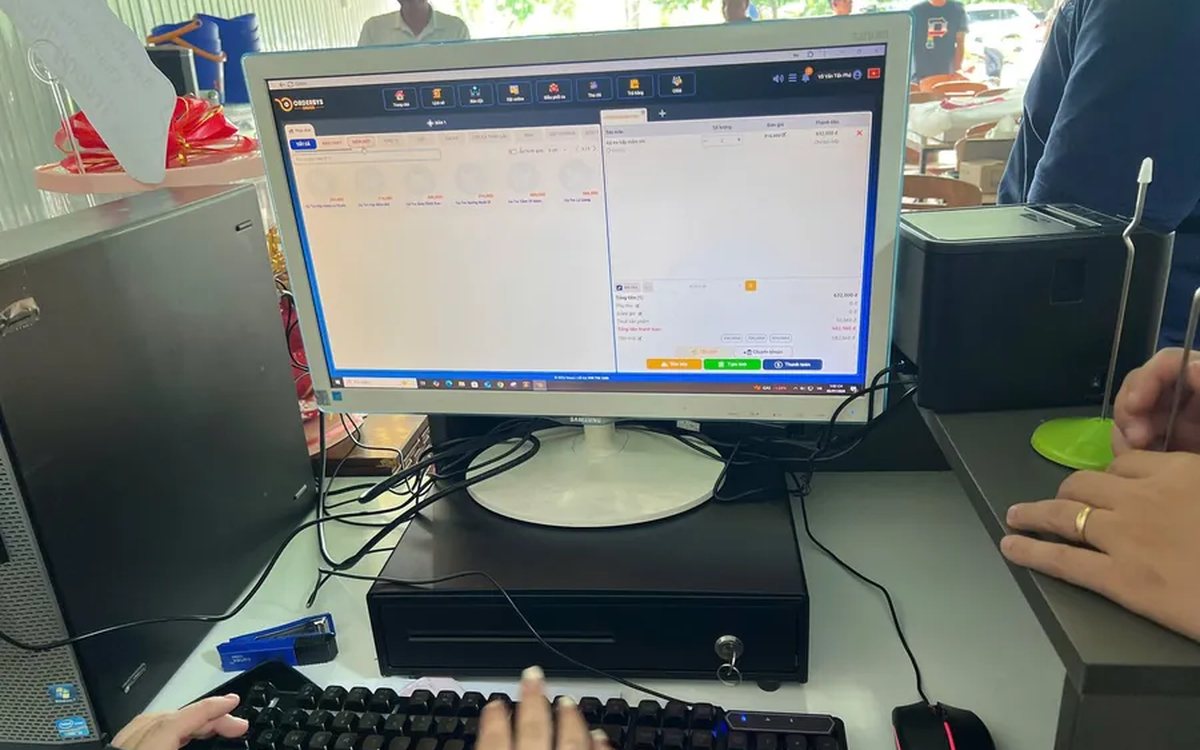
Pizza shop software: choose-your-own toppings, dine-in and delivery
A dozen pizzas on the menu, but size, crust and toppings push it to several hundred combinations — and the shop sells three channels at once. How to declare attributes, variants and topping groups once, run all three channels on one system, deduct ingredients by recipe, and what not to expect from the delivery side.
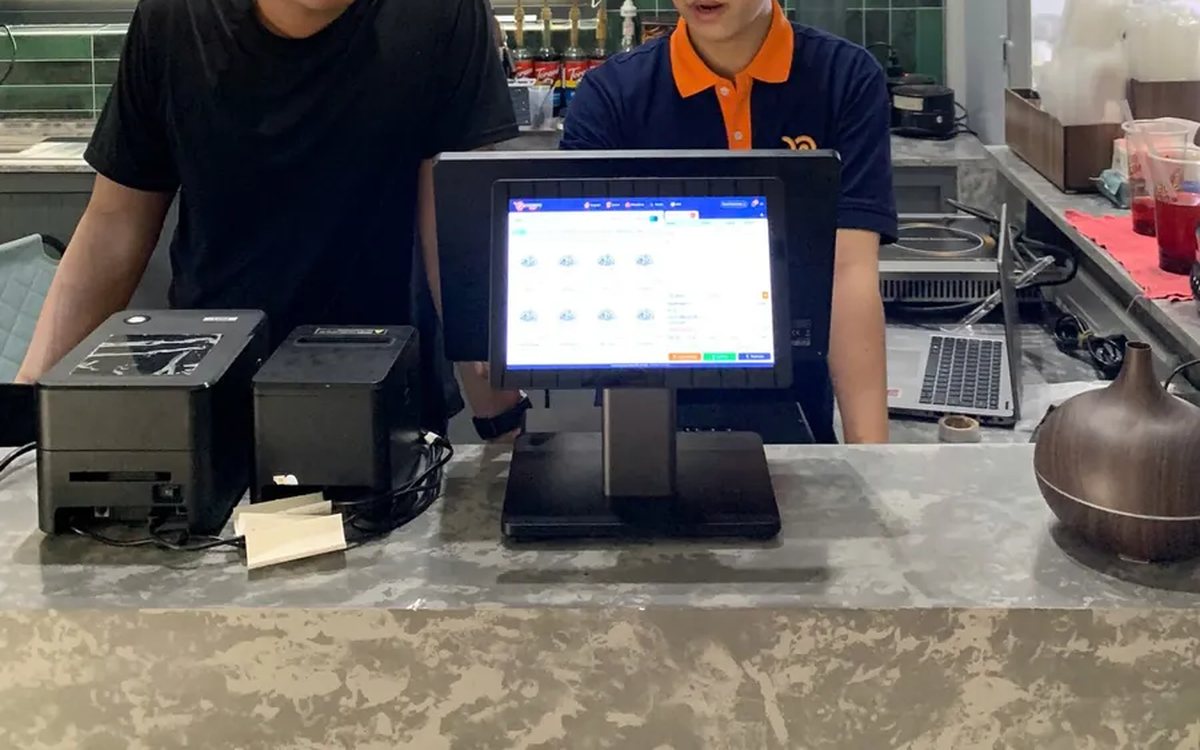
Assessing staff productivity by sales and hours worked
The highest sales figure is not necessarily the strongest performer — you still have to divide by hours worked. The two numbers you need first, three ways to turn them into productivity, three rules for comparing like with like, what to measure for roles with no sales, and why criteria must be announced before money is attached.
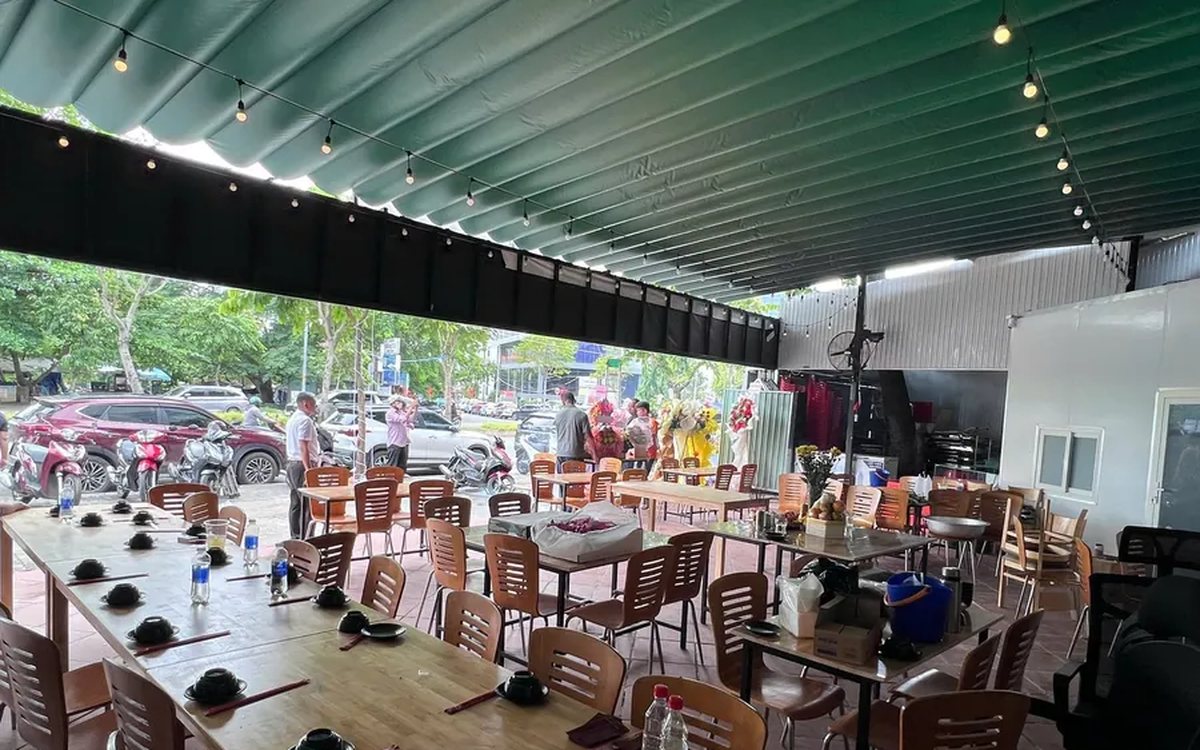
Per-dish gross margin in a restaurant: making the number trustworthy
What the gross margin on a plate includes and excludes, two ways to get cost into the software (a cost price field or ingredient recipes), four places the number goes wrong, and why you must multiply margin by plates sold to see which dish really feeds the restaurant.
Bubble tea chain management software: open the second shop without starting over
Opening a second bubble tea shop: import the menu from a file instead of retyping it, declare the four option groups and the recipes so the drink stays the same, use a price list for per-location price differences, then read reports combined and split by branch.

Massage bookings over Zalo: what to do once the message arrives
A chat message is not yet an appointment. How to move it into the shared schedule: pick the room, the bed and the therapist, read the appointment statuses, and let the software remind the customer before the slot.

Pet shop software: selling supplies and taking grooming bookings on one machine
A pet shop is two shops in one: stock in many pack sizes, and grooming services that need a time slot. How to declare several units of measure, take bookings with a named staff member, and put goods and services on the same bill.
Credit for billiard club regulars: record and collect debt in the software
Replacing the notebook at the counter: debt is recorded as the table is closed and must be tied to a member, revenue counts only money actually received, and the debt report shows who owes what and the total outstanding.
Restaurants with several kitchens and printers: tickets to the right station
Hot kitchen, cold kitchen and bar each with their own printer. Assign product groups to each machine and the system splits tickets by station; choosing IP or USB printers, and where to look when the kitchen loses a ticket.
