



The first shop runs smoothly, so the owner opens a second bubble tea location. It sounds light — same menu, same recipes — but the first two weeks are always messy: the new shop keys in every item again, the boba is cooked a little thicker, the selling price is off by five thousand and nobody remembers why, and at month end the owner adds up two revenue sheets by hand. All of that is avoidable if you set up the new shop's data in the right order.
Each location has its own data set — know this up front
In Ordersys, items are declared per branch. That sounds like extra work, but it is why the shop near the university can carry a few drinks students like while the shop in the office district does not have to. Stock, staff and label printers are also kept separate by location, because they genuinely differ.
What should be identical, do not retype. The items screen can import products from a file: download the template, fill it in or export from the shop already running, then import it into the new one. Item names, groups, codes and prices go in one pass — nobody clicks thirty times, and you avoid one shop writing "Boba milk tea" while the other writes "BMT brown sugar", which later shows up as two different lines in a combined report.
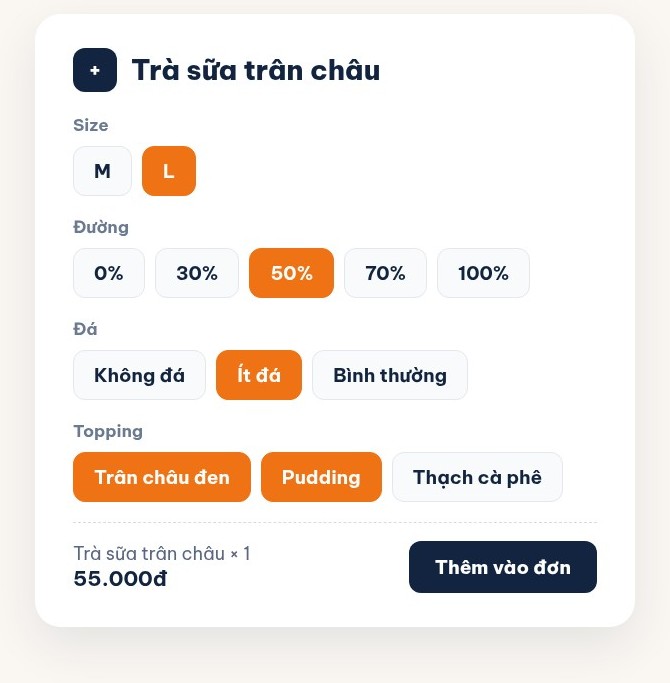
Four option groups and the recipe: identical, not up to the person
A cup of bubble tea is one item plus four customer decisions: size, sugar level, ice level, toppings. Set those four groups up as buttons and a new hire can take orders the day they start instead of typing notes by hand — and topping prices are added to the cup automatically, so one shop cannot charge for them while the other forgets.
Keeping the taste identical comes down to the recipe. Declare it per cup: how much tea, how much milk, how much sugar, how much boba. Each cup sold deducts exactly that amount from that location's stock. The benefit is twofold: the taste does not drift with whoever is making it, and at month end comparing the quantity that should have been used against what was actually received shows immediately which location is running higher waste than normal.
Prices can differ between locations — declare them in a price list
Two shops, two leases; if rent differs, selling prices do not have to match. Instead of editing the price on each item, use a price list: declare one list and set which branch it applies to, over which date range, which days of the week, which time slots. Off-peak discounts at one shop while the other stays as is — declared once, with nobody having to remember to change it back.
- Keep the base price on the item and the location difference in the price list — later you can still trace how much was discounted.
- Declare promotions per location; do not declare them chain-wide and then tell staff "at our shop, don't press that".
- Every price change goes in the price list, not the base price, otherwise earlier reports stop matching.
See the whole chain, drill down to one shop
This is what a chain owner needs most. The product report has a branch column and a branch filter: view it combined to see which drinks carry the whole system, filter one shop to see what that shop sells. The overview page has a revenue ranking by branch; pick a date range and it is there.
| What the chain owner asks | Where to look |
|---|---|
| Which shop sold more? | Revenue ranking by branch, over the same date range |
| Did the new drink land at any shop? | Product report, filter each shop and compare cups sold |
| Which shop has unusual ingredient waste? | Each location's stock, against the amount deducted by recipe |
| Which shift at which shop is busy? | Sales report by time slot, filtered by branch |
One note when comparing: the shop with higher revenue is not necessarily the better shop. With different premises, opening hours and headcount, an absolute figure says nothing. Revenue per opening hour, or cups per staff member per shift, is what shows which location is genuinely running well.
Three things to do before the new shop opens
First, finish the menu and option groups at least three days ahead, then ring up a few orders to check that the cup labels print the right size and sugar level. Second, declare recipes from day one — declare them later and you spend the first month not knowing where ingredients went. Third, one account per staff member; do not let the whole shop share one, or you will not be able to separate who sold what.
Per-branch menus, option groups, drink recipes, per-location price lists and reports split by branch are part of Ordersys coffee and bubble tea shop management software, with a free 7-day trial. Read more: size, sugar, ice and topping options for a bubble tea shop and managing a chain of stores: which numbers to watch.
Checkout in a few taps, print cup labels with toppings, send drinks to the bar screen and issue e-invoices from the POS.
Other news
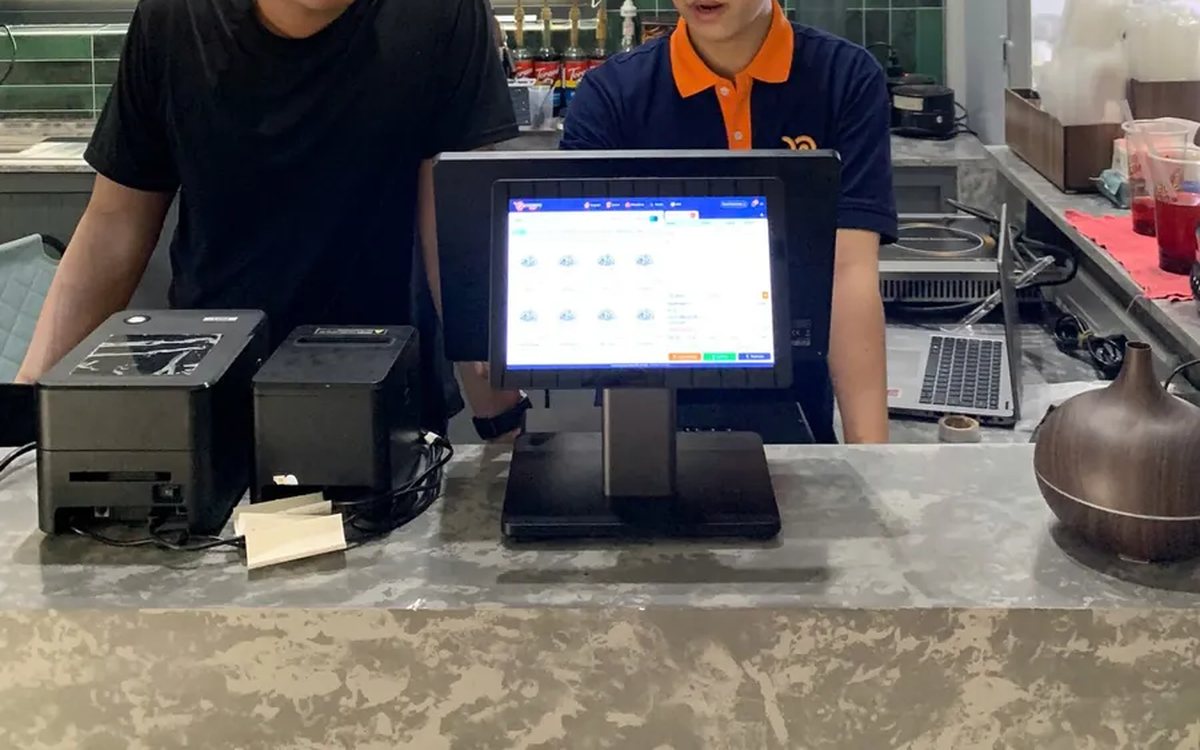
Assessing staff productivity by sales and hours worked
The highest sales figure is not necessarily the strongest performer — you still have to divide by hours worked. The two numbers you need first, three ways to turn them into productivity, three rules for comparing like with like, what to measure for roles with no sales, and why criteria must be announced before money is attached.

Per-dish gross margin in a restaurant: making the number trustworthy
What the gross margin on a plate includes and excludes, two ways to get cost into the software (a cost price field or ingredient recipes), four places the number goes wrong, and why you must multiply margin by plates sold to see which dish really feeds the restaurant.

Massage bookings over Zalo: what to do once the message arrives
A chat message is not yet an appointment. How to move it into the shared schedule: pick the room, the bed and the therapist, read the appointment statuses, and let the software remind the customer before the slot.

Pet shop software: selling supplies and taking grooming bookings on one machine
A pet shop is two shops in one: stock in many pack sizes, and grooming services that need a time slot. How to declare several units of measure, take bookings with a named staff member, and put goods and services on the same bill.
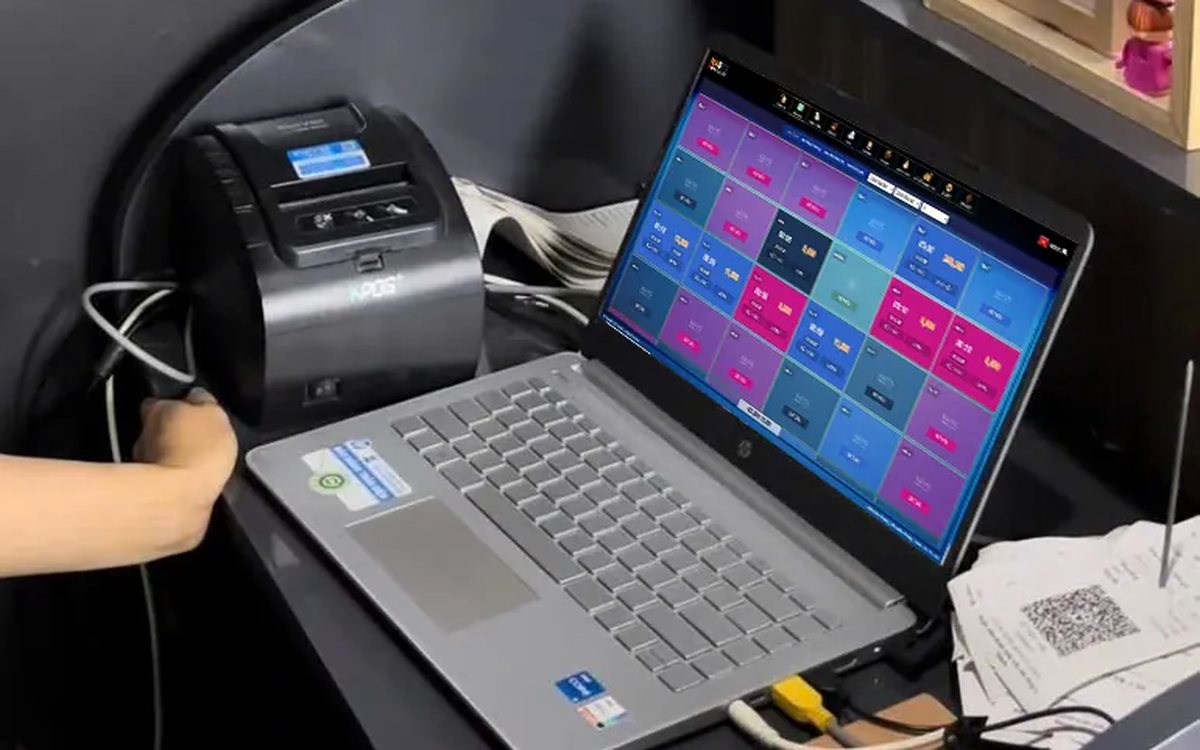
Credit for billiard club regulars: record and collect debt in the software
Replacing the notebook at the counter: debt is recorded as the table is closed and must be tied to a member, revenue counts only money actually received, and the debt report shows who owes what and the total outstanding.
Restaurants with several kitchens and printers: tickets to the right station
Hot kitchen, cold kitchen and bar each with their own printer. Assign product groups to each machine and the system splits tickets by station; choosing IP or USB printers, and where to look when the kitchen loses a ticket.
Tracking seasonal best sellers to update a coffee shop menu
A thirty-item menu where revenue comes from seven or eight drinks. Read the product report by period, set it next to cost, sort items into four groups, and only then decide to keep, push or drop.

Recurring hair care packages and membership cards for salons
A six-session conditioning package and a membership card are two different things, and managing them the same way is where it gets messy. Deduct the session on the ticket, split commission between the lead and the washer, and know how many sessions you still owe.

Managing employment contracts: renewal reminders and employee files
End of probation, contract expiry, documents lapsing — dates that come once per person and slip past easily. One file per employee with documents and expiry dates, and notice before each date arrives.
