



Ms. Lan has been drinking coffee at the café for almost two years. In the café's customer list she has three profiles: "Ms. Lan" saved the first time, "Lan" created when a cashier mistyped one digit, and another one from the time she booked a table with her husband's number. Her loyalty points are split across three places, so she has never moved up a tier. The reports count her as three customers, two of them "new" customers who came once and never returned. Duplicate customers do not cost the café money right away, but they distort every number the café uses to decide whom to look after.
Why duplicates appear in the customer list
Duplicate profiles are almost never the customer's fault; they come from how the shop records them. The five most common sources:
| Cause | Example | How to prevent it |
|---|---|---|
| Mistyped phone number | Two digits swapped when the customer reads quickly at a busy time | Read the last three digits back to the customer |
| Customer has two numbers or changes number | One work number, one personal number | Ask "which number do you usually collect points with?" |
| Someone else books on their behalf | A husband books the table, a child books an appointment for their mother | Note the actual guest's name on the booking |
| Saving customers with only a name | "Mr. Tuan table 5", no number | Do not create a profile until you have a phone number |
| Re-importing an old list from Excel | The old customer book includes customers already saved in the system | Read the rows flagged as duplicates carefully before importing |
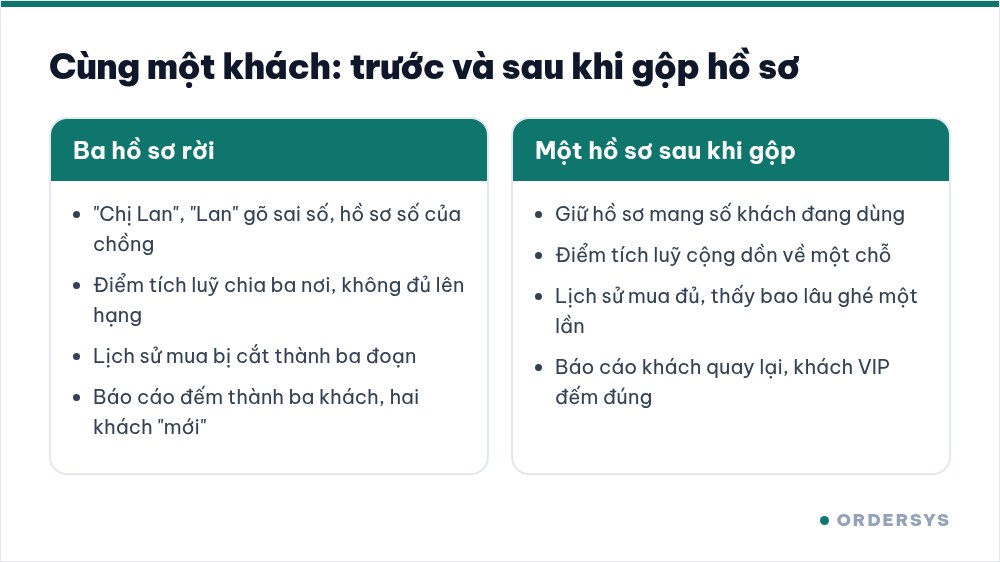
Signs that a customer is duplicated
- Two profiles with nearly the same name and numbers that differ by one or two digits. This is the typo kind, the easiest to find when the list is sorted by name.
- A customer asks "why do I have so few points?". Usually the points are sitting in the other profile.
- Reports show more new customers, but the counter sees no new faces. Some of those "new customers" are regulars who got an extra profile.
- A customer who comes often never reaches a higher membership tier. Their spending is split across several profiles, so no single profile reaches the threshold.
How to merge without losing history
Deleting the extra profile is the fastest and also the worst option: that profile's purchase history and points disappear with it. What you need to do is merge. In the Ordersys CRM, when you merge two profiles of the same customer, the purchase history and loyalty points move to the profile that is kept. Before you click, take three steps:
- Choose the profile to keep. Keep the profile with the phone number the customer currently uses, because that is the number they will give next time.
- Ask the customer one question. Next time they visit, ask "are this number and that number both yours?". One confirming question avoids merging two different people by mistake.
- Be careful with shared numbers. Couples or sisters sometimes share one number. They are two real customers with different tastes; do not merge them just because the number matches.
You do not need to clean the whole list in one go. Each week, have one person spend about ten minutes checking, starting with high-spending customers, because mistakes in this group distort the reports the most.
Prevent duplicates right at the counter
Merging is the cure; the phone number is what prevents duplicates in the first place. Ordersys already has two duplicate checks based on phone number: when importing customers from a file, rows whose number already exists in the system are flagged; when a table is booked with a number that already belongs to another customer, the software also warns that the number is in use. The rest is counter habits:
- Ask for the phone number first, search for the customer by number, and only create a new profile if none is found.
- Do not save customers with only a name. Without a number, just sell as normal; there is no need to create a profile yet.
- When a customer says they changed numbers, update the number on the old profile instead of creating a new one.
A clean customer list does not need to be big; it just needs one row per person. Only then do the numbers for returning customers, lapsed customers and VIP customers reflect the shop accurately. Customer profiles that bring together purchase history from the store, the website and social media, along with loyalty points and customer segmentation, are part of the Ordersys CRM software. Shops can try it free for 7 days.
Read more: Asking for the customer's phone number at checkout · Segmenting VIP customers to give offers to the right people.
Ordersys has editions for restaurants and for retail stores: checkout, stock, reports and e-invoices, with on-site setup and training.
Other news

Managing tips for karaoke room servers: recording and sharing them transparently
Karaoke guests tip in cash, by adding to the bill or by overpaying a transfer. The last two pass through the venue's fund, and if nobody records them, suspicion follows. Three kinds of tips and where the money sits, individual or pooled tips, recording tips at payment, and paying them out at shift end transparently.

Booking deposits for nail salons in peak season: who to ask, what to say, where the money goes
In peak season, every missed booking wastes a prime time slot of your best technician. Which bookings need a deposit and which do not, three things to say when you take one, which technician it holds, and how the deposit moves through the software so the cash fund still matches at the end of the day.
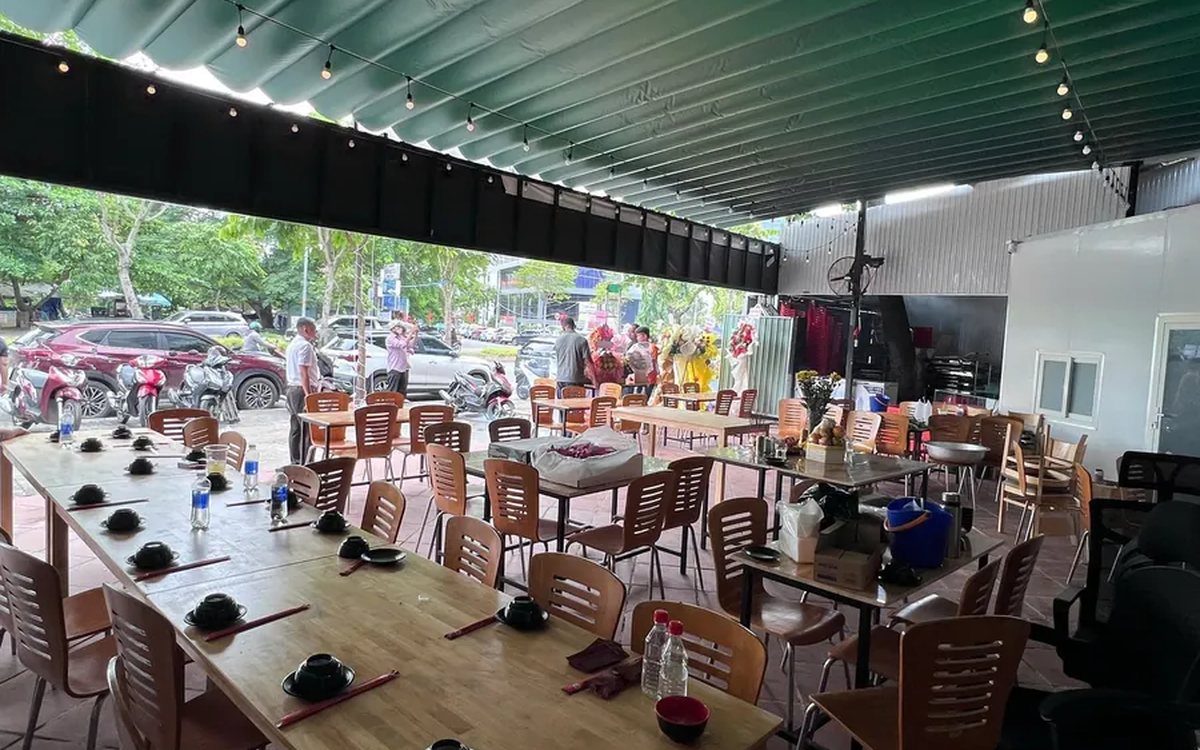
QR digital menu: change prices and hide sold-out dishes without reprinting
A QR menu can change right away without reprinting, but you need the right switch. Three ways to stop customers ordering a dish by QR, whether a price change affects dishes already ordered, what the kitchen's Sold out button really does, and a three-step routine for busy hours.

Tracking spa appointment status: arrived, late or cancelled
The hard part of spa appointments is not writing them down but knowing what state each one is in right now. Six statuses and what reception should do at each, how to handle no-shows, and how to cancel and undo bookings while deposits still match the cash book.
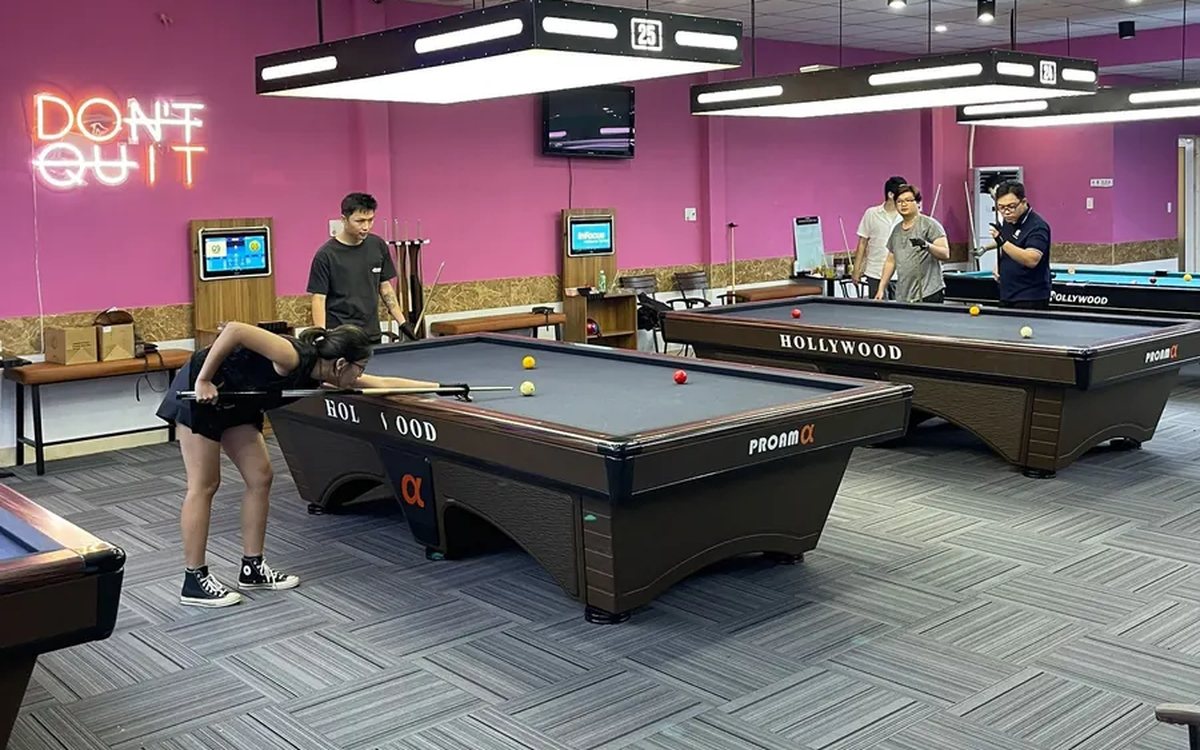
Transferring a billiard table: keep time played and items ordered, charge each table correctly
Guests switching tables mid-session is routine at a billiard hall. Press Transfer table and the time played closes at the old table's price, further time runs at the new table's price, and ordered items travel with the bill. This article shows how the bill looks, when a transfer is not possible and where the owner can review it.
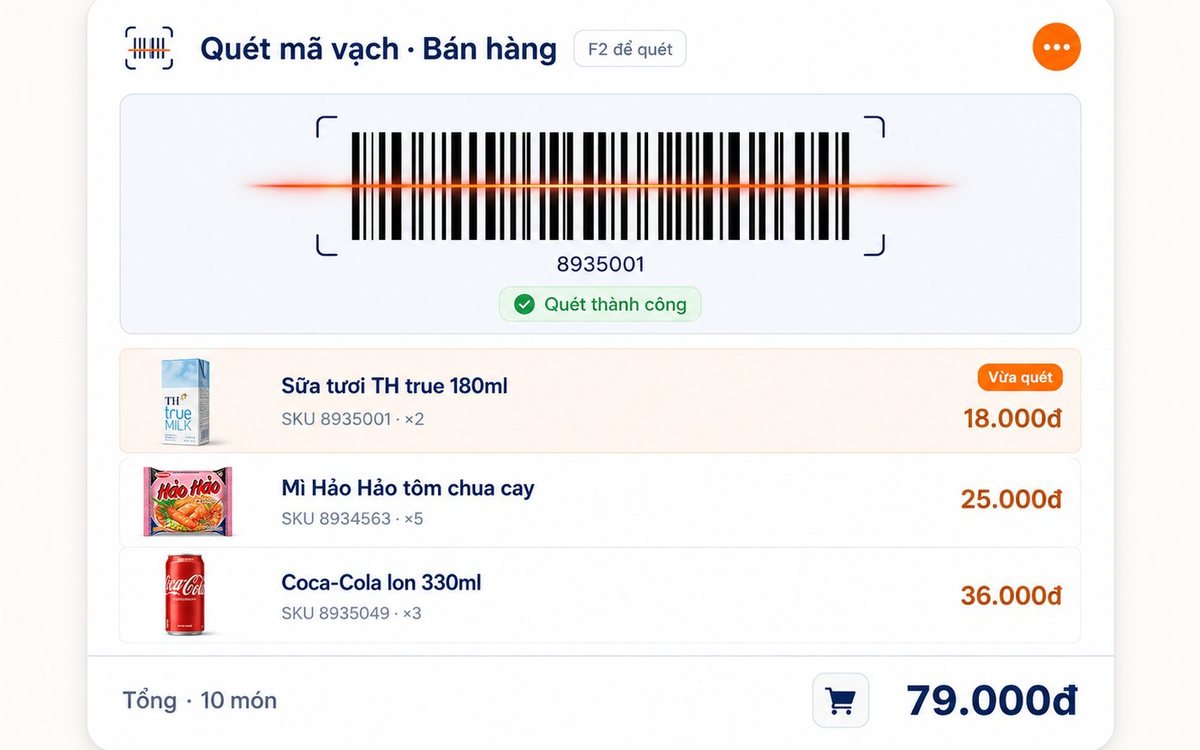
Pharmacy and grocery software: barcodes, expiry dates, fast selling
Pharmacies and grocery shops struggle the same way: many items, small values, a customer waiting, and stock with expiry dates. Barcode selling, lot and expiry travelling with the goods from receipt, case-to-box conversion, stock levels — and one point pharmacies should ask about before choosing software.
Paying part-time staff by the hour in restaurants and coffee shops
Monthly salary does not fit part-timers on four or five-hour shifts with a roster that changes weekly. The four things to set up properly — shifts, attendance, the hourly rate, the closing cycle — and why worked hours must come from attendance rather than from the roster.

Massage shops: booking rooms, beds and therapists without overlaps
Two customers on one bed is the kind of mistake that loses guests quietly. The three sources of overlap in a massage shop, how the software blocks bed conflicts using start time plus duration and a buffer on both sides, what the machine guards and what people still have to, and four rules to agree on before switching on.

Bakery management software: production recipes, expiry dates and cakes ordered for a pickup date
A bakery is a small workshop stuck to a shop, so software that only sells still leaves the owner guessing how much flour went into a batch. Declare baked goods as produced items with recipes, sponge and cream as semi-finished goods, receive materials by lot with expiry dates, sell at the counter with barcode labels, and keep every advance cake order in one place.
