



It is a Saturday evening at the end of the lunar year, and all three nail technicians are fully booked from six to ten. The customer booked for a seven o'clock acrylic set with painted flowers never shows up and never messages. Two hours of the salon's most skilled technician go by and cannot be sold to anyone else, because walk-in customers see a busy salon at that hour and turn away. In peak season, every missed booking is a real loss. A deposit is not about earning extra money; it is about making customers treat the appointment as a promise.
Which bookings need a deposit and which do not
Asking every customer for a deposit annoys regulars, while asking no one leaves long bookings easy to abandon. Deciding by booking type is simpler:
| Booking type | Ask for a deposit? | Why |
|---|---|---|
| Long services (acrylic, extensions, detailed art) on evenings and weekends | Yes | One booking holds a technician for the whole session; a no-show loses the best time slot entirely |
| New customers booking by message for the first time | Yes | The salon does not yet know whether they keep appointments |
| Groups (brides, bridesmaids, groups of friends) | Yes | They hold several technicians at once; a cancelled group empties several chairs |
| Regulars who come often, short services | Not needed | Low risk; asking for a deposit only makes them feel distrusted |
| Weekdays, quiet hours | Not needed | If a customer misses the booking, walk-ins can still fill the gap |
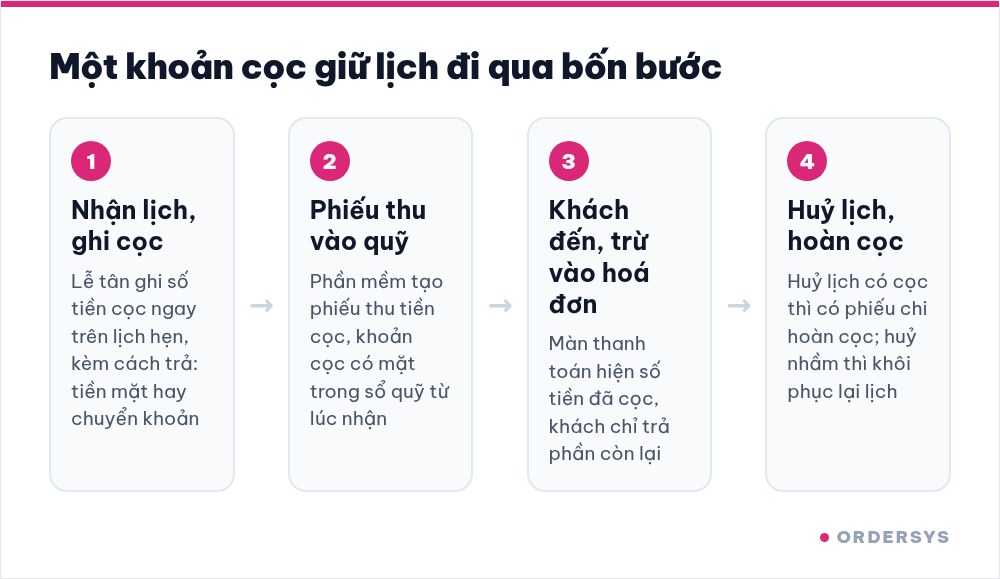
Where the deposit goes after you take it
In peak season, deposits tend to go missing in one familiar place: the customer transfers money to the owner's account, the receptionist does not know, and when the customer arrives they are charged in full and have to open their phone to prove they paid. In Ordersys the deposit is recorded right on the booking, so it does not get lost like that:
- Taking a booking means recording the deposit. The booking has a deposit field, along with whether it was paid in cash or by bank transfer. The booking list has a deposit column, so you can see at a glance which bookings are secured.
- The deposit enters the cash book immediately. When a deposit is recorded, the software creates a deposit receipt, so the money appears in the fund without waiting for the customer to pay.
- When the customer arrives, the deposit follows the order. The payment screen shows a "Deposit paid" line, this amount counts toward the total payment, and the customer only pays the remainder.
- Cancel a booking with a deposit and the fund balances itself. The software creates a deposit refund voucher. If a booking was cancelled by mistake, restore it and the refund voucher is removed as well.
One thing to know: bookings that customers make themselves online via QR currently do not collect a deposit. To secure a slot with a deposit, the customer transfers money to the salon, and the receptionist records that amount on the booking.
How much to take and what to say when you take it
The deposit should be a small part of the service price, enough to make the customer remember the appointment but not so much that they hesitate to book. For large groups, charge per person instead of lumping it into one big amount. More important than the amount are three things to state clearly when you take the deposit:
- How long the slot is held if the customer is late. After that many minutes, the salon may seat another customer.
- How far in advance a cancellation must be made to get the deposit back. In peak season, set this earlier than usual, because last-minute cancellations are very hard to fill.
- If the time changes, the deposit moves with it. When a customer asks to move to another slot, edit the existing booking instead of creating a new one, and the deposit stays on that booking.
Repeat these three points in the confirmation message on Zalo, along with the appointment time and the technician's name. If a dispute comes up, both sides have the message to look back at.
A deposit holds a specific technician's time
Nail salon customers usually book a technician, not just a time. In peak season the best nail artist is fully booked first, so a deposit really holds a time slot of that particular person. Agree on two situations in advance within the salon:
- A technician is suddenly off: tell the customer as early as possible and let them choose a different technician, a new time or their deposit back. Do not quietly assign someone else and let the customer find out on arrival.
- The customer asks for a different technician: treat it as a booking change; the deposit moves with it, as long as the new slot is free.
After the season, count two numbers
When peak season is over, open the booking list and count two numbers: how many bookings with a deposit were missed, and how many bookings without a deposit were missed. If many bookings without a deposit were missed and they were mostly new customers, ask new customers for deposits earlier next year. If bookings with a deposit were still often missed, review the deposit amount or the cancellation deadline.
Bookings by technician and chair, deposits recorded on bookings, deposits deducted at payment and appointment reminders via Zalo are all part of the Ordersys nail salon management software. Salons can try it free for 7 days: enter next week's bookings, record deposits for a few long ones and see whether the fund matches at the end of the day.
Read more: Nail salons at year end: managing busy schedules and seasonal technicians · Tracking appointment status: arrived, late or cancelled.
Manage appointments, session-based treatments, client records and technician commissions in one app.
Other news

Managing tips for karaoke room servers: recording and sharing them transparently
Karaoke guests tip in cash, by adding to the bill or by overpaying a transfer. The last two pass through the venue's fund, and if nobody records them, suspicion follows. Three kinds of tips and where the money sits, individual or pooled tips, recording tips at payment, and paying them out at shift end transparently.

Duplicate customers in your list: how to merge them without losing history
One customer with three profiles means points split three ways, never reaching a higher tier, and reports counting them as new customers. Five sources of duplicates, the signs to look for, how to merge while keeping purchase history and loyalty points, and counter habits that stop duplicates from the start.
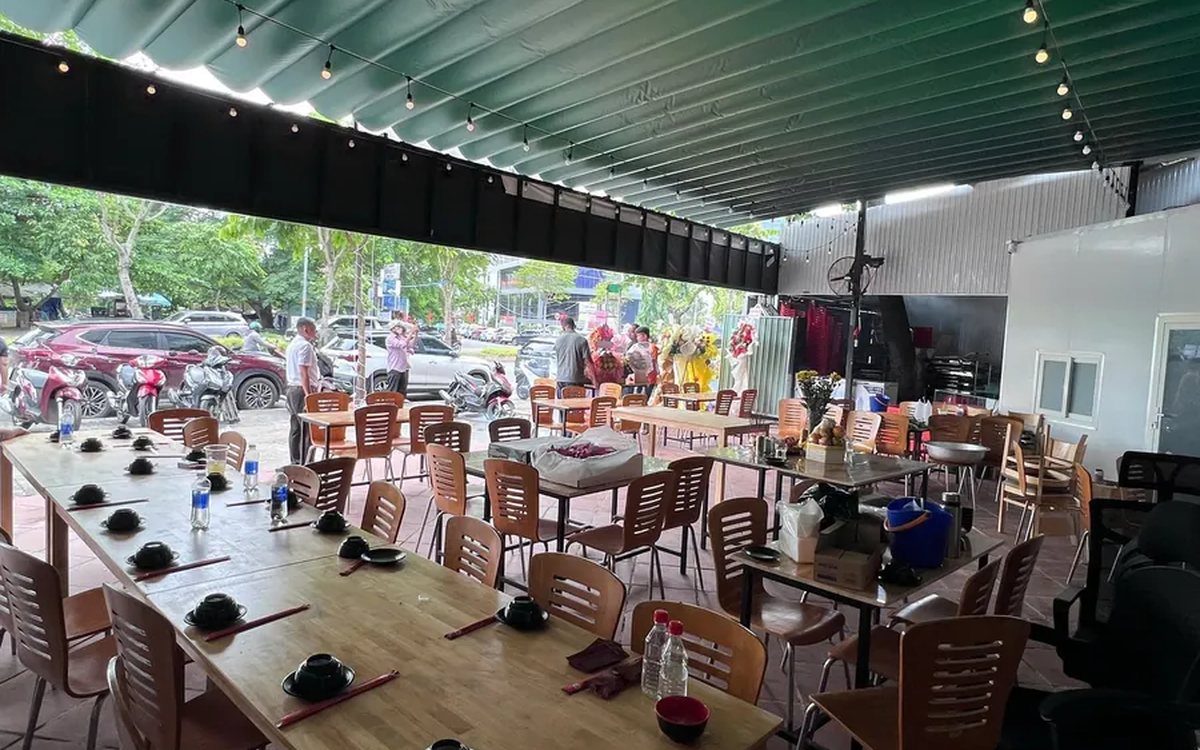
QR digital menu: change prices and hide sold-out dishes without reprinting
A QR menu can change right away without reprinting, but you need the right switch. Three ways to stop customers ordering a dish by QR, whether a price change affects dishes already ordered, what the kitchen's Sold out button really does, and a three-step routine for busy hours.
Tracking spa appointment status: arrived, late or cancelled
The hard part of spa appointments is not writing them down but knowing what state each one is in right now. Six statuses and what reception should do at each, how to handle no-shows, and how to cancel and undo bookings while deposits still match the cash book.
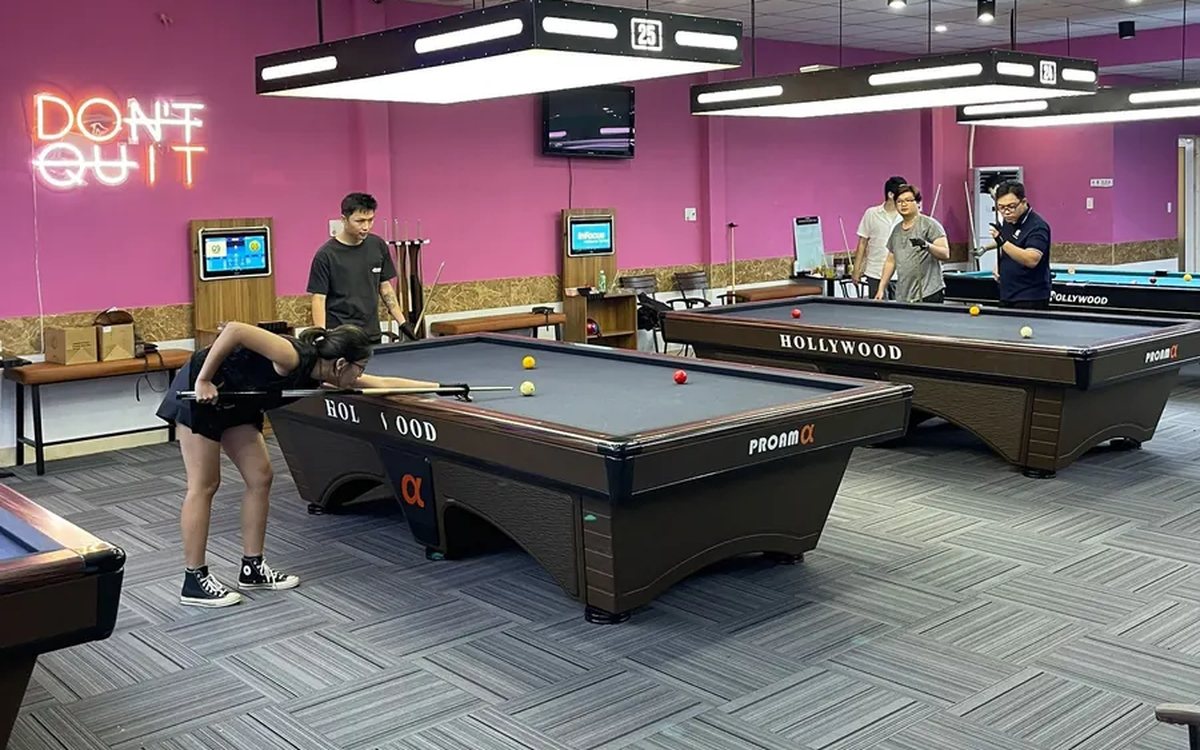
Transferring a billiard table: keep time played and items ordered, charge each table correctly
Guests switching tables mid-session is routine at a billiard hall. Press Transfer table and the time played closes at the old table's price, further time runs at the new table's price, and ordered items travel with the bill. This article shows how the bill looks, when a transfer is not possible and where the owner can review it.
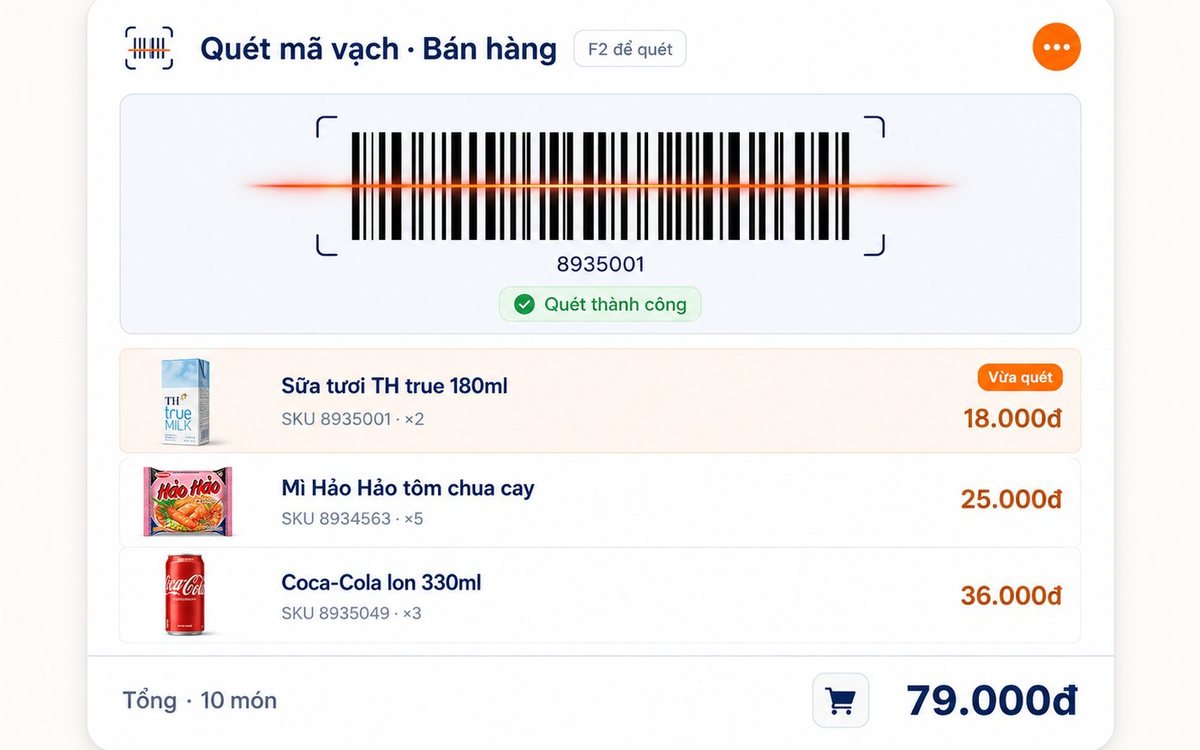
Pharmacy and grocery software: barcodes, expiry dates, fast selling
Pharmacies and grocery shops struggle the same way: many items, small values, a customer waiting, and stock with expiry dates. Barcode selling, lot and expiry travelling with the goods from receipt, case-to-box conversion, stock levels — and one point pharmacies should ask about before choosing software.

Paying part-time staff by the hour in restaurants and coffee shops
Monthly salary does not fit part-timers on four or five-hour shifts with a roster that changes weekly. The four things to set up properly — shifts, attendance, the hourly rate, the closing cycle — and why worked hours must come from attendance rather than from the roster.

Massage shops: booking rooms, beds and therapists without overlaps
Two customers on one bed is the kind of mistake that loses guests quietly. The three sources of overlap in a massage shop, how the software blocks bed conflicts using start time plus duration and a buffer on both sides, what the machine guards and what people still have to, and four rules to agree on before switching on.

Bakery management software: production recipes, expiry dates and cakes ordered for a pickup date
A bakery is a small workshop stuck to a shop, so software that only sells still leaves the owner guessing how much flour went into a batch. Declare baked goods as produced items with recipes, sponge and cream as semi-finished goods, receive materials by lot with expiry dates, sell at the counter with barcode labels, and keep every advance cake order in one place.
