



Hoá đơn điện tử đã gửi cho người mua rồi mới phát hiện sai, hoặc sau khi bán hai bên thoả thuận thêm chiết khấu, giảm giá — người bán lập hoá đơn điều chỉnh. Câu hỏi của kế toán luôn là: có phải kê khai không, và kê khai vào kỳ nào? Từ 01/6/2025, Nghị định 70/2025/NĐ-CP sửa Nghị định 123/2020/NĐ-CP đã nói rõ: kỳ kê khai phụ thuộc vào lý do điều chỉnh.
Trả lời nhanh
| Lý do lập hoá đơn điều chỉnh | Bên bán kê khai vào | Bên mua kê khai vào |
|---|---|---|
| Hoá đơn gốc có sai sót — sai đơn giá, số lượng, thuế suất, tiền thuế, mã số thuế, hàng hoá | Kỳ của hoá đơn gốc (khai bổ sung) | Kỳ của hoá đơn gốc (khai bổ sung) |
| Không phải sai sót — chiết khấu thương mại, giảm giá, trả lại hàng phát sinh sau khi bán | Kỳ lập hoá đơn điều chỉnh | Kỳ nhận hoá đơn điều chỉnh |
Hoá đơn điều chỉnh luôn phải kê khai khi nó làm thay đổi doanh thu hoặc tiền thuế — chỉ khác nhau ở kỳ kê khai.
Ví dụ
- Sai sót: hoá đơn lập tháng 01, tháng 03 phát hiện ghi sai đơn giá và lập hoá đơn điều chỉnh. Cả hai bên khai bổ sung cho kỳ tháng 01 (hoặc quý 1 nếu khai theo quý), không cộng thẳng vào tờ khai tháng 03.
- Chiết khấu sau bán: tháng 03 hai bên thoả thuận chiết khấu cho lô hàng đã xuất hoá đơn tháng 01. Bên bán kê khai hoá đơn điều chỉnh vào tháng 03; bên mua kê khai vào kỳ nhận được hoá đơn điều chỉnh.
Khai bổ sung cho kỳ gốc làm thế nào
- Điều chỉnh không làm thay đổi tiền thuế (ví dụ chỉ sai thông tin không ảnh hưởng số thuế): nộp bản giải trình khai bổ sung và tài liệu liên quan.
- Điều chỉnh làm thay đổi tiền thuế: lập tờ khai bổ sung cho kỳ gốc kèm bản giải trình.
- Tăng số thuế phải nộp: nộp đủ tiền thuế còn thiếu và tiền chậm nộp (0,03%/ngày trên số thuế chậm nộp, tính từ ngày hết hạn nộp của kỳ gốc).
- Giảm số thuế phải nộp: số nộp thừa được bù trừ hoặc đề nghị xử lý theo quy định.
Khai bổ sung được thực hiện trước khi cơ quan thuế công bố quyết định thanh tra, kiểm tra tại cơ sở — khai sớm thì chỉ mất tiền chậm nộp, để bị phát hiện thì còn thêm tiền phạt.
Trước khi lập hoá đơn điều chỉnh: văn bản thoả thuận
Từ 01/6/2025, nếu người mua là doanh nghiệp, tổ chức, hộ kinh doanh, cá nhân kinh doanh, người bán và người mua phải có văn bản thoả thuận ghi rõ nội dung sai trước khi điều chỉnh. Người mua là cá nhân thì người bán thông báo cho người mua hoặc thông báo trên website. Xem chi tiết: hoá đơn thay thế có cần biên bản không — quy định này áp dụng chung cho cả điều chỉnh và thay thế.
Cũng từ 01/6/2025, người bán được lập một hoá đơn điều chỉnh cho nhiều hoá đơn sai của cùng một người mua trong cùng tháng.
Bốn lỗi hay gặp
- Đưa hoá đơn điều chỉnh vì sai sót vào tờ khai kỳ hiện tại — phải khai bổ sung cho kỳ gốc.
- Khai bổ sung cho kỳ gốc với hoá đơn chiết khấu, trả hàng — trường hợp này kê khai ở kỳ lập (bên bán) hoặc kỳ nhận (bên mua).
- Hai bên khai lệch kỳ nhau với cùng một hoá đơn sai sót — dữ liệu hai bên trên hệ thống thuế không khớp.
- Quên tiền chậm nộp khi điều chỉnh làm tăng thuế.
Giảm sai sót ngay từ lúc bán
Phần lớn hoá đơn điều chỉnh đến từ gõ tay: nhập sai đơn giá, chọn sai thuế suất. Hoá đơn điện tử khởi tạo từ máy tính tiền lấy thẳng món, giá, thuế suất từ phần mềm bán hàng nên ít sai hơn hẳn. Ordersys có sẵn hoá đơn điện tử khởi tạo từ máy tính tiền trong phần mềm bán hàng, dùng thử miễn phí 7 ngày.
Nguồn: Nghị định 123/2020/NĐ-CP được sửa đổi, bổ sung bởi Nghị định 70/2025/NĐ-CP (hiệu lực 01/6/2025) — Điều 19 về xử lý hoá đơn có sai sót; Luật Quản lý thuế 2019 — Điều 47 (khai bổ sung hồ sơ khai thuế) và Điều 59 (tiền chậm nộp); Thông tư 80/2021/TT-BTC. Tổng hợp tại thời điểm tháng 9/2026, mang tính tham khảo — trường hợp cụ thể nên hỏi cơ quan thuế quản lý trực tiếp.
Businesses with revenue over 1 billion VND a year must issue e-invoices generated from a cash register. Ordersys sells and invoices in one step.
Other news
Free trial sales software for retail stores: what to prepare and what to test in 7 days
There are two kinds of "free" sales software: free for the long term with limits, and a full trial before you pay. Ordersys offers a 7-day trial with every feature, no card and no setup fee. This guide covers preparing your data from Excel before day one, six tasks to try with your store's real goods and four numbers to decide on when the trial ends.

Cutting billiards highlights: around the scoring mark or by segment, and when you need the full match
The Ordersys billiards management software cuts highlights in two ways: around the scoring mark (seconds before and after set by the club) or by segment (from the previous scoring press to this one), and every match also keeps a full match segment to watch and download. This article compares the two styles, explains how to set the camera delay first and suggests which one a club owner should pick.
Retail software that manages customer debt properly: credit with due dates, part payments that never mix up orders
A handwritten debt book goes wrong in four places: debts not tied to orders, no due date, part payments applied to the wrong order, and repayments mixed with sales cash. This article follows the life of a debt in Ordersys: credit tied to a customer and a due date, filters for nearly due and overdue debts, collections allocated to the earliest due order first, safeguards against workarounds, and opening debt imported from Excel.
How to manage a cafe or small restaurant remotely by phone: what to check each day, and when
Remote management is not watching staff on camera for hours; it is knowing how many times a day to open your phone and which numbers to read. This article gives a concrete daily schedule for cafe and restaurant owners using Ordersys: end-of-day report, shift close report, orders, stock and multiple branches, plus the numbers worth a call right away and what the venue must record.
QR payment with automatic reconciliation: reading the shift close report so the money matches
When a venue takes many transfers, the drawer holds only part of the revenue. This article walks through the Ordersys shift close report money stream by money stream: cash, bank transfer, card, auto QR and debt; which lines the software already matched, which the cashier must check item by item, orders paid two ways, orders tapped with the wrong method, and the order of reconciliation before closing the shift.

Billiards management software free trial: what to test in 7 days before buying
Instead of hunting for free billiards management software, trying the full version for 7 days on real tables, at real hours, with real staff gives a surer answer. This article suggests a day-by-day trial plan for a billiards hall: tables and hourly rates, running alongside the paper log, table ordering, shift close, hardware and reports, plus four mistakes that waste the trial and the questions to ask before buying.
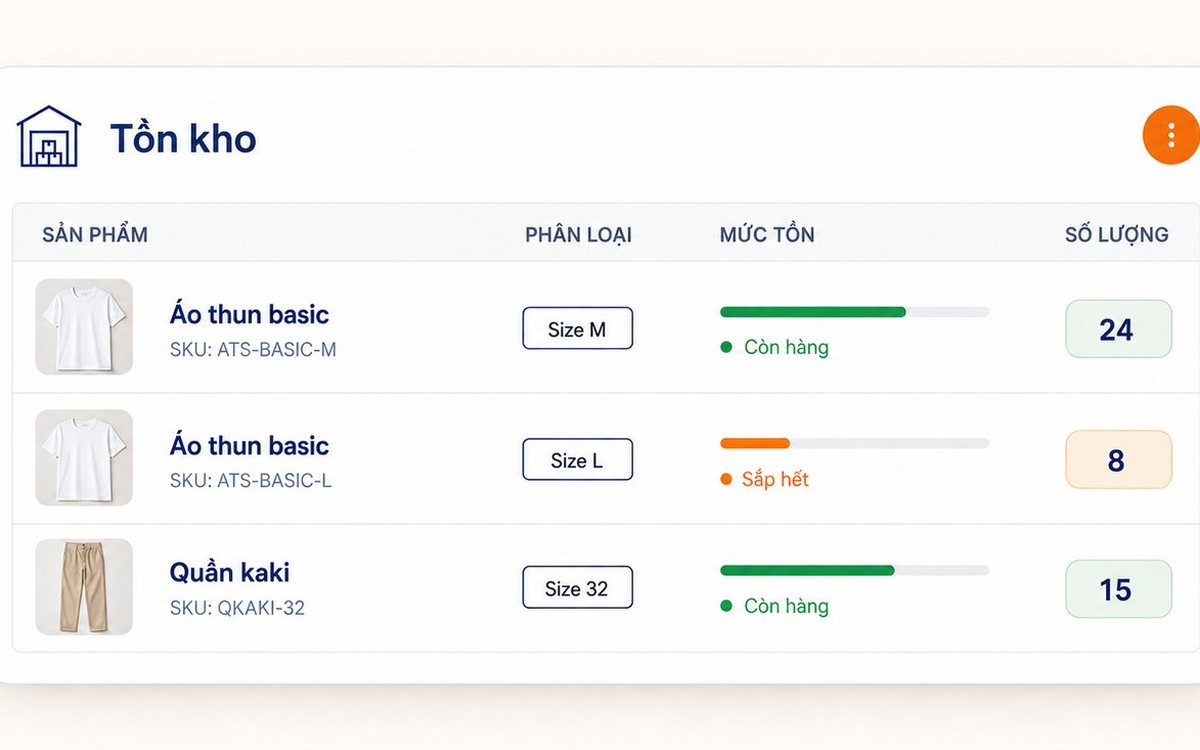
Inventory and stock software for retail stores: every item in and out has a document
When the stock on screen does not match the shelf, the software rarely miscounted; goods left or entered the stockroom without being recorded. This article follows an item through a retail store: opening stock, two-step purchase receipts (incoming first, then received into stock), instant deduction on sale, branch transfer slips, supplier returns, approved adjustments, the In–Out–Balance report and stock limits.
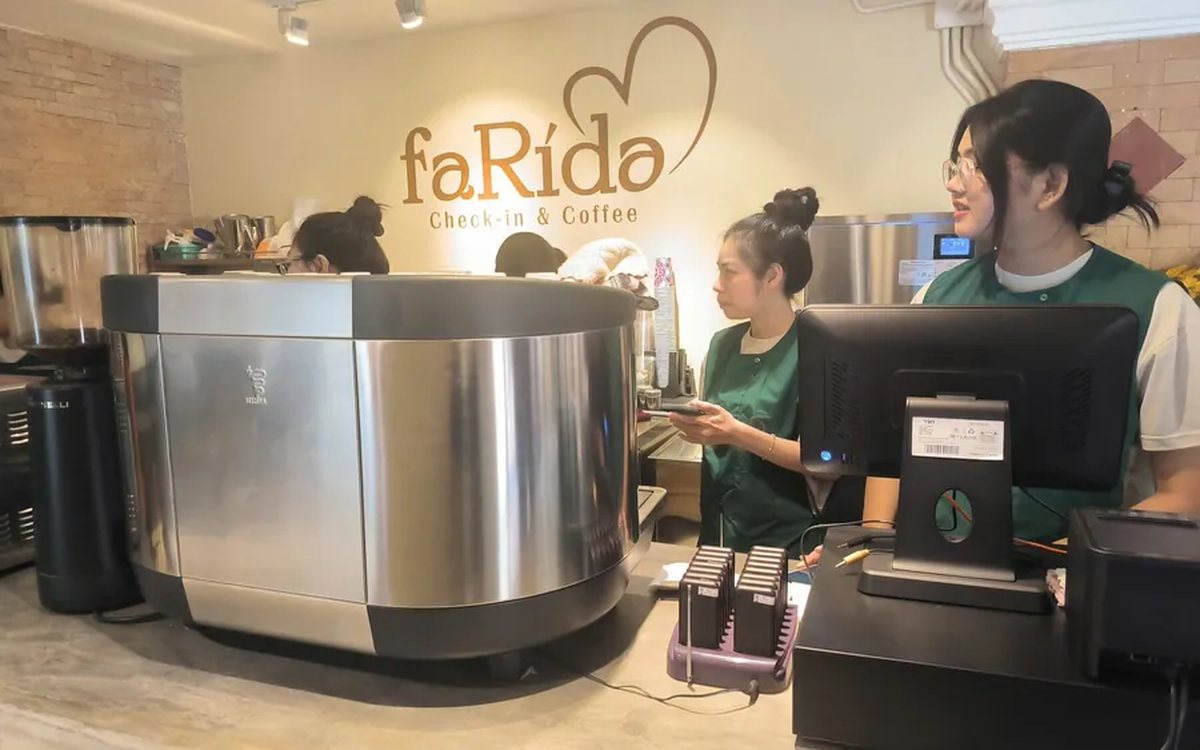
Ordering software for takeaway cafés: fast to-go orders, no mixed-up cups
A takeaway café does not lose time at the espresso machine but in four steps at the counter: typing option notes, customers changing their mind late, waiting to check transfers and handing over the wrong cup. This article shows how ordering software fixes each step: size, sugar, ice and toppings as buttons, a customer display to confirm before the cup is made, a payment QR in the total box and a numbered label for every cup.
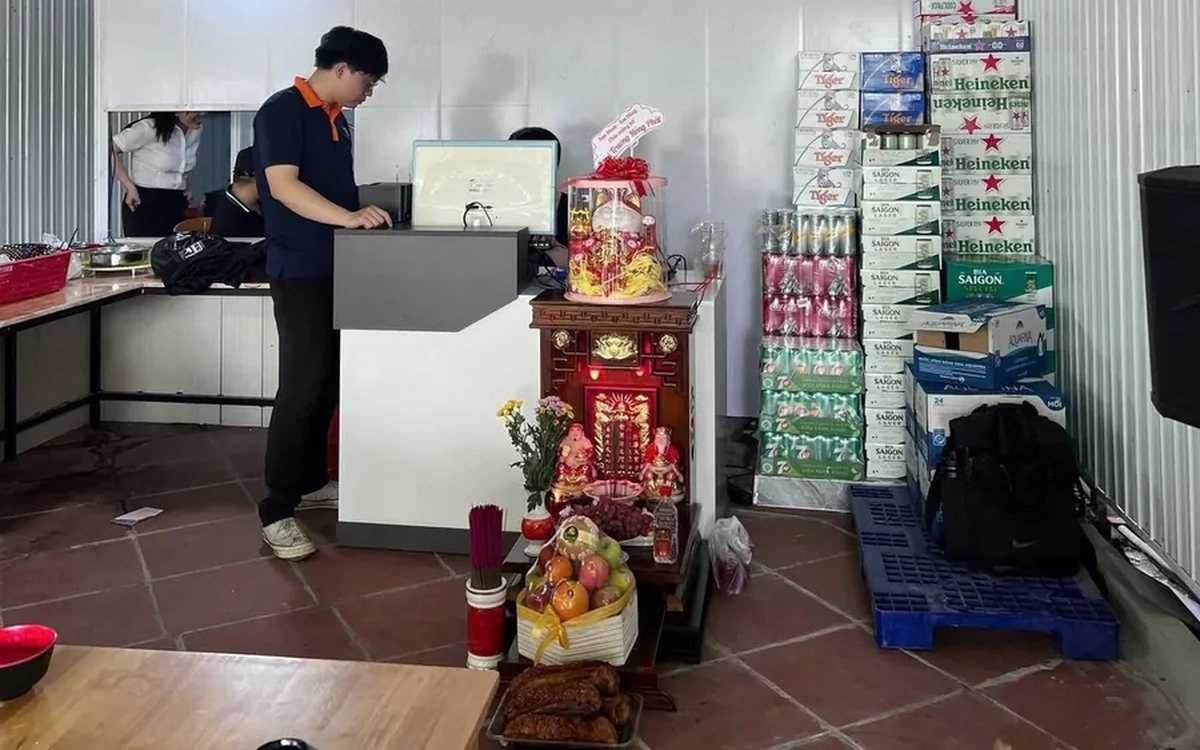
Automatic payment confirmation: customers scan VietQR or MoMo and the order closes itself
At busy times, cashiers lose the most time hunting for bank transfers. This article explains automatic payment confirmation in ordering software for restaurants and cafés: how it differs from a regular transfer QR, what happens from the moment a customer scans VietQR (BIDV), MoMo or VNPay until the order switches to paid, what runs automatically afterwards (receipts, stock deduction, member points) and when the software deliberately does not close the order.
