



Khi trang bị các thiết bị cho cửa hàng, quán ăn hay siêu thị mini, một trong những câu hỏi mà nhiều chủ kinh doanh quan tâm là: "Liệu các thiết bị này có tiêu tốn nhiều điện không?". Đặc biệt là với máy in hoá đơn, một thiết bị gần như hoạt động liên tục trong suốt ca làm việc.
Vậy, thực tế máy in hoá đơn có tốn điện không và chúng ta có nên cắm điện thường xuyên cho thiết bị này? Bài viết này ORDERSYS sẽ giải đáp chi tiết mọi thắc mắc của bạn.
Xem thêm => Máy in hoá đơn Antech của nước nào? có mấy loại? giá bao nhiêu?
Những loại máy in hoá đơn phổ biến hiện nay
Trước khi tìm hiểu về mức tiêu thụ điện, hãy cùng điểm qua 2 loại máy in hóa đơn (máy in bill) thông dụng nhất trên thị trường để hiểu rõ hơn về cơ chế hoạt động của chúng.
Máy in nhiệt (Thermal Printer):
Cơ chế: Đây là loại phổ biến nhất hiện nay. Máy sử dụng đầu in nhiệt để tác động trực tiếp lên giấy in cảm nhiệt (loại giấy đặc biệt, chuyển sang màu đen khi gặp nhiệt độ cao) để tạo ra chữ và hình ảnh.
Ưu điểm: Tốc độ in nhanh, hoạt động êm ái, không cần mực in, chi phí vận hành thấp. Các dòng máy K80 (khổ giấy 80mm) và K58 (khổ giấy 58mm) là đại diện tiêu biểu.
Máy in kim (Dot Matrix Printer):
Cơ chế: Máy sử dụng các đầu kim nhỏ chấm qua một dải ruy-băng mực để in lên giấy thường.
Ưu điểm: Có thể in được nhiều liên (hóa đơn carbon), hoá đơn lưu trữ được lâu hơn.
Nhược điểm: Tốc độ in chậm, gây tiếng ồn lớn khi hoạt động. Thường được sử dụng trong nhà bếp của nhà hàng hoặc các môi trường cần lưu trữ hóa đơn nhiều liên.
Cả hai loại máy này đều có mức tiêu thụ điện năng khác nhau, nhưng nhìn chung đều được thiết kế để tối ưu hóa điện năng sử dụng.
Đừng bỏ qua dòng này => Review - Đánh giá chi tiết máy in hóa đơn KPOS ZY307
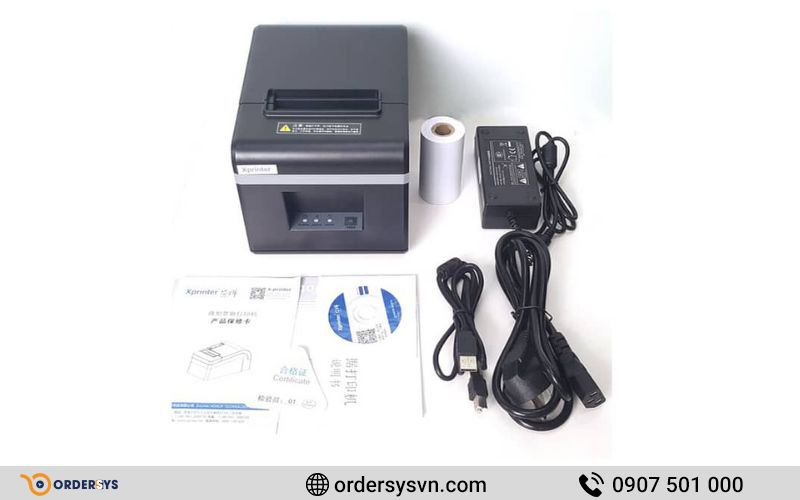
Máy in hoá đơn có tốn điện không? Chi phí bao nhiêu mỗi tháng?
Câu trả lời ngắn gọn là: KHÔNG. Máy in hoá đơn tiêu thụ rất ít điện, gần như không ảnh hưởng đáng kể đến hoá đơn tiền điện hàng tháng của bạn.
Để chứng minh điều này, chúng ta hãy cùng làm một phép tính đơn giản. Mức tiêu thụ điện của máy in hóa đơn được chia làm hai trạng thái:
- Chế độ chờ (Standby): Khi máy bật nhưng không in. Đây là trạng thái chiếm phần lớn thời gian. Công suất tiêu thụ cực thấp, chỉ khoảng 2W - 5W.
- Chế độ in (Printing): Khi máy đang thực hiện lệnh in. Công suất sẽ cao hơn, khoảng 25W - 60W, nhưng chỉ diễn ra trong vài giây cho mỗi hóa đơn.
Bảng tính chi phí điện tiêu thụ trung bình mỗi tháng:
Hãy giả sử một cửa hàng hoạt động 10 tiếng/ngày, mỗi ngày in 150 hóa đơn, mỗi hóa đơn in mất 2 giây.
Điện năng tiêu thụ trung bình mỗi ngày:
Trạng thái: Khi in
- Công suất trung bình: 40W
- Tần suất in: 150 hóa đơn/ngày
- Thời gian mỗi hóa đơn: 2 giây
- Tổng thời gian in: 150 × 2 giây = 300 giây = 5 phút = 0.083 giờ
- Năng lượng tiêu thụ: 40W × 0.083 giờ = 3.32 Wh
Trạng thái: Chế độ chờ in
- Công suất trung bình: 3W
- Thời gian chờ: 10 giờ làm việc – 5 phút in hóa đơn ≈ 9.92 giờ
- Năng lượng tiêu thụ: 3W × 9.92 giờ = 29.76 Wh
Tổng năng lượng tiêu thụ mỗi ngày:
- Tổng cộng: 3.32 Wh (khi in) + 29.76 Wh (chờ) = ~33 Wh/ngày
- Tổng năng lượng tiêu thụ mỗi ngày: Khoảng 33 Wh = 0.033 kWh (0.033 số điện).
- Tổng năng lượng tiêu thụ mỗi tháng (30 ngày): 0.033 kWh * 30 ngày = 0.99 kWh (xấp xỉ 1 số điện).
Với giá điện kinh doanh trung bình hiện nay khoảng 3.000 VNĐ/kWh, chi phí tiền điện cho một chiếc máy in hoá đơn hoạt động liên tục mỗi tháng chỉ là:
Chi phí = 1 kWh * 3.000 VNĐ = 3.000 VNĐ/tháng
Như vậy, chi phí để "nuôi" một chiếc máy in hoá đơn chỉ tương đương với một cốc trà đá mỗi tháng. Con số này thật sự không quá lớn để có thể kể ra.
Bạn có biết => Máy in hóa đơn nhiệt Rongta của nước nào? Hướng dẫn cài đặt A-Z
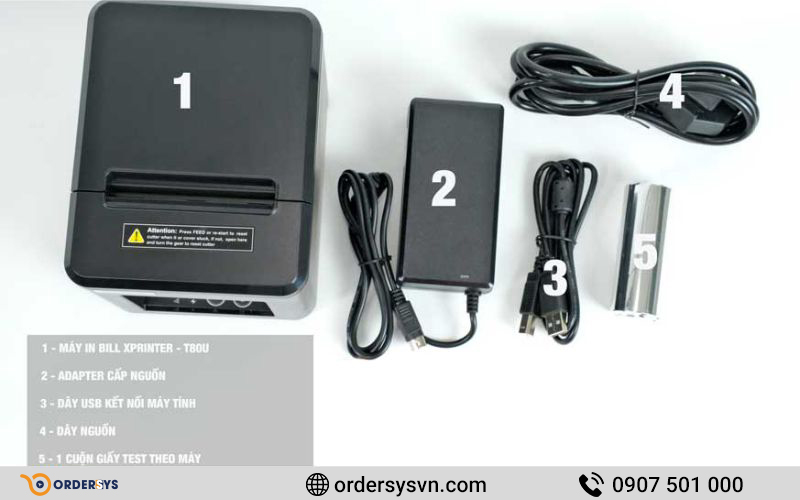
Vậy có nên cắm điện máy in hóa đơn thường xuyên?
Từ phân tích trên, câu trả lời chắc chắn là: CÓ, bạn nên cắm điện máy in hóa đơn thường xuyên trong suốt thời gian làm việc.
Việc rút điện ra và cắm lại liên tục không những không tiết kiệm được bao nhiêu mà còn có thể gây ra những tác hại không mong muốn:
Gây bất tiện trong vận hành: Mỗi lần khởi động lại, máy in cần một khoảng thời gian ngắn để kết nối với máy POS hoặc máy tính. Việc phải chờ đợi này sẽ làm chậm quy trình thanh toán, gây phiền toái cho cả nhân viên và khách hàng, đặc biệt là vào giờ cao điểm.
Ảnh hưởng đến tuổi thọ thiết bị: Việc bật/tắt liên tục tạo ra các xung điện đột ngột, có thể gây hao mòn các linh kiện điện tử bên trong, đặc biệt là bộ nguồn. Để máy hoạt động ở trạng thái ổn định sẽ tốt cho độ bền của máy hơn.
Duy trì kết nối ổn định: Hầu hết các phần mềm quản lý bán hàng hiện nay yêu cầu các thiết bị ngoại vi như máy in phải luôn ở trạng thái sẵn sàng. Việc ngắt nguồn đột ngột có thể gây lỗi kết nối, buộc bạn phải cài đặt lại hoặc khởi động lại cả hệ thống.
Tiết kiệm không đáng kể: Như đã tính toán ở trên, chi phí điện ở chế độ chờ là vô cùng nhỏ. Việc đánh đổi sự tiện lợi, ổn định và tuổi thọ của thiết bị để tiết kiệm vài ngàn đồng mỗi tháng là hoàn toàn không nên.
Thế nên chung quy lại:
- Trong giờ làm việc: Luôn cắm điện và bật máy in để đảm bảo hoạt động trơn tru.
- Hết ngày làm việc: Bạn có thể tắt công tắc nguồn của máy in (nếu có) hoặc rút phích cắm để đảm bảo an toàn tuyệt đối về điện, phòng chống cháy nổ và tiết kiệm một phần năng lượng rất nhỏ.
Máy in hoá đơn là một thiết bị có công suất tiêu thụ điện cực kỳ thấp. Chi phí vận hành hàng tháng là không đáng kể. Vì vậy, để đảm bảo hiệu suất công việc, sự ổn định của hệ thống và độ bền của thiết bị, bạn nên cắm điện máy in hóa đơn liên tục trong suốt thời gian kinh doanh. Việc bật/tắt thường xuyên chỉ mang lại phiền toái hơn là lợi ích.
Ordersys connects receipt and kitchen printers, cash drawers and barcode scanners, with QR payment, bank transfer and e-invoices.
Other news
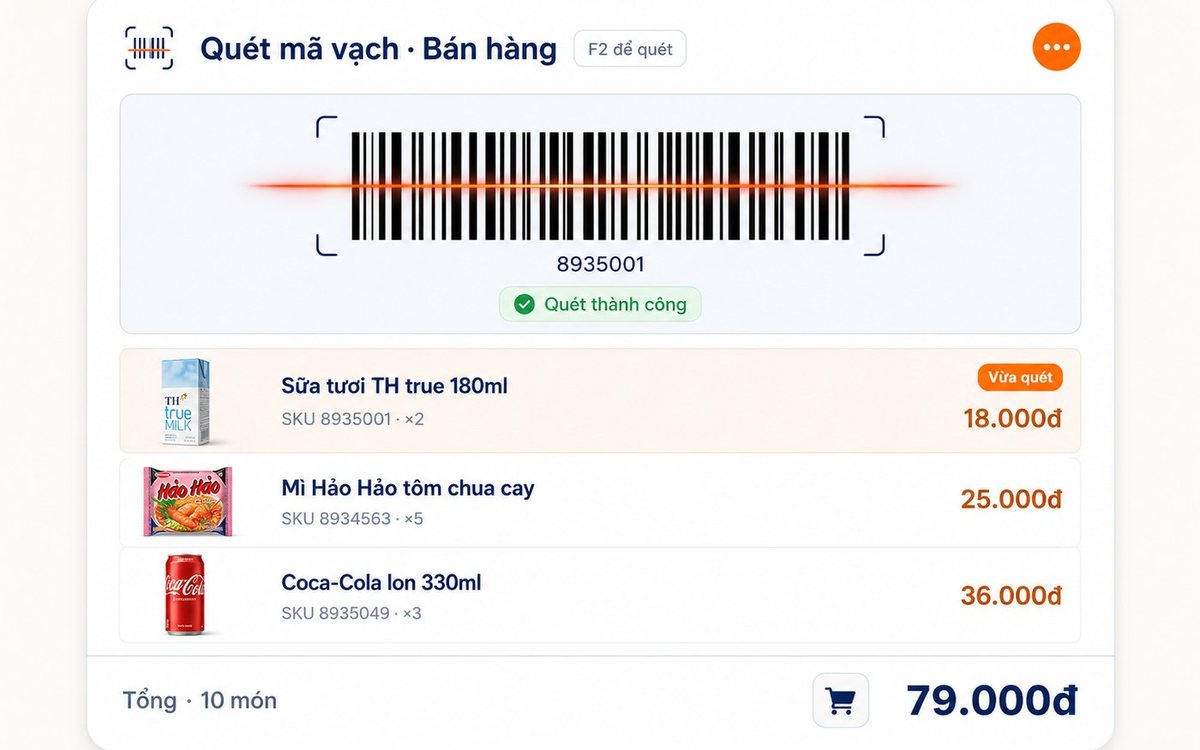
Free trial sales software for retail stores: what to prepare and what to test in 7 days
There are two kinds of "free" sales software: free for the long term with limits, and a full trial before you pay. Ordersys offers a 7-day trial with every feature, no card and no setup fee. This guide covers preparing your data from Excel before day one, six tasks to try with your store's real goods and four numbers to decide on when the trial ends.
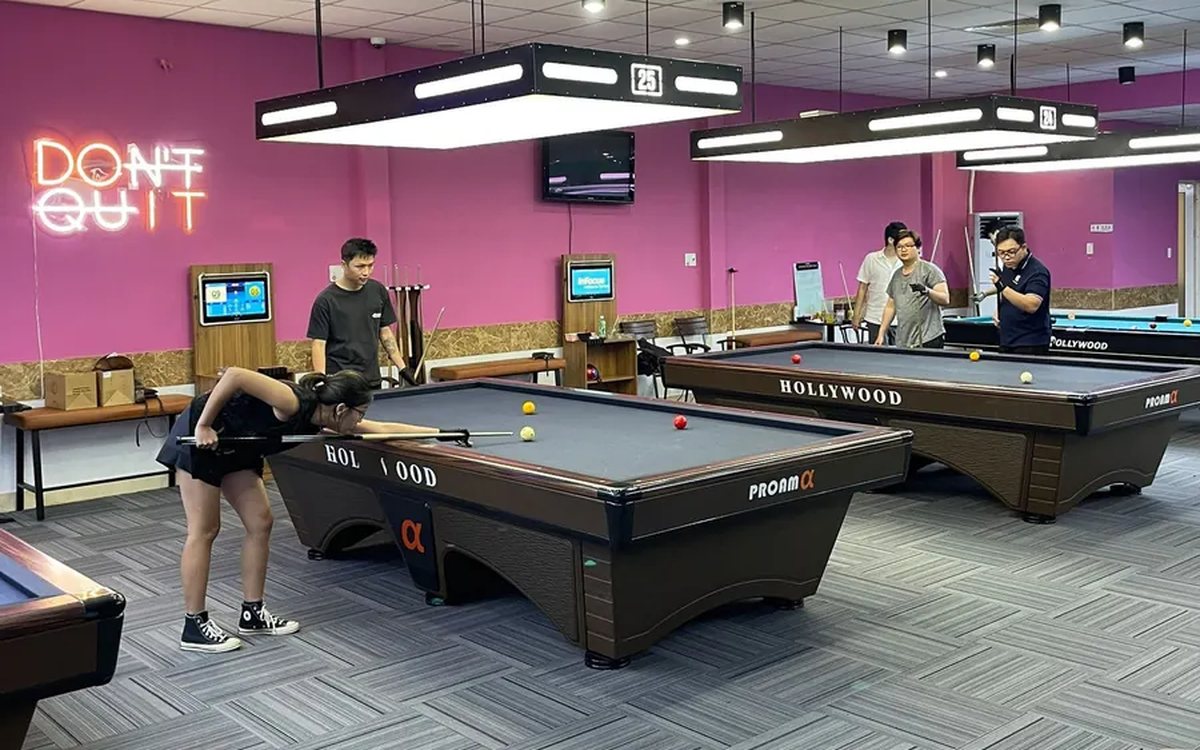
Cutting billiards highlights: around the scoring mark or by segment, and when you need the full match
The Ordersys billiards management software cuts highlights in two ways: around the scoring mark (seconds before and after set by the club) or by segment (from the previous scoring press to this one), and every match also keeps a full match segment to watch and download. This article compares the two styles, explains how to set the camera delay first and suggests which one a club owner should pick.
Retail software that manages customer debt properly: credit with due dates, part payments that never mix up orders
A handwritten debt book goes wrong in four places: debts not tied to orders, no due date, part payments applied to the wrong order, and repayments mixed with sales cash. This article follows the life of a debt in Ordersys: credit tied to a customer and a due date, filters for nearly due and overdue debts, collections allocated to the earliest due order first, safeguards against workarounds, and opening debt imported from Excel.
How to manage a cafe or small restaurant remotely by phone: what to check each day, and when
Remote management is not watching staff on camera for hours; it is knowing how many times a day to open your phone and which numbers to read. This article gives a concrete daily schedule for cafe and restaurant owners using Ordersys: end-of-day report, shift close report, orders, stock and multiple branches, plus the numbers worth a call right away and what the venue must record.
QR payment with automatic reconciliation: reading the shift close report so the money matches
When a venue takes many transfers, the drawer holds only part of the revenue. This article walks through the Ordersys shift close report money stream by money stream: cash, bank transfer, card, auto QR and debt; which lines the software already matched, which the cashier must check item by item, orders paid two ways, orders tapped with the wrong method, and the order of reconciliation before closing the shift.

Billiards management software free trial: what to test in 7 days before buying
Instead of hunting for free billiards management software, trying the full version for 7 days on real tables, at real hours, with real staff gives a surer answer. This article suggests a day-by-day trial plan for a billiards hall: tables and hourly rates, running alongside the paper log, table ordering, shift close, hardware and reports, plus four mistakes that waste the trial and the questions to ask before buying.
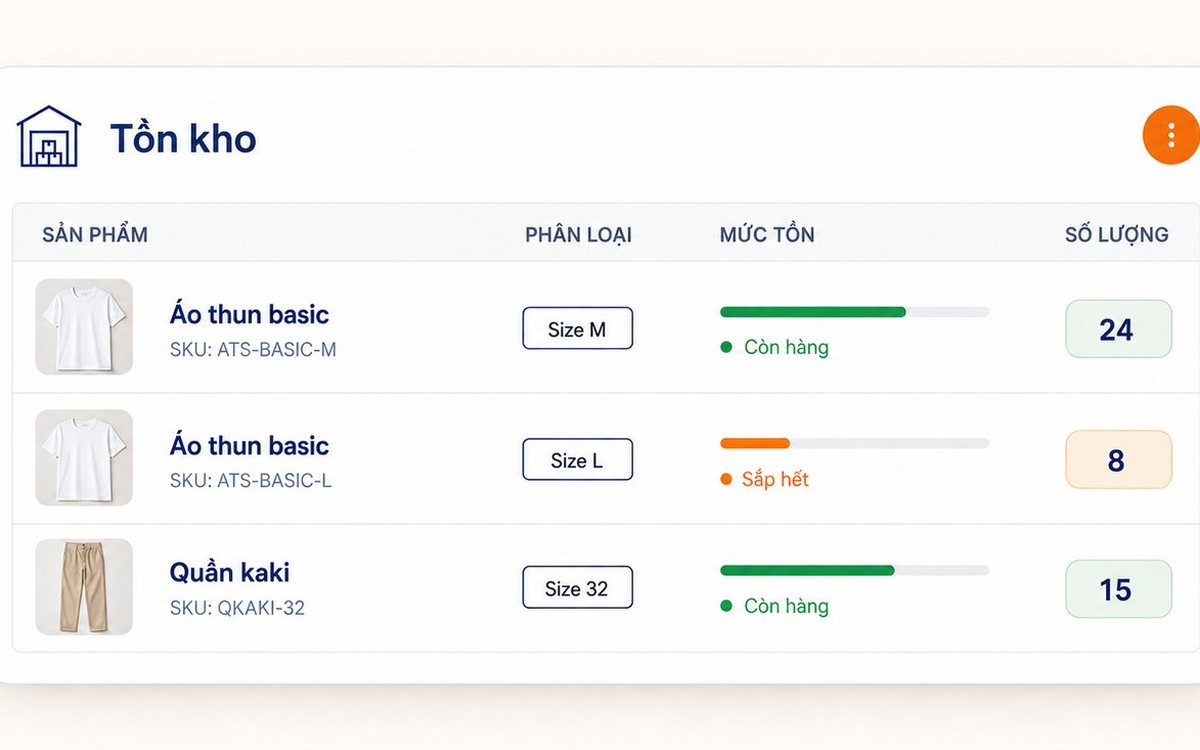
Inventory and stock software for retail stores: every item in and out has a document
When the stock on screen does not match the shelf, the software rarely miscounted; goods left or entered the stockroom without being recorded. This article follows an item through a retail store: opening stock, two-step purchase receipts (incoming first, then received into stock), instant deduction on sale, branch transfer slips, supplier returns, approved adjustments, the In–Out–Balance report and stock limits.
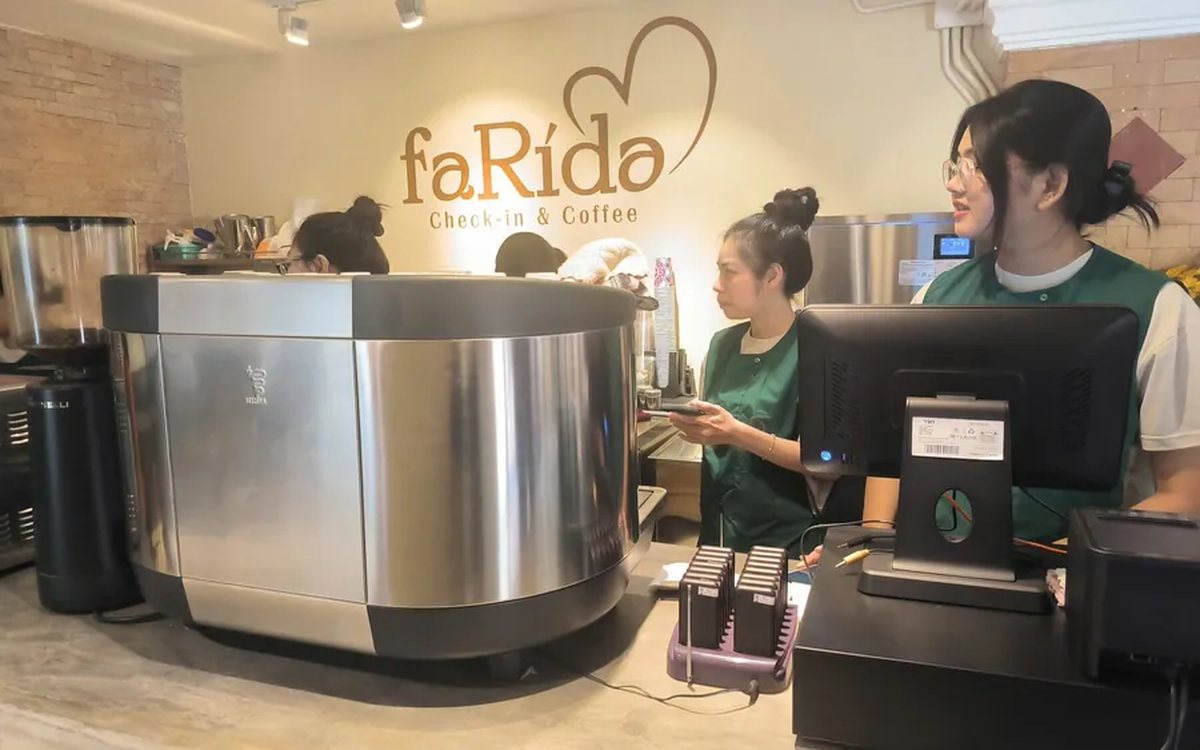
Ordering software for takeaway cafés: fast to-go orders, no mixed-up cups
A takeaway café does not lose time at the espresso machine but in four steps at the counter: typing option notes, customers changing their mind late, waiting to check transfers and handing over the wrong cup. This article shows how ordering software fixes each step: size, sugar, ice and toppings as buttons, a customer display to confirm before the cup is made, a payment QR in the total box and a numbered label for every cup.
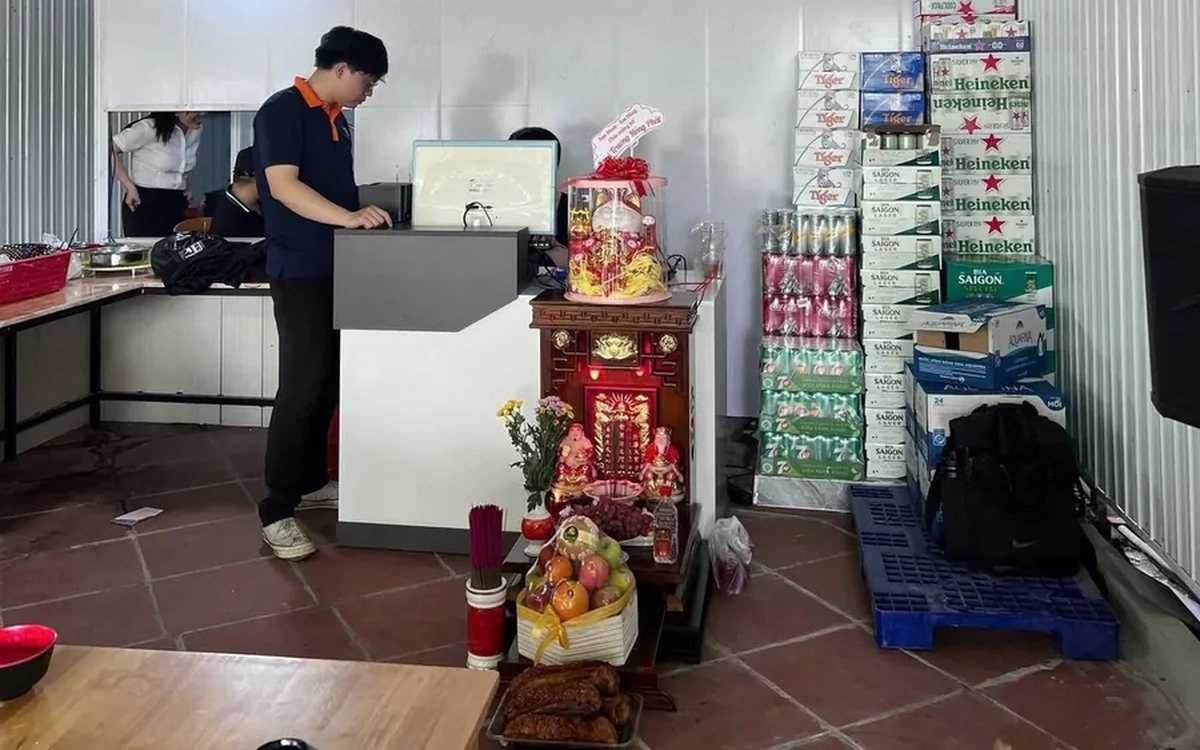
Automatic payment confirmation: customers scan VietQR or MoMo and the order closes itself
At busy times, cashiers lose the most time hunting for bank transfers. This article explains automatic payment confirmation in ordering software for restaurants and cafés: how it differs from a regular transfer QR, what happens from the moment a customer scans VietQR (BIDV), MoMo or VNPay until the order switches to paid, what runs automatically afterwards (receipts, stock deduction, member points) and when the software deliberately does not close the order.
