



The restaurant has been collecting customers' phone numbers at checkout, and the list grows longer every month. But when it is time to open Zalo, nobody knows what to write, so the shop either sends the same "Thank you for your support" to everyone or sends nothing at all. After-sales care for a restaurant or café does not need many messages; it needs the right occasion and the right person. This article gives five scripts by occasion, each with who to send it to, when, and a sample line to adjust to your shop's own voice. How many messages is enough and the rules on promotional messages are already covered in Zalo messages for customer care, so they are not repeated here.
Five occasions worth a message after a sale
| Occasion | Who to send to | When | Purpose |
|---|---|---|---|
| First-time visitor | New customers with one bill | Same day or the next morning | Say thanks and give a reason for a second visit |
| Group booking, party | The person who made the booking | The morning after the party | Say thanks, ask one question about the party |
| Regular who has gone quiet | Customers who used to come regularly but are past their usual gap | Just past their usual cycle, don't wait months | A gentle reminder, perhaps with a new dish |
| Birthday | Customers who shared their birth date or month | A few days before the birthday | A gift with an expiry date |
| Feedback that has been fixed | Customers who complained before | After the shop has fixed it | Let them know so they give the shop another chance |
These five occasions have one thing in common: the customer can understand why the shop is messaging them at that moment. A message not tied to any occasion is easily seen as advertising and ignored.
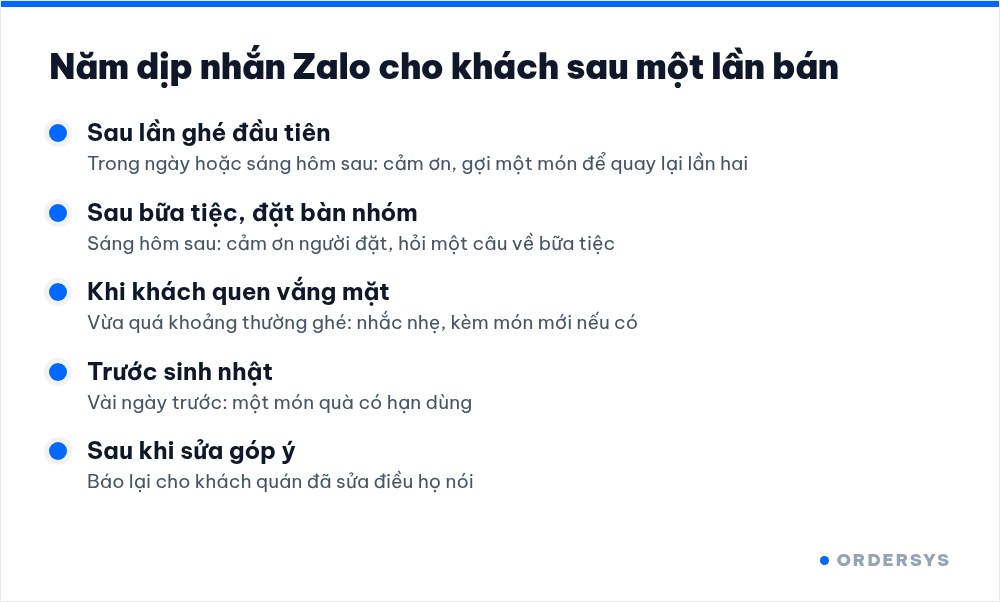
Sample lines for each occasion
The lines below are only templates. Replace the parts in square brackets with your shop name and real dish names, and read them back in the way your staff usually talk.
- First visit: "[Shop name] thanks you for coming in today. Next time, try our [best-selling dish], it's what our regulars order most."
- After a party: "[Shop name] thanks you for choosing us for last night's party. If any dish didn't suit the group, please let us know so we can do better next time."
- Regular gone quiet: "[Shop name] hasn't seen you for a few weeks. We've just added [new dish], drop by and try it when you're free."
- Birthday: "[Shop name] wishes you a happy birthday. Enjoy [gift] from us this week, just show this message to the cashier." What to give and how long it should last is covered in what a customer birthday offer should be.
- After fixing feedback: "The other day you told us [what the customer said]. We have [what was fixed]. Thank you for being honest with us." How to collect and handle feedback from the start is covered in collecting customer reviews and handling bad feedback.
How to write so customers read to the end
- Shop name in the very first words. Customers don't save the shop's number; if the first two words don't say who it is, they skip it.
- One message, one idea. Don't cram thanks, a promotion, a new dish and opening hours into the same message.
- Name a specific dish. "Salted coffee" brings a taste to mind; "many attractive offers" brings nothing.
- Mention what the customer actually had. If they usually order peach tea, don't invite them to a beer promotion. Each customer's purchase history tells you which item to mention.
- Gifts need an expiry date. A gift with no expiry usually gets put aside and forgotten.
Who does it, and when
After-sales care is often dropped because nobody is assigned to it. The simplest way is to give it to one fixed person, pick a quiet slot in the day and spend about fifteen minutes on it daily:
- Filter the list by occasion: yesterday's new customers, yesterday's party bookings, regulars past their cycle, customers with an upcoming birthday.
- Message them with the sample line for that occasion, changing a word or two to suit each person.
- Note who was messaged and on which day, so the next shift does not message them twice.
- At month end, count how many of the people messaged came back. How to measure it properly is covered in how to bring old customers back.
How Ordersys helps
With Ordersys CRM software, customers are saved right at checkout on the sales screen, and each person's purchase history is gathered into one profile automatically. The CRM groups customers on its own: new, loyal, VIP and not back for a while, with reminders to care for customers who haven't bought in a while, birthday greetings and offers sent by group, so the person in charge just opens the group for that occasion and the list is ready. Shops can try it free for 7 days. To build a list long enough to care for, see asking for customers' phone numbers at checkout; for frequency rules and promotional messages on Zalo, read Zalo messages for customer care: what to send and how often.
Ordersys has editions for restaurants and for retail stores: checkout, stock, reports and e-invoices, with on-site setup and training.
Other news
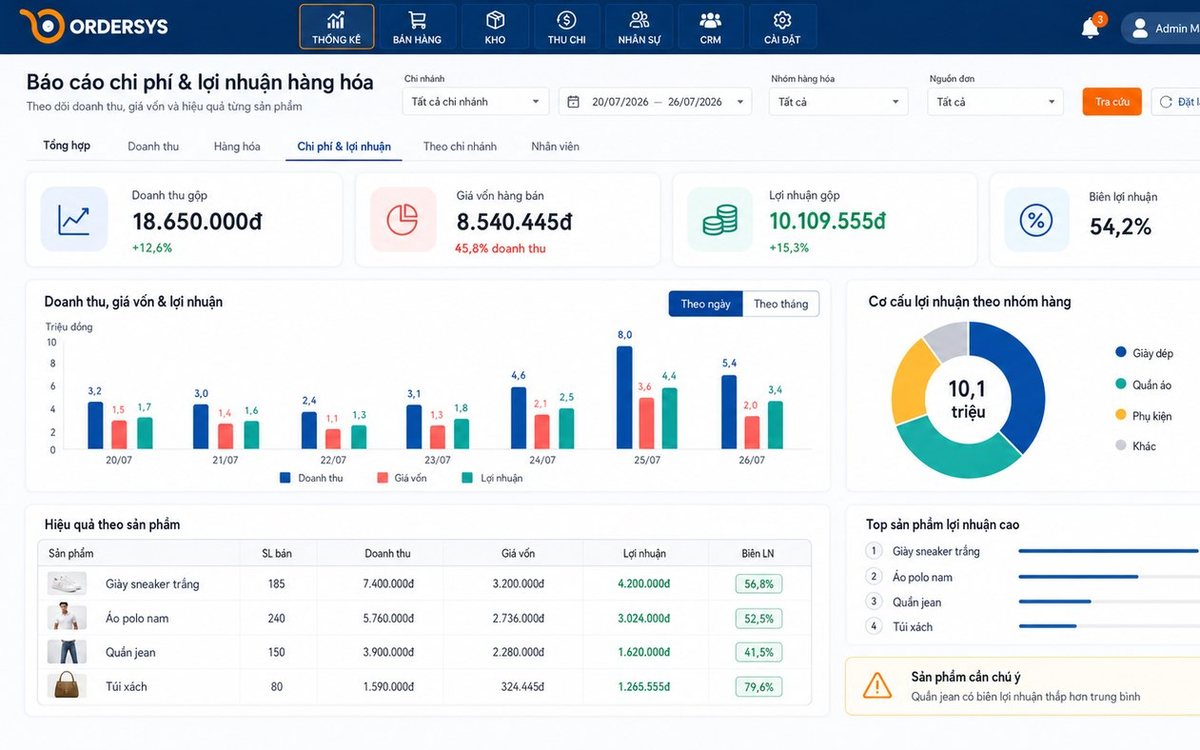
Loyalty points and membership tiers for retail shops: how to set them up without eating your profit
Loyalty points and membership tiers are two different things: each customer has total points that decide the tier and remaining points to redeem, and redeeming never drops the tier. Three ways retail must plan differently from restaurants, four setup steps with a sample tier table, and how it runs at the checkout.

Which karaoke rooms are busiest by time slot: reading reports to set prices and shifts
Look at two dimensions at once, which room and when, to see which slots are full, which sit empty and which rooms guests really choose. Measure by singing hours, not just revenue, separate weekdays from weekends, then decide hourly rates, server shifts and which rooms to fix.
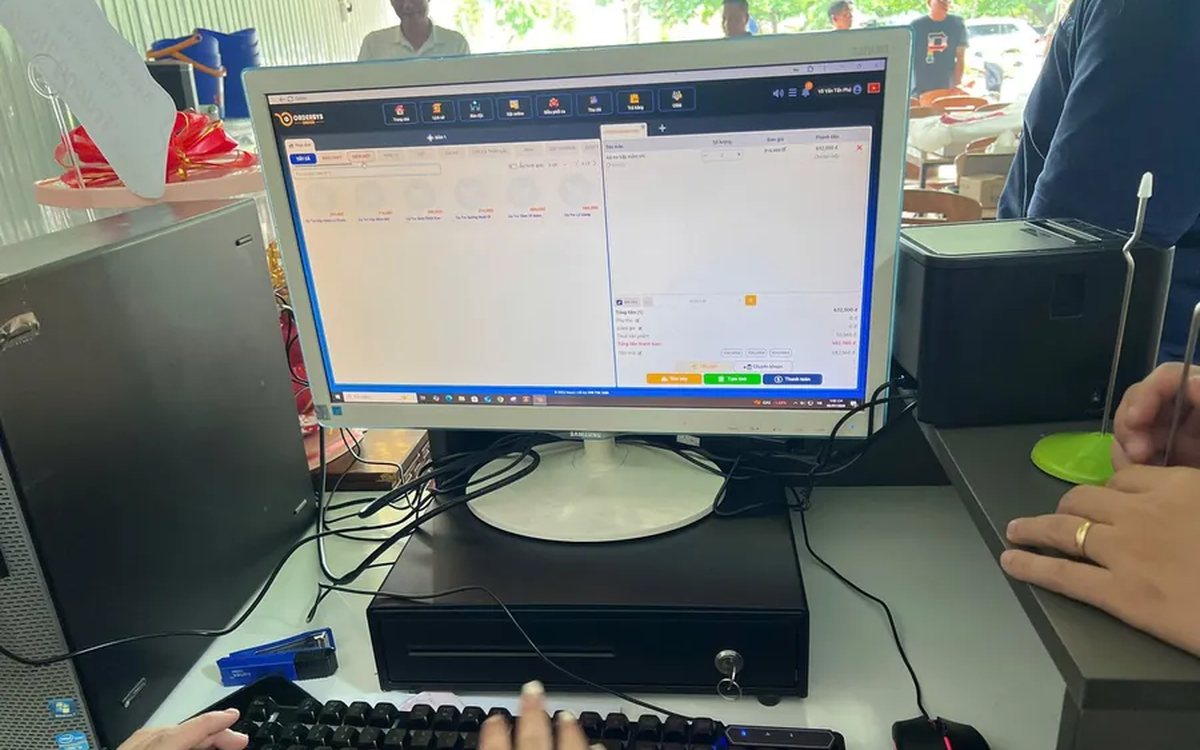
Guests ordering more rounds during a meal: one bill per table, settled once
Server orders, guests adding items via QR and cashier additions at the counter all go into one open bill for the table. Kitchen tickets print only the new items; at the end, print a provisional bill, split if needed and settle once, with no paper slips to check one by one.
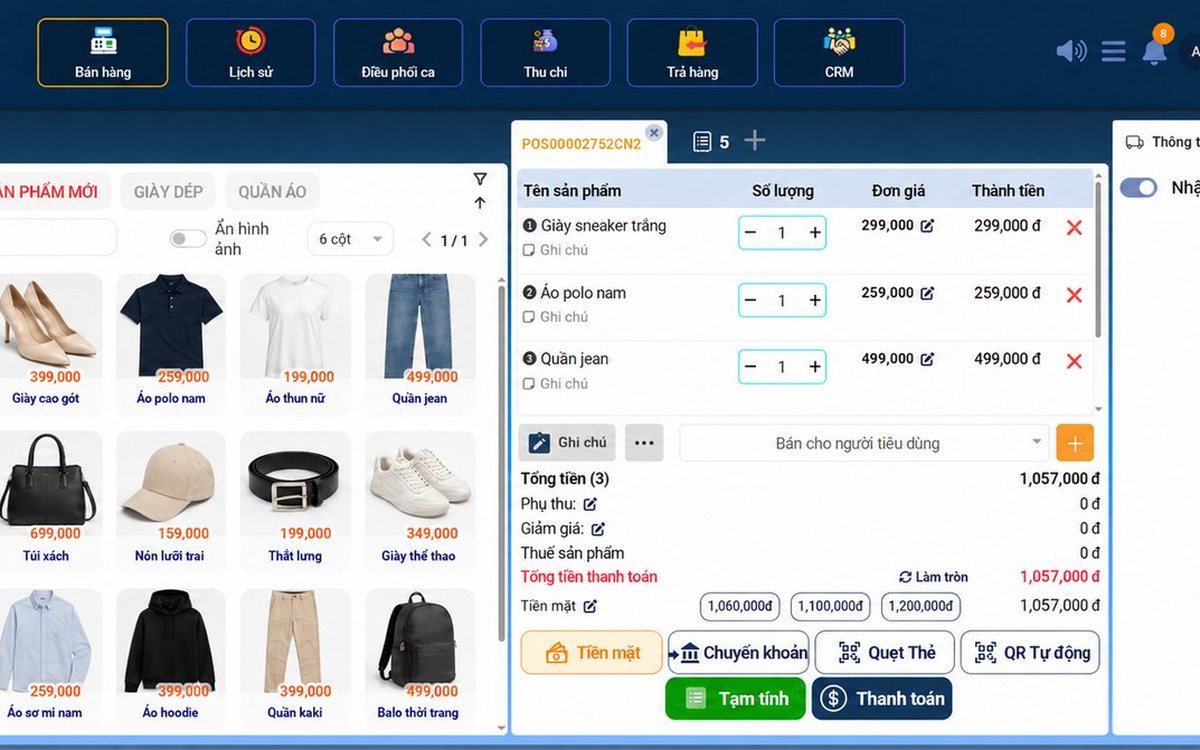
Recording supplier debt when receiving goods: know who you owe, how much and when it is due
Each delivery not paid in full becomes its own debt tied to the purchase receipt, with the delivery note number and due date. Pay in instalments one line at a time with documents, check due debts weekly, and reconcile at month end in minutes.

Selling multi-visit packages at a nail salon: what to include and how to deduct visits without disputes
A nail package should only cover the repeating base service; art, stones and extensions are charged separately each visit. State three things when selling, deduct visits on the ticket, and separate package sales from the value of visits performed.

Revenue reports by shift and by therapist at a massage shop: reading them to staff shifts right
Put the shift closing report, the sales report by room area and the commission report side by side to see which shifts are short-staffed, which are overstaffed, and which therapist should work which shift, then fix next week's schedule.

Splitting the bill when groups sharing a karaoke room want to pay separately
Two groups sing in the same room and each wants to pay its own part when leaving. Ask when the room is opened, record orders by group, split the bill on the system by choosing items and quantities, and agree up front on who pays for room time.
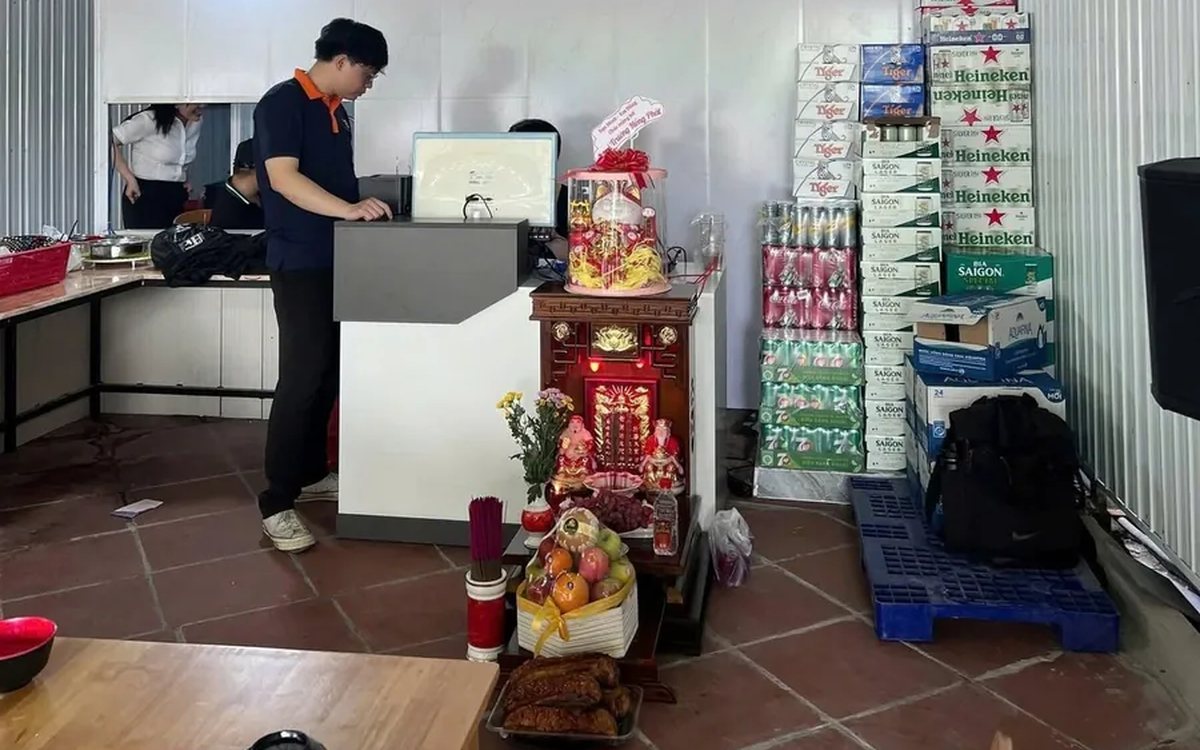
Collecting guest reviews after the meal and handling bad feedback the same day
Unhappy guests rarely speak up inside the restaurant; they quietly never come back. Ask right when the guest has just paid, let them rate in a few seconds, handle bad reviews the same day in four steps, and read weekly to spot repeated problems.
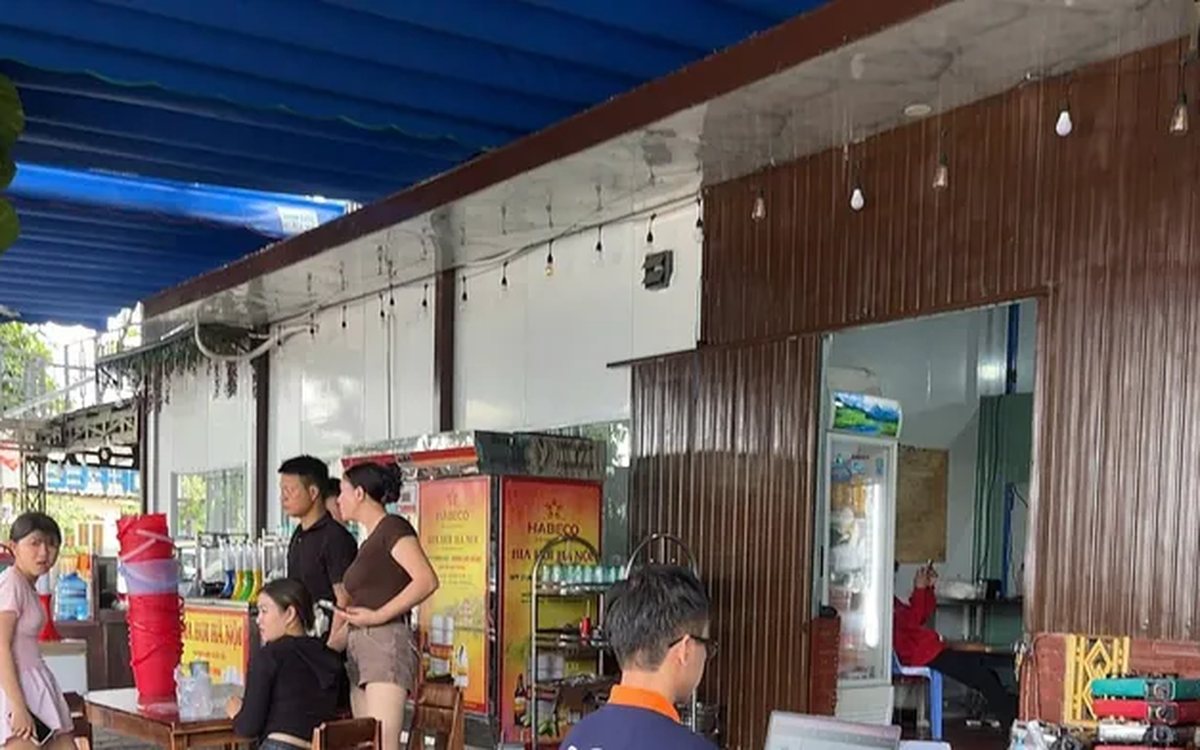
Best-selling dishes by time slot: prep the right amount and run out less at peak hours
A daily total report does not tell the kitchen how much to prep for lunch. How to split the day into time slots, pick the key dishes of each slot, convert portions into ingredients, batch by shift and read sold-out dishes correctly.
