



Nhiều chủ quán bida nghe "phần mềm quản lý bida" nhưng không rõ nó gồm những gì, có khác phần mềm quán ăn bình thường không. Thực ra quán bida có mấy việc rất riêng: tính tiền theo giờ chơi, bật tắt đèn bàn, ghi điểm, vừa bán giờ vừa bán đồ uống. Một phần mềm quản lý bida đúng nghĩa phải lo được hết những việc đó trên cùng một hệ thống. Bài này liệt kê các phần chính để chủ quán biết cần nhìn gì khi chọn.
1. Tính tiền theo giờ chơi từng bàn
Đây là phần lõi, khác hẳn quán ăn. Mở bàn khi khách vào, đồng hồ chạy và tính tiền theo bảng giá giờ của đúng loại bàn; giá có thể khác nhau theo khung sáng, tối, cuối tuần. Chốt bàn là ra đúng tiền giờ, không ước lượng. Cách tính và các chỗ hay tính sai, xem bài cách tính tiền giờ chơi bida.
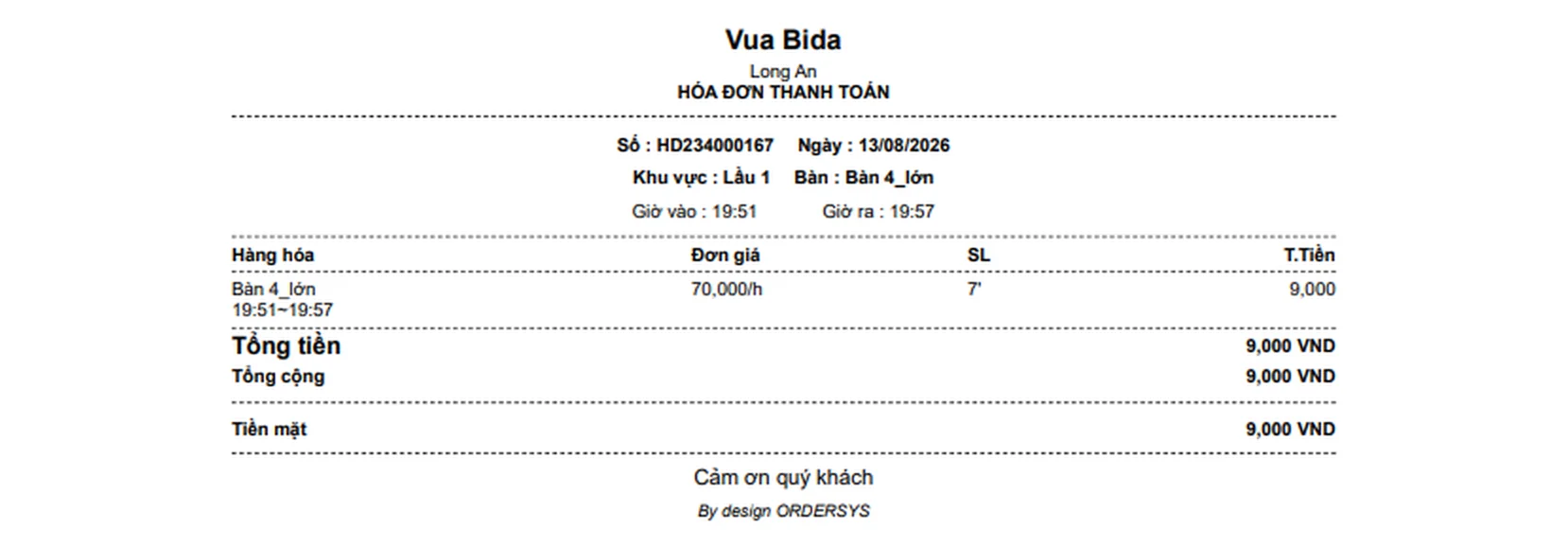
2. Bật tắt đèn bàn theo phiên chơi
Nối với bộ bật/tắt đèn bàn: mở bàn thì đèn tự sáng, chốt bàn thì đèn tự tắt. Nhân viên không phải đi bật tắt, bàn trống không còn sáng đèn tốn điện, và đèn sáng đồng nghĩa "đang tính tiền" nên minh bạch với khách. Chi tiết ở bài đèn bàn bida tự bật tắt.
3. Ghi điểm và bảng điểm tại bàn
Khách bida thích theo dõi điểm. Phần mềm có bảng ghi điểm ngay tại bàn, khách tự bấm, vừa tiện cho khách vừa giữ chân khách quay lại. Đây cũng là thứ kéo nhiều người biết tới quán.
4. Gọi đồ uống, đồ ăn vào bàn đang chơi
Ngoài tiền giờ, quán bida còn bán bia, nước, đồ ăn. Phục vụ bấm món vào đúng bàn, đồ cộng chung vào hoá đơn bàn cùng tiền giờ. Khi khách về, chốt một lần ra tổng tiền giờ cộng đồ. Quán bán kèm nhiều đồ nên quản lý chung hay tách, xem bài quán bida bán thêm cà phê, đồ ăn.
5. Báo cáo và chống thất thoát
Vì quán bida chạy khuya, đổi ca, bán nhiều bia nên dễ thất thoát. Phần mềm cho mỗi nhân viên một tài khoản, giới hạn quyền huỷ bàn, giảm giá; bia nước trừ kho khi bán; chốt ca đối chiếu tiền với tồn quỹ. Báo cáo doanh thu theo giờ, theo ca cho biết khung giờ nào đông, bàn nào chạy. Các chỗ tiền hay chảy ra, xem bài chống thất thoát quán bida.
Gồm chừng đó, chạy trên máy gì
| Phần của phần mềm quản lý bida | Giải quyết việc gì |
|---|---|
| Tính giờ từng bàn | Nguồn thu chính, tính đúng không ước lượng |
| Bật tắt đèn bàn | Tiết kiệm điện + minh bạch giờ chơi |
| Ghi điểm tại bàn | Giữ chân khách, hút khách mới |
| Gọi đồ vào bàn | Gộp tiền giờ + đồ trên một hoá đơn |
| Báo cáo + phân quyền | Chống thất thoát, biết khung giờ nào lời |
Thường chỉ cần một máy tính tiền ở quầy, kèm bộ bật tắt đèn và bảng điểm tại bàn. Giá phần mềm và có phí gì không, xem bài phần mềm quản lý bida giá bao nhiêu.
Tóm lại
Một phần mềm quản lý bida đúng nghĩa gồm năm phần: tính giờ từng bàn, bật tắt đèn bàn, ghi điểm tại bàn, gọi đồ vào bàn, và báo cáo chống thất thoát — tất cả trên một hệ thống. Bạn có thể xem phần mềm quản lý bida Ordersys và đăng ký dùng thử miễn phí để chạy thử cho quán mình.
Ordersys times every table automatically, switches table lights, takes drink orders at the table and reports revenue per shift.
Other news
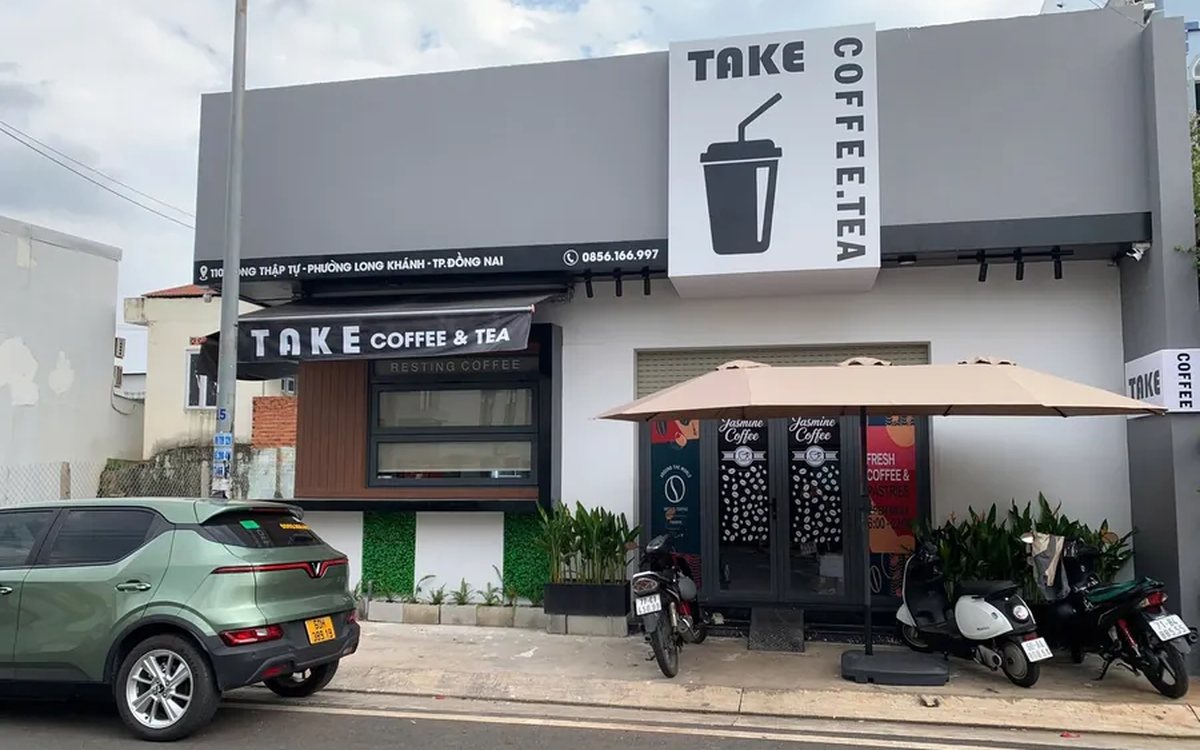
How to manage a cafe or small restaurant remotely by phone: what to check each day, and when
Remote management is not watching staff on camera for hours; it is knowing how many times a day to open your phone and which numbers to read. This article gives a concrete daily schedule for cafe and restaurant owners using Ordersys: end-of-day report, shift close report, orders, stock and multiple branches, plus the numbers worth a call right away and what the venue must record.
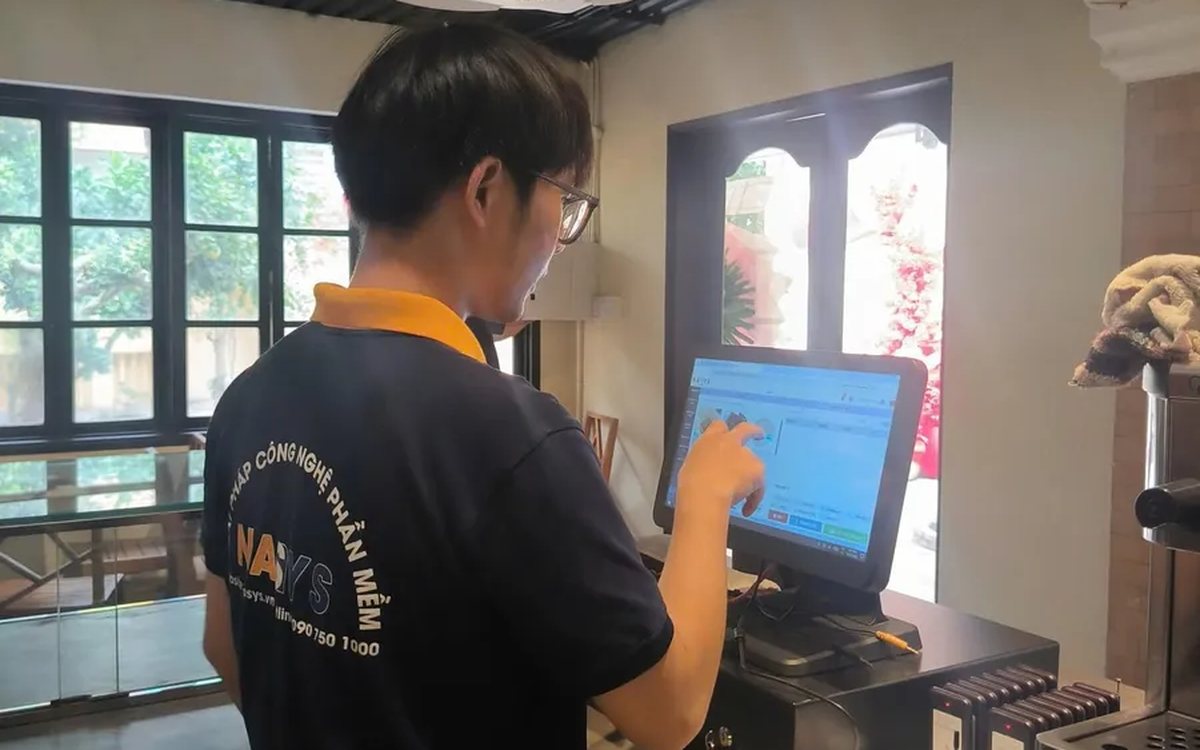
QR payment with automatic reconciliation: reading the shift close report so the money matches
When a venue takes many transfers, the drawer holds only part of the revenue. This article walks through the Ordersys shift close report money stream by money stream: cash, bank transfer, card, auto QR and debt; which lines the software already matched, which the cashier must check item by item, orders paid two ways, orders tapped with the wrong method, and the order of reconciliation before closing the shift.

Billiards management software free trial: what to test in 7 days before buying
Instead of hunting for free billiards management software, trying the full version for 7 days on real tables, at real hours, with real staff gives a surer answer. This article suggests a day-by-day trial plan for a billiards hall: tables and hourly rates, running alongside the paper log, table ordering, shift close, hardware and reports, plus four mistakes that waste the trial and the questions to ask before buying.
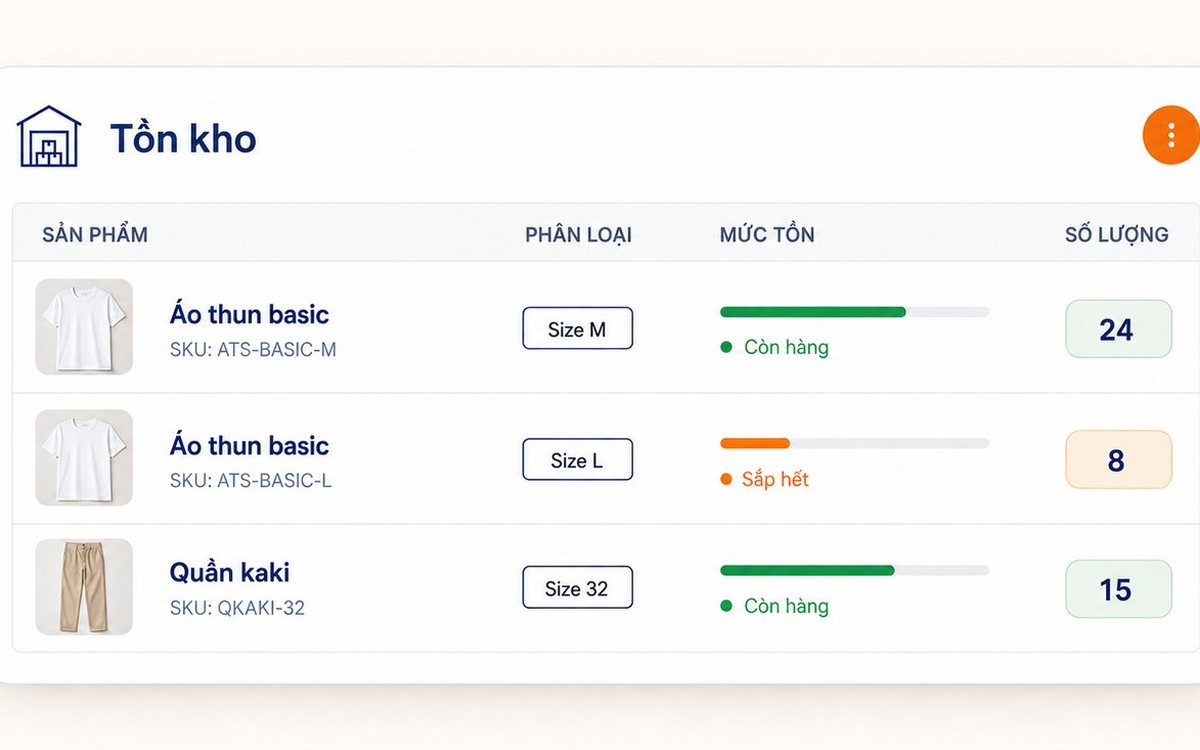
Inventory and stock software for retail stores: every item in and out has a document
When the stock on screen does not match the shelf, the software rarely miscounted; goods left or entered the stockroom without being recorded. This article follows an item through a retail store: opening stock, two-step purchase receipts (incoming first, then received into stock), instant deduction on sale, branch transfer slips, supplier returns, approved adjustments, the In–Out–Balance report and stock limits.
Ordering software for takeaway cafés: fast to-go orders, no mixed-up cups
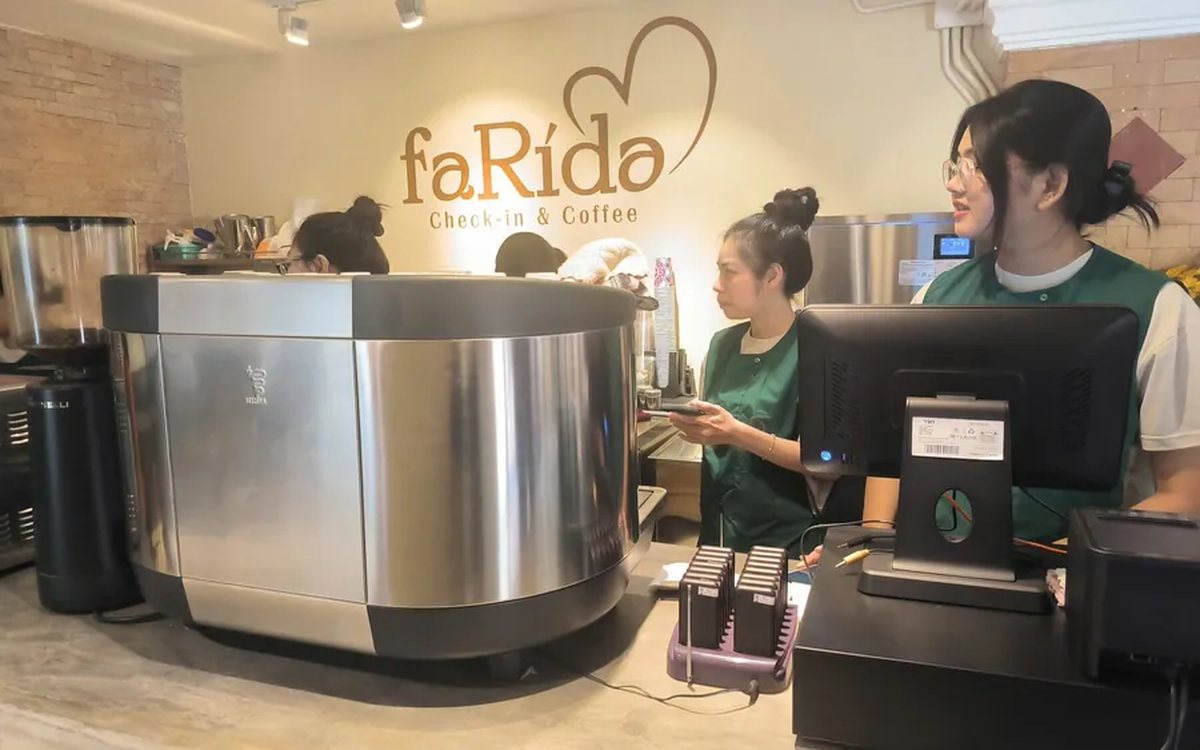
A takeaway café does not lose time at the espresso machine but in four steps at the counter: typing option notes, customers changing their mind late, waiting to check transfers and handing over the wrong cup. This article shows how ordering software fixes each step: size, sugar, ice and toppings as buttons, a customer display to confirm before the cup is made, a payment QR in the total box and a numbered label for every cup.
Automatic payment confirmation: customers scan VietQR or MoMo and the order closes itself
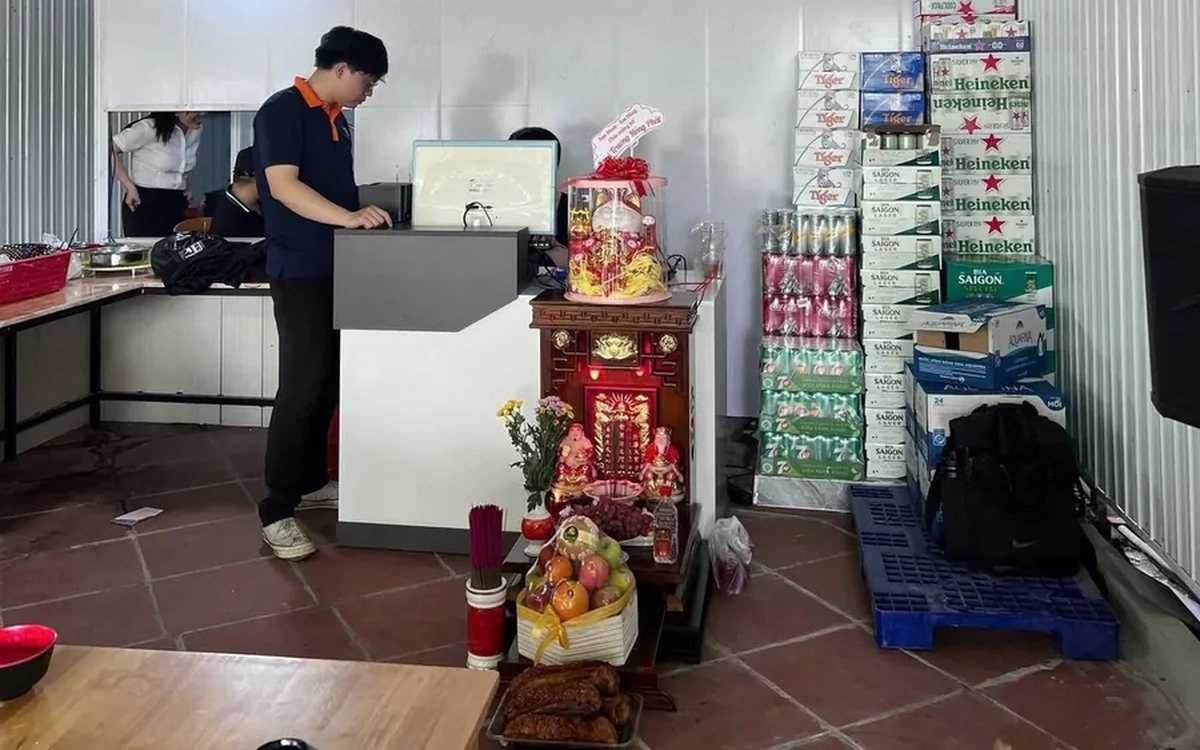
At busy times, cashiers lose the most time hunting for bank transfers. This article explains automatic payment confirmation in ordering software for restaurants and cafés: how it differs from a regular transfer QR, what happens from the moment a customer scans VietQR (BIDV), MoMo or VNPay until the order switches to paid, what runs automatically afterwards (receipts, stock deduction, member points) and when the software deliberately does not close the order.
Sharing great billiards shots with customers over Zalo and social media
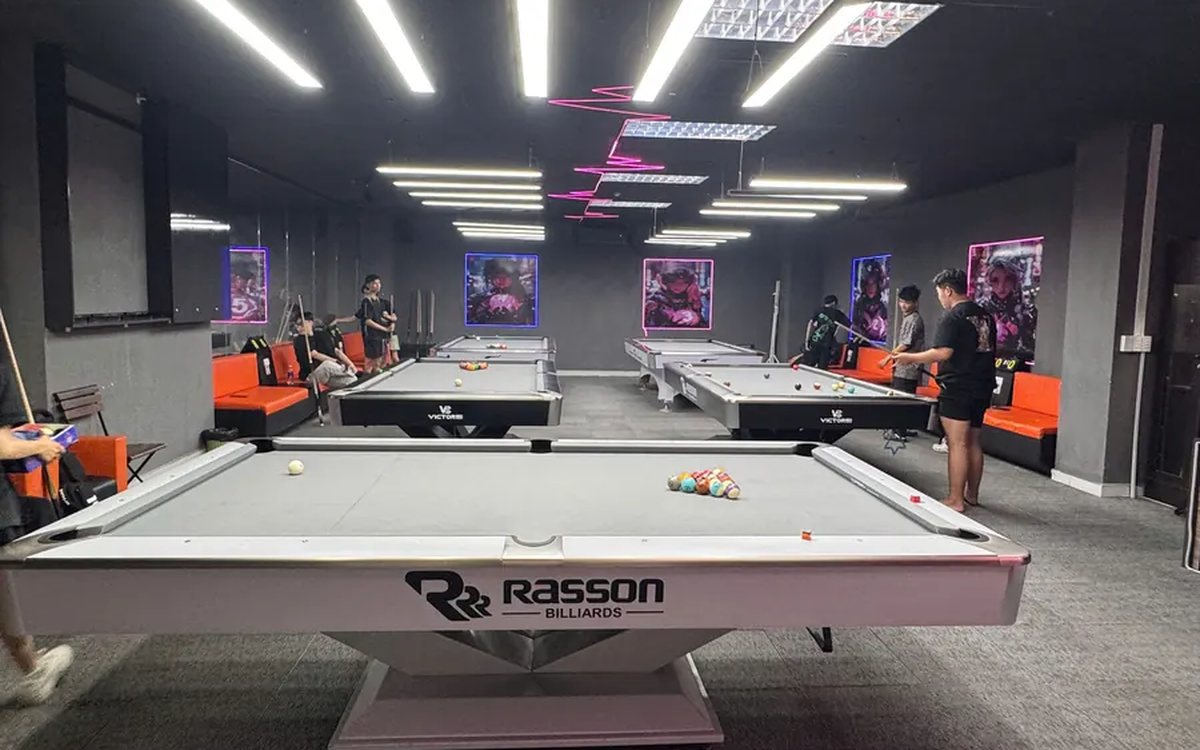
A clip of a great shot is something players want to keep, and the club gets mentioned every time it is passed on. This guide shows billiards club owners how to make sending highlights to customers over Zalo a counter habit: where clips come from, five steps to pick, preview, download and send, when to let customers scan a QR code to get clips themselves, and how to post on the club's fanpage while keeping customers comfortable.
Sales software for household businesses that fits the new rules
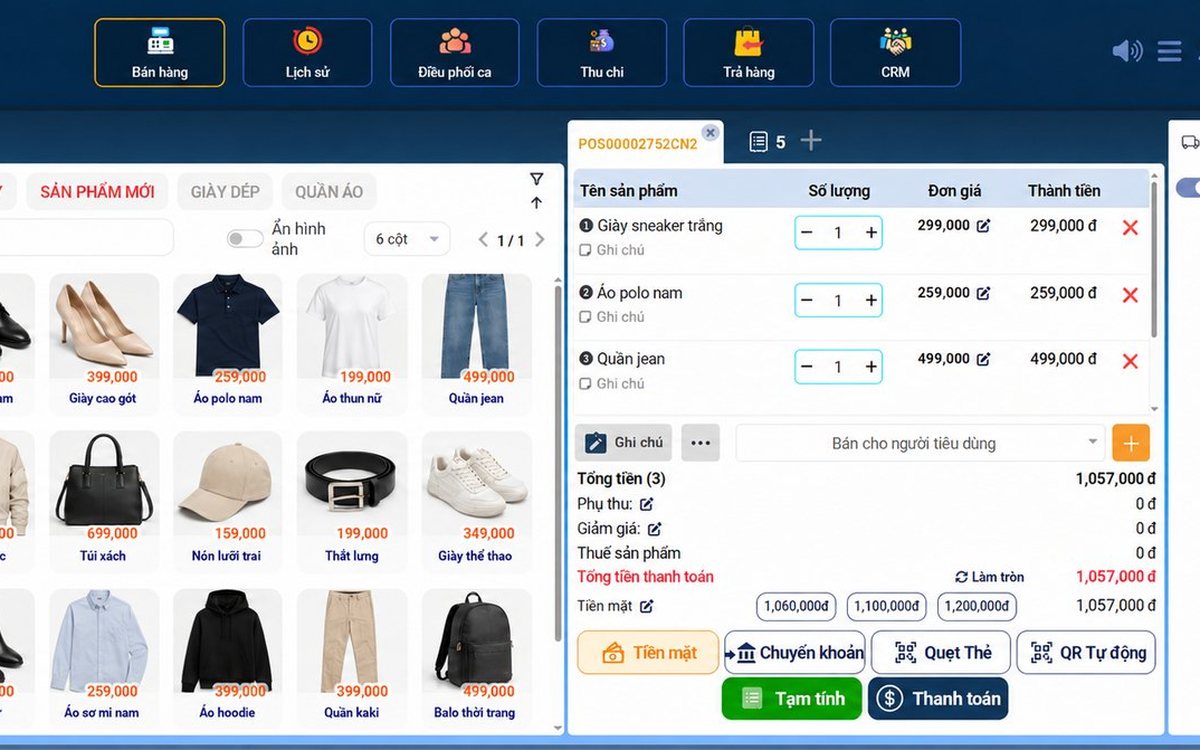
From 2026 household businesses no longer pay presumptive tax and declare based on actual revenue; stores with revenue of 1 billion VND/year or more selling directly to consumers must use e-invoices generated from cash registers. This guide summarises the regulatory milestones that affect retail stores and what sales software must do: record every order, issue e-invoices, report by period, keep purchase records and track debts.
Scan a QR code to order at the table: guests order for themselves, the restaurant needs fewer staff
When guests scan a QR code to order at the table, handing out menus, taking orders, running tickets to the kitchen and answering "where is our food?" move to the guest. This guide separates what guests do themselves, what staff still have to do, how to rearrange shifts by table zone, and where things slip when the restaurant runs with fewer people.
