



Rất nhiều quán cà phê nhỏ do một người vừa làm chủ, vừa pha, vừa thu tiền, thuê thêm một bạn phục vụ giờ đông. Không ai rảnh để ghi sổ, đếm kho hay cộng doanh thu mỗi tối. Cách sống sót là giao cho máy những việc lặp lại và giữ cho mình những việc chỉ người làm được.
Việc nào để máy làm
| Việc | Làm tay mất | Để máy làm |
|---|---|---|
| Tính tiền, thối tiền | Nhẩm, dễ sai giờ đông | Bấm nút, khách quét VietQR đúng số tiền |
| Nhớ tuỳ chọn từng ly | Ghi giấy, dán tay | In tem ly tự động |
| Cộng doanh thu cuối ngày | 15–30 phút | Báo cáo sẵn, tách tiền mặt, chuyển khoản |
| Biết nguyên liệu còn bao nhiêu | Mở tủ đếm | Trừ kho theo công thức, báo sắp hết |
| Nhớ khách quen | Nhớ mặt | Tích điểm theo số điện thoại |
| Xem quán khi vắng mặt | Gọi điện hỏi | Xem doanh thu trên điện thoại |
Việc nào chủ quán phải tự làm
- Vị của món — đặt định lượng, thử lại mỗi tuần. Xem định lượng nguyên liệu quán cafe.
- Chọn món giữ, món bỏ — máy cho số, người quyết định. Xem cách lên menu quán cafe.
- Nói chuyện với khách quen — lý do lớn nhất khiến khách chọn quán nhỏ thay vì chuỗi.
Một ngày của quán một người
- Mở quán: mở ca trên máy, nhập tiền đầu ca, xem nguyên liệu nào báo sắp hết để gọi nhập.
- Giờ đông: bấm món, khách quét QR, tem in ra, pha theo tem. Không cầm tiền lẻ, không ghi giấy.
- Giờ vắng: nấu trân châu, ủ trà theo mẻ nhỏ; trả lời tin nhắn khách.
- Đóng quán: đếm tiền mặt, so với báo cáo ca, xem doanh thu ngày so với số ly hoà vốn — xem doanh thu quán cafe bao nhiêu thì hoà vốn.
Thuê thêm người: giao quyền vừa đủ
Khi có bạn phục vụ, cho tài khoản riêng: bán hàng được, nhưng không sửa giá, không xoá đơn đã thanh toán. Chủ xem được ai bán, ai huỷ, lúc nào. Xem phân quyền nhân viên trên phần mềm và cách quản lý quán cafe từ xa.
Ordersys làm phần nào
Phần mềm quản lý quán cafe Ordersys chạy được trên một chiếc điện thoại cho quán nhỏ: bấm món với size, đường, topping, in tem ly, VietQR theo hoá đơn, trừ kho theo công thức, tích điểm khách, báo cáo xem từ xa. Quán lớn lên thì thêm máy, không phải đổi phần mềm. Dùng thử miễn phí 7 ngày.
Checkout in a few taps, print cup labels with toppings, send drinks to the bar screen and issue e-invoices from the POS.
Other news
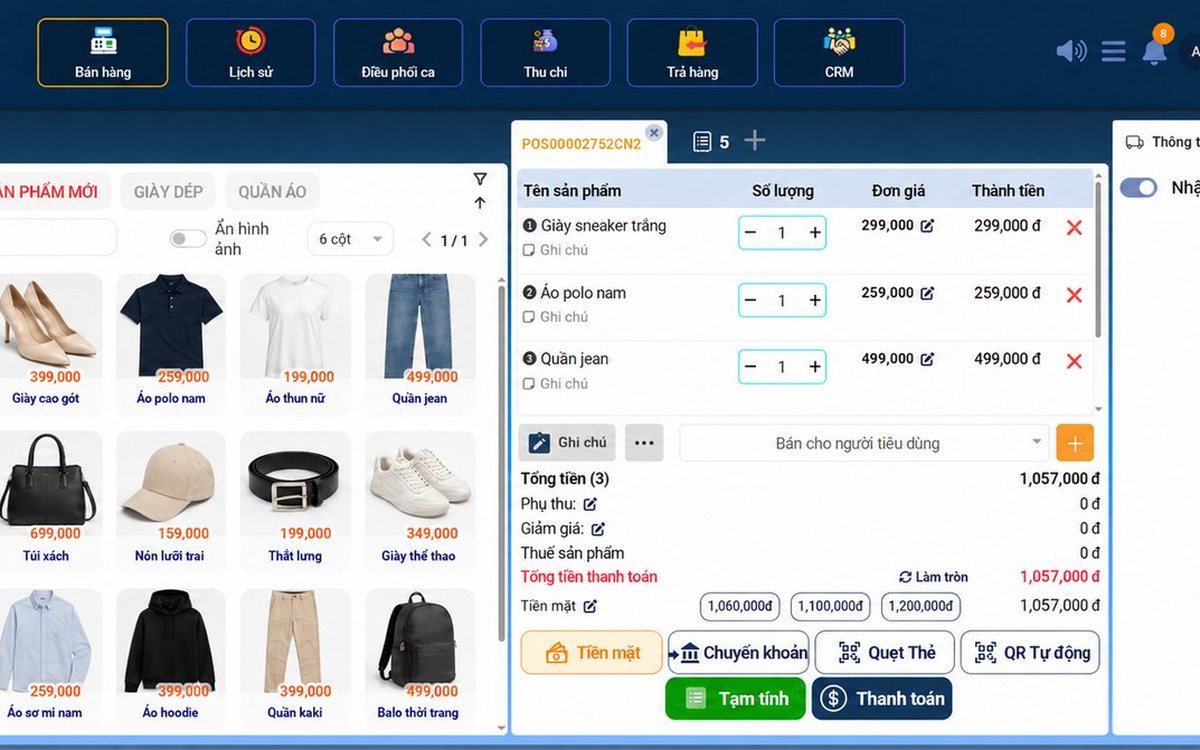
Recording supplier debt when receiving goods: know who you owe, how much and when it is due
Each delivery not paid in full becomes its own debt tied to the purchase receipt, with the delivery note number and due date. Pay in instalments one line at a time with documents, check due debts weekly, and reconcile at month end in minutes.

Selling multi-visit packages at a nail salon: what to include and how to deduct visits without disputes
A nail package should only cover the repeating base service; art, stones and extensions are charged separately each visit. State three things when selling, deduct visits on the ticket, and separate package sales from the value of visits performed.

Revenue reports by shift and by therapist at a massage shop: reading them to staff shifts right
Put the shift closing report, the sales report by room area and the commission report side by side to see which shifts are short-staffed, which are overstaffed, and which therapist should work which shift, then fix next week's schedule.

Splitting the bill when groups sharing a karaoke room want to pay separately
Two groups sing in the same room and each wants to pay its own part when leaving. Ask when the room is opened, record orders by group, split the bill on the system by choosing items and quantities, and agree up front on who pays for room time.
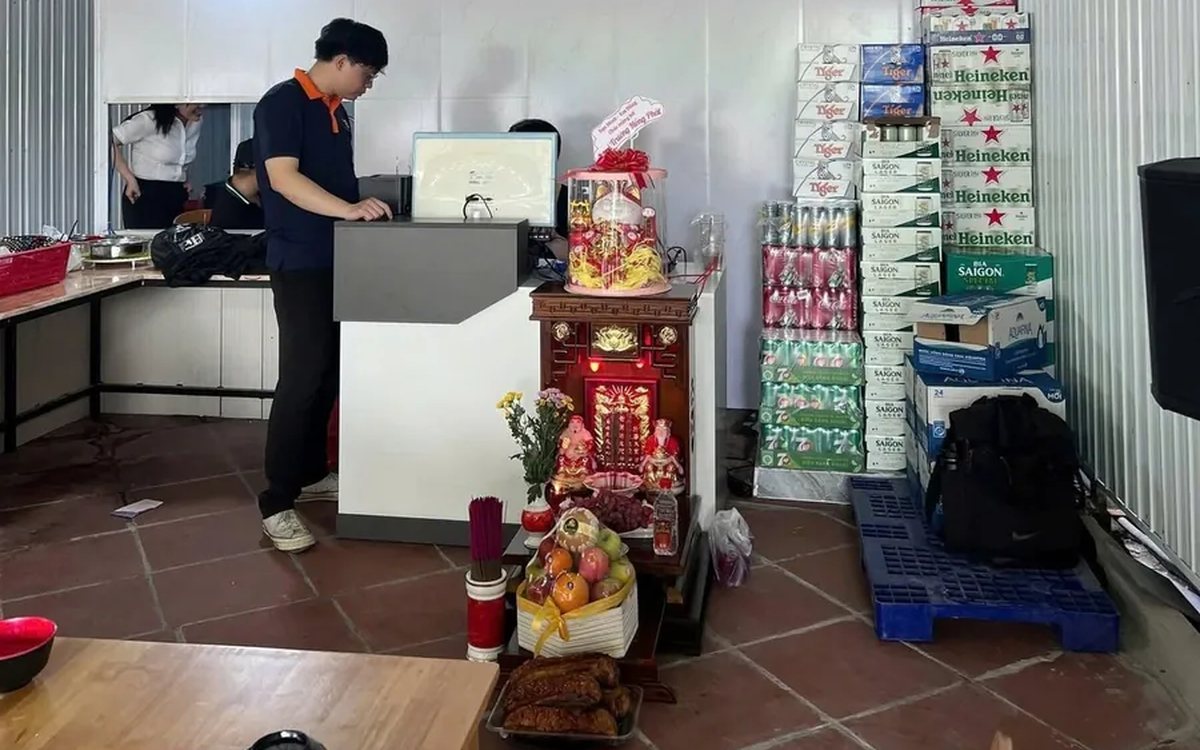
Collecting guest reviews after the meal and handling bad feedback the same day
Unhappy guests rarely speak up inside the restaurant; they quietly never come back. Ask right when the guest has just paid, let them rate in a few seconds, handle bad reviews the same day in four steps, and read weekly to spot repeated problems.

Best-selling dishes by time slot: prep the right amount and run out less at peak hours
A daily total report does not tell the kitchen how much to prep for lunch. How to split the day into time slots, pick the key dishes of each slot, convert portions into ingredients, batch by shift and read sold-out dishes correctly.
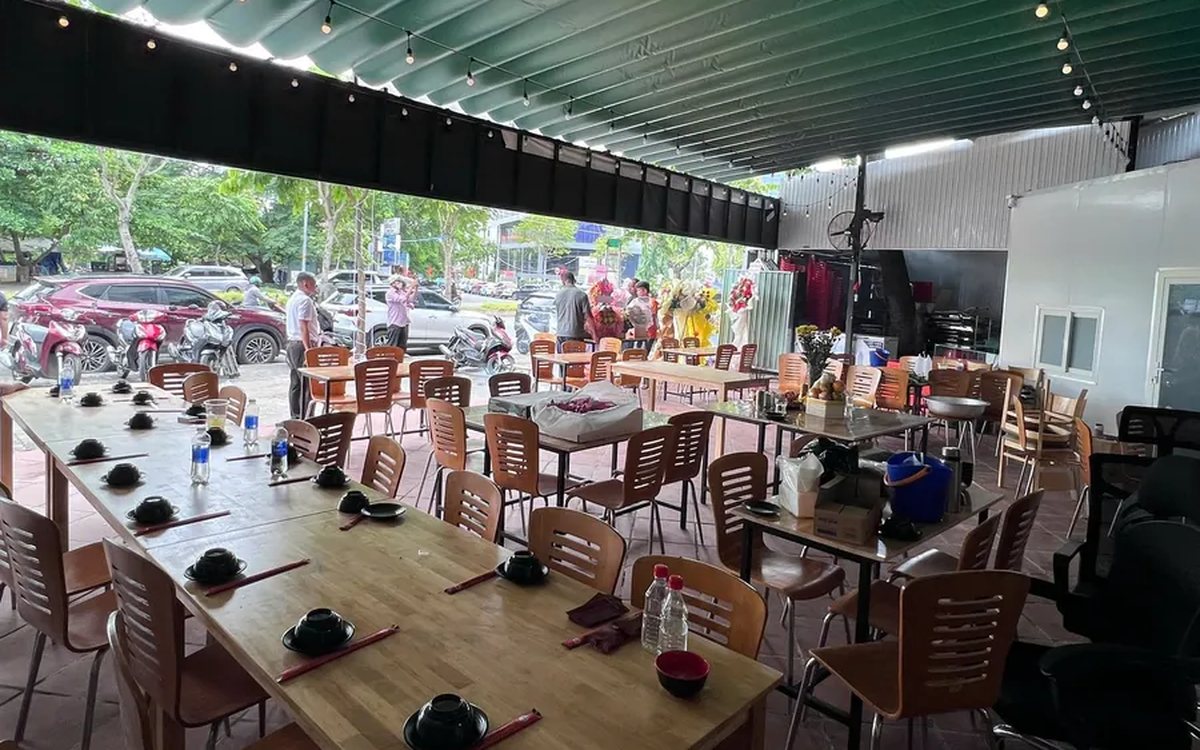
Selling set menus and meal combos in a restaurant: setting them up so the kitchen, stock and counter agree
Set up a set as an ordinary dish and the kitchen does not know what "Set B" contains, stock does not deduct ingredients, and swaps are edited by hand at the counter. How a set menu differs from a combo, how to set up dish groups, default dishes and extra charges, and what the kitchen, the bill and stock see when a combo is sold.
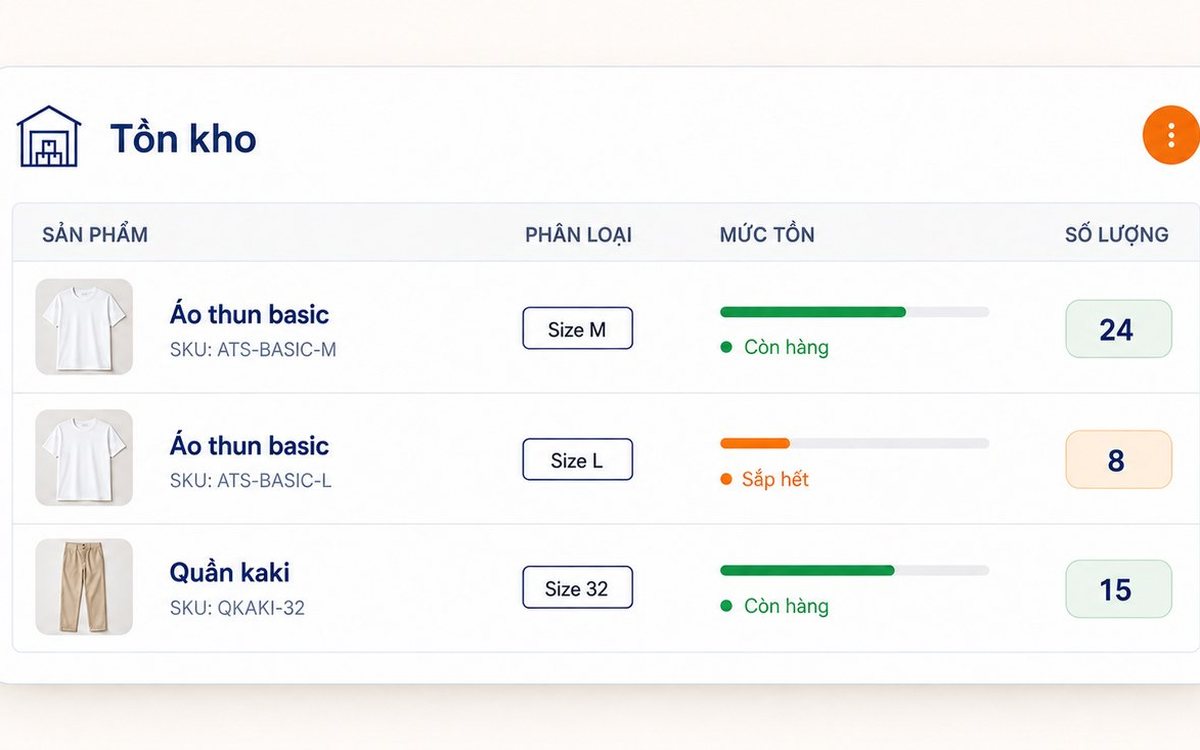
Unit of measure conversion: buy by the case, sell single items and keep stock accurate
When the stock book counts cases and the counter counts pieces, the two numbers cannot be compared at month end. Three ways of setting up items that throw stock off, how to set up unit conversion in the software, receiving by the case while stock counts in cans, and a few rules worth agreeing on in the stockroom.

Fingerprint time clock connected to software: hours go straight into payroll
A fingerprint device stops buddy punching, but it only records punch times. What the device does and what needs HR software, four steps from a finger on the scanner to a payslip, five things to do before buying a device, and how to handle a finger the device will not recognise.
