



Login
How to access the interface: Users should navigate to the following link table.ordersysvn.com
Note: Users may use browsers such as Google Chrome or Côc Côc to log into the system.
Steps to follow:
Step 1: Enter your username and password
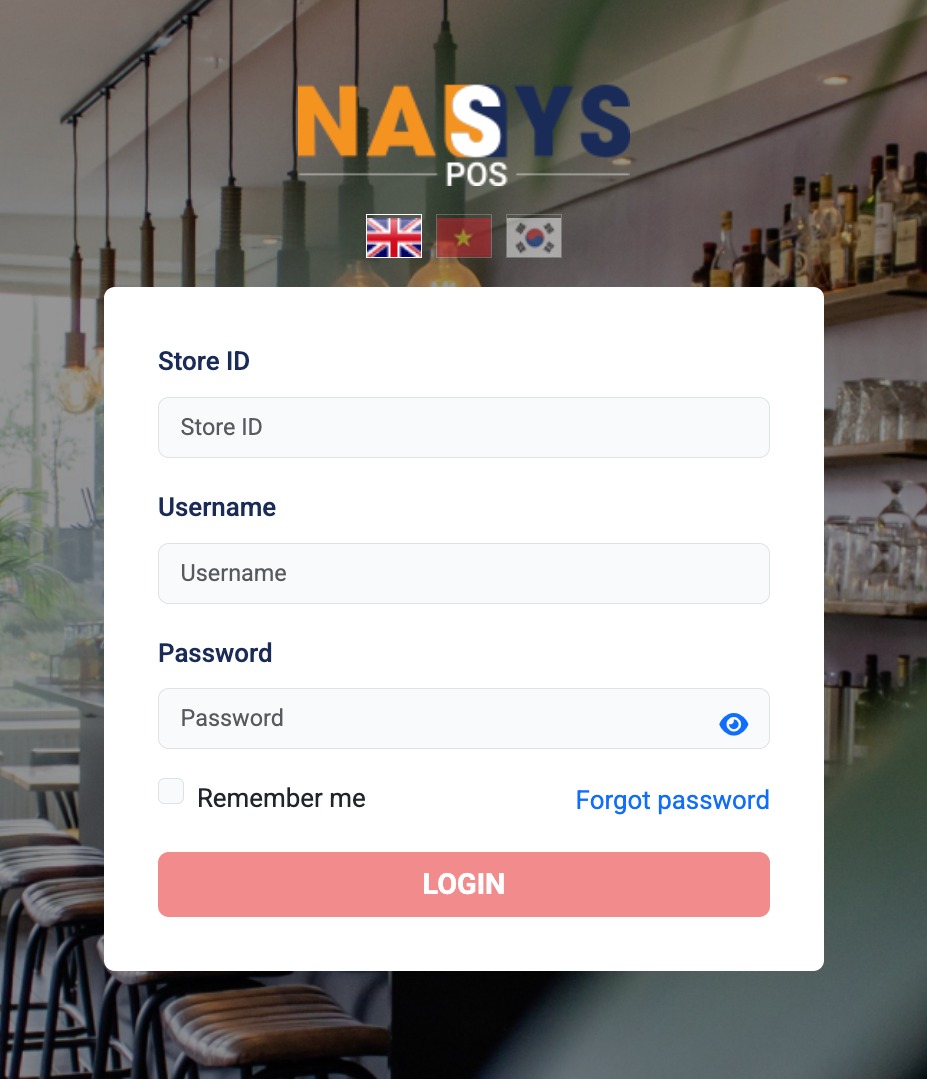
Illustration of the system login interface
Step 2: Click 'Login' to proceed with logging into the system
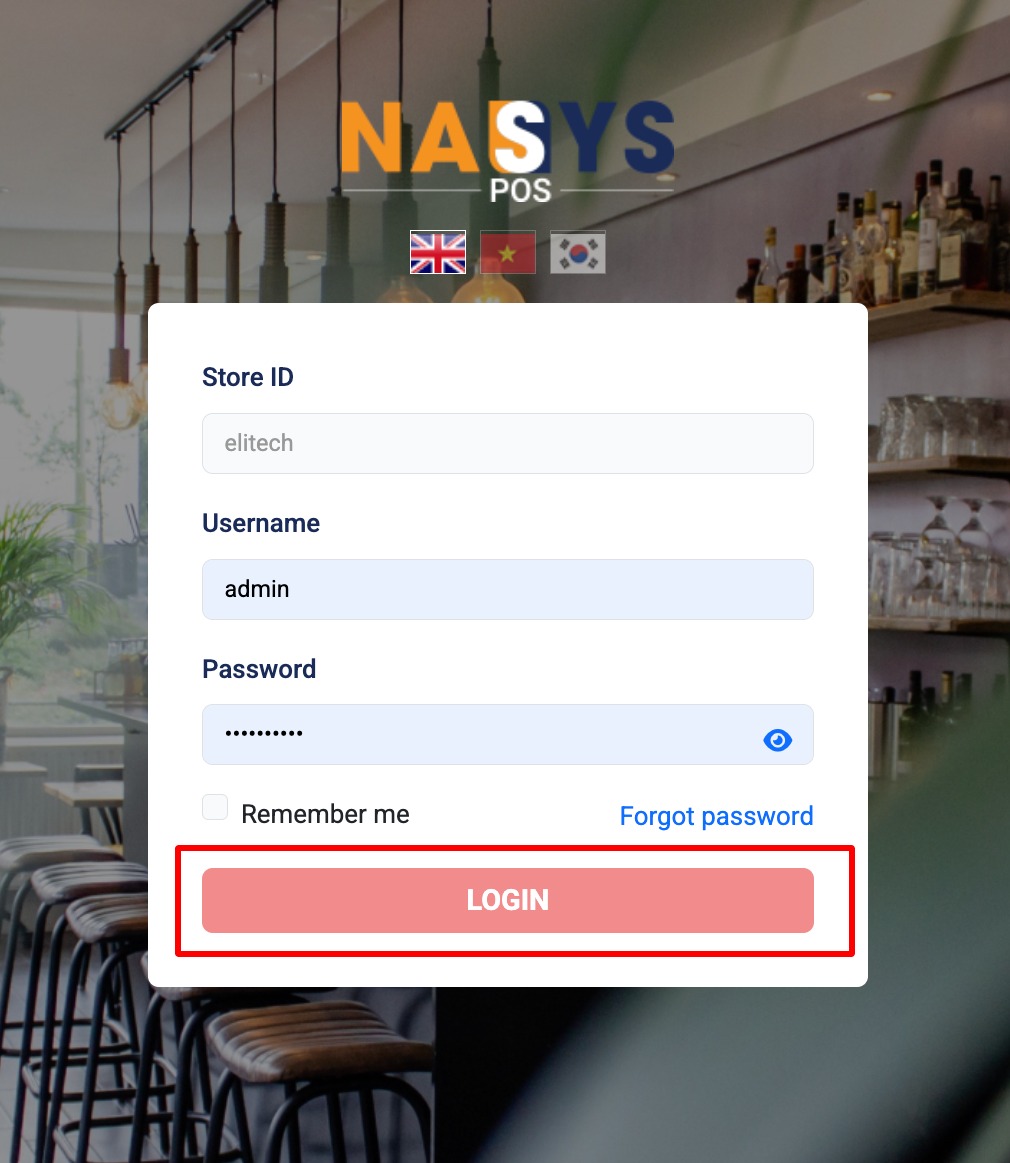
Illustration of entering login information and logging in
Step 3: The system will display the interface after login

Illustration after successful login



